Best YouTube Channels to learn Web Development

A Thread 🧵👇️

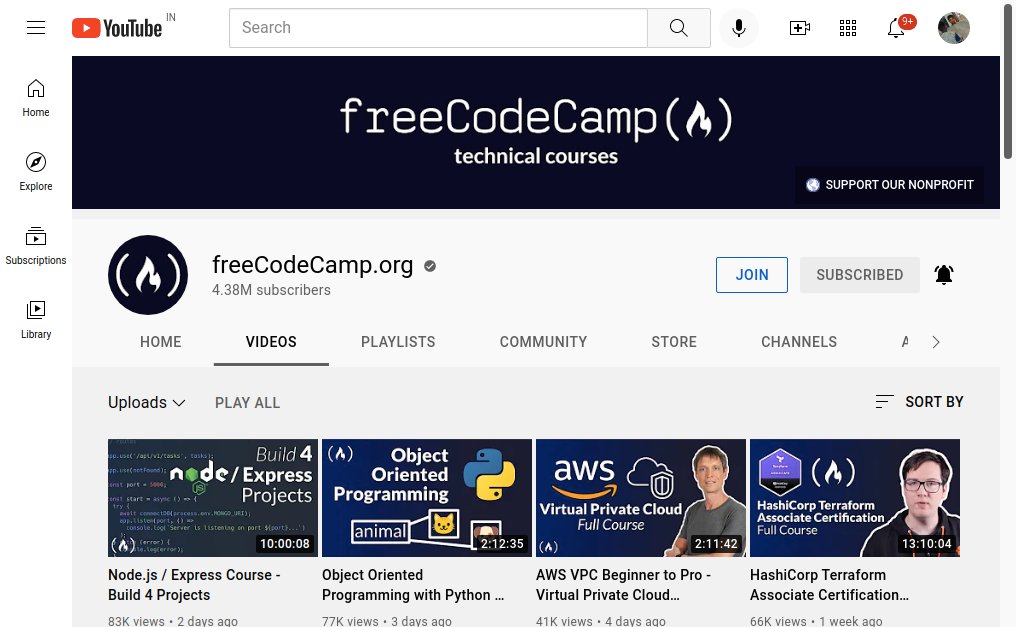
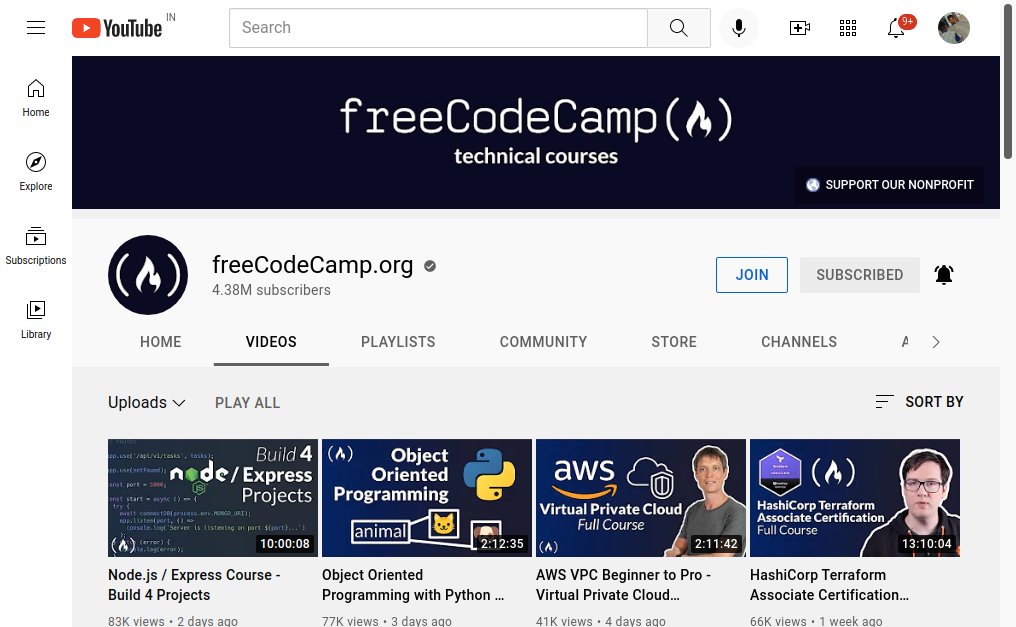
1. FreeCodeCamp

FreeCodeCamp is a non-profit organisation that'll teach to learn to code for free.

https://t.co/TfMCxjaE0r 🔗

{ 1 / 10 }
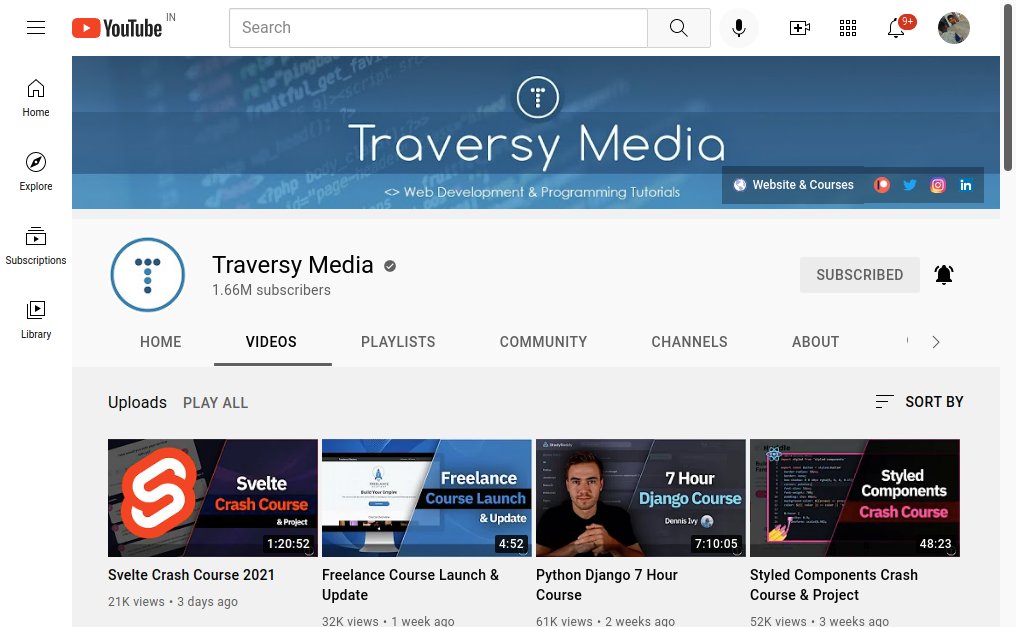
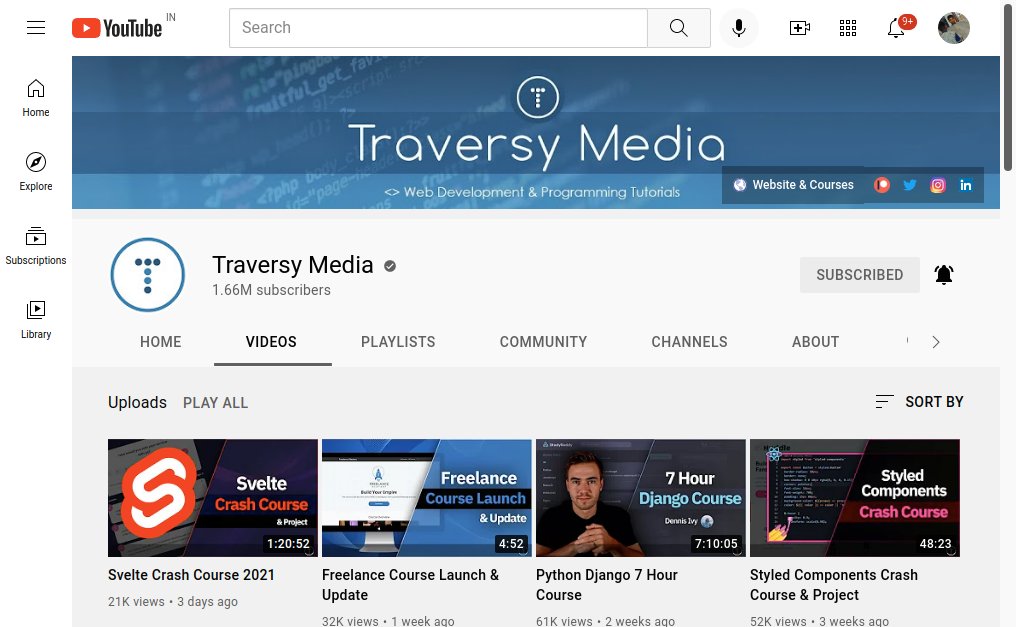
2. Traversy Media

Traversy Media creates crash courses to learn programming in a very easy way. He also collaborates with great creators.

https://t.co/EwwtdO0vRw 🔗

{ 2 / 10 }
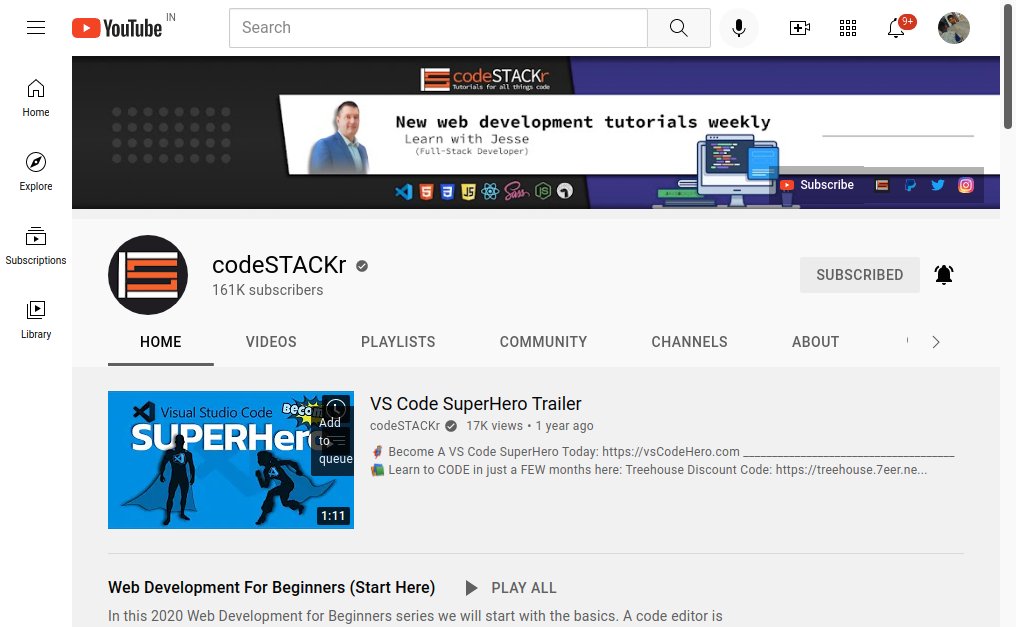
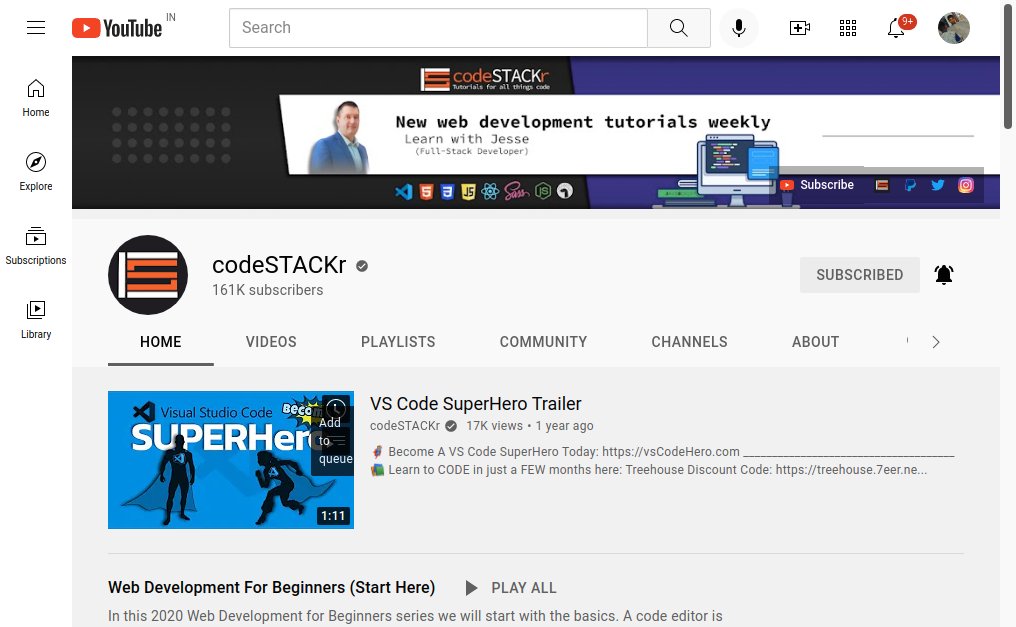
3. codeSTACKr

codeSTACKr creates useful content on web development including HTML, CSS and JavaScript.

https://t.co/4Pww7BcMRd 🔗

{ 3 / 10 }
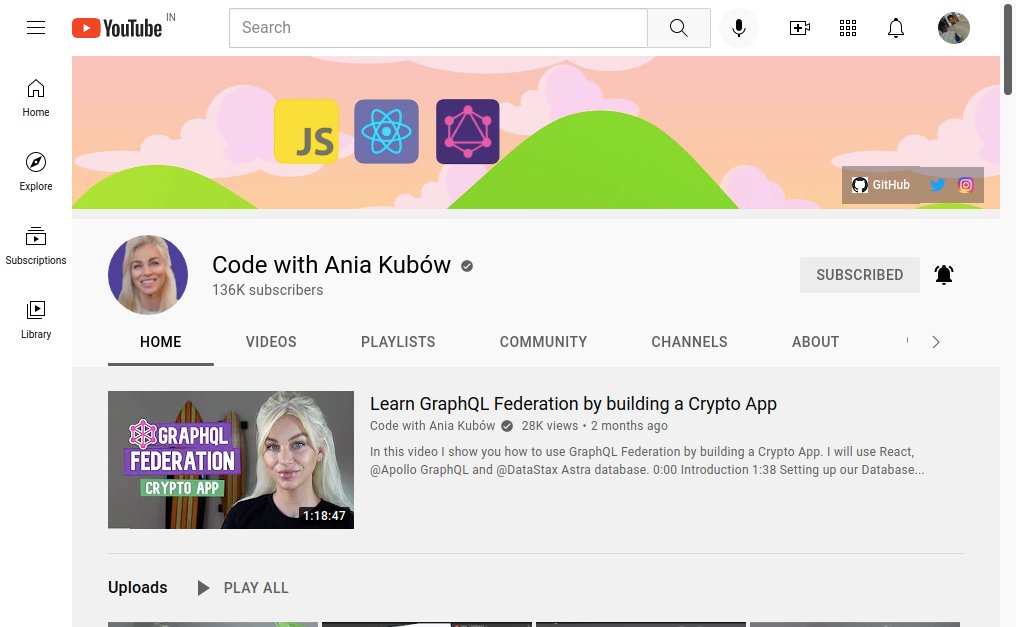
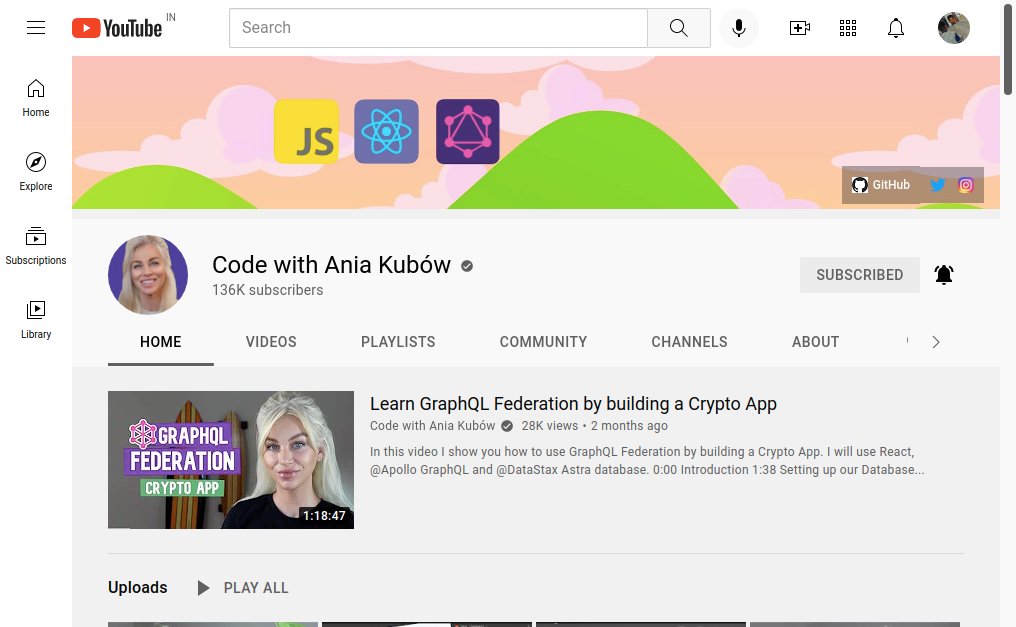
4. Code with Ania Kubów

Ania Kubów is a software developer who creates videos on building amazing apps from scratch.

https://t.co/6Hwrfiirw3 🔗

{ 4 / 10 }
5. JavaScript Mastery

JavaScript Mastery focused on building crash courses and useful apps with JavaScript.

https://t.co/hkPSeGdszf 🔗

{ 5 / 10 }
6. Web Dev Simplified

Web Dev Simplified creates videos in Node JS and React. He also shares useful tips and tricks.

https://t.co/vGiY5V935H 🔗

{ 6 / 10 }
7. Dev Ed

Dev Ed teaches web development fundamentals in a very friendly way. His videos always have something to enjoy.

https://t.co/9M7PdX1gde 🔗

{ 7 / 10 }
8. Programming with Mosh

Mosh creates fantastic crash courses and tutorials less than 2 hrs that are very easy to learn.

https://t.co/j3JQ6fLt4V 🔗

{ 8 / 10 }
9. Coder Coder

Coder Coder is a fantastic youtube creating high quality tutorials. She focuses on the important concepts on HTML, CSS and JavaScript.

https://t.co/lBIUUJ9HLn 🔗

{ 9 / 10 }
10. Online Tutorials

Online Tutorials uploads daily videos in which he creates mind-blowing CSS arts and animations. He will help you to improve your CSS skills by 2x.

https://t.co/MWD26CkO1s 🔗

{ 10 / 10 }

More from Savio Martin ⚡️

I gathered the tools for your next startup 🛠️

Save 100+ hours on researching.
(A thread🧵)

https://t.co/IRYiRdwOMr 🔗

The modern way to build for the web with No Code.
Price: Free 💸

https://t.co/Psv4XJ7Gwo 🔗

Amazing design tool for 3D web experiences.
Price: Free 💸

https://t.co/tNsg0GeDUB 🔗

Preview 800+ Google Fonts on top of your own designs.
Price: Free 💸

https://t.co/dUntwOzInT 🔗

The best collaborative interface design tool.
Price: Free + Paid 💸
Learn JavaScript by Playing games 🔥

A Thread 🧵👇️

1.
https://t.co/XHJUIU0ubd

Write JavaScript to control a robot to collect coins, avoid obstacles and reach the flag at the end of the level.

2. https://t.co/Bb2hn4Yfle

Screeps is an open-source game for programmers. You control your colony by writing JavaScript.

3. https://t.co/CSuXKwYOZh

Elevator Saga test JavaScript knowledge with challenge, it focus on moving an elevator in most efficient manner

4. https://t.co/vxiZJzPpol

By completing dares, you learn programming. These are short puzzles in which you have to copy the example code in as few lines as possible. The difficulty increases as you progress.
Best YouTube Channels to learn Web Development

A Thread 🧵👇️

1. FreeCodeCamp

FreeCodeCamp is a non-profit organisation that'll teach to learn to code for free.

https://t.co/TfMCxjaE0r 🔗

{ 1 / 10 }


2. Traversy Media

Traversy Media creates crash courses to learn programming in a very easy way. He also collaborates with great creators.

https://t.co/EwwtdO0vRw 🔗

{ 2 / 10 }


3. codeSTACKr

codeSTACKr creates useful content on web development including HTML, CSS and JavaScript.

https://t.co/4Pww7BcMRd 🔗

{ 3 / 10 }


4. Code with Ania Kubów

Ania Kubów is a software developer who creates videos on building amazing apps from scratch.

https://t.co/6Hwrfiirw3 🔗

{ 4 / 10 }
Are you a Frontend Web Developer?

Here are 15 amazing websites to save you 10+ hours every week.

A Thread 🧵👇

1.
https://t.co/sQc0Gqzipj

30 seconds of code has collections of short code snippets for a variety of languages.

{ 1 / 15 }

2. https://t.co/mwc9BaWllI

Glitch helps to create your next web project in browser with no setup and instant deployment.

{ 2 / 15 }

3. https://t.co/XtYMidj8aA

GTmetrix helps to know how your site performs, reveal why it's slow, and discover optimization opportunities.

{ 3 / 15 }

4. https://t.co/MVxL8JarO6

Unscreen helps to remove background from any video or GIF.

{ 4 / 15 }
GitHub Repositories to Crush any Programming Interview 🔥

Take advantage of these amazing GitHub repositories to land your dream job.

A Thread 🧵👇

1.
https://t.co/dNTmL9nLkD

Coding Interview University is a complete computer science study plan to become a software engineer.

{ 1 / 10 }

2. https://t.co/eh64u3MndC

Tech Interview Handbook has curated interview preparation materials for busy engineers.

{ 2 / 10 }

3. https://t.co/u60cXhUQO2

This repo contains a huge list of 1000 JavaScript Interview Questions.

{ 3 / 10 }

4. https://t.co/mmgCIz1huT

JavaScript Algorithms has JavaScript based examples of many popular algorithms and data structures explained.

{ 4 / 10 }

More from Learning

📚 Many influential business figures, including @JeffBezos, @ElonMusk, and @BillGates. say they learned some of their most important lessons from books.

Here are some that the tech giants recommended adding to your reading list this year. 👇

https://t.co/rhjcI1z3JC


Some of Bezos' favorite books were instrumental to the creation of products and services like the Kindle and Amazon Web Services.

One of those is Walmart founder Sam Walton’s autobiography in which he recalls his career.

https://t.co/rhjcI1z3JC


This Kazuo Ishiguro novel tells of an English butler in wartime England who begins to question his lifelong loyalty to his employer while on a vacation.

Bezos has said of the book, "Before reading it, I didn't think a perfect novel was possible."

https://t.co/rhjcI1z3JC


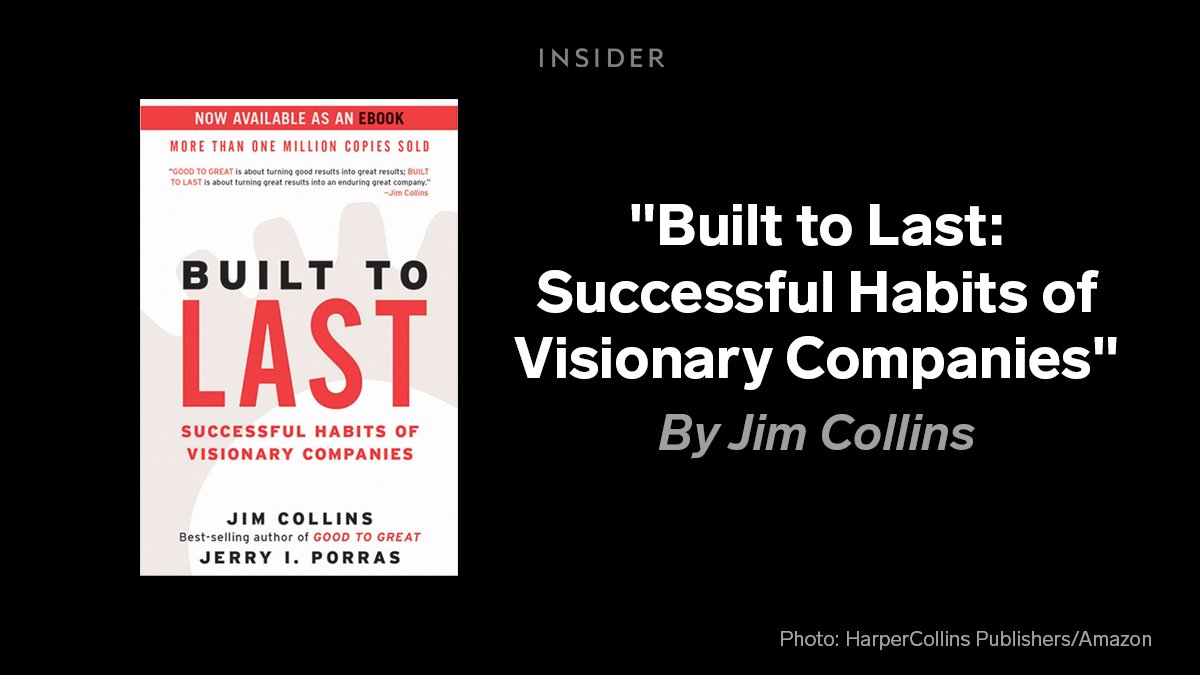
Bezos’ "favorite business book" draws on six years of research from the Stanford University Graduate School of Business that looks into what separates exceptional companies from their competitors.

https://t.co/rhjcI1z3JC


Elon Musk's must-reads include a number of sci-fi novels.

He read "The Hitchhiker's Guide to the Galaxy" as a teenager, even saying the spacecraft in it is his favorite spacecraft from science fiction.

https://t.co/rhjcI1z3JC
8 priceless websites for entrepreneurs in 2022 (all free):

https://t.co/sAdvTQUt14

Never let logo design take up your time again:

• Use AI to create a logo that matches your vision
• Get endless options + easily tweak designs
• Instantly generate your brand kit and templates

Instantly access the resources to start marketing.

https://t.co/7KXYVmauQs

Want to know how a competitor is doing?

Search their name and find:

• Traffic sources
• Where they are advertising
• Similar sites
• Estimated webpage views

The free tier gets you far.

https://t.co/5DFALvUecF

Think Google Slides but 10x more aesthetic:

• Stunning templates
• Collaborative design
• Intuitive design / user experience

Take your next pitch deck, project plan, or conference keynote to the next level.

https://t.co/UrWTVgxFIC

Ever lose inspiration when designing your deck?

This is a database of 790 pitch decks across every stage.

Learn how unicorns (Uber, Airbnb) pitched their vision 10 years earlier. 

See how Unicorns (Rippling, Ladder) raised their latest rounds.

You May Also Like

A THREAD ON @SarangSood

Decoded his way of analysis/logics for everyone to easily understand.

Have covered:
1. Analysis of volatility, how to foresee/signs.
2. Workbook
3. When to sell options
4. Diff category of days
5. How movement of option prices tell us what will happen

1. Keeps following volatility super closely.

Makes 7-8 different strategies to give him a sense of what's going on.

Whichever gives highest profit he trades in.


2. Theta falls when market moves.
Falls where market is headed towards not on our original position.


3. If you're an options seller then sell only when volatility is dropping, there is a high probability of you making the right trade and getting profit as a result

He believes in a market operator, if market mover sells volatility Sarang Sir joins him.


4. Theta decay vs Fall in vega

Sell when Vega is falling rather than for theta decay. You won't be trapped and higher probability of making profit.
Trading view scanner process -

1 - open trading view in your browser and select stock scanner in left corner down side .

2 - touch the percentage% gain change ( and u can see higest gainer of today)


3. Then, start with 6% gainer to 20% gainer and look charts of everyone in daily Timeframe . (For fno selection u can choose 1% to 4% )

4. Then manually select the stocks which are going to give all time high BO or 52 high BO or already given.

5. U can also select those stocks which are going to give range breakout or already given range BO

6 . If in 15 min chart📊 any stock sustaing near BO zone or after BO then select it on your watchlist

7 . Now next day if any stock show momentum u can take trade in it with RM

This looks very easy & simple but,

U will amazed to see it's result if you follow proper risk management.

I did 4x my capital by trading in only momentum stocks.

I will keep sharing such learning thread 🧵 for you 🙏💞🙏

Keep learning / keep sharing 🙏
@AdityaTodmal