Google Sheets isn't Excel...
But it's more powerful than you think.
8 things Google Sheets can do, you'll wish you knew yesterday. 📊
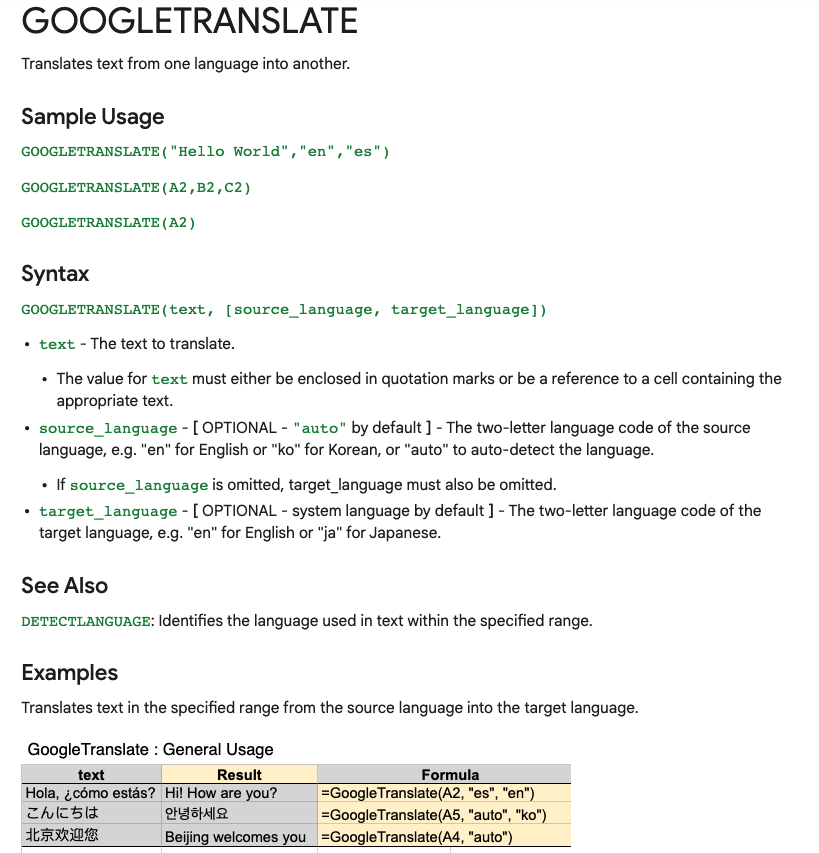
Translate Text:
Need to convert data from one language to another?
Enter:
=GOOGLETRANSLATE("A2","en","es")
This will translate the words in cell "A2" from English to Spanish.
Replace "en" with "auto" and Sheets will identify the source language automatically.
Timesavers:
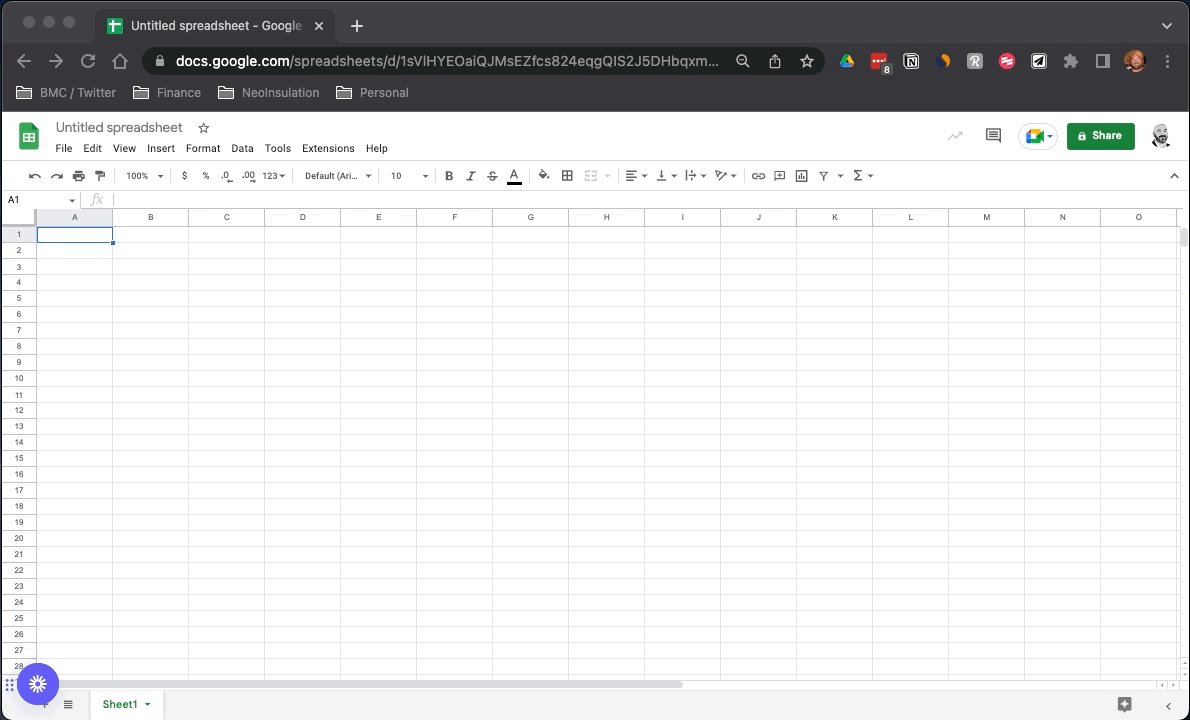
Assuming you're signed in to your Google account, head on up to your browser's address bar:
From there type: "
https://t.co/BeKgYV7g31"
Boom! A new Google sheet is created for you on the fly from anywhere on the web.
(Works for docs too)
Pretty cool!
Sparklines:
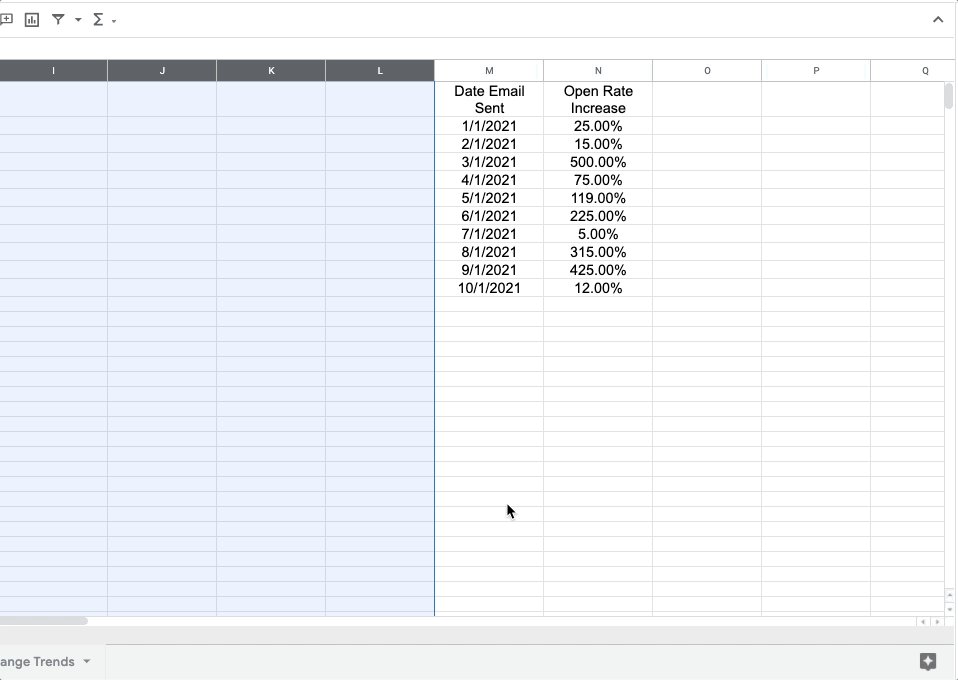
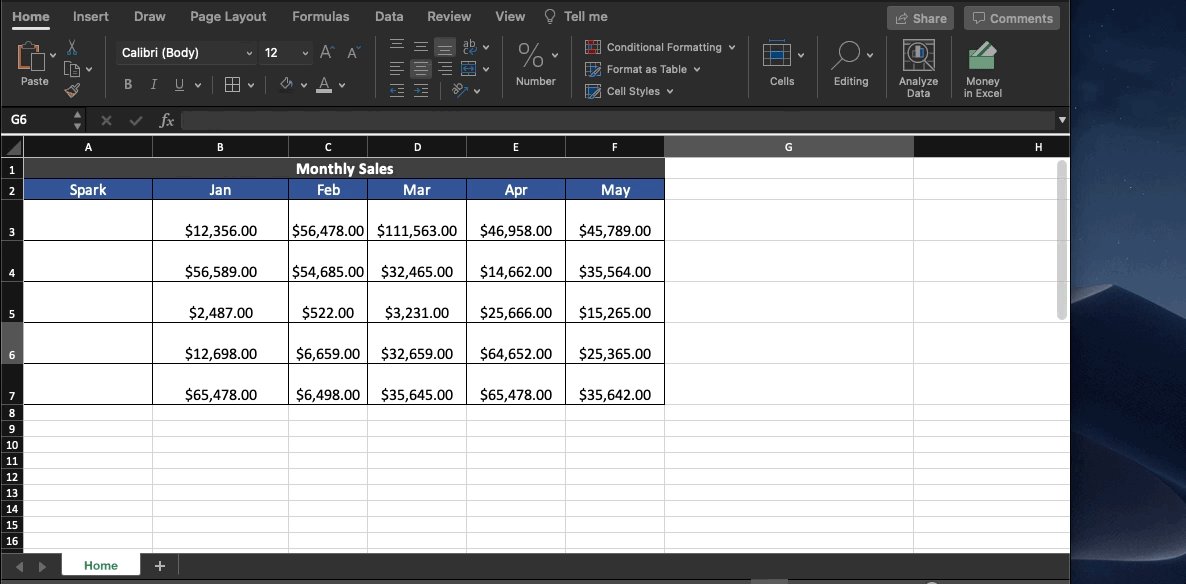
Easily visualize data trends by adding sparklines to your sheet.
To add a basic "mini-graph" inside a cell, it's as simple as inputting:
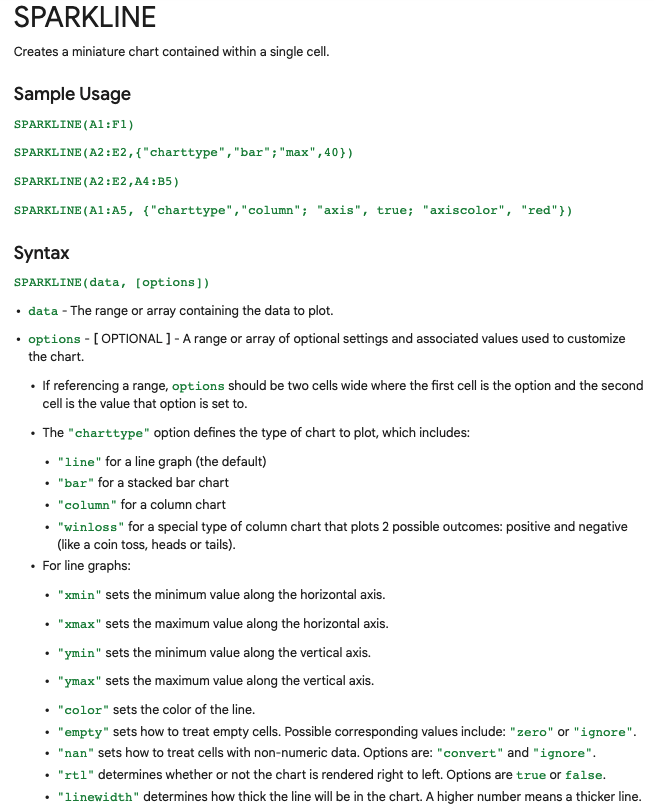
=SPARKLINE (A1:F1) – (Where A1:F1 represents your range of data.)
For more detailed options, check this out:👇🏻
Explore:
Need to do some number crunching?
Let Google's AI do the work for you.
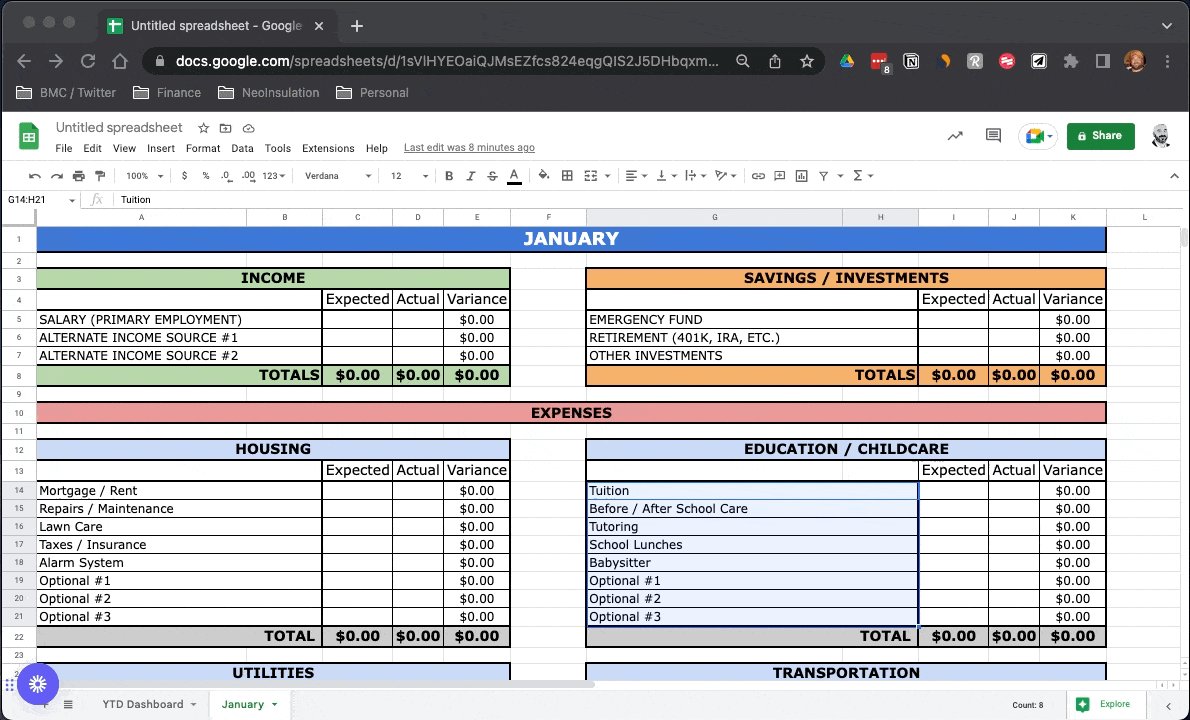
•Highlight the range of data.
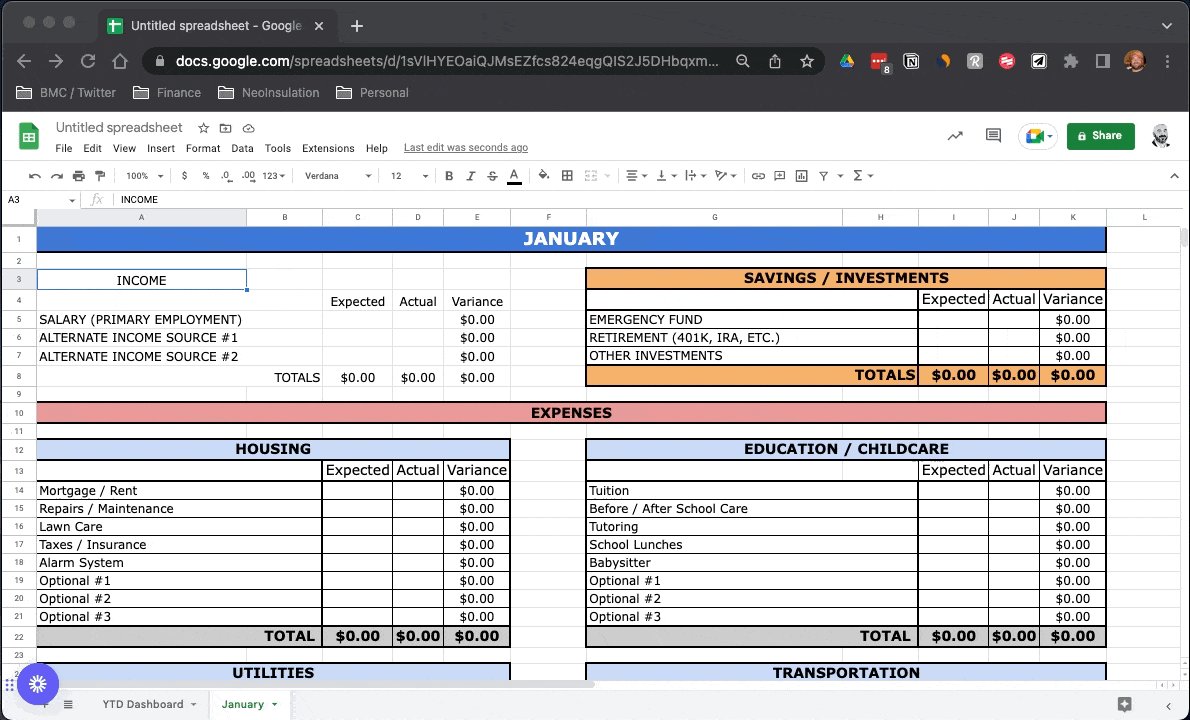
•Move your cursor to the starburst shaped icon in the bottom right corner.
•Click "Explore" – Complex charts, analytics, & detailed info. generated automatically.