10 insanely useful websites you’ll be kicking yourself you didn’t know (until now):

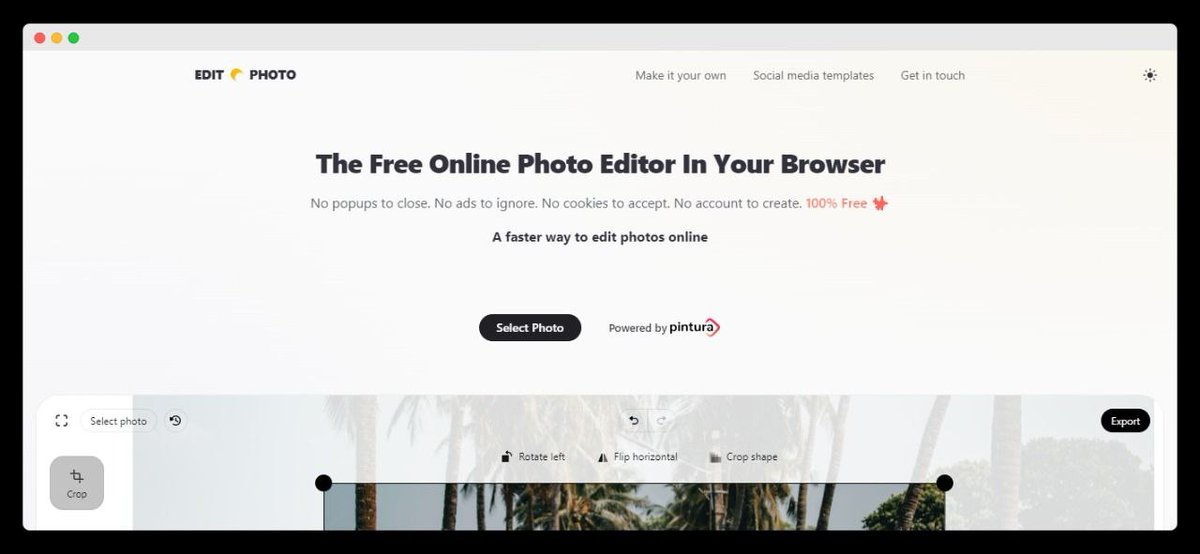
#1: https://t.co/0TQkimtKgY

No more expensive photo editors.

Welcome to a free online photo editor in your browser.

What? Yes, that’s right.
• No popups
• No ads
• No cookies
• No account to create
• 100% free

Just select a photo and get going!
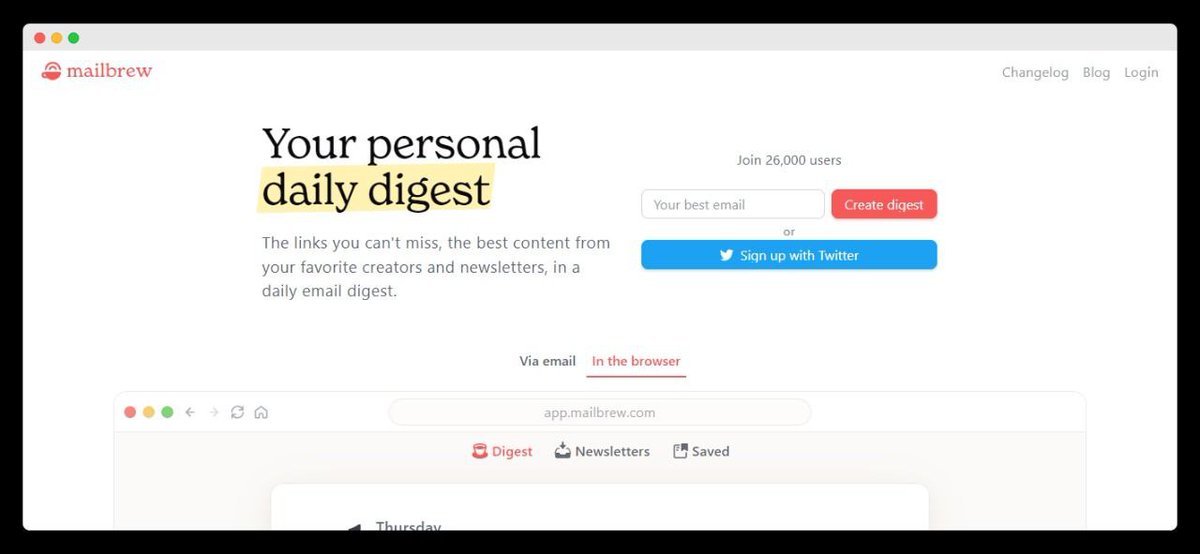
#2: https://t.co/mfr6V6kztv

Tame the firehose of information with one daily email that curates all your favourite sources and links in one place.

You’ll get:
• Emails
• Twitter Accounts
• YouTube Channels

Staying on top of good information has never been easier.
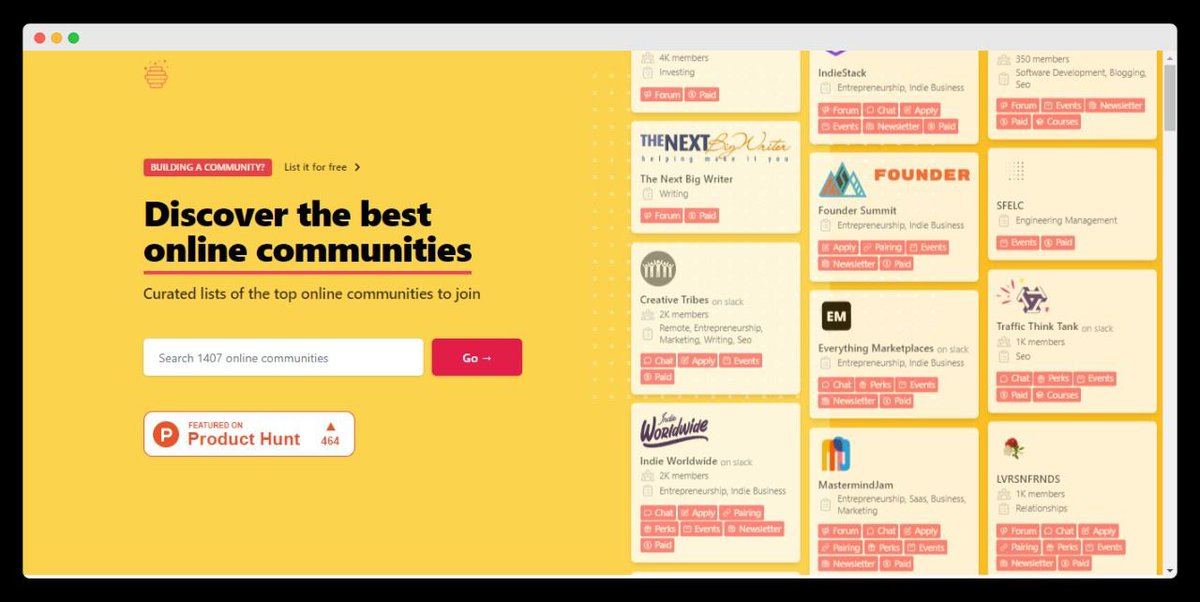
#3: https://t.co/rjquIV2eXs

Looking to meet like-minded people but don’t know where to start?

Welcome to The Hive Index: A directory of online communities.

Find communities organized by topics, across all major platforms:
• Reddit
• Discord
• Slack
• Facebook
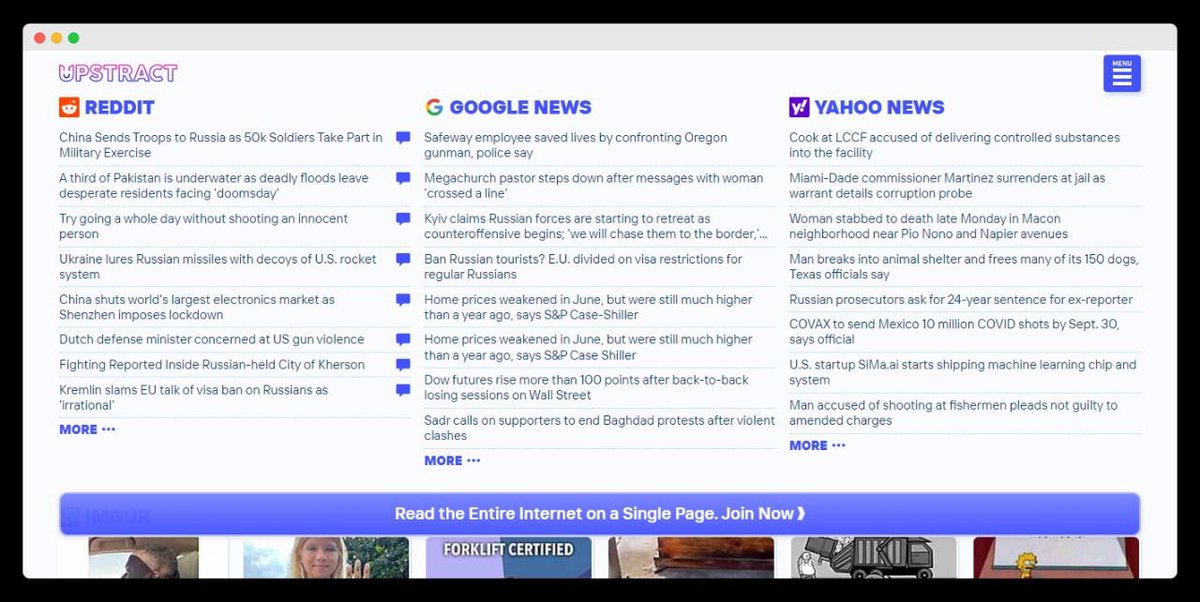
#4: https://t.co/nYfOIbZzr0

Read the entire internet on a single page.

Upstract has headlines and links to the most popular news sites in the world:

• Reddit
• Reuters
• NY Times
• YouTube
• Vice
• Buzzfeed

Never miss a beat.
#5: https://t.co/BerQSMzZDY

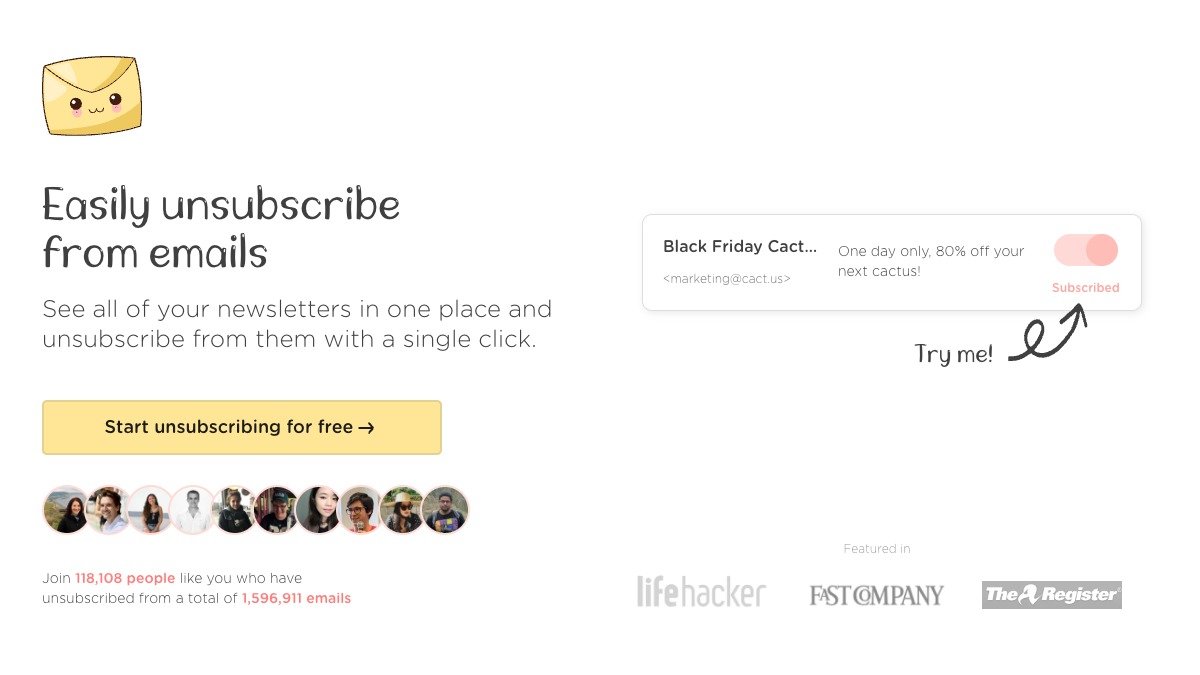
If you’re like me, you’re constantly signing up for new subscriptions online.

Your inbox pays a hefty price.

Luckily, Throttle automatically generates unique email addresses and combines all sign-ups into a single daily digest email.

Nice.
#6: https://t.co/i7OSuHSrwU

Learn and grow with help from world-class mentors for free.

Find, book and meet one of over 9k (vetted) mentors for professional guidance of any kind.

Like what?
• Ask for career advice
• Develop skills
• Get coaching
• Learn new knowledge
#7: https://t.co/3bRRqEfrd3

A comprehensive database of the world’s most wondrous places & foods.

Their mission?

To inspire wonder & curiosity about the incredible world we all share.

Find travel tips, articles, strange facts & unique events to discover the unexpected.
#8: https://t.co/NwlCsJ05zs

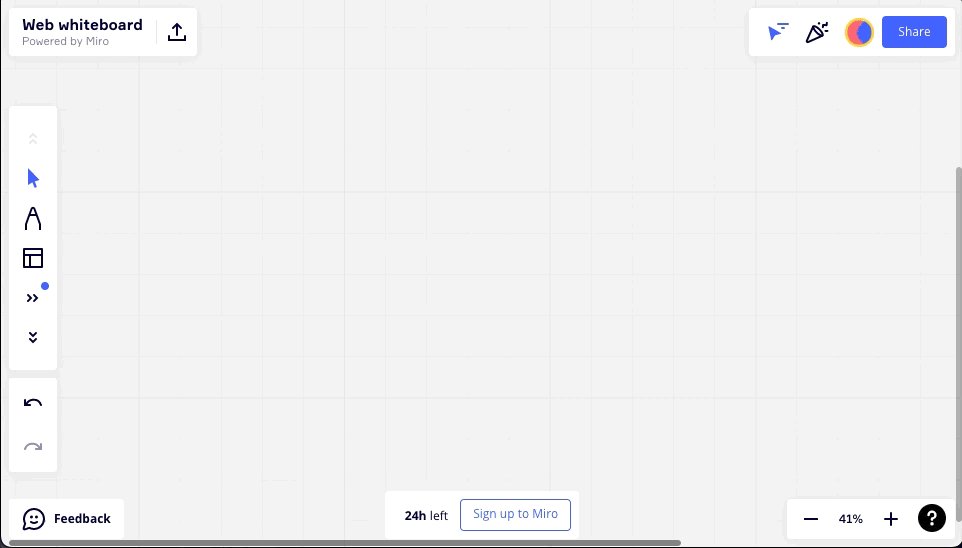
A free simple online whiteboard you can use without signup up or signing in.

Sketch ideas, brainstorm with a group, or build diagrams and charts.

Useful whether you're leading a workshop, conducting an interview, or problem solving.
#9: https://t.co/blMbmReaPX

For the trend hunters among us.

This tool helps you understand the economic dynamics and new growth opportunities for every country worldwide.

For example:
• Which new industries are likely to emerge?
• Which are likely to disappear?
#10: https://t.co/1YpVFoRNPI

A curation of the best documentary films online—both educational and entertainment.

"The formula for a great documentary is half Hollywood blockbuster and half Ivy League Education."

Knowledge is power.
That's 10 of the most useful websites you haven't heard of.

If you enjoyed this thread:

1. Follow me @_alexbrogan for more thought-provoking content to help you get better at the game of life
2. RT the tweet below to share this with others who might enjoy it :) https://t.co/BCCvh2rBpI

More from Alex Brogan

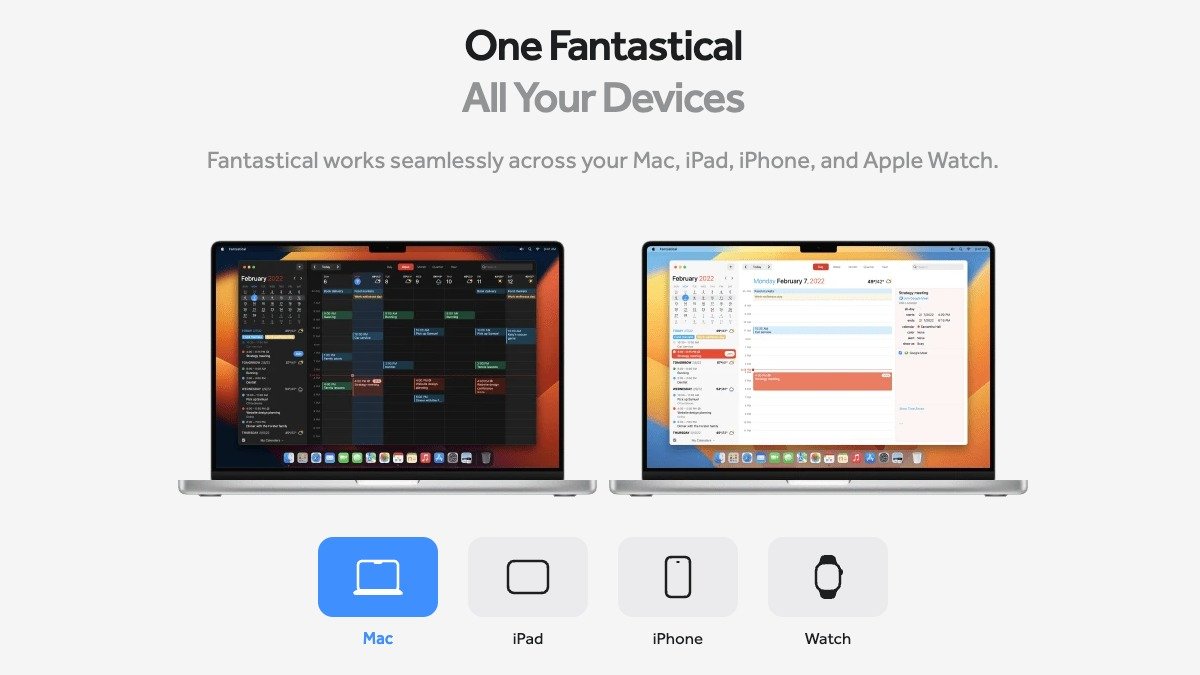
Apple Mac apps are the most powerful productivity tools on earth.

Use them properly and they'll save you hours, days, even weeks.

Here are 11 Mac apps that you shouldn't live without...

#1: Raycast

Raycast is “Ctrl + F” for your whole computer.

Simply press command + space, and you can open any file, app, or link in seconds.

You can also add a whole-suite of extensions built by community to take your productivity to new levels.

https://t.co/Ar4S4sc1O3


#2: CheatSheet

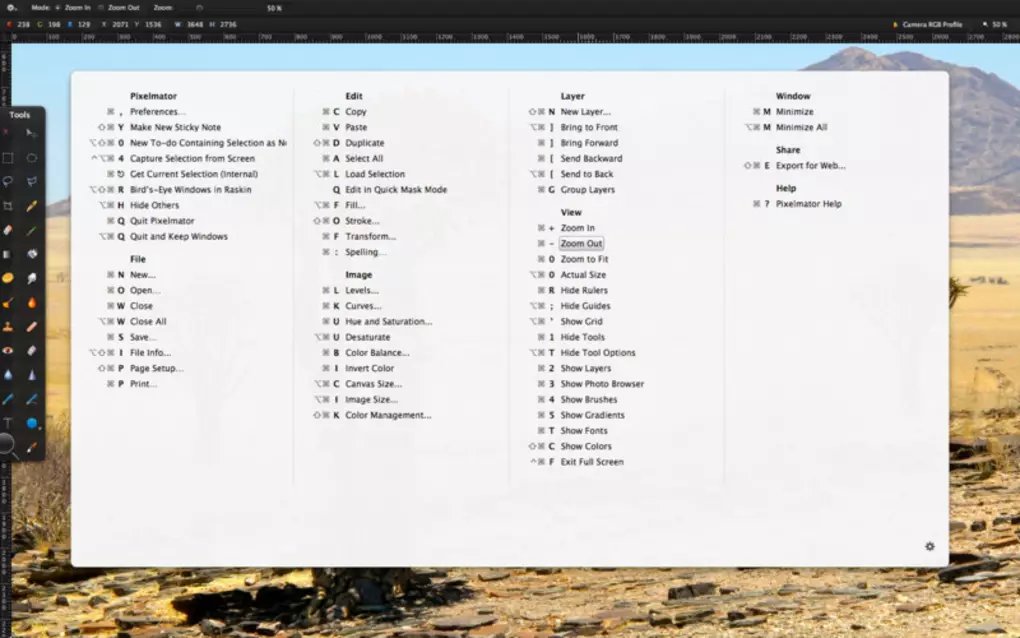
CheatSheet helps you memorize keyboard shortcuts for all your favourite Mac apps.

Just hold the Command Key for a few seconds and you’ll get a list of every shortcut available in that app.

https://t.co/n8SV5URNUM


#3: Magnet

Magnet helps you organize your windows and workspace with configurable keyboard shortcuts.

Having windows where you want them eliminates app switching and significantly enhances multitasking.

https://t.co/o0sTvWbPiW


#4: Meeter

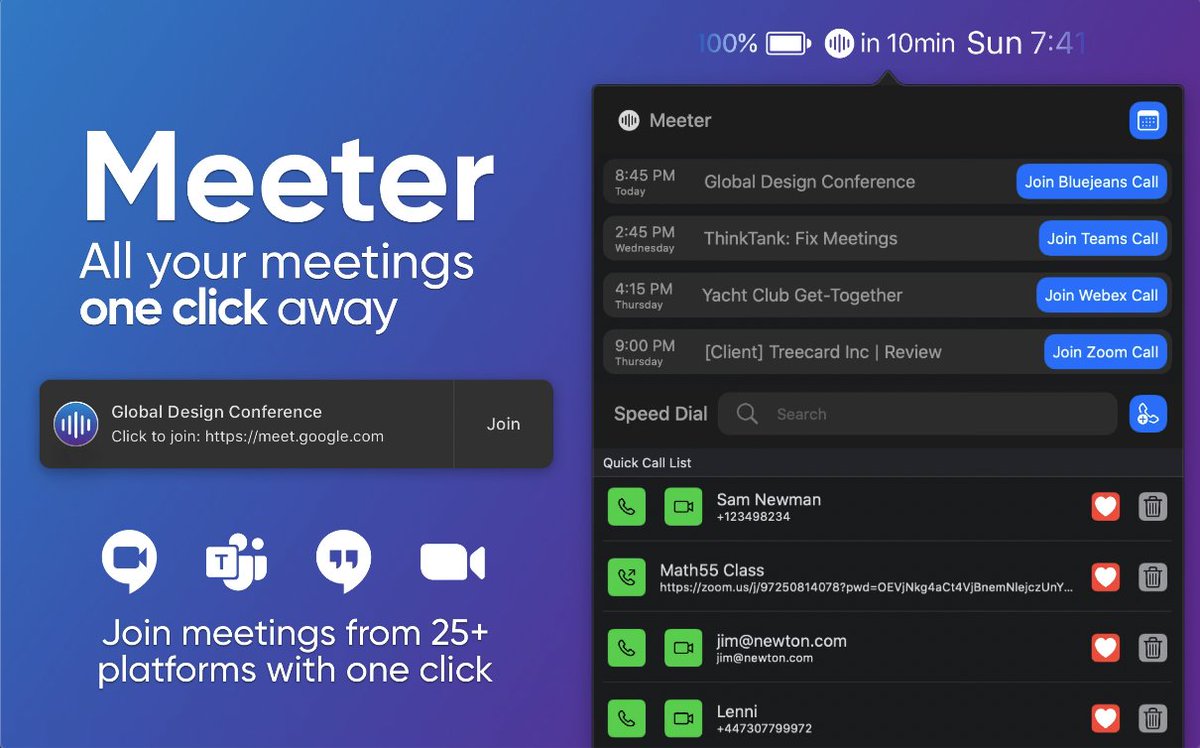
Join Zoom, Google Meet, or other virtual conference meetings faster with Meeter.

Meeter automatically pulls your upcoming calls and puts them in your menu bar, letting you manage them all in one place.

https://t.co/VJL0vr9RDJ
Even the most well-informed internet user wouldn't know all of these 10 incredibly useful websites:

https://t.co/1hzVWpuYW8

Dread creating slide decks?

Meet Gamma.

You’ll write it like a doc and present it like a deck—and it’ll be done in half the time.

It’s like @NotionHQ and @canva had a baby.

Best features:
• One click deck restyling
• Flexible templates


https://t.co/hrIaTNqGgP

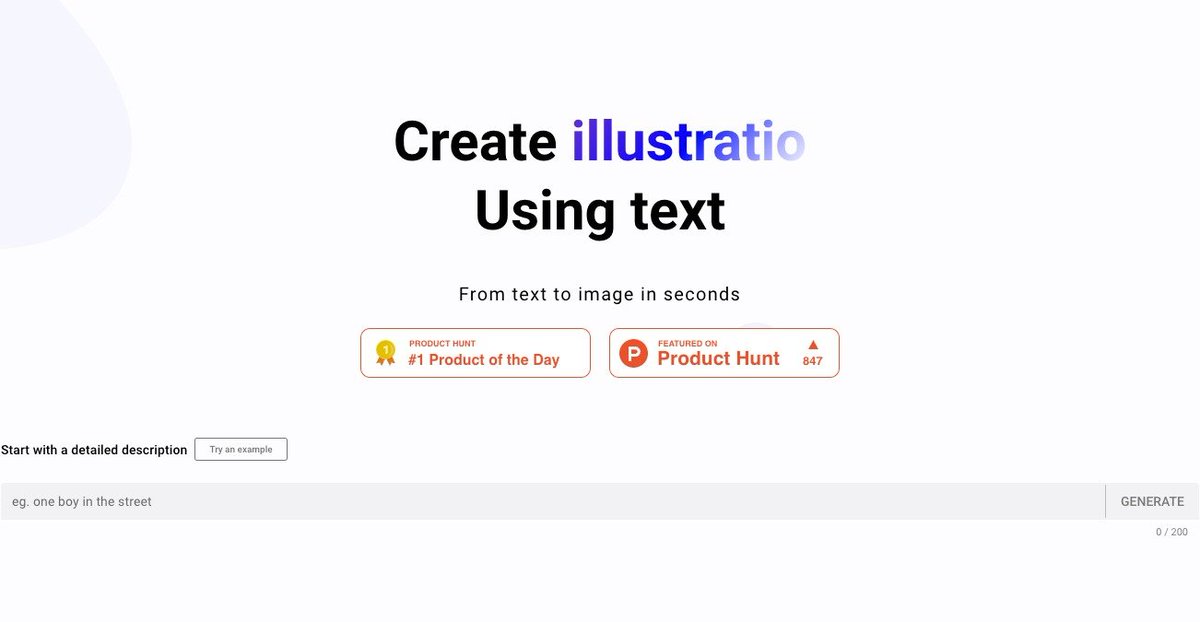
A powerful realistic photo generator and illustration designer that automatically creates pictures based on your text inputs.

Stop searching for hours to find stock images.

Create original images in minutes for any use case.


https://t.co/It3eg55Z92

An AI-powered summarization tool that’s "on a mission to help people be more productive with their knowledge."

Upword lets you learn 10x faster by capturing key ideas and generating personalized summaries with one-click.

Make your learning efficient.


https://t.co/B4VlMd1oMn

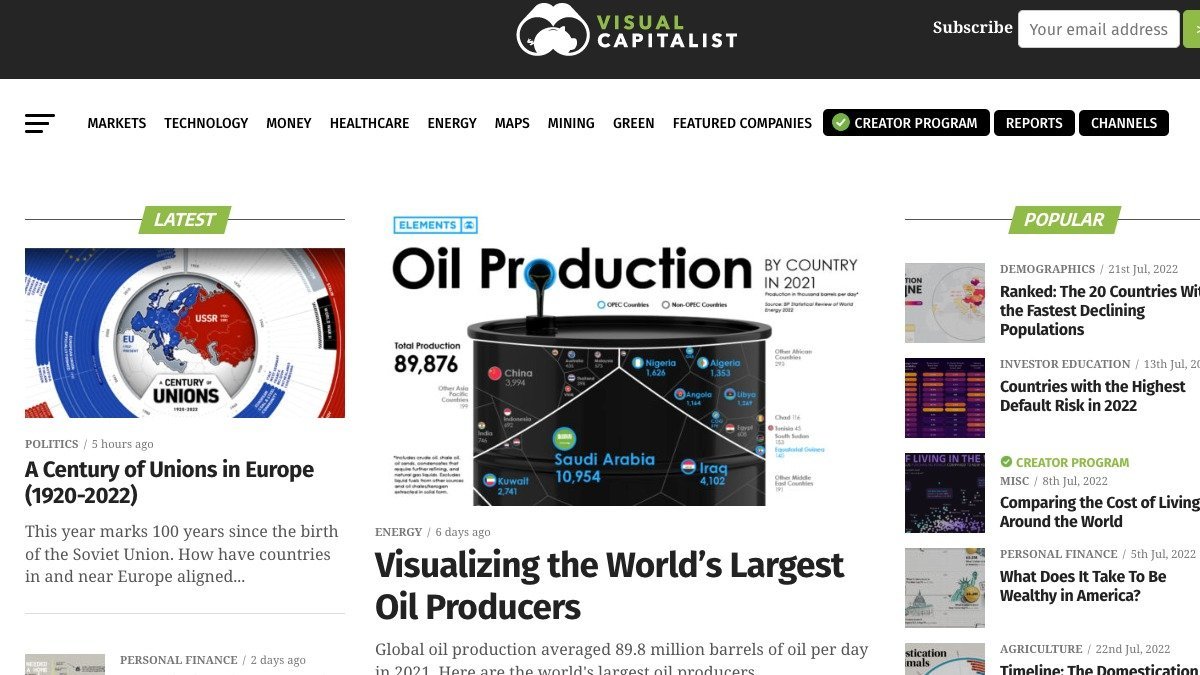
Visual Capitalist creates data-driven visuals to cut through the clutter and simplify our complex world.

It covers topics including markets, technology, energy, and the global economy.
10 insanely useful free websites you needed but didn't know existed (instant bookmarks):

#1:
https://t.co/TNMvBebYrm

Ever need somewhere fast to write something when you’re on your computer? Me too.

Type “https://t.co/TNMvBebYrm” into a new tab and you’ll have a notepad in your browser.

You can then:
• Save your note
• Export as a PDF
• Save as a Google Doc


#2: myNoise

Think of myNoise as free noise-canceling headphones.

It can create any noise you like to mask those you don’t:
• Busy streets
• Noisy colleagues
• Loud cafes or restaurants

You can listen to rain, white noise, or even the Ocean!

https://t.co/cIY3B7ipDu


#3: Followupthen

How many times have you looked at the same message sitting in your inbox that you kept there "just so you don't forget"?

FollowUpThen is an email address that can be added to any email to create an automatic follow-up reminder.

https://t.co/SwmHZI7SRv


#4: Rome2rio

Find the best way to get from A to B, anywhere in the world.

Compare every possible transport option all in one search:
• Plane
• Train
• Bus
• Car
• Ferry
• Bike share
• Driving
• Walking

Where to next?

https://t.co/V2k5xrIM4Q

More from Website

You May Also Like

And here they are...

THE WINNERS OF THE 24 HOUR STARTUP CHALLENGE

Remember, this money is just fun. If you launched a product (or even attempted a launch) - you did something worth MUCH more than $1,000.

#24hrstartup

The winners 👇

#10

Lattes For Change - Skip a latte and save a life.

https://t.co/M75RAirZzs

@frantzfries built a platform where you can see how skipping your morning latte could do for the world.

A great product for a great cause.

Congrats Chris on winning $250!


#9

Instaland - Create amazing landing pages for your followers.

https://t.co/5KkveJTAsy

A team project! @bpmct and @BaileyPumfleet built a tool for social media influencers to create simple "swipe up" landing pages for followers.

Really impressive for 24 hours. Congrats!


#8

SayHenlo - Chat without distractions

https://t.co/og0B7gmkW6

Built by @DaltonEdwards, it's a platform for combatting conversation overload. This product was also coded exclusively from an iPad 😲

Dalton is a beast. I'm so excited he placed in the top 10.


#7

CoderStory - Learn to code from developers across the globe!

https://t.co/86Ay6nF4AY

Built by @jesswallaceuk, the project is focused on highlighting the experience of developers and people learning to code.

I wish this existed when I learned to code! Congrats on $250!!
Trading view scanner process -

1 - open trading view in your browser and select stock scanner in left corner down side .

2 - touch the percentage% gain change ( and u can see higest gainer of today)


3. Then, start with 6% gainer to 20% gainer and look charts of everyone in daily Timeframe . (For fno selection u can choose 1% to 4% )

4. Then manually select the stocks which are going to give all time high BO or 52 high BO or already given.

5. U can also select those stocks which are going to give range breakout or already given range BO

6 . If in 15 min chart📊 any stock sustaing near BO zone or after BO then select it on your watchlist

7 . Now next day if any stock show momentum u can take trade in it with RM

This looks very easy & simple but,

U will amazed to see it's result if you follow proper risk management.

I did 4x my capital by trading in only momentum stocks.

I will keep sharing such learning thread 🧵 for you 🙏💞🙏

Keep learning / keep sharing 🙏
@AdityaTodmal