
You can try https://t.co/dzYRBHoEUi - Had used it for generating multiple mock exams, even chapterwise for CBSE and its very useful. It has a ICSE section also which I have never tried, you could check it out.
More from Website

10 websites you didn't know you were missing (until now) :
https://t.co/vC0nCFDmk0
People are visual learners.
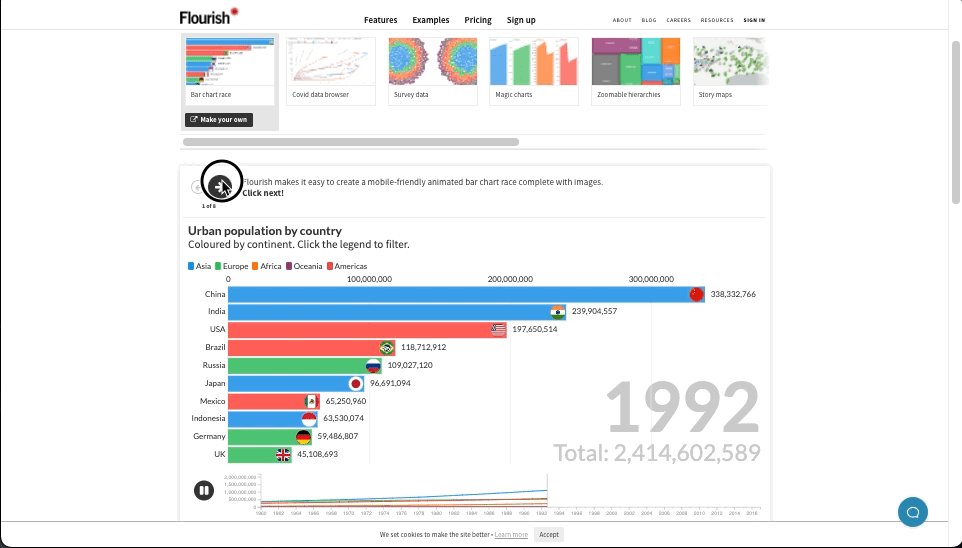
Easily turn your data into stunning charts, maps, and interactive stories.
Upload a spreadsheet, and return with:
• Animated bar charts
• Survey data
• Scatter plots
• Story maps & more
https://t.co/g9YBl2ELwq
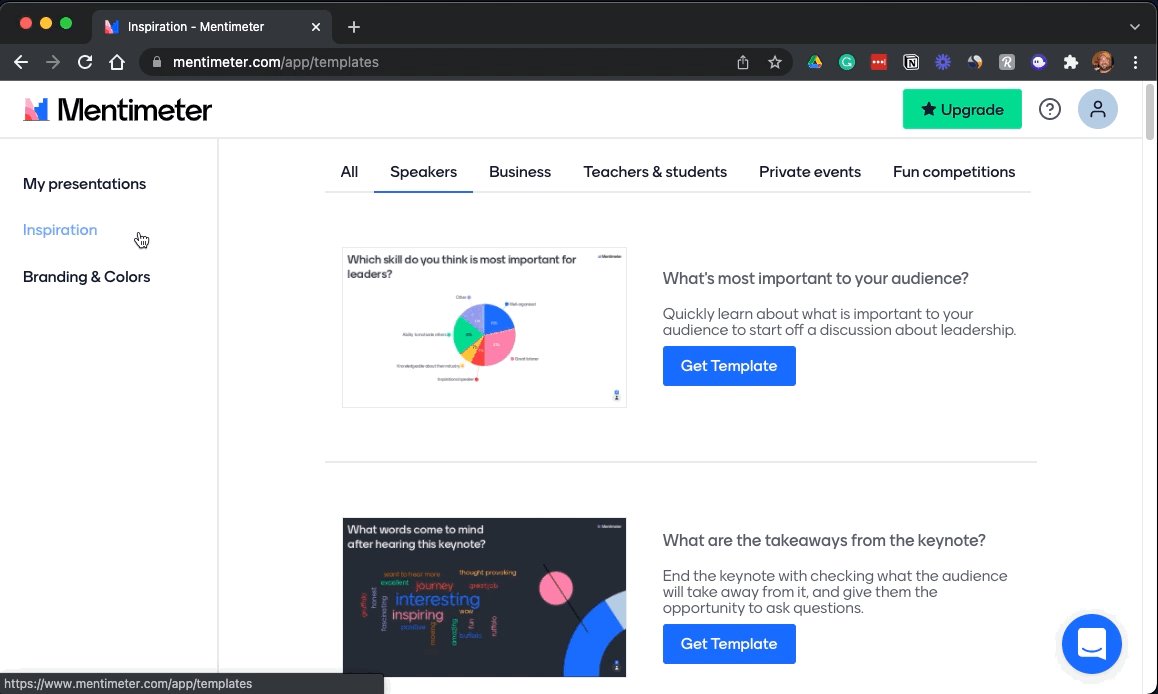
Looking for a way to make your presentations more engaging?
Build interactive polls, quizzes, and more allowing your audience to engage in real-time.
Using their smartphone, attendees can answer questions and the results are visualized as they happen.
https://t.co/wsUNfyHzFb
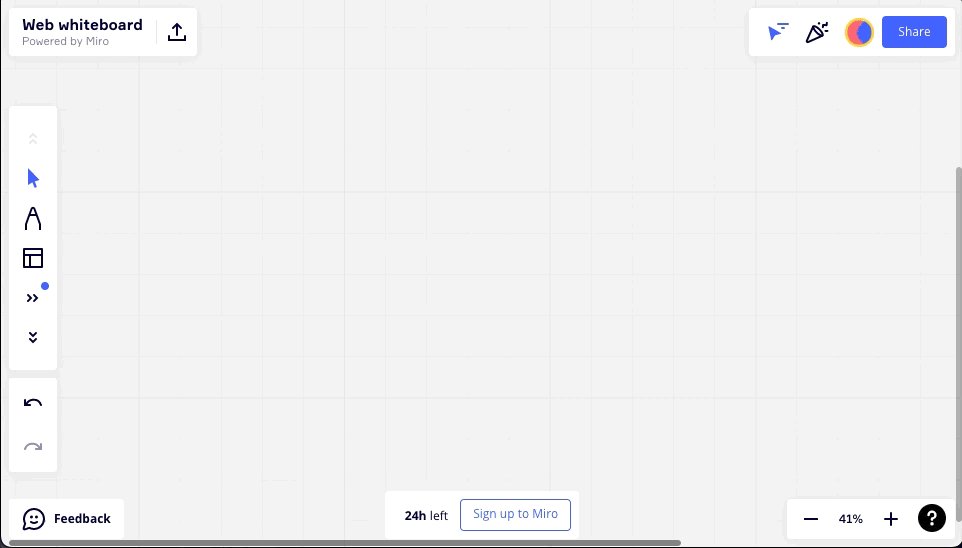
An online collaborative whiteboard ideal for remote meetings, brainstorming, and ideation across teams.
• Make flowcharts
• Build product roadmaps
• Engage in a quick retrospective
The best part?
It's free.
https://t.co/RxDEsvPB2w
My friend @thejustinwelsh brought this site to my attention recently.
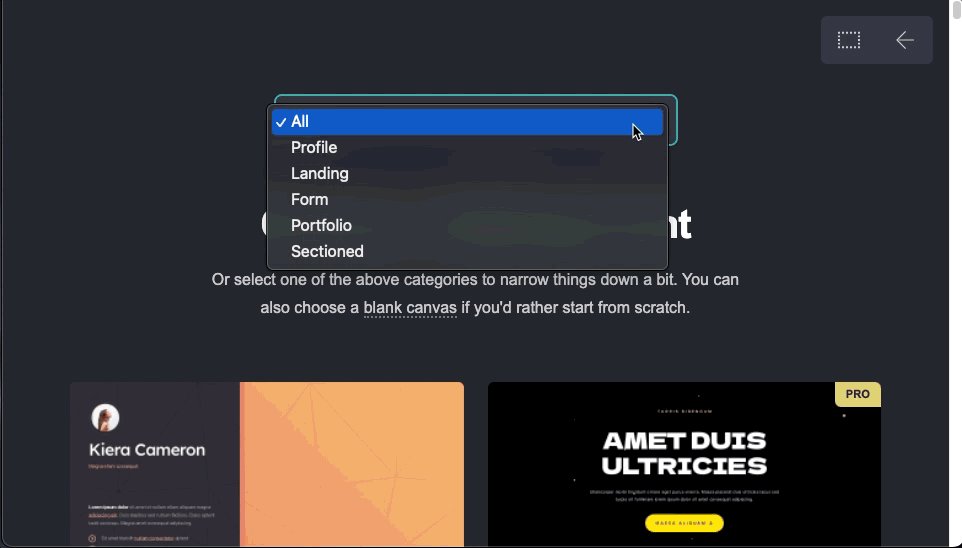
If you're in the solopreneur game and need to spin up a quick landing page or website for just about anything, Carrd is tough to beat.
Simple, free, mobile responsive.
Check 'em out.
https://t.co/vC0nCFDmk0
People are visual learners.
Easily turn your data into stunning charts, maps, and interactive stories.
Upload a spreadsheet, and return with:
• Animated bar charts
• Survey data
• Scatter plots
• Story maps & more
https://t.co/g9YBl2ELwq
Looking for a way to make your presentations more engaging?
Build interactive polls, quizzes, and more allowing your audience to engage in real-time.
Using their smartphone, attendees can answer questions and the results are visualized as they happen.
https://t.co/wsUNfyHzFb
An online collaborative whiteboard ideal for remote meetings, brainstorming, and ideation across teams.
• Make flowcharts
• Build product roadmaps
• Engage in a quick retrospective
The best part?
It's free.
https://t.co/RxDEsvPB2w
My friend @thejustinwelsh brought this site to my attention recently.
If you're in the solopreneur game and need to spin up a quick landing page or website for just about anything, Carrd is tough to beat.
Simple, free, mobile responsive.
Check 'em out.



I am an IAS officer and a mother of 2 daughters. But apart from these 2 responsibilities, I write on twitter, have published newspaper articles, follow world economics, code for ML etc.
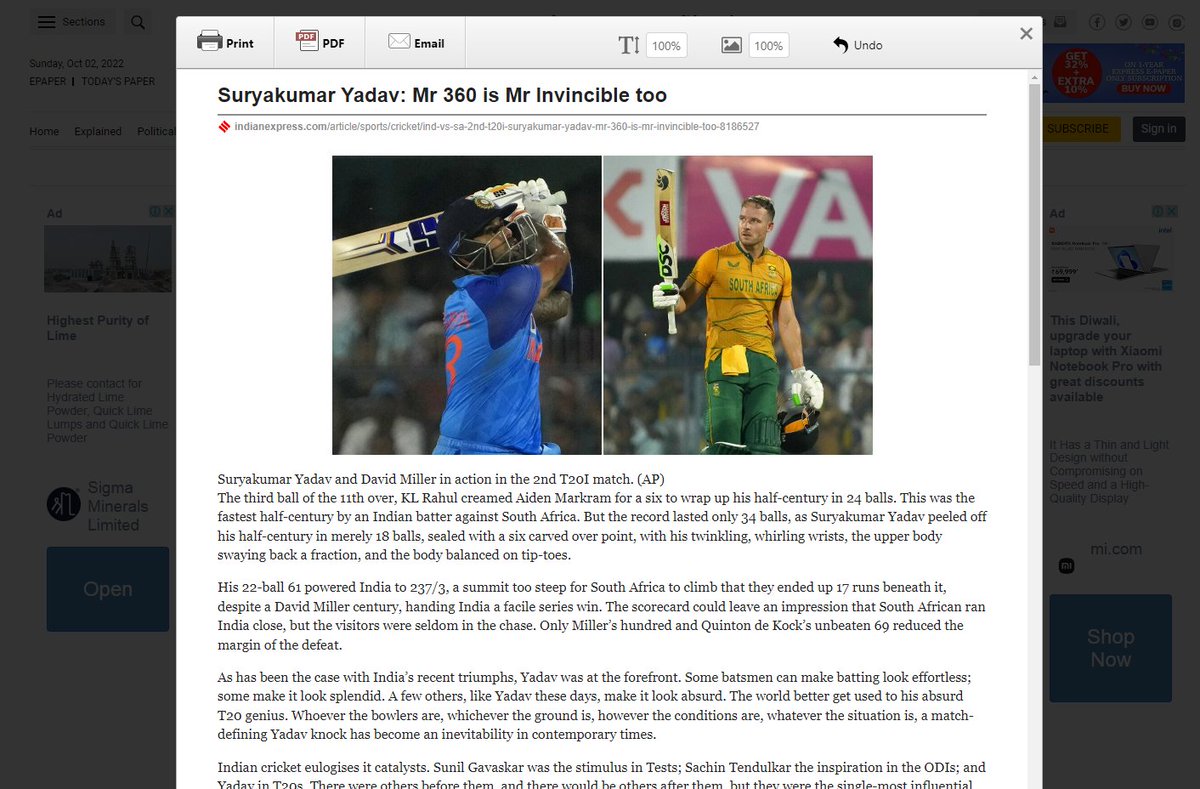
10 amazing productivity enhancement tools I use:
1. Print Friendly - The Chrome extension that blew my mind away.
👉 Optimizes webpages to save in pdf format
👉 Removes Junk
👉 Editable preview so you can delete what you don't need
If you don't thank me for this, I will be surprised!!
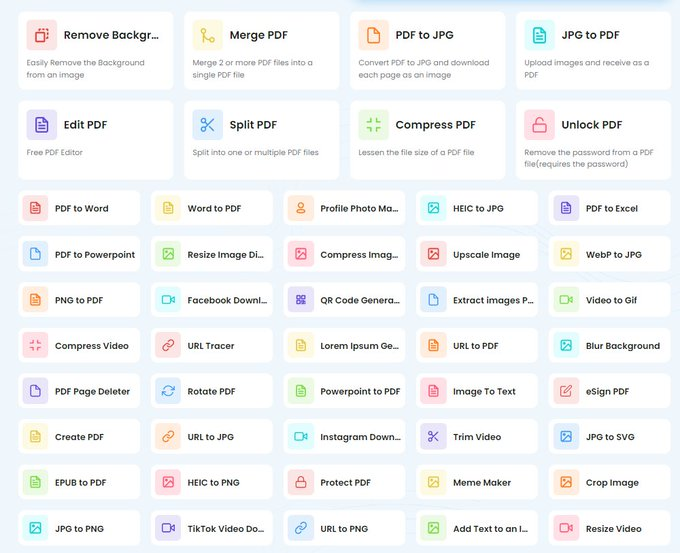
2. Tiny Wow
👉 Edit photos, pdf files and convert formats etc.
👉 It offers multipe tools to process PDF: edit, split, merge, compress, and much more.
👉 100% free. No hourly limits. No restrictions.
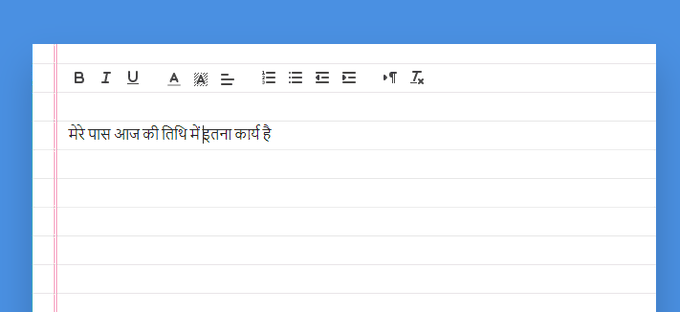
3. Dictation. io
Dictate your emails and documents in Google Chrome in English, Hindi, Marathi, Gujarati etc. Made in India!
No need to type anything! Just speak and you are done!! Saves lot of time.
https://t.co/AVlHj83mGy
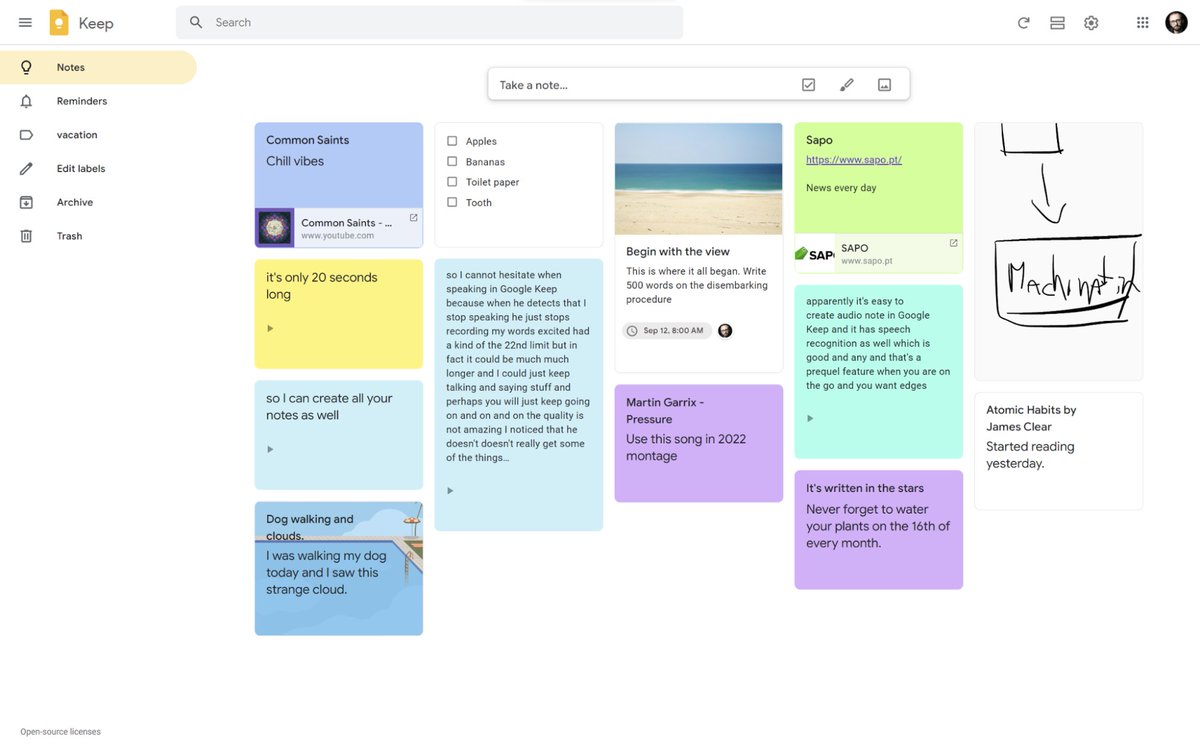
4. Google Keep - To do list tool
👉Make To-do lists and tick them
👉Speak a voice memo on the go and have it automatically transcribed.
👉Grab pics/ documents and easily organize or find it later in search.
👉Easily share with anyone
10 amazing productivity enhancement tools I use:
1. Print Friendly - The Chrome extension that blew my mind away.
👉 Optimizes webpages to save in pdf format
👉 Removes Junk
👉 Editable preview so you can delete what you don't need
If you don't thank me for this, I will be surprised!!
2. Tiny Wow
👉 Edit photos, pdf files and convert formats etc.
👉 It offers multipe tools to process PDF: edit, split, merge, compress, and much more.
👉 100% free. No hourly limits. No restrictions.
3. Dictation. io
Dictate your emails and documents in Google Chrome in English, Hindi, Marathi, Gujarati etc. Made in India!
No need to type anything! Just speak and you are done!! Saves lot of time.
https://t.co/AVlHj83mGy
4. Google Keep - To do list tool
👉Make To-do lists and tick them
👉Speak a voice memo on the go and have it automatically transcribed.
👉Grab pics/ documents and easily organize or find it later in search.
👉Easily share with anyone

You May Also Like






Trading view scanner process -
1 - open trading view in your browser and select stock scanner in left corner down side .
2 - touch the percentage% gain change ( and u can see higest gainer of today)
3. Then, start with 6% gainer to 20% gainer and look charts of everyone in daily Timeframe . (For fno selection u can choose 1% to 4% )
4. Then manually select the stocks which are going to give all time high BO or 52 high BO or already given.
5. U can also select those stocks which are going to give range breakout or already given range BO
6 . If in 15 min chart📊 any stock sustaing near BO zone or after BO then select it on your watchlist
7 . Now next day if any stock show momentum u can take trade in it with RM
This looks very easy & simple but,
U will amazed to see it's result if you follow proper risk management.
I did 4x my capital by trading in only momentum stocks.
I will keep sharing such learning thread 🧵 for you 🙏💞🙏
Keep learning / keep sharing 🙏
@AdityaTodmal
1 - open trading view in your browser and select stock scanner in left corner down side .
2 - touch the percentage% gain change ( and u can see higest gainer of today)
Making thread \U0001f9f5 on trading view scanner by which you can select intraday and btst stocks .
— Vikrant (@Trading0secrets) October 22, 2021
In just few hours (Without any watchlist)
Some manual efforts u have to put on it.
Soon going to share the process with u whenever it will be ready .
"How's the josh?"guys \U0001f57a\U0001f3b7\U0001f483
3. Then, start with 6% gainer to 20% gainer and look charts of everyone in daily Timeframe . (For fno selection u can choose 1% to 4% )
4. Then manually select the stocks which are going to give all time high BO or 52 high BO or already given.
5. U can also select those stocks which are going to give range breakout or already given range BO
6 . If in 15 min chart📊 any stock sustaing near BO zone or after BO then select it on your watchlist
7 . Now next day if any stock show momentum u can take trade in it with RM
This looks very easy & simple but,
U will amazed to see it's result if you follow proper risk management.
I did 4x my capital by trading in only momentum stocks.
I will keep sharing such learning thread 🧵 for you 🙏💞🙏
Keep learning / keep sharing 🙏
@AdityaTodmal


