I am an IAS officer and a mother of 2 daughters. But apart from these 2 responsibilities, I write on twitter, have published newspaper articles, follow world economics, code for ML etc.

10 amazing productivity enhancement tools I use:

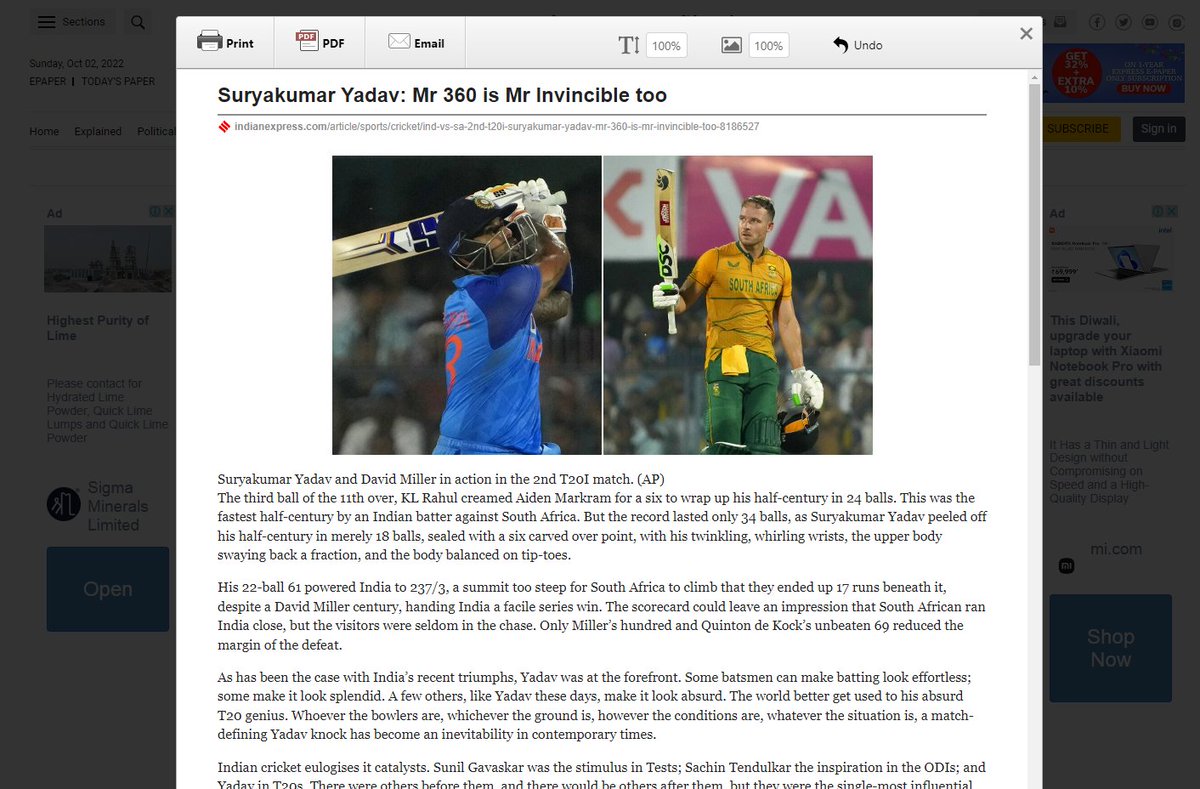
1. Print Friendly - The Chrome extension that blew my mind away.

👉 Optimizes webpages to save in pdf format
👉 Removes Junk
👉 Editable preview so you can delete what you don't need

If you don't thank me for this, I will be surprised!!
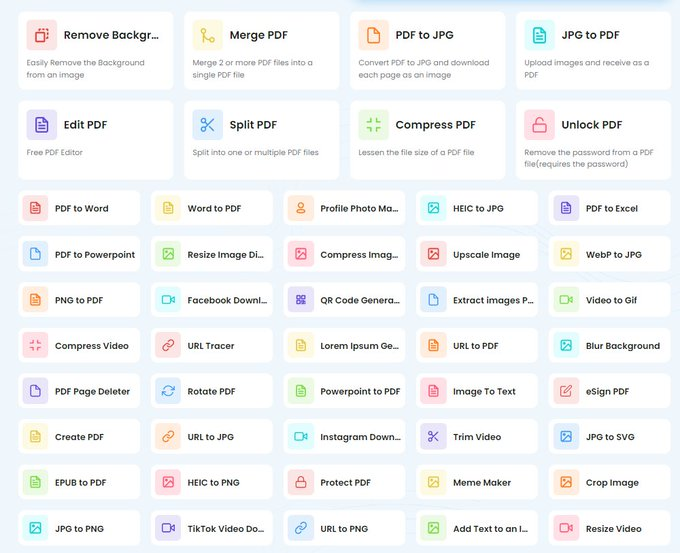
2. Tiny Wow

👉 Edit photos, pdf files and convert formats etc.

👉 It offers multipe tools to process PDF: edit, split, merge, compress, and much more.

👉 100% free. No hourly limits. No restrictions.
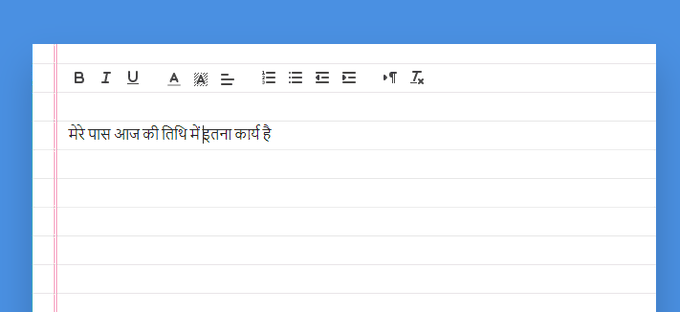
3. Dictation. io

Dictate your emails and documents in Google Chrome in English, Hindi, Marathi, Gujarati etc. Made in India!

No need to type anything! Just speak and you are done!! Saves lot of time.

https://t.co/AVlHj83mGy
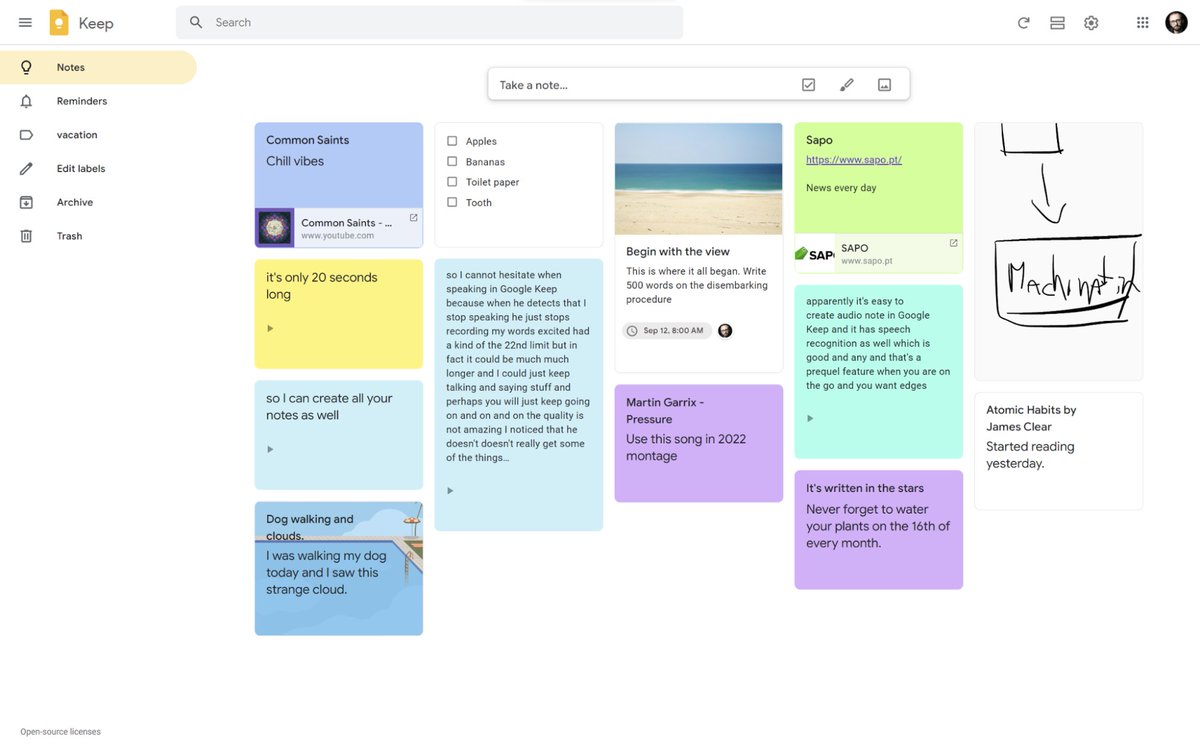
4. Google Keep - To do list tool

👉Make To-do lists and tick them
👉Speak a voice memo on the go and have it automatically transcribed.
👉Grab pics/ documents and easily organize or find it later in search.
👉Easily share with anyone
5. Notion

👉Far more than a note-taking app.

👉All-in-one for notes, knowledge management, project management, calendar, databases with filters and lot more.
👉Save tweets, threads automatically
👉More you explore, more you feel its awesomeness!

@NotionHQ
6. Clean Picture

Remove any object, people, text, or defects from your pictures.

https://t.co/gsZvbmHv6f
7. Snapdrop

Instantly share images, videos, PDFs, and links with people nearby.

Peer2Peer and Open Source. No Setup, No Signup.
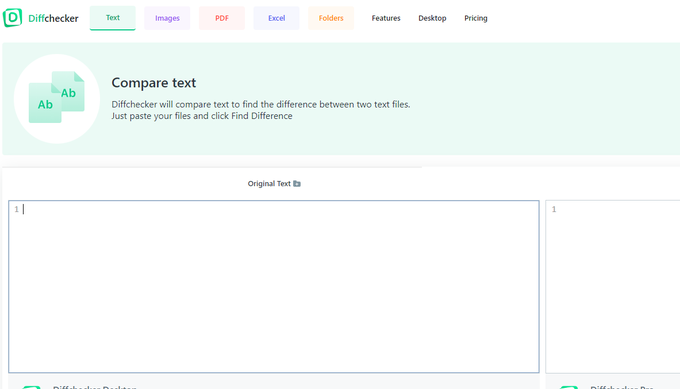
8. Diffchecker - Compare documents

Use Diffchecker to quickly identify the difference(s) between two versions. of a document, excel file or pdf or image
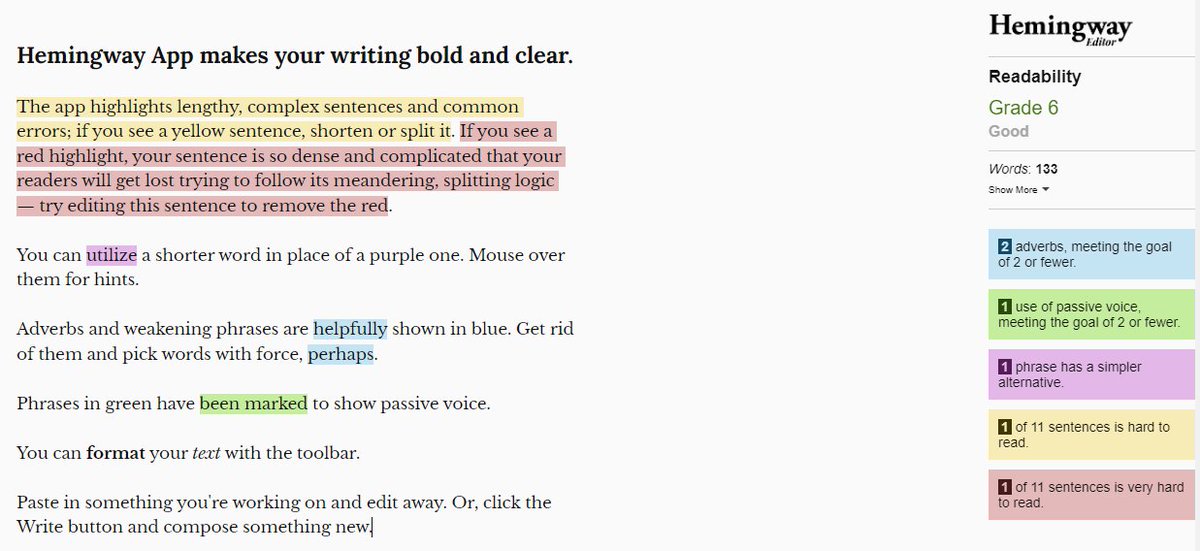
9. Hemingway

A word editor that grades writing for readability. Helps in removing errors/typos, Cut adverbs, complex words, and long sentences

Try to get readability score below 10!
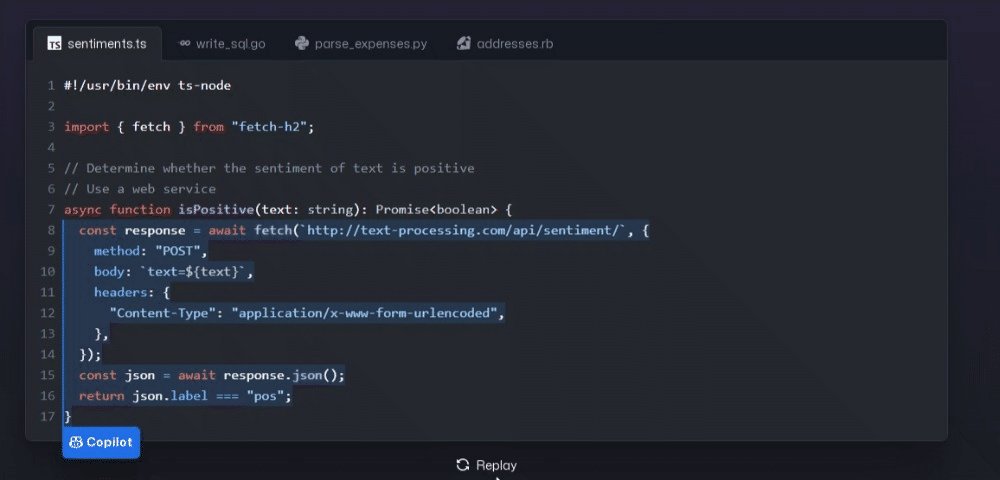
10. Github Copilot

AI pair programmer that helps you write code faster and with less work.

It draws context from comments and code to suggest individual lines and whole functions instantly.

Not free but awesome
Follow me @divyamittal_IAS for more of such threads!

More from Divya Mittal

Many people ask me how I am able to multi-task! The answer is Technology!

10 amazing tools/sites you should start using today:

Retweet for maximum reach

1. Dictation. io

Dictate your emails and documents in Google Chrome in English, Hindi, Marathi, Gujarati etc. Made in India!

No need to type anything! Just speak and you are done!! Saves lot of time every day.

https://t.co/AVlHj82OR0


2. Tiny Wow

Edit photos, pdf files and convert formats etc

Moreover, Tiny Wow offers 32 online tools to process PDF: edit, split, merge, compress, and much more.

https://t.co/0oTPNu3kCQ


3. Canva

@canva is an easy-to-use graphic design tool. Choose from hundreds of beautiful templates and designs!

https://t.co/WKEQrCF5J9


4. WolframAlpha

Ever got stuck in Maths - Step by step solutions to Algebra, Plotting functions etc; Chemistry, Physics!! There are loads of other tools as well on finance, geography etc! Just super amazing tool it is @Wolfram_Alpha

https://t.co/YwrIgaHXOr

More from Website

10 websites you didn't know you were missing (until now) :

https://t.co/vC0nCFDmk0

People are visual learners.

Easily turn your data into stunning charts, maps, and interactive stories.

Upload a spreadsheet, and return with:

• Animated bar charts
• Survey data
• Scatter plots
• Story maps & more


https://t.co/g9YBl2ELwq

Looking for a way to make your presentations more engaging?

Build interactive polls, quizzes, and more allowing your audience to engage in real-time.

Using their smartphone, attendees can answer questions and the results are visualized as they happen.


https://t.co/wsUNfyHzFb

An online collaborative whiteboard ideal for remote meetings, brainstorming, and ideation across teams.

• Make flowcharts
• Build product roadmaps
• Engage in a quick retrospective

The best part?

It's free.


https://t.co/RxDEsvPB2w

My friend @thejustinwelsh brought this site to my attention recently.

If you're in the solopreneur game and need to spin up a quick landing page or website for just about anything, Carrd is tough to beat.

Simple, free, mobile responsive.

Check 'em out.

You May Also Like

And here they are...

THE WINNERS OF THE 24 HOUR STARTUP CHALLENGE

Remember, this money is just fun. If you launched a product (or even attempted a launch) - you did something worth MUCH more than $1,000.

#24hrstartup

The winners 👇

#10

Lattes For Change - Skip a latte and save a life.

https://t.co/M75RAirZzs

@frantzfries built a platform where you can see how skipping your morning latte could do for the world.

A great product for a great cause.

Congrats Chris on winning $250!


#9

Instaland - Create amazing landing pages for your followers.

https://t.co/5KkveJTAsy

A team project! @bpmct and @BaileyPumfleet built a tool for social media influencers to create simple "swipe up" landing pages for followers.

Really impressive for 24 hours. Congrats!


#8

SayHenlo - Chat without distractions

https://t.co/og0B7gmkW6

Built by @DaltonEdwards, it's a platform for combatting conversation overload. This product was also coded exclusively from an iPad 😲

Dalton is a beast. I'm so excited he placed in the top 10.


#7

CoderStory - Learn to code from developers across the globe!

https://t.co/86Ay6nF4AY

Built by @jesswallaceuk, the project is focused on highlighting the experience of developers and people learning to code.

I wish this existed when I learned to code! Congrats on $250!!