So I got out some CF cards and noticed something odd about this one. Do you see the weirdness?

They're definitely not USB.
https://t.co/mYfFMy1qdX
Flip it over, bend it in half, and now you can plug your SD card right into a USB port pic.twitter.com/jeBefP2xU1
— foone (@Foone) May 2, 2020
This is a normal CF card in most cases, you can use it in normal CF card readers and such

1. it only works with jumpSHOT CF cards with the "USB enabled" logo on them
2. THERE'S NOTHING INSIDE IT
But that's two microcontrollers. Why not save money and just have one?
More from foone


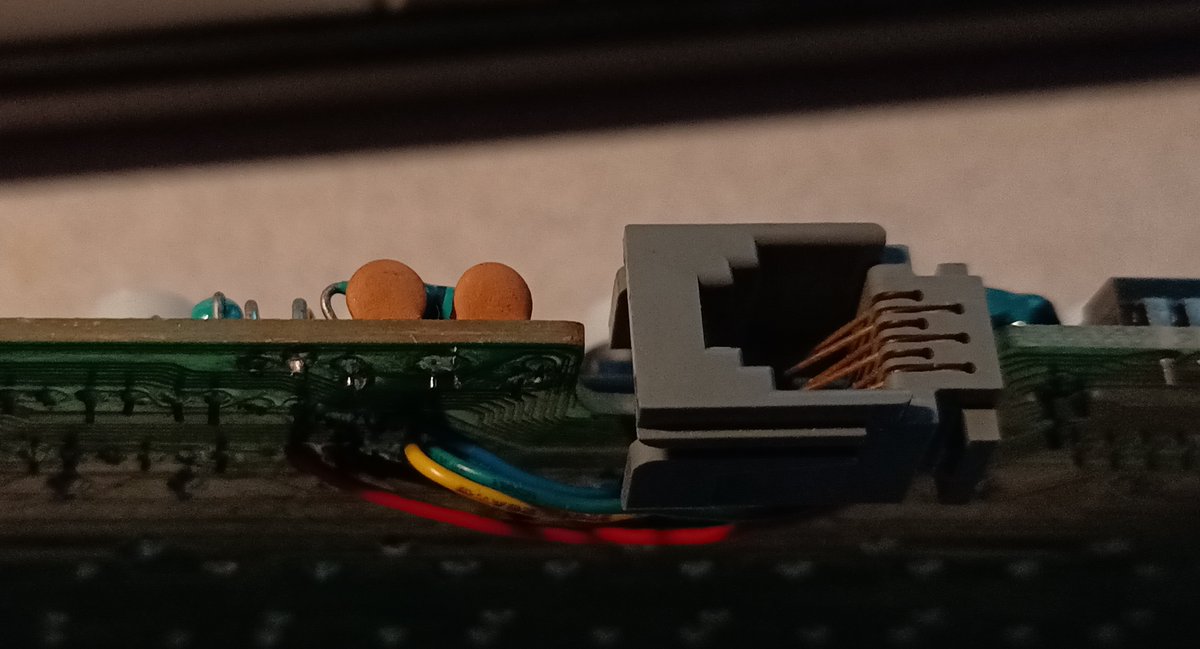


A fun fact on the wikipedia page for the metal–oxide–semiconductor field-effect transistor:
it is the most frequently manufactured device in history, and the total number manufactured from 1960-2018 is 13 sextillion.
That's 13,000,000,000,000,000,000,000.
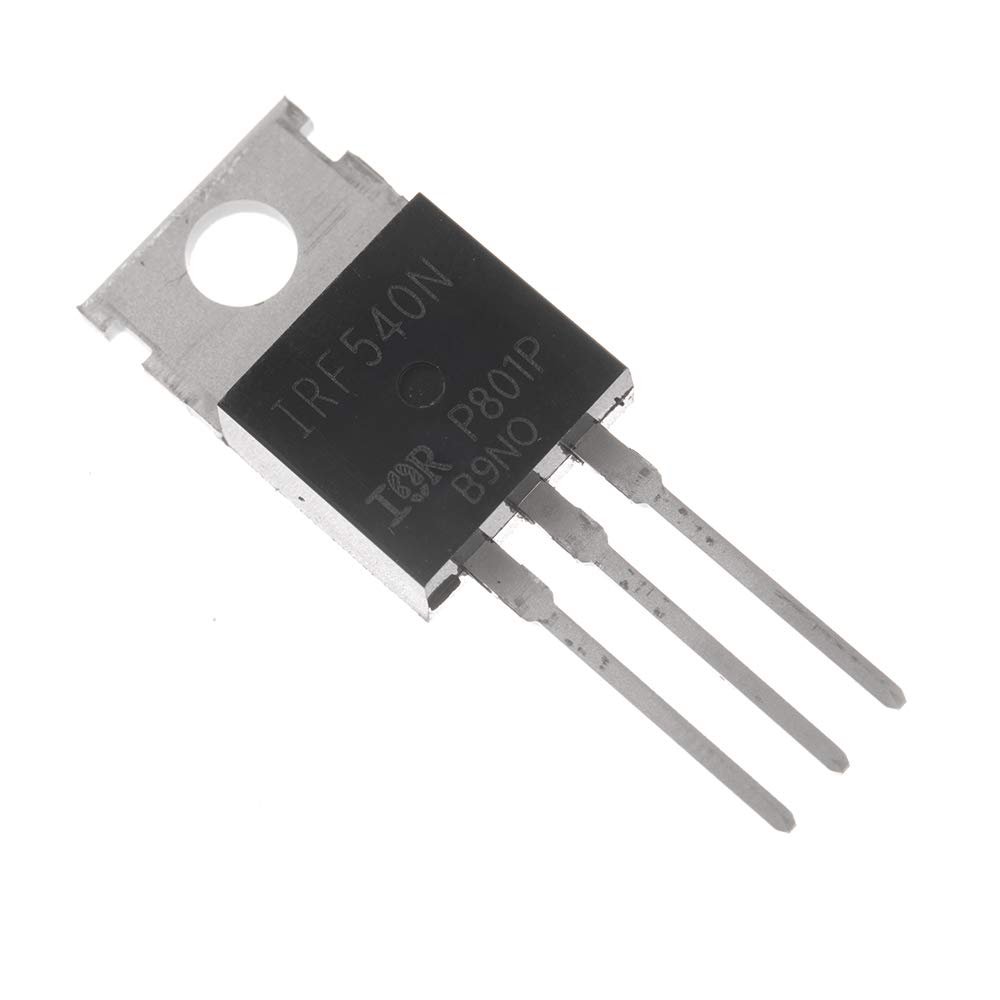
Though this picture is a bit misleading.
Even with devices this small, we couldn't make 13 sextillion of them in 60 years.
So imagine a chip like this. It's the 555 timer, which is one of the most popular integrated circuits ever made.
In 2017, it was estimated a billion are made every year.
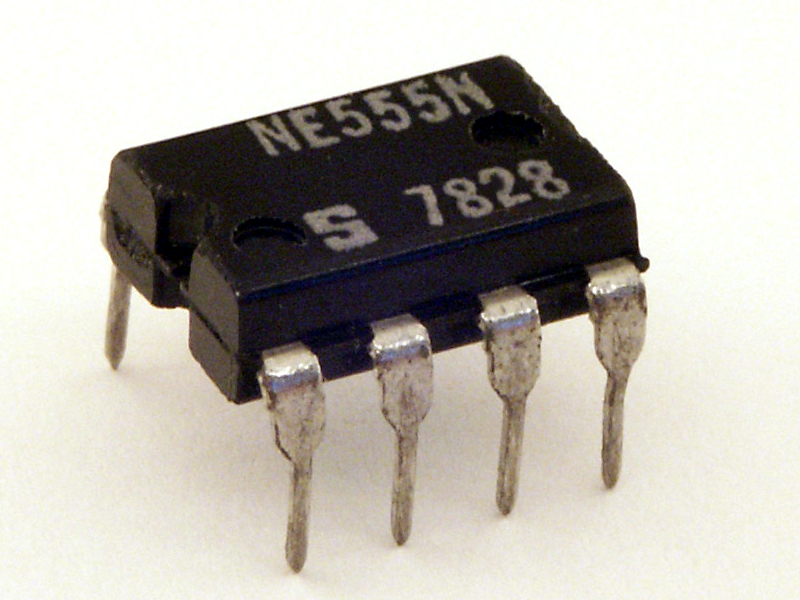
And at the heart of it is the die, which looks like this:
(from Ken Shirriff's blog)
https://t.co/mz5PQDjYqF
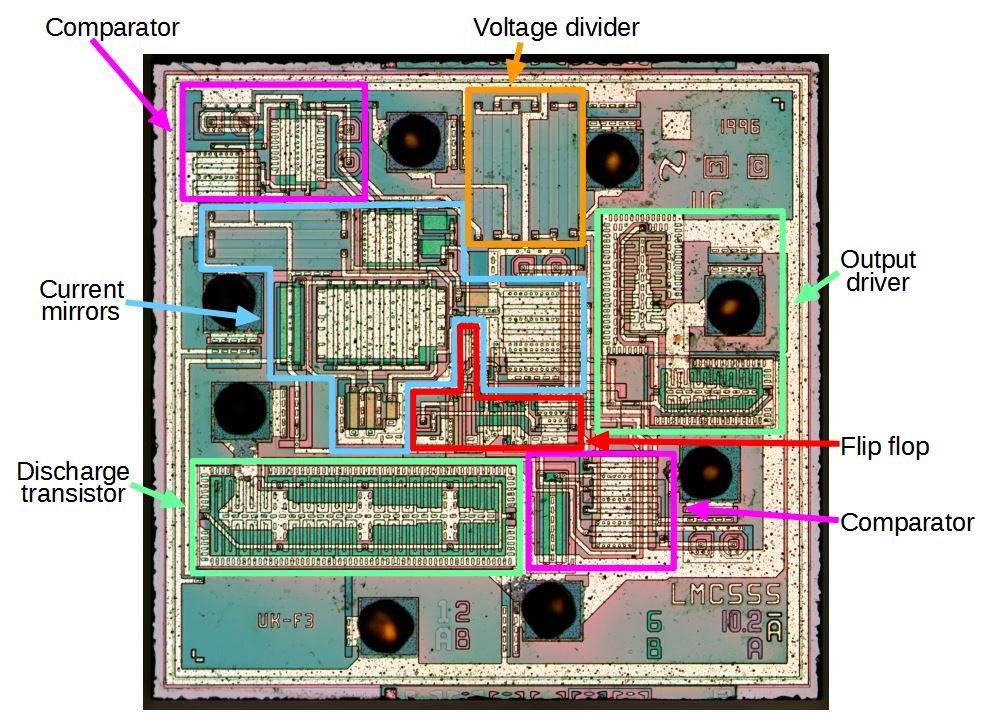
And that's fundamentally a bunch of CMOS transistors (along with some diodes and resistors), which are a type of MOSFET. How many of them are on a 555?
about 25. Not many, but it's a very simple chip.
it is the most frequently manufactured device in history, and the total number manufactured from 1960-2018 is 13 sextillion.
That's 13,000,000,000,000,000,000,000.
Though this picture is a bit misleading.
Even with devices this small, we couldn't make 13 sextillion of them in 60 years.
So imagine a chip like this. It's the 555 timer, which is one of the most popular integrated circuits ever made.
In 2017, it was estimated a billion are made every year.
And at the heart of it is the die, which looks like this:
(from Ken Shirriff's blog)
https://t.co/mz5PQDjYqF
And that's fundamentally a bunch of CMOS transistors (along with some diodes and resistors), which are a type of MOSFET. How many of them are on a 555?
about 25. Not many, but it's a very simple chip.