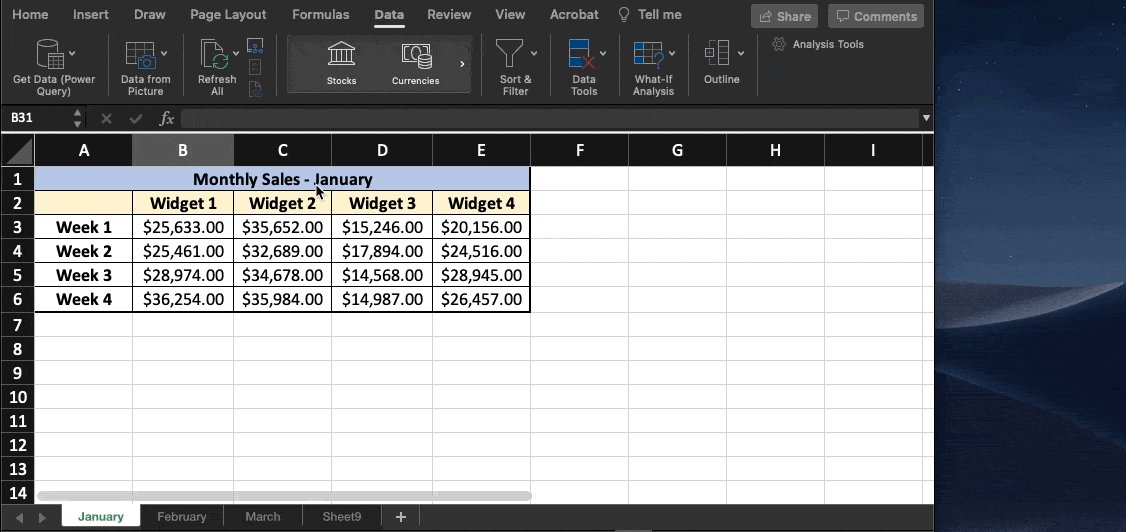
Custom Lists:
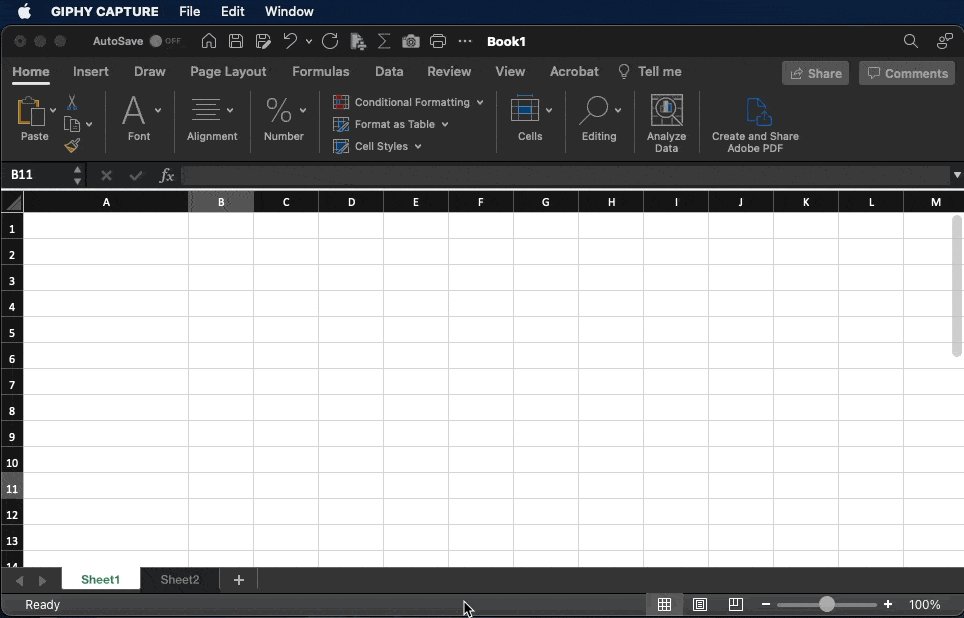
Stop wasting time entering the same customer names, product types, and generally repetitive data.
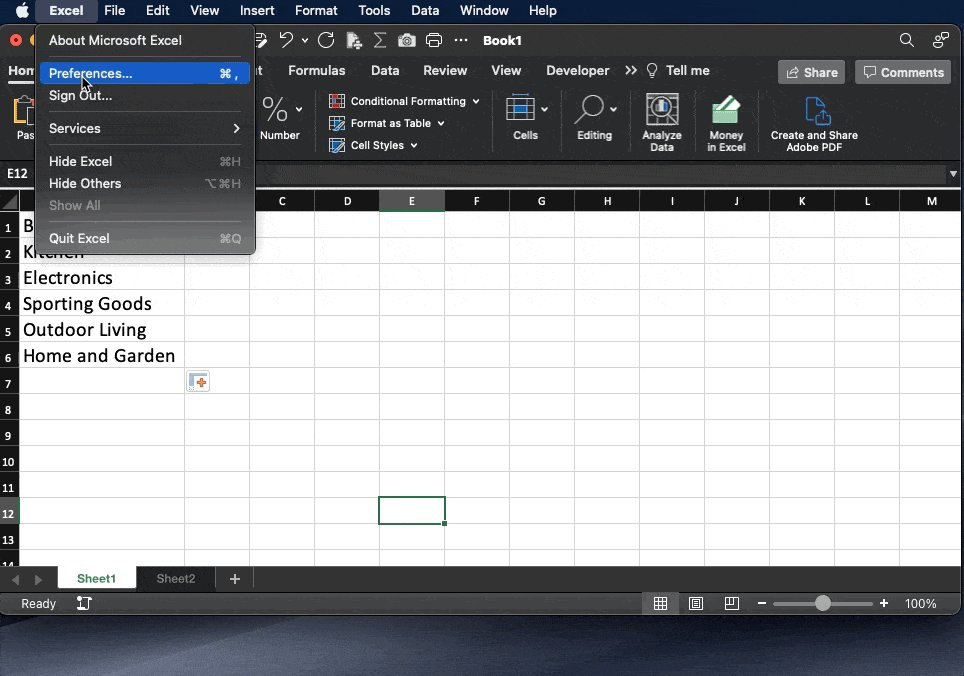
Creating custom lists is easy.
• Excel
• Preferences
• Custom Lists
• Create and click "Add"
Type the first item, then drag, and the rest of your list appears!
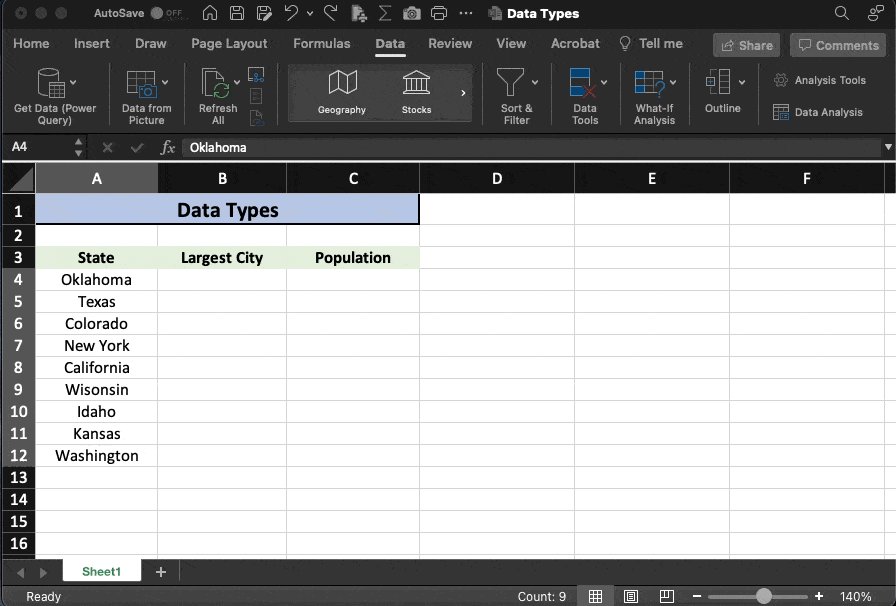
Data Types:
Data Types is a relatively new feature that was added to Excel in 2020.
It allows you to enter text, select data type, then extracts information based on the criteria you select.
Here's a pretty cool example using states where we can pull population data instantly:
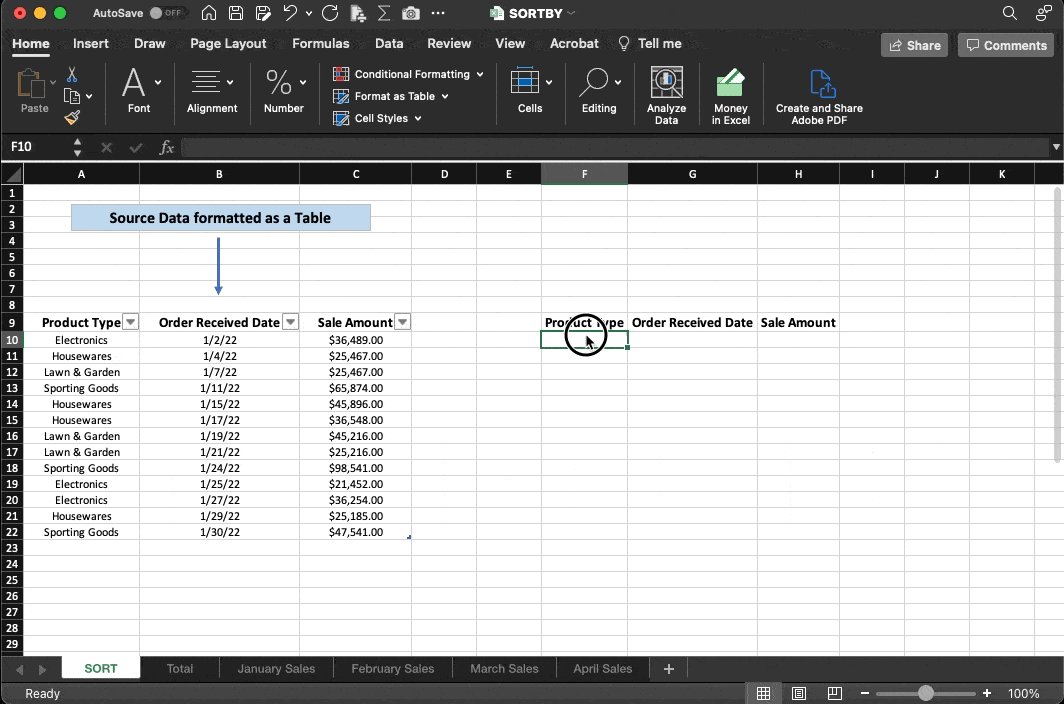
SORTBY:
I'm a fan of organized data.
What I'm not a fan of?
Manually updating my sort every time something changes or new information is added.
Here's an easy fix.
With the SORTBY function, we can create a table that dynamically adjusts along with our data in real-time.
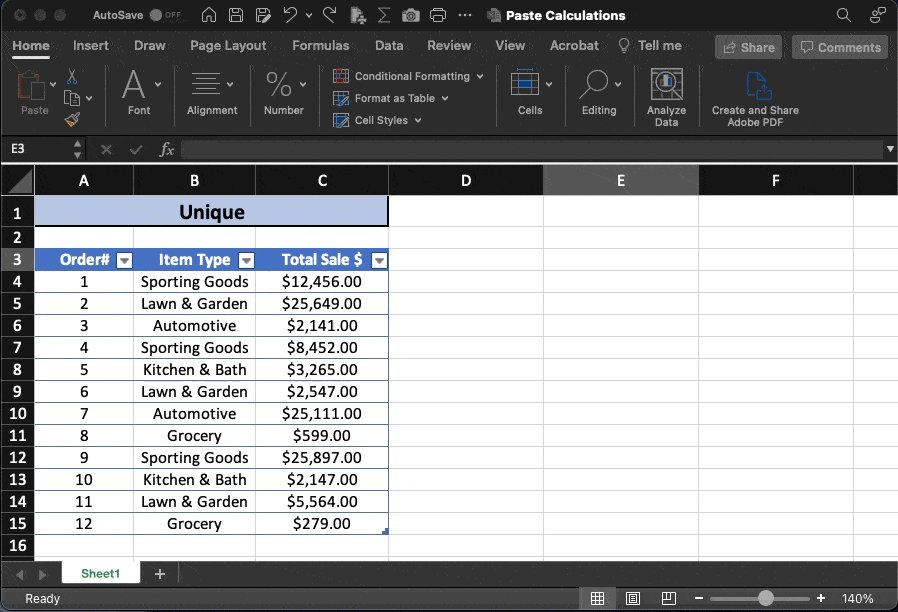
Unique:
Back in the day, Pivot Tables were my go-to for identifying unique items within large data sets.
Not anymore.
Now I use the "Unique" function in MS365 to easily identify and separate repeated items.
So simple.
Don't blink or you'll miss it:
XLOOKUP: (MS365)
If you're an old-school Excel user, there's no doubt you're familiar with V-Lookup.
X is the new & improved version, here's why:
•Lookup array does NOT have to be only on the left-hand side.
•Allows you to return multiple values at the same time.
Combine Text using "&"
Let's say you have a list of First & Last names you need to combine.
• Select the destination cell
• For our example the function will be:
👉🏻 =A3&" "&B3
• Press "Enter"
It's that easy.
Did you know you can paste data from Excel into Word or PowerPoint and...
It will update automatically?
• Copy from Excel
• "Paste Special" in Word
• Select "Paste link"
• MS Excel Worksheet Object
The picture in Word updates as data changes in Excel!
Automatic Abbreviations:
If you're like me, autocorrect is more of an annoyance than a help.
Let's change that.
Set up your own custom list of abbreviations, and bend its powers to your will.
Type 'TBD'
Press 'Enter"
Output = 'To be determined'
Custom Ribbon Tabs:
The top ribbon in Excel is the home for all of the most commonly used commands.
But what if something you use regularly is missing?
Or what if you want to have a custom group containing only YOUR favorite tools?
Create a Custom Tab, like this:
Camera Snapshot
Here's a little-known trick to move data between workbooks.
First, add "camera" to your quick access toolbar.
•Select your data ⇢ click 📷
•Paste to new workbook
The cool part: When you update the main workbook, the data in the picture updates as well! 🤯
Bonus: Flash Fill:
Let's say you've got all the data you need––it just isn't in the right place.
"Flash Fill" is your friend.
Quickly extract pieces of text from one cell and move them to another OR combine text from multiple cells into a single place.
Need to get better at Excel?
Don't have much time?
Let me help.
10 Days to Master the Basics:
Link here 👉🏻
https://t.co/xk80SJzWHA