Undo Send:
Don't tell me you haven't done it.
You clicked "reply all" on a message including your boss when you meant to only reply to your friend.
Save yourself!
With Undo Send, Gmail allows you to recall a message sent in error for up to 30 seconds after you click send.
Tie emails to Tasks:
Look, we're all busy.
When your inbox is filling up faster than you can handle, it's easy to forget to reply, miss an assignment, or just plain feel overwhelmed.
Connecting emails to tasks can help.
Get reminders, add details, subtasks, and more.
Schedule Send:
With schedule send, you can draft an email at a time that works for you.
Then schedule it to be sent at a time that fits your employees' and customers' day.
In the world of remote work, this is critical.
It's a win-win.
Work on your time, send on theirs.
Confidential Mode:
Sometimes you send an email you'd prefer not live on forever.
Better yet, you'd like it if the recipient wasn't able to save, copy, or forward to someone else.
With confidential mode, you can do just that.
Set expiration dates, require passcodes, & more.
Canned Responses:
I don't know about you, but I get tired of saying the same thing over and over again.
I like to let people know I've read their message, but I hate typing "sounds good" or "looking forward to it" every day of my life.
Settings->advanced->templates->enable:
Mute Conversations:
If there's one thing I can't stand, it's being copied on an email that has nothing to do with me.
Worse yet, getting pinged with responses from everyone included in the thread.
There's an easy fix.
Mute conversations & get on with your life.
Here's how:
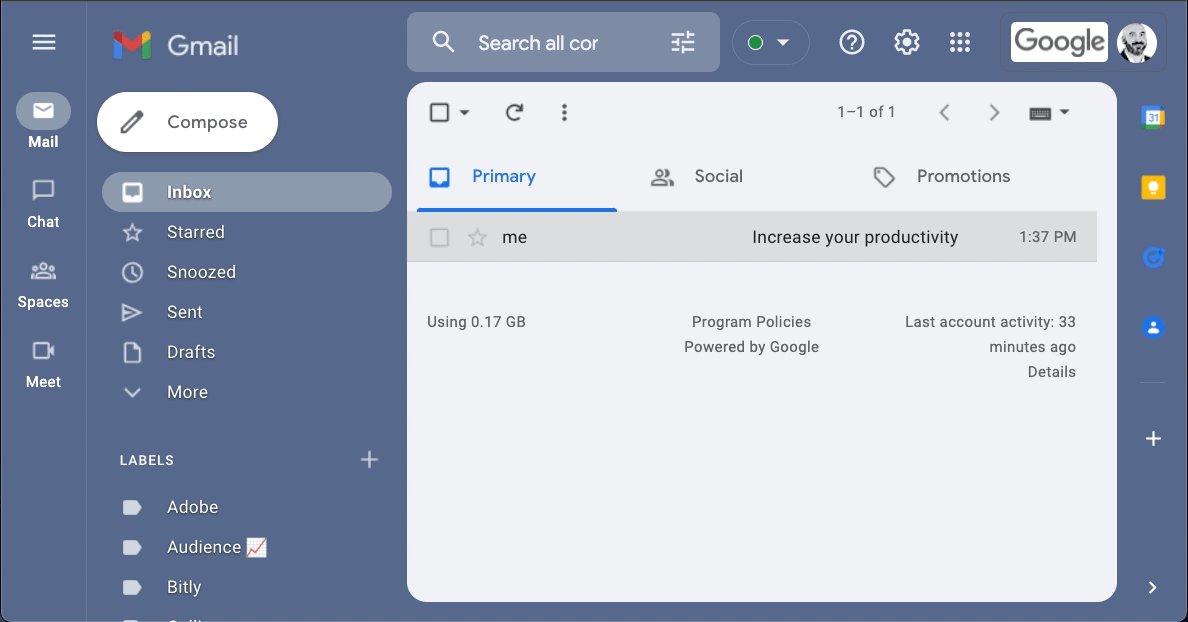
Get rid of those annoying tabs:
Primary, Social, Promotions, etc. I don't need them.
If you're like me and just want a simple inbox where all messages reside, boy, have I got a tip for you.
Turn off the categories and clean up your inbox in a few easy clicks:
Skip the inbox:
Filters are one of the most underutilized features in Gmail.
What seems like simple sorting on the surface, can help you unlock productivity in ways you never imagined.
• Skip your inbox
• Apply labels
• Forward
• Auto-reply with templates & more.
Shortcuts:
Learning keyboard shortcuts is like opening the door to a world of speed and ease you didn't know existed.
Effortlessly move between messages, archive, send & more.
Wait... Not so fast.
You need to activate them first.
Once they're on, SHIFT + ? shows you a list.
Preview emails:
Converting from Outlook & miss your "preview pane?"
Gmail lets you preview as well.
•Head to settings > all-settings
•Locate Inbox > enable reading pane
Now you can read mail right next to your inbox - Read & write faster while adding more context.
See more (or less) emails at a time:
For me, my inbox serves as a defacto "to-do" list.
If a message is there, I haven't taken action.
That said, the number of messages shown can be a bit too much at times.
Limit the max page size and you control how many you see.
Auto-Advance:
I'm an "inbox-zero" type of person.
I like to keep it clean, organized, and as minimal as possible.
Enabling auto-advance helps to speed up the process of sorting your mail each day.
Once you mute, delete, or archive a message, the next is automatically shown.
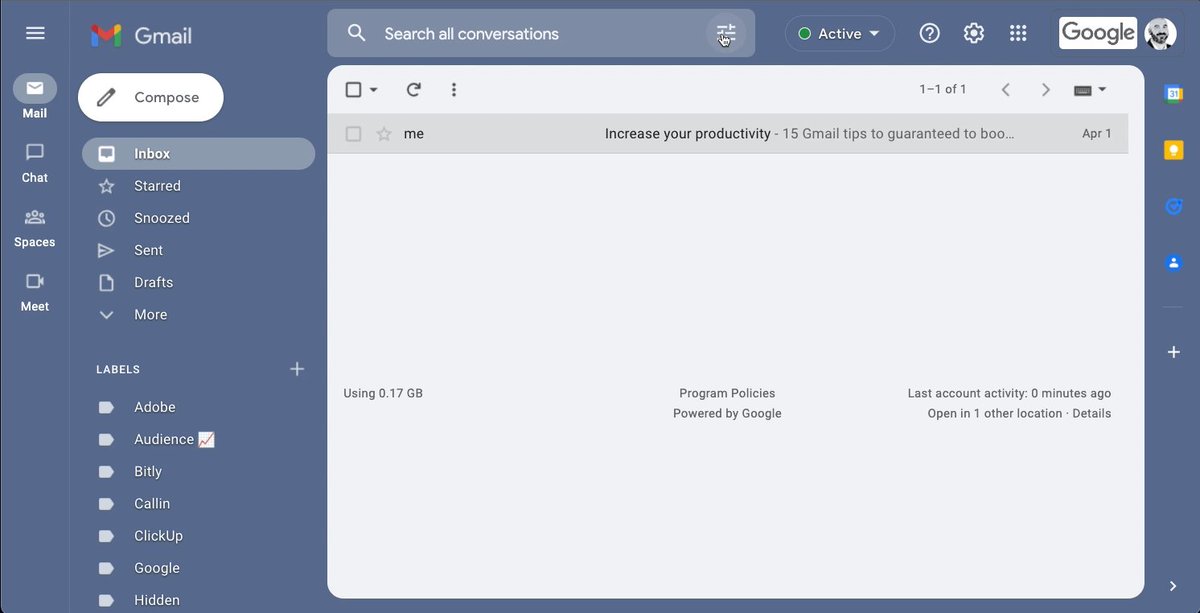
Bonus: New Gmail View
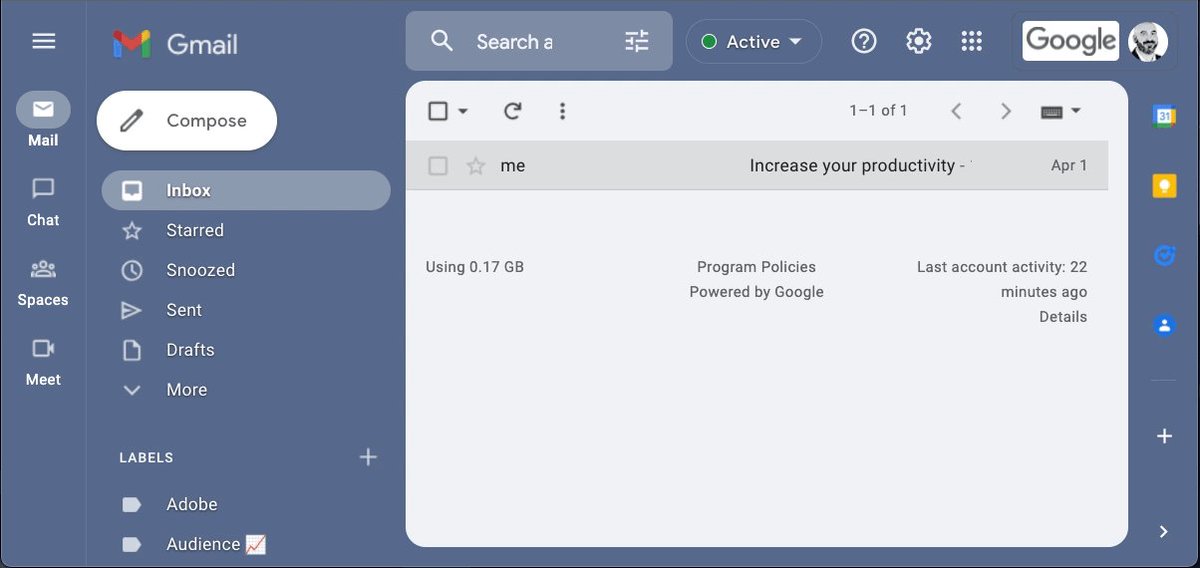
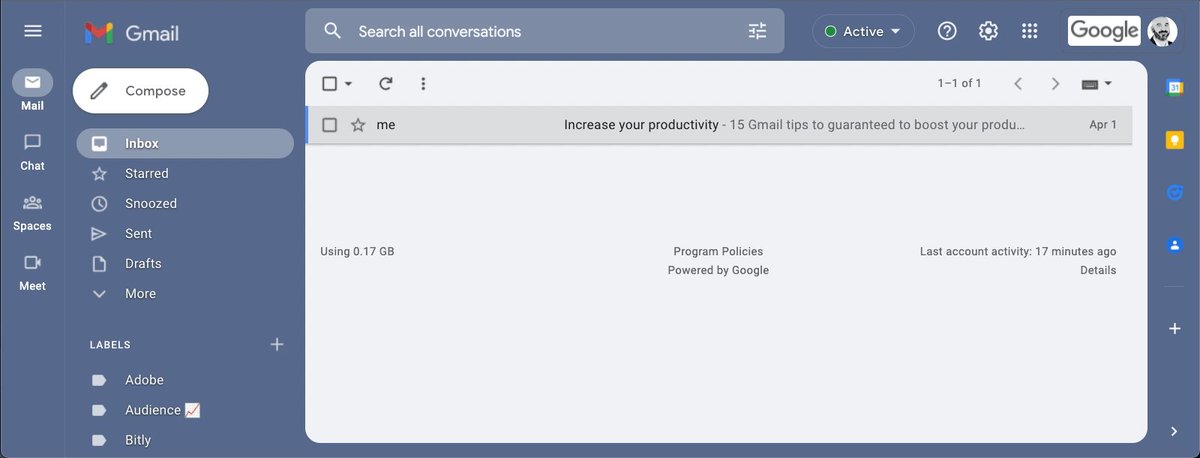
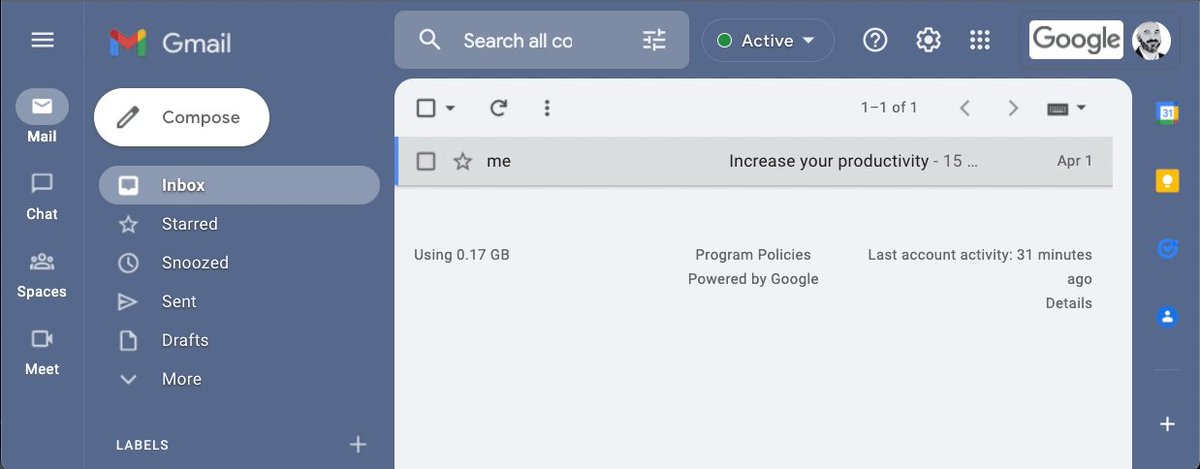
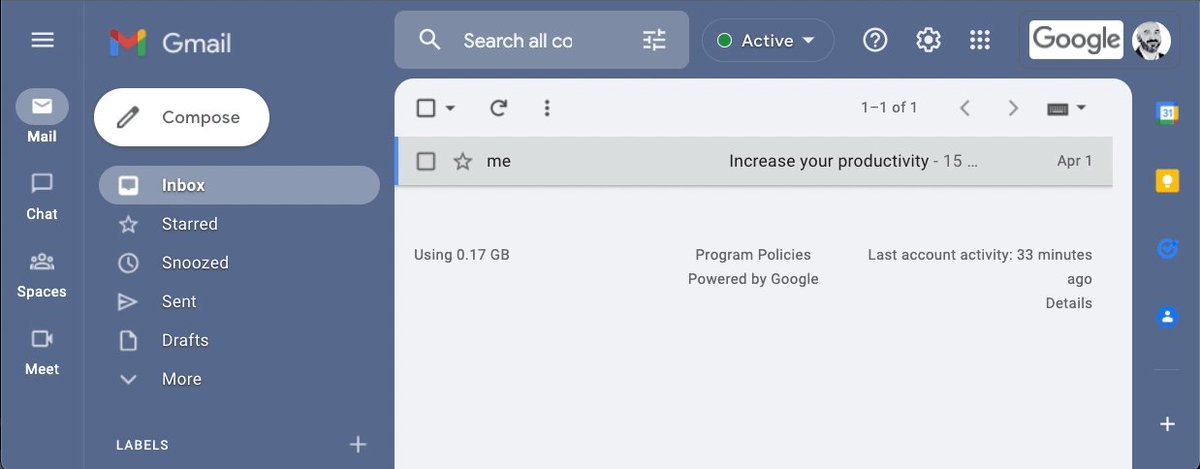
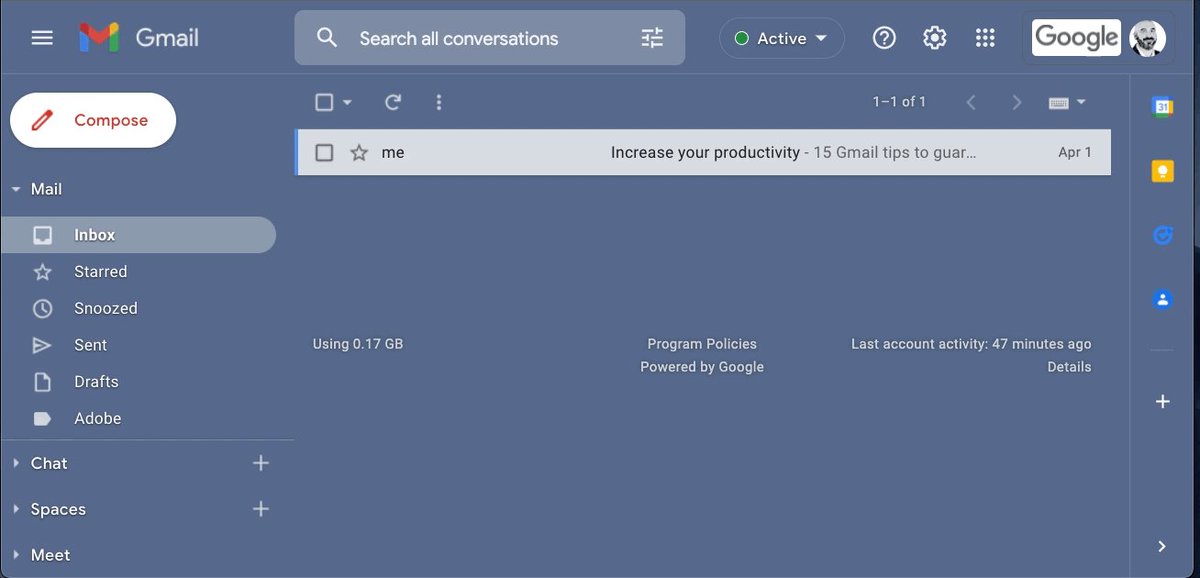
You may have noticed going through this thread that my Gmail doesn't look the same as yours.
If this is the case, you should check out the new Gmail view.
Here's where to find it, enable it, and see for yourself:
That's all for today!
Follow me
@blakeaburge for weekly threads on business, productivity, & building a better you.
Join over 8,000 others & check out my newsletter:
"While You Were Away"
•The best of Twitter
•In your inbox
•Every Sunday
https://t.co/KPDWcYfMx3