6 GitHub repositories that can help you as a developer

🧵 👇🏻

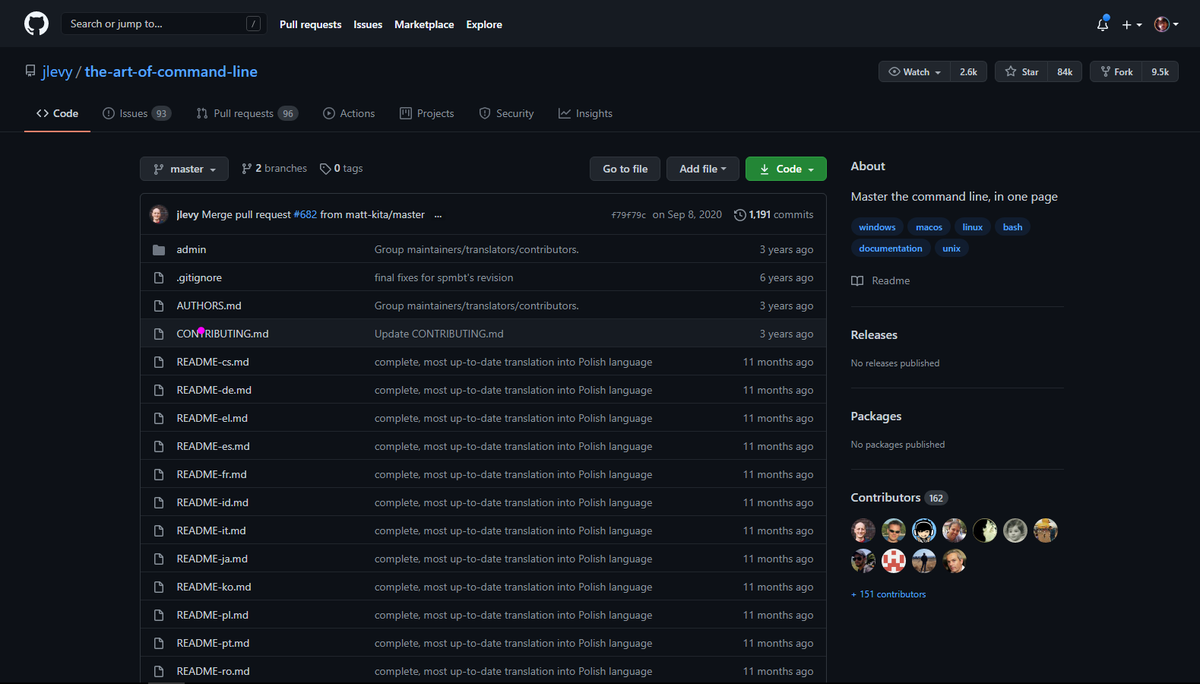
📌 Art of Command Line

Learning command line interface is always beneficial for developer. In this repo you'll find different section for Linux, windows and MAC commands

https://t.co/uF2RlcUIxb
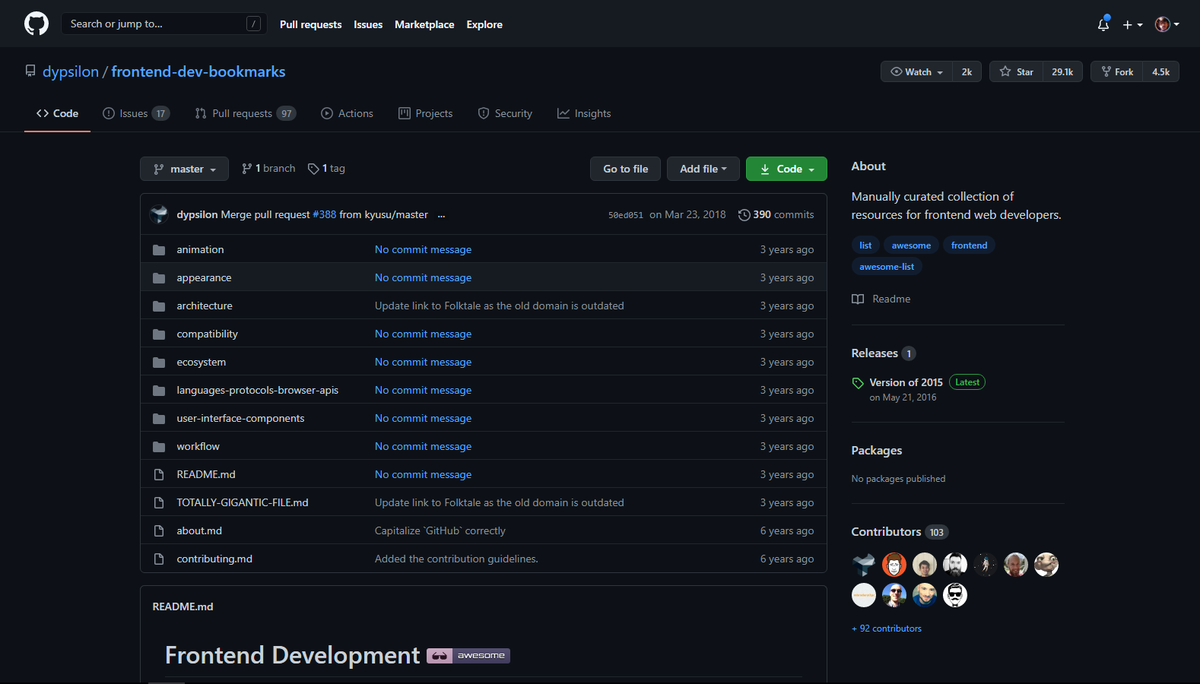
📌 Front-end Developers Bookmarks

A huge collection of resources for frontend web developers including appearance, architecture, compatibility etc

https://t.co/1G1q7mmC0t
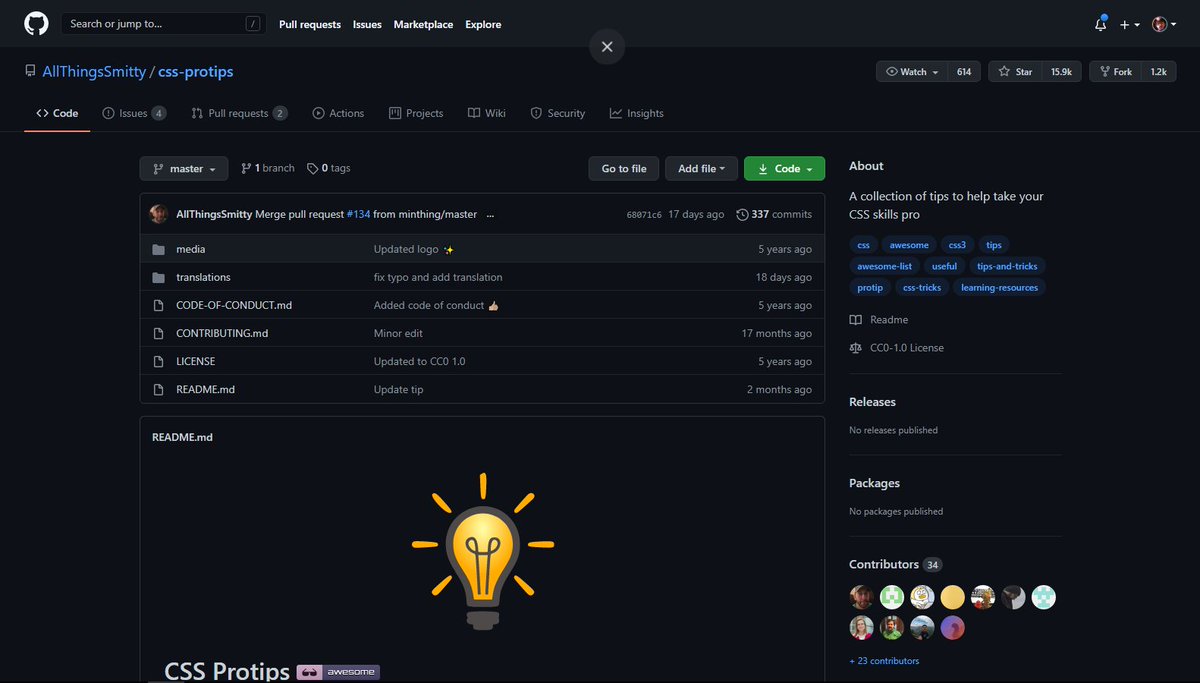
📌 CSS Pro Tip

As the repo name suggests, In this repo you'll find a lot of tips and tricks that can help you to become a CSS pro

https://t.co/5haB2xTWuz
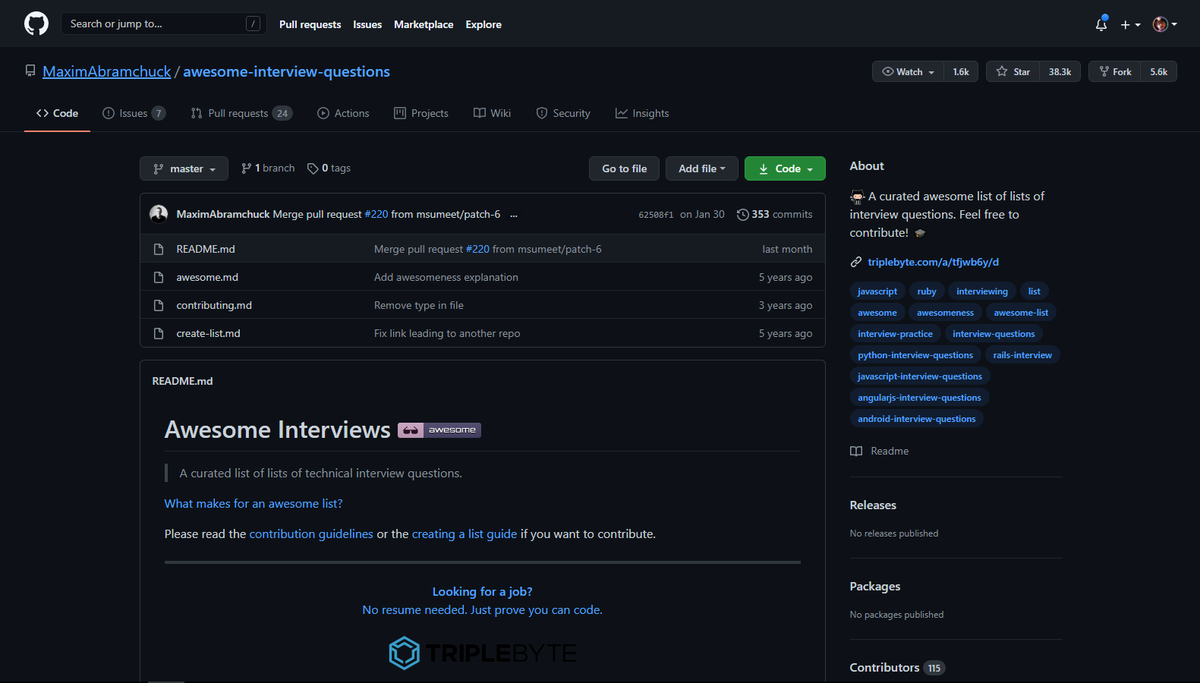
📌 Awesome Interview Questions

In this repo you'll find a huge list of interviews questions divided in the various section in according to the language, frameworks and libraries

https://t.co/iXNMTENv46
📌 30 Seconds of Code

Short JavaScript code snippets for all your development needs

https://t.co/zWcmMtg2xa
📌 Awesome Design Patterns

A curated list of software and architecture related design patterns divided in the various categories. Definitely check it out.

https://t.co/Cg3xHXuTuF
Feel free to add more down below ❤️

More from Pratham 👨‍💻🚀

If you start with the right course then the process becomes a little easier

I found some amazing YouTube videos and courses that will help you start your Web Development journey

🧵👇🏻

HTML and CSS

- A great way to arouse your web dev journey with Gary's (@designcoursecom) course on YouTube

🔗
https://t.co/xjm7nfV2L2


JavaScript

- Although it's impossible to learn JavaScript in 2 hours but JavaScript mastery is one the best YouTube chanel for JavaScript. This 2 hours long crash course will help you start your journey and gives you quick overview.

🔗 https://t.co/1zcSeu4zKE


Git and GitHub

Git is an essential tool. And after learning JavaScript, I think one should go for Git and GitHub. Check out this free great course on Udemy

🔗 https://t.co/E14cibOLXb


React

What you'll learn
- what problems React can solve
- how React solves those problems under the hood
- what JSX is and how it translates to regular JavaScript function calls and objects
- manage state with hooks
- build forms

🔗 https://t.co/3z22aeVQFc
You can learn 90% of CSS using these 10 threads

🧵👇

1. All you need to know about CSS


2. Getting started with CSS animations


3. Z-index is tricky but this thread solve all your doubts


4. CSS positioning concepts
7 amazing websites that will help you improve your CSS skills

🧵👇

1️⃣ Learn to code HTML and CSS

- Learn how to build beautiful and intuitive websites by way of clear and organized lessons

🖇️
https://t.co/bl2rx2q8vk


2️⃣ CSS reference

- CSS Reference is a free visual guide to CSS. It features the most popular properties, and explains them with illustrated and animated content

🖇️ https://t.co/XAlj33g1Zk


3️⃣ CSS tutorial

- These tutorials on web design & CSS makes learning this stuff fun and easy

🖇️ https://t.co/y9vAj6fMGk


4️⃣ CSS Layouts

- This site teaches the CSS fundamentals that are used in any website's layout.

🖇️ https://t.co/n4EGLScpDF
Five free VS Code extensions that will change the way you do web development:

1. RapidAPI Client

Fulfill all your need for API development.

• Test and consume APIs
• Work with your VS Code theme
• Generate TypeScript, Swift, and Python interfaces from responses.

🔗
https://t.co/FR0QhyTi8v


2. Better Comments

Create more human-friendly comments in your code.

• Alerts
• Queries
• TODOs
• Highlights

🔗 https://t.co/AV2BwAMAlL


3. Git Graph

View a Git Graph of your repository and efficiently perform Git actions from the graph.

🔗 https://t.co/S5wagmTgsa


4. Peacock

Do you have a habit of keeping multiple VS Code windows open?

Peacock lets you change the color of your VS code even if multiple instances are open.

🔗 https://t.co/bmidPkTQOK

You May Also Like

A brief analysis and comparison of the CSS for Twitter's PWA vs Twitter's legacy desktop website. The difference is dramatic and I'll touch on some reasons why.

Legacy site *downloads* ~630 KB CSS per theme and writing direction.

6,769 rules
9,252 selectors
16.7k declarations
3,370 unique declarations
44 media queries
36 unique colors
50 unique background colors
46 unique font sizes
39 unique z-indices

https://t.co/qyl4Bt1i5x


PWA *incrementally generates* ~30 KB CSS that handles all themes and writing directions.

735 rules
740 selectors
757 declarations
730 unique declarations
0 media queries
11 unique colors
32 unique background colors
15 unique font sizes
7 unique z-indices

https://t.co/w7oNG5KUkJ


The legacy site's CSS is what happens when hundreds of people directly write CSS over many years. Specificity wars, redundancy, a house of cards that can't be fixed. The result is extremely inefficient and error-prone styling that punishes users and developers.

The PWA's CSS is generated on-demand by a JS framework that manages styles and outputs "atomic CSS". The framework can enforce strict constraints and perform optimisations, which is why the CSS is so much smaller and safer. Style conflicts and unbounded CSS growth are avoided.