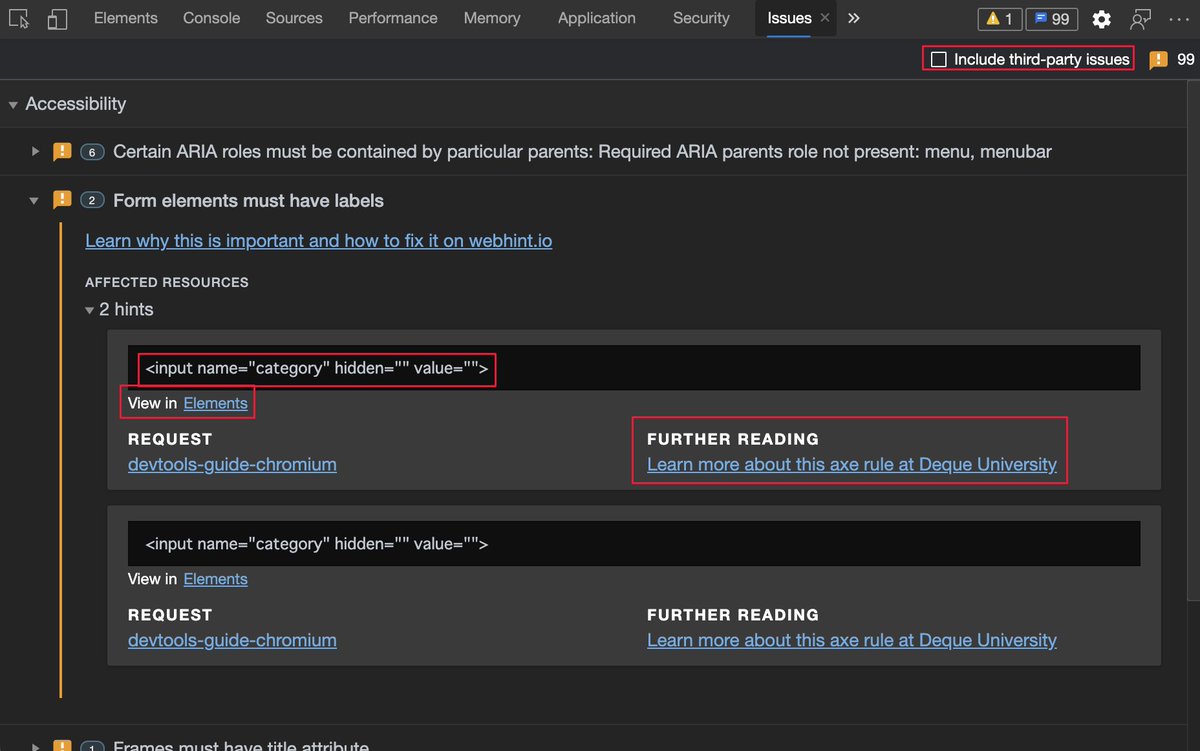
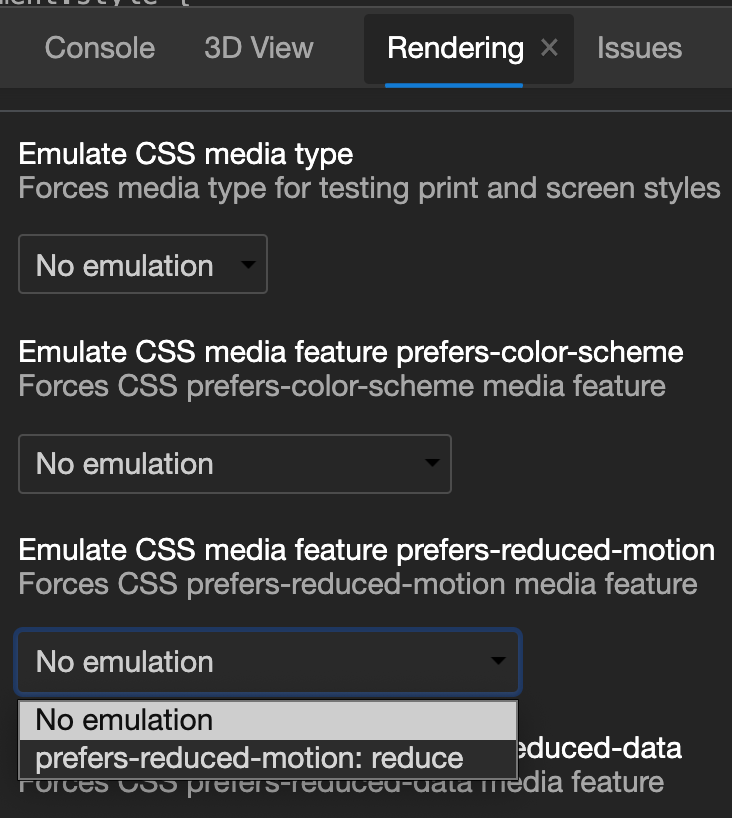
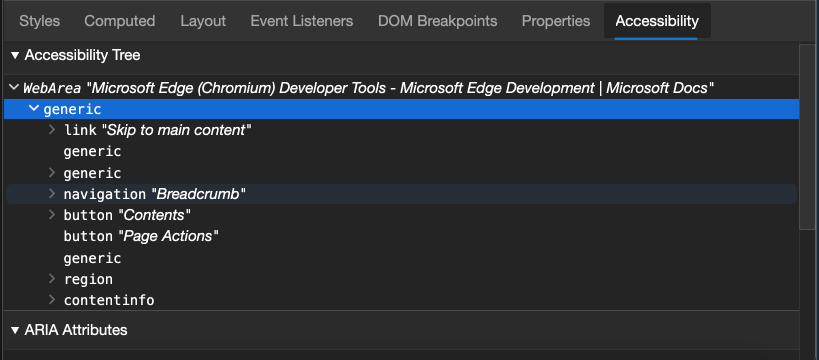
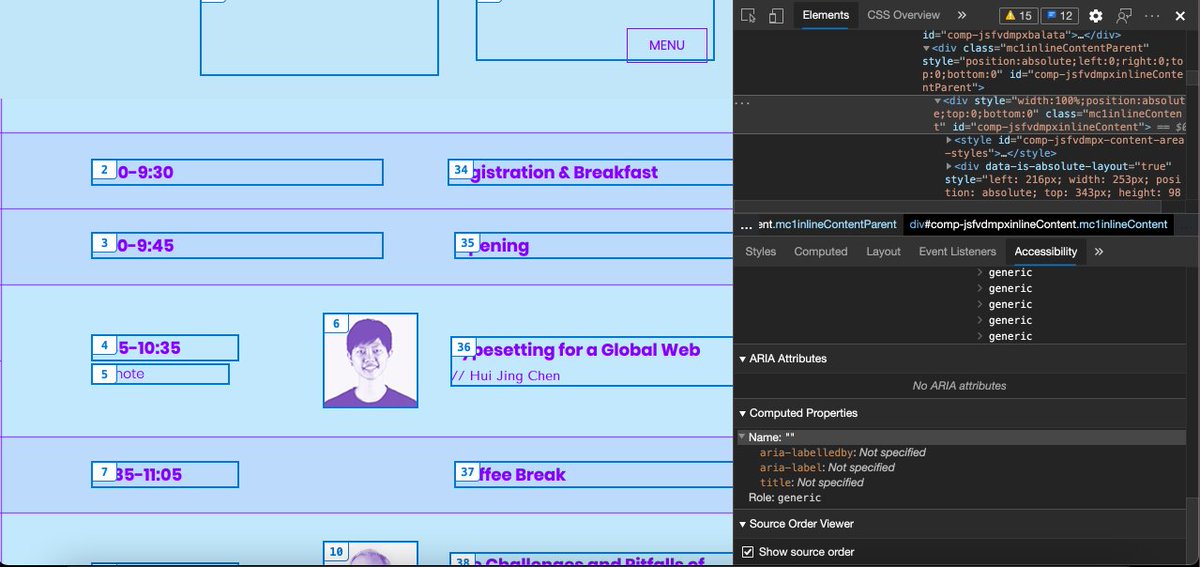
🚨 🦮 Seven ways to test for accessibility using only what is already in browser developer tools of Chromium browsers https://t.co/C7kdbigHGE
@MSEdgeDev @EdgeDevTools @ChromiumDev
#tools #accessibility #browsers
Also, a thread: 👇🏼
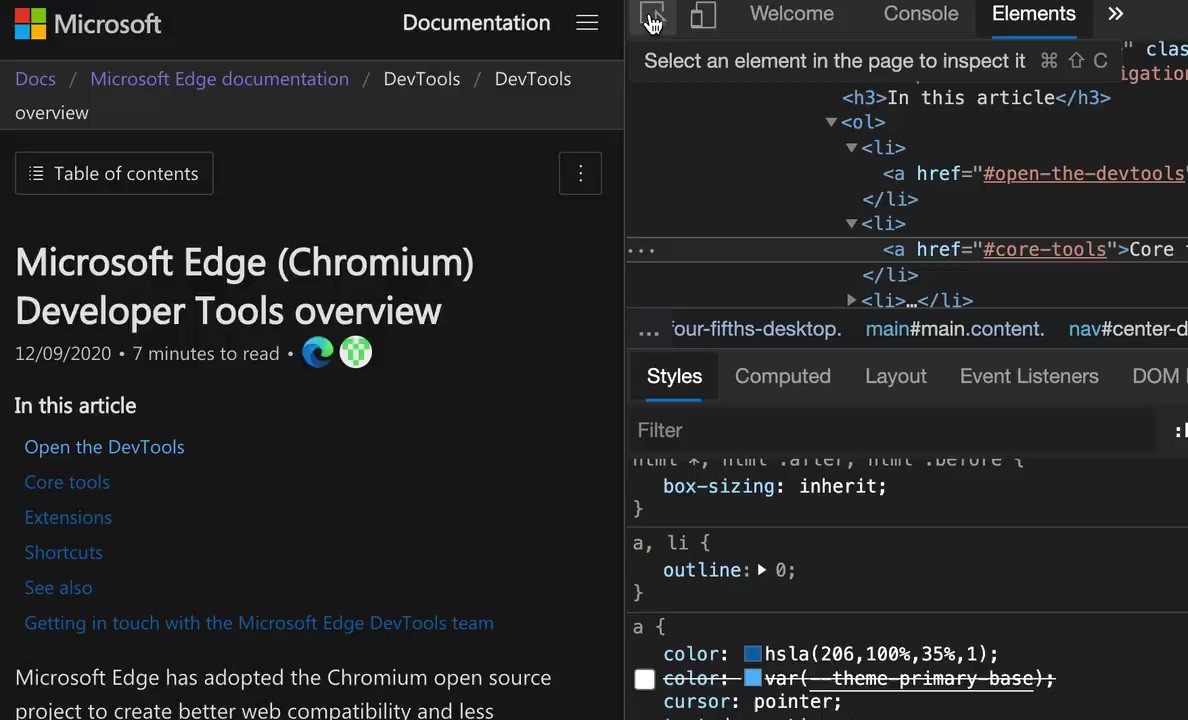
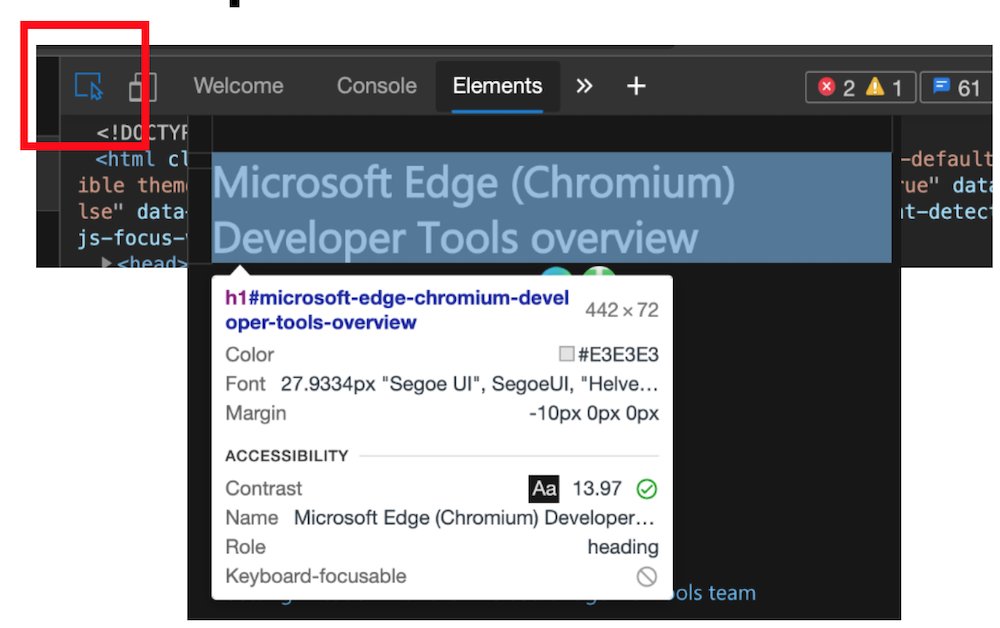
Note: the current algorithm fails to take font weight into consideration, that's why there will be a new one.

https://t.co/bxj1vySCAb
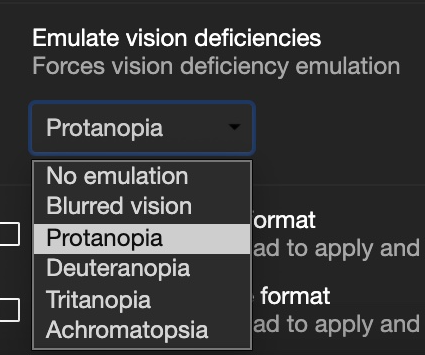
Sneak preview: soon we'll also have high contrast simulation.
More from Internet




SolarWinds follow up. Very good tweet explaining what happened.
Basically what this means is that SolarWinds itself was exploited. Someone posted an infected update as legitimate (digitally signed), leading customers to download a bad update.
“Multiple trojanized updates were digitally signed from March - May 2020 and posted to the SolarWinds updates website” https://t.co/8e3bMFWXYu

FireEye then explains that infected organizations were approached and exploited. This is a separate Step 2.
At this point, information is already going to “malicious domains” without extra intervention, after the malware does nothing for “up to two weeks”

Hackers reportedly slipped malware into prior SolarWinds software updates, which gave them access to a "God-mode" for infected networks, including the Treasury and Commerce departments.
— Wes Wilson (@weswilson4) December 14, 2020
The Pentagon is also a SolarWinds customer.https://t.co/Srcoztssol https://t.co/OgMhAjJqPx
Basically what this means is that SolarWinds itself was exploited. Someone posted an infected update as legitimate (digitally signed), leading customers to download a bad update.
“Multiple trojanized updates were digitally signed from March - May 2020 and posted to the SolarWinds updates website” https://t.co/8e3bMFWXYu
FireEye then explains that infected organizations were approached and exploited. This is a separate Step 2.
At this point, information is already going to “malicious domains” without extra intervention, after the malware does nothing for “up to two weeks”


You May Also Like







"I really want to break into Product Management"
make products.
"If only someone would tell me how I can get a startup to notice me."
Make Products.
"I guess it's impossible and I'll never break into the industry."
MAKE PRODUCTS.
Courtesy of @edbrisson's wonderful thread on breaking into comics – https://t.co/TgNblNSCBj – here is why the same applies to Product Management, too.
There is no better way of learning the craft of product, or proving your potential to employers, than just doing it.
You do not need anybody's permission. We don't have diplomas, nor doctorates. We can barely agree on a single standard of what a Product Manager is supposed to do.
But – there is at least one blindingly obvious industry consensus – a Product Manager makes Products.
And they don't need to be kept at the exact right temperature, given endless resource, or carefully protected in order to do this.
They find their own way.
make products.
"If only someone would tell me how I can get a startup to notice me."
Make Products.
"I guess it's impossible and I'll never break into the industry."
MAKE PRODUCTS.
Courtesy of @edbrisson's wonderful thread on breaking into comics – https://t.co/TgNblNSCBj – here is why the same applies to Product Management, too.
"I really want to break into comics"
— Ed Brisson (@edbrisson) December 4, 2018
make comics.
"If only someone would tell me how I can get an editor to notice me."
Make Comics.
"I guess it's impossible and I'll never break into the industry."
MAKE COMICS.
There is no better way of learning the craft of product, or proving your potential to employers, than just doing it.
You do not need anybody's permission. We don't have diplomas, nor doctorates. We can barely agree on a single standard of what a Product Manager is supposed to do.
But – there is at least one blindingly obvious industry consensus – a Product Manager makes Products.
And they don't need to be kept at the exact right temperature, given endless resource, or carefully protected in order to do this.
They find their own way.