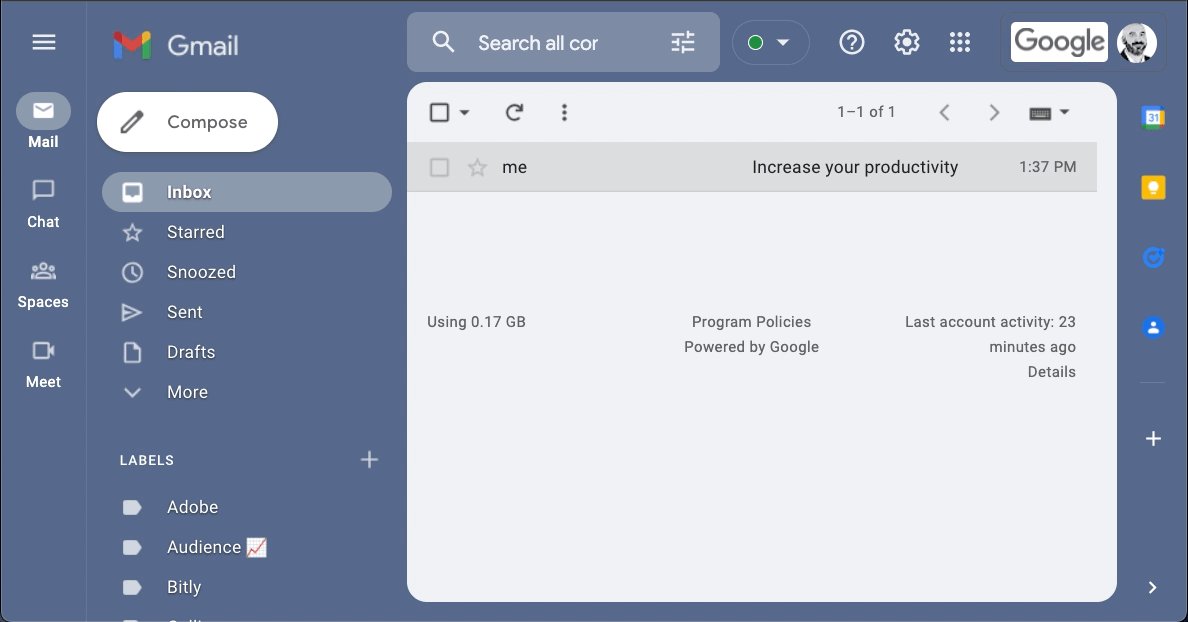
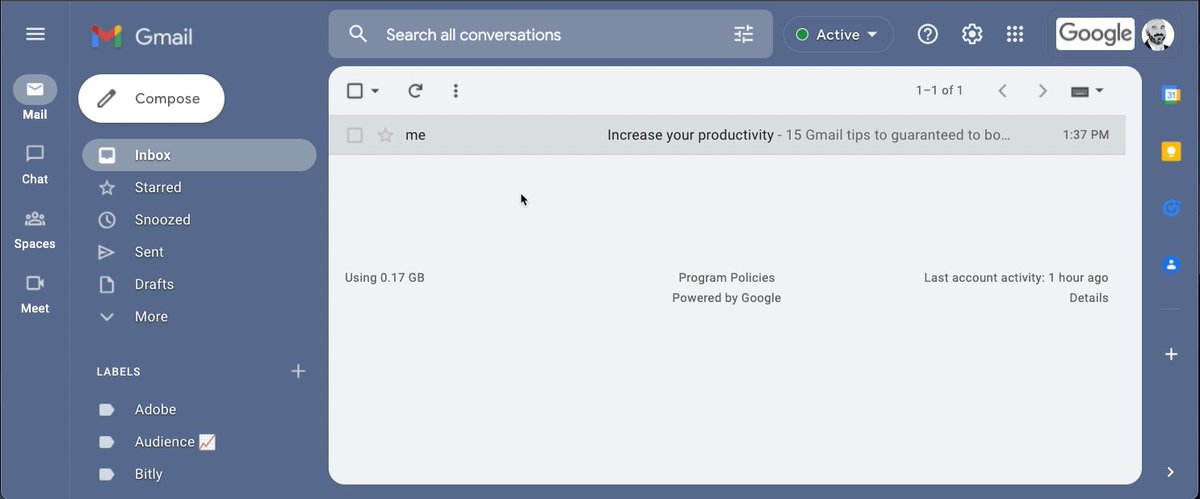
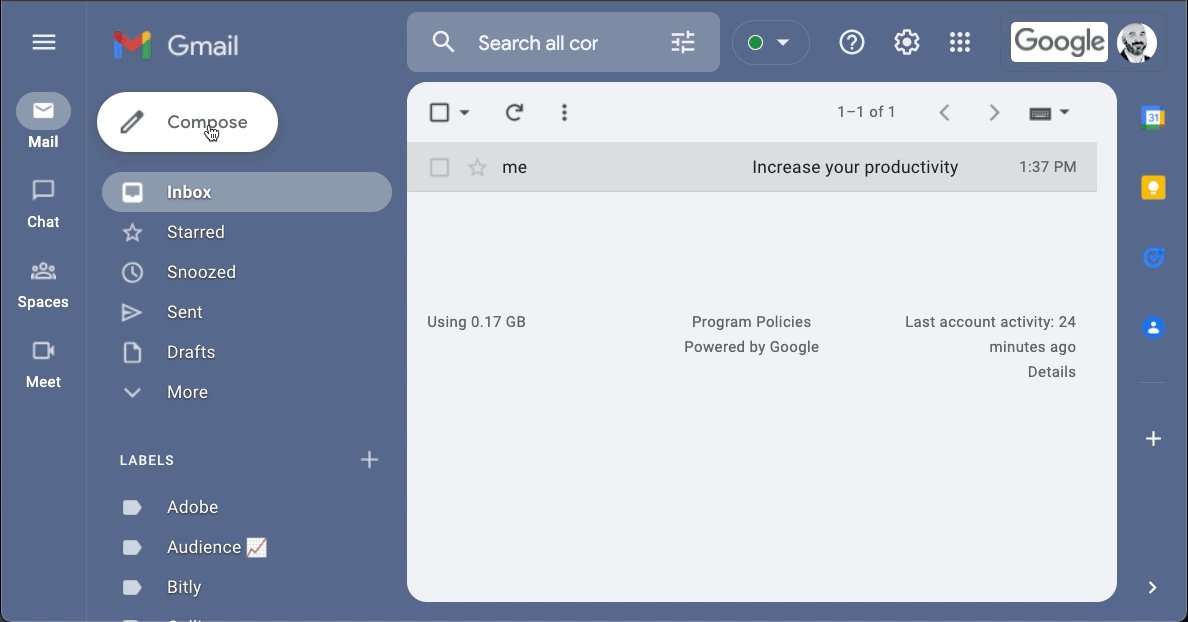
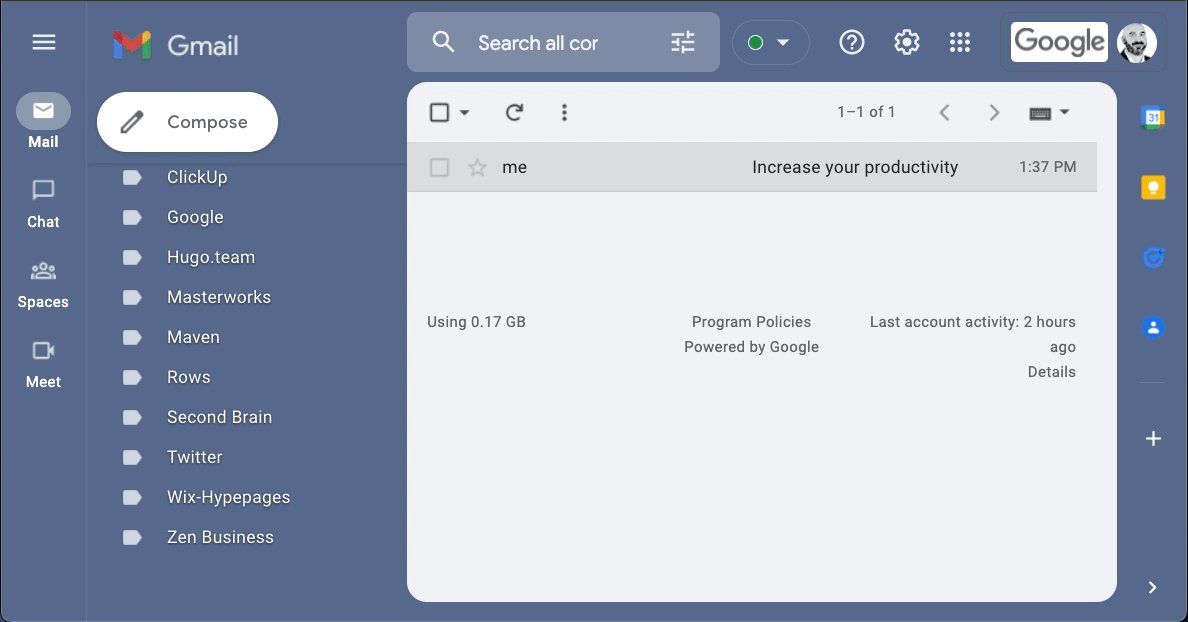
Gmail has 1.8 billion users.

But most of them don't know how to use it effectively.

Here are 8 ways to double your Gmail productivity today: 📩

1/ Mute Conversations:

We've all been there.

Copied on an email chain with several other people, on a topic that's somewhere south of relevant to you.

No worries. Just mute the conversation.

•Select the message
•Click the 3 dot icon above
•Select "mute"
2/ Look like you're working (when you're not)

Gmail offers scheduling... Who knew?

No need to be physically sitting at your desk, or hammering out emails on your phone after hours.

•Compose your message
•Click the dropdown next to "send"
•Click "schedule send"
3/ Send pre-set replies:

Tired of typing the same responses time and time again?

Never fear, canned responses are here!

•Head to settings > all-settings
•Locate "templates"
•Click "enable"

Templates can be inserted through the "more options" menu in the compose toolbar.
4/ Remove those annoying tabs:

Maybe it's just me, but I hate the "social & promotions" tabs that come with the standard Gmail setup.

Let's trash them, & get all your mail in one place.

•Head to settings > all-settings
•Inbox > categories
•Choose which to show as tabs
5/ Preview emails:

Converting from Outlook & miss your "preview pane?"

Gmail lets you preview as well.

•Head to settings > all-settings
•Locate Inbox > enable reading pane

Now you can read mail right next to your inbox - Read & write faster while adding more context.
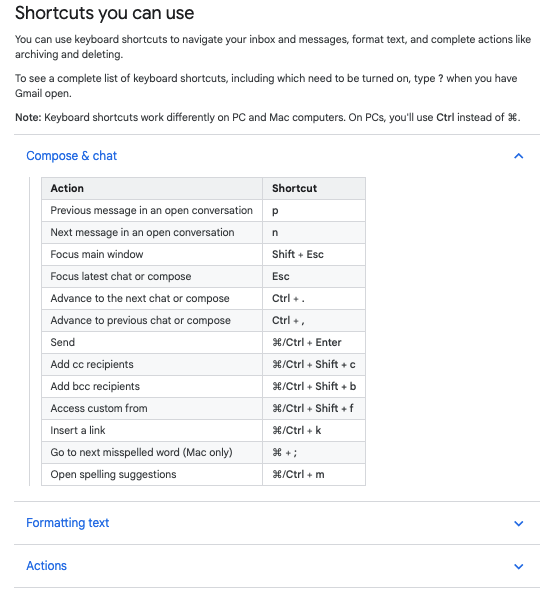
6/ Keyboard shortcuts:

Save time using Gmail's built-in shortcuts.

Navigate your inbox, format text: Archive, delete, & more.

•Head to settings > all-settings
•Locate general > keyboard shortcuts
•Select "on"

Need a complete list?

Type "shift + ?" with Gmail open.
7/ Auto-advance:

"Inbox zero" sure sounds nice.

Speed up the process of deleting emails by enabling "auto-advance."

Once on, Gmail won't send you back to your inbox each time you delete an opened message.

•Head to settings > all-settings
•Advanced > auto-advance
•Enable
8/ Self-destructing emails:

In Gmail, this is known as "Confidential Mode"

•Navigate to compose an email
•Locate the 🔒 icon at the bottom
•Click & set the expiration date

You can even require an SMS passcode for the recipient to open the message!
9/ As for me...

If you found these helpful, why not share?

• Retweet the first tweet and help others find this thread

• Join 22,000+ of my friends & follow me at @blakeaburge

I write about mental models, productivity, & building a better you. https://t.co/9gdTmHKY4X

More from Blake Burge 💡

Success isn't a mistake.

8 steps to build the life you want. 🧵

Clock In:

It's time to go to work.

There are no magic bullets & "get-rich-quick" doesn't exist in the real world.

Immerse yourself in learning, have a bias toward action, be willing to do what others won't.

Do this & you won't need to look for results, they'll find you.

Work from the top down:

The fastest way to get from where you are to where you want to be?

Find someone who's already there.

Learn from them, seek advice, & follow the path they've forged.

Reach out.

People are more willing to help than you think.


Persist:

The bigger your goals, the more likely it is they'll take longer to achieve.

Most people fail when they quit right before their plan is beginning to work.

By stopping, they never know how close they actually were.

Be consistent. Keep going.

h/t@visualizevalue


Build your personal brand:

We're all selling something, often it's ourselves.

Give before you get.

Provide value, be unique, be consistent.

Once people know what to expect from you, they'll come back for more.

The best advertisement in the world is repeatable results.
10 websites you didn't know you were missing (until now) :

https://t.co/vC0nCFDmk0

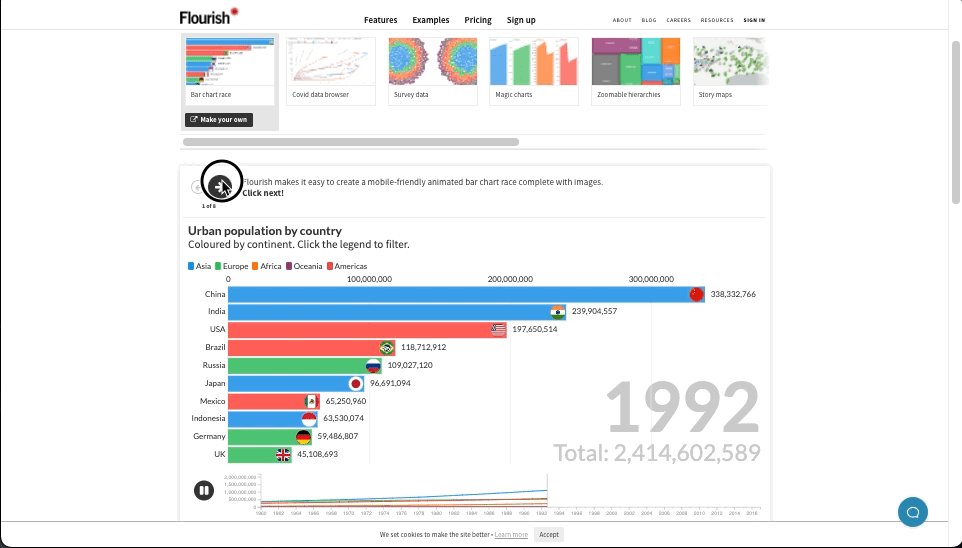
People are visual learners.

Easily turn your data into stunning charts, maps, and interactive stories.

Upload a spreadsheet, and return with:

• Animated bar charts
• Survey data
• Scatter plots
• Story maps & more


https://t.co/g9YBl2ELwq

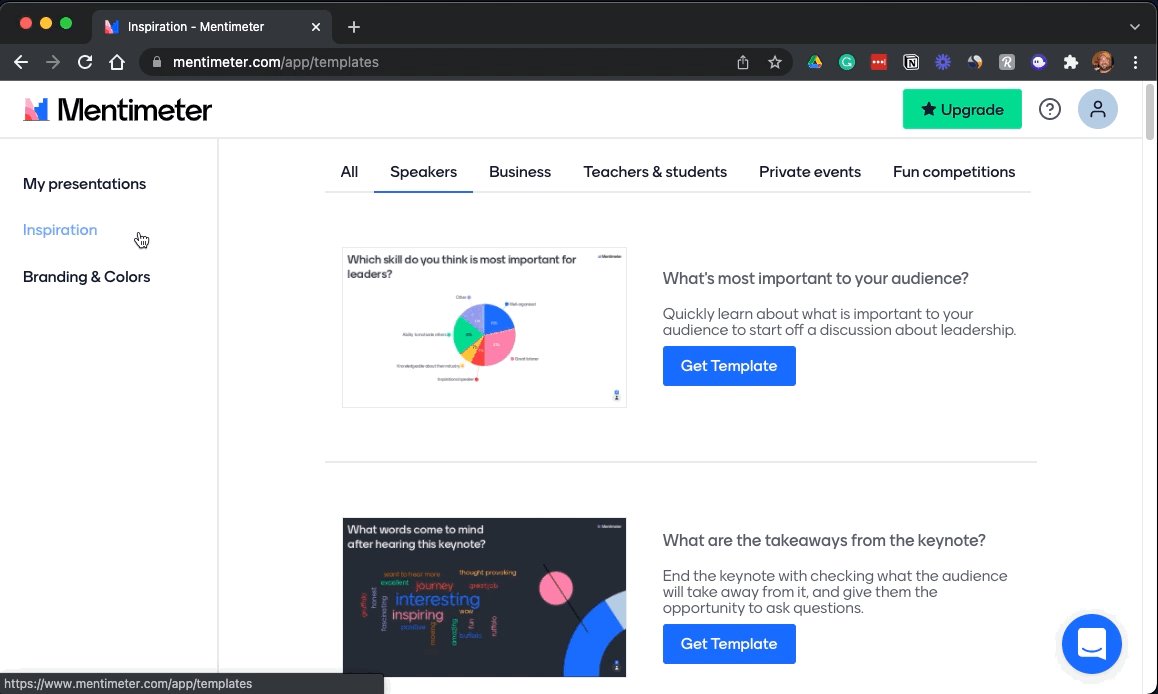
Looking for a way to make your presentations more engaging?

Build interactive polls, quizzes, and more allowing your audience to engage in real-time.

Using their smartphone, attendees can answer questions and the results are visualized as they happen.


https://t.co/wsUNfyHzFb

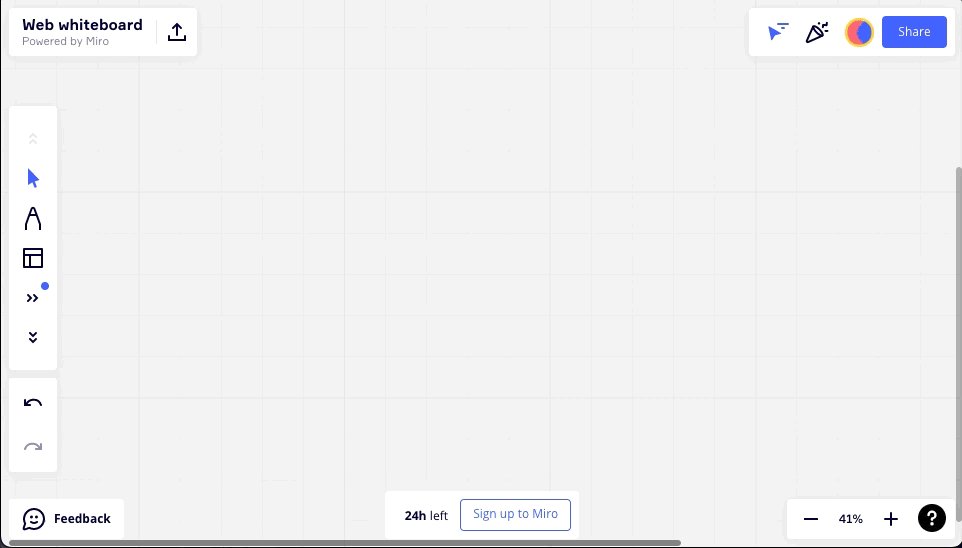
An online collaborative whiteboard ideal for remote meetings, brainstorming, and ideation across teams.

• Make flowcharts
• Build product roadmaps
• Engage in a quick retrospective

The best part?

It's free.


https://t.co/RxDEsvPB2w

My friend @thejustinwelsh brought this site to my attention recently.

If you're in the solopreneur game and need to spin up a quick landing page or website for just about anything, Carrd is tough to beat.

Simple, free, mobile responsive.

Check 'em out.

More from All

You May Also Like