Are you planning to learn CSS for adding some cool styling in your website?

In this thread, I'm covering all the basics and proper plan you need to know in order to getting started with CSS.

🧵 👇🏻

We need to know the importance of CSS first. Why CSS?

Well I guess CSS is the only language that add some visuals in website. Without CSS, Without it, websites would still be plain text on white backgrounds.

{ 02 / 17 }
Let's compare a website with and without CSS

Image 1: With CSS
Image 2: Without CSS

{ 03 / 17 }
I this should be enough to explain you why CSS is so important. So lets start

You can gain some decent amount of CSS knowledge in 30 days. And after that you will definitely able to create some good looking website. Let's see how 👇🏻

{ 04 / 17 }
First things first, you need to learn basic stuff

- How to link your CSS files with HTML file
- How to select elements so that you can add styling

{ 05 / 17 }
Color and background are the two properties you can start learning with. Although background is a shorthand property and its deep. So intially you can start with background-color property. Later on, you can explore more

{ 06 / 17 }
There are a lot of great color palette out there using which you can generate pleasant color schemes

Check this great tool for generating accessible colors. Just enter a color and generate nice color palettes

🔗 https://t.co/kmjrXNUDIL

{ 07 / 17 }
Box model is the next important concept you need to learn. As everything is a box in web development.

Check out this detailed thread if you want to learn about box model from my thread

https://t.co/2iPn0jfJO2

{ 08 / 17 }
Moving forward, typography is an essential thing of web page. A good font can make your webpage and establish a strong visual hierarchy, provide a graphic balance to the website, and set the product's overall tone

You can add free fonts from Google's official site

{ 09 / 17 }
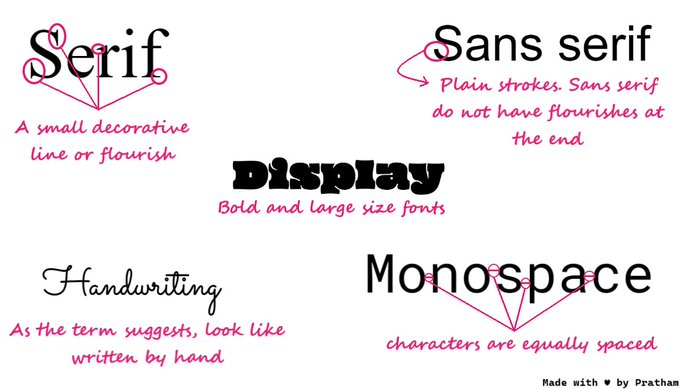
There are five basic classifications of fonts:

1. serif
2. sans serif
3. script
4. monospaced
5. display

{ 10 / 17 }
Next thing we have in CSS is positioning concept, its yet another powerful and confusing. But don't worry I am here to make it easy for you. You can learn it from anywhere but I also have a thread on it

https://t.co/M4ulcGIueV

{ 11 / 17 }
Up to this point you have some decent knowledge of styling your website. It would be great if you learn about a layout system now.

Flex and Grid

Grid is little bit tough to master but flex isn't

{ 12 / 17 }
You don't even need to learn about Flex if you know Grid layout. Because you can achieve the Flex layout using Grid layout.

https://t.co/XtbgA0wxZP

{ 13 / 17 }
Moving forward, there are million of device on which user will see your website. In order to deliver best experience, you need to make your website responsive. That is also handled by CSS.

{ 14 / 17 }
Few days back I wrote a thread on responsive web design. Give it read and learn about responsiveness in almost no time. This is a visual guide as well

https://t.co/P2f4yNiuHO

{ 15 / 17 }
CSS is deep but I am creating content on twitter in order to reduce the complexity for beginners

Check out this curated list of CSS threads written by me

https://t.co/Nn1V5M7Zoq

{ 16 / 17 }
Amazing! I think this is pretty much it for this thread. Don't think much just start with it, you'll enjoy the process for sure.

Thanks for reading this and share it with your connection it means a lot to me ❤️

Peace out 😉

More from Pratham

If you know CSS then you can use these amazing generators and save your time

Thread 🧵👇🏻

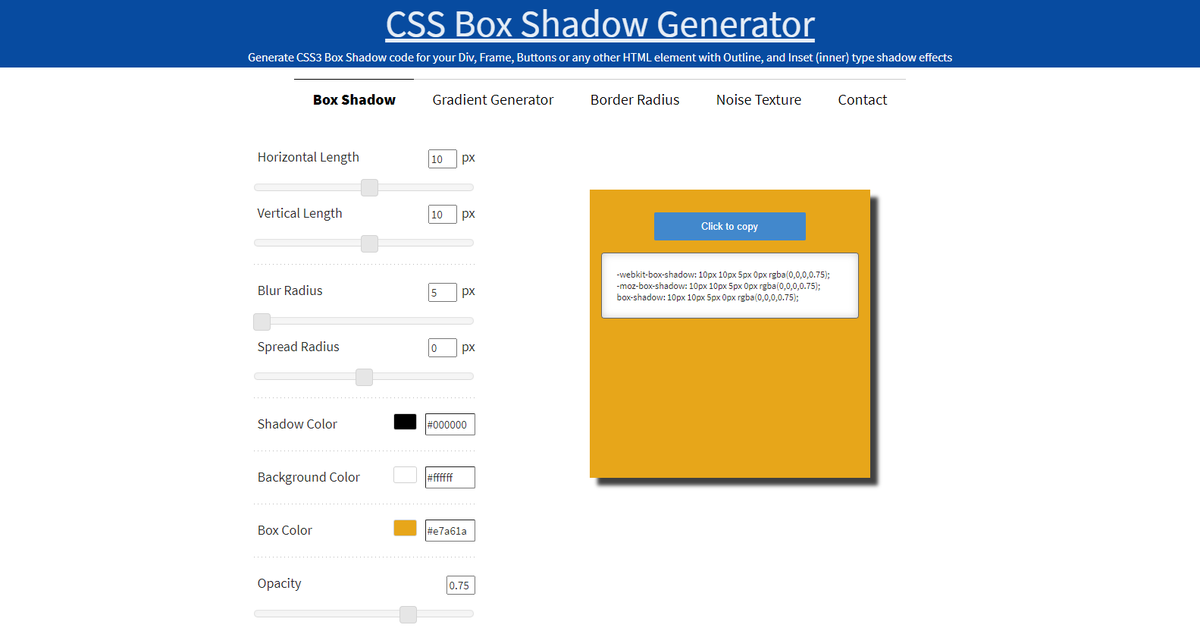
1️⃣ CSS Box Shadow Generator

- Generate CSS3 Box Shadow code for your Div, Frame, Buttons or any other HTML element with Outline, and Inset (inner) type shadow effects

🔗
https://t.co/6La36IzBLj


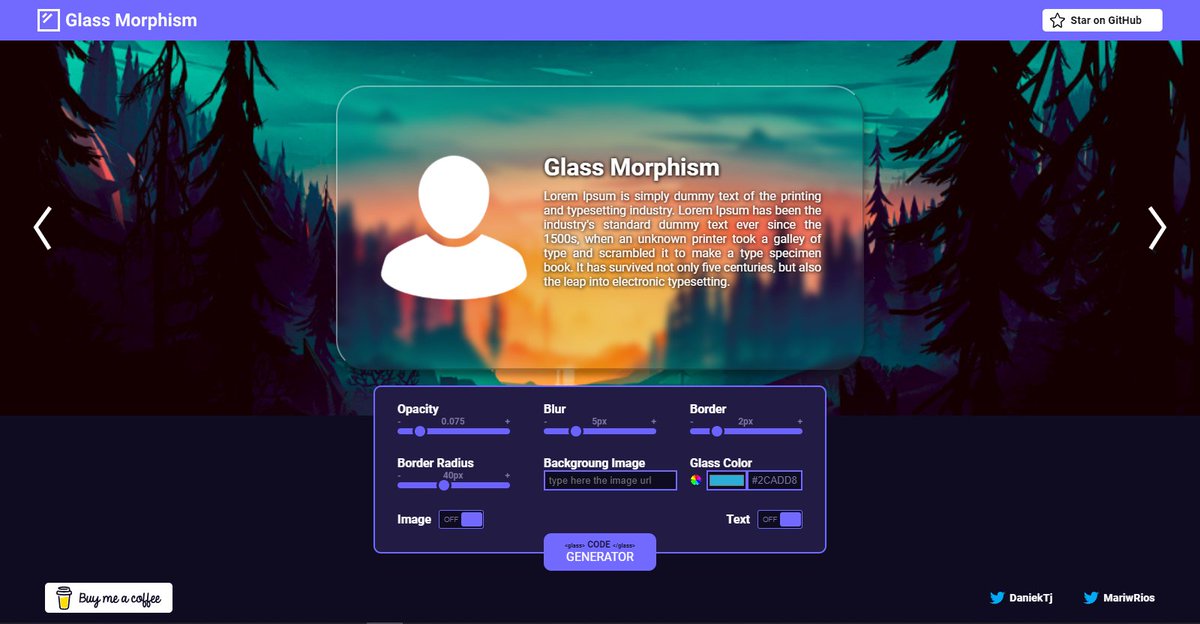
2️⃣ Glassmorphism

- Generate glassmorphic design easily

🔗 https://t.co/qrKqDV5tzY


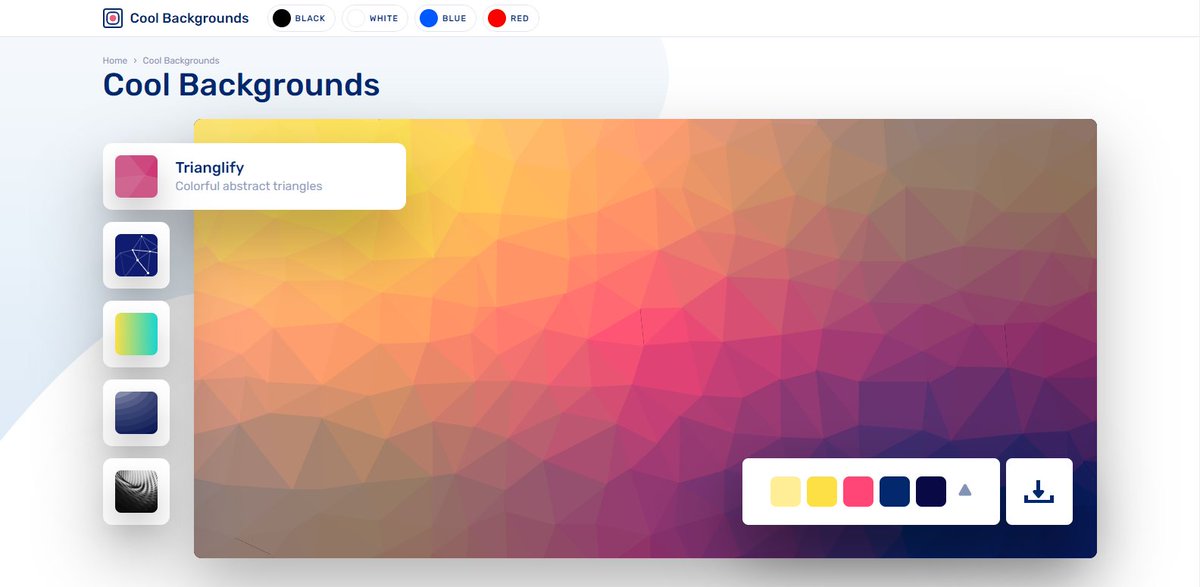
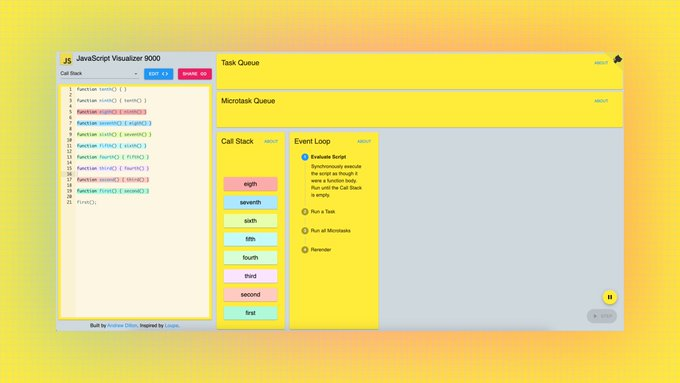
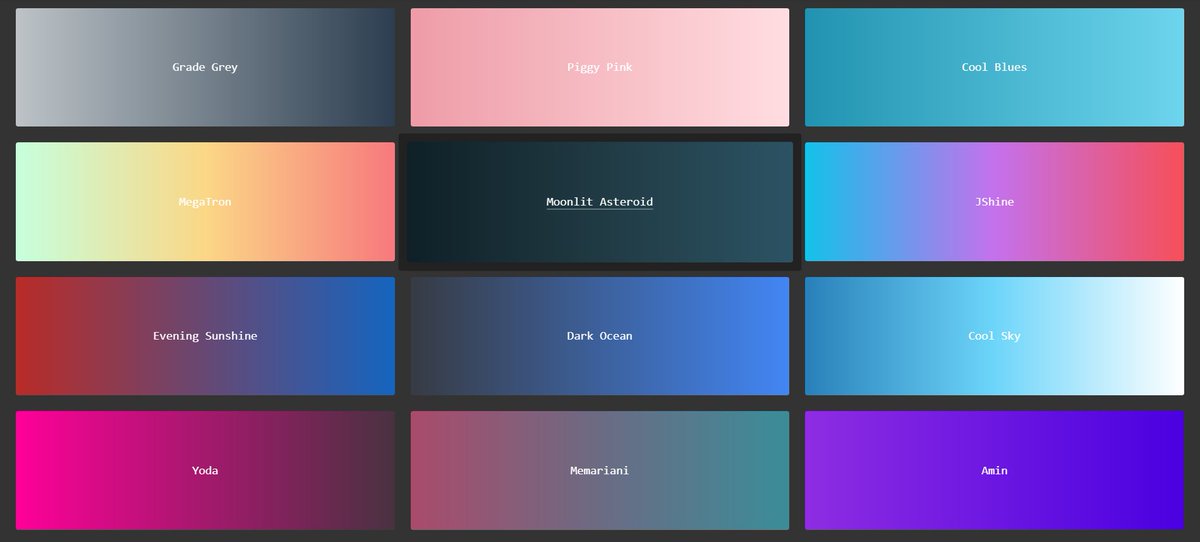
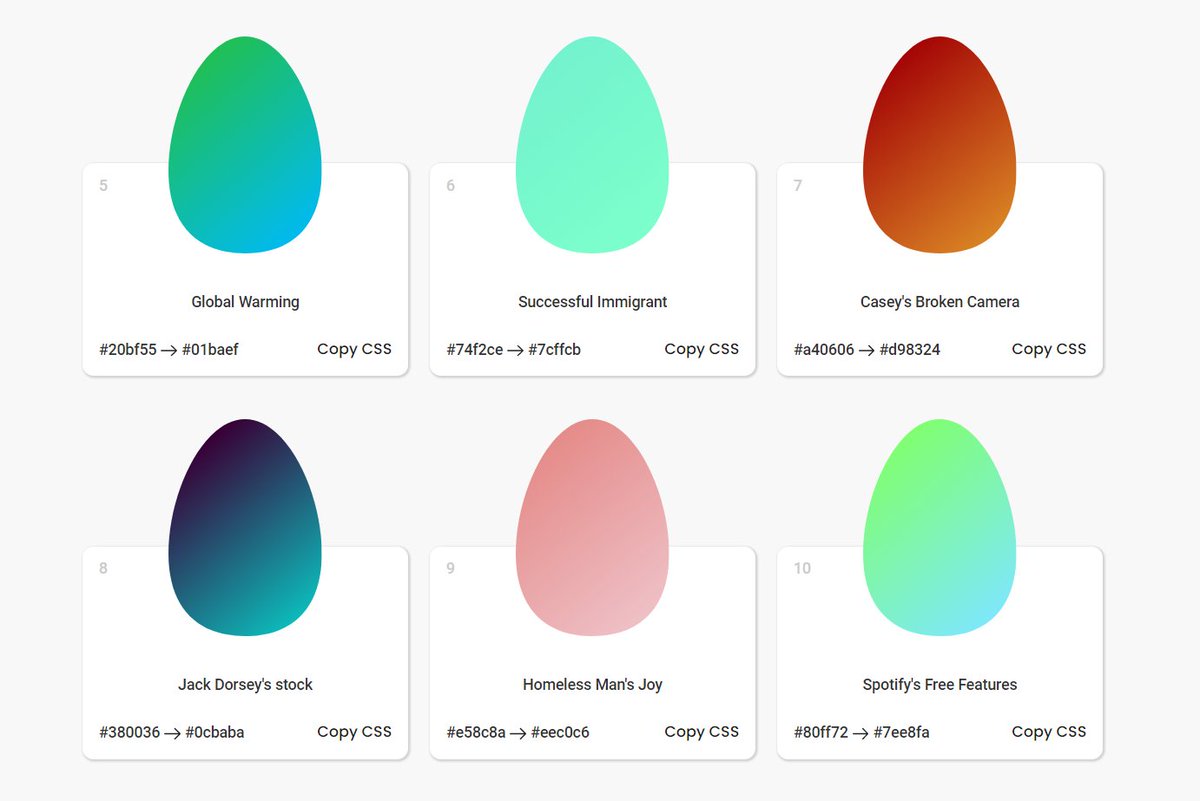
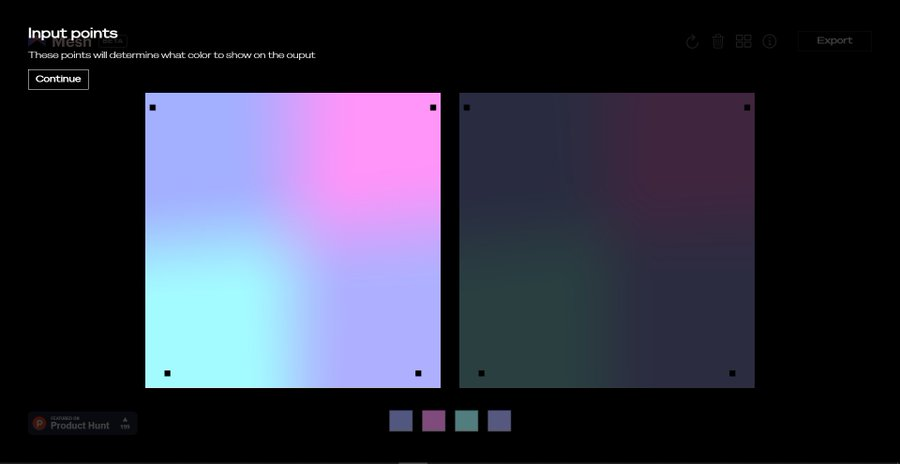
3️⃣ Cool Backgrounds

- Explore a beautifully curated selection of cool backgrounds that you can add to your next project

🔗 https://t.co/df7VSaRSh9


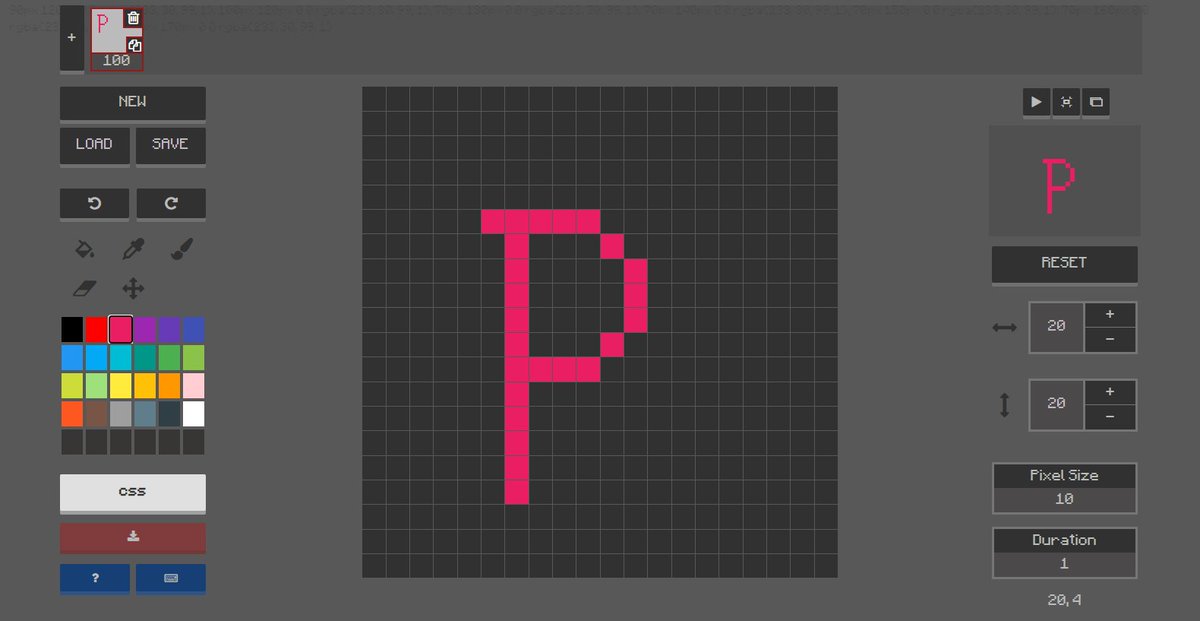
4️⃣ Pixel art

- Create CSS pixel art, export the results to CSS and download them.

🔗 https://t.co/ojD8qwzuhx
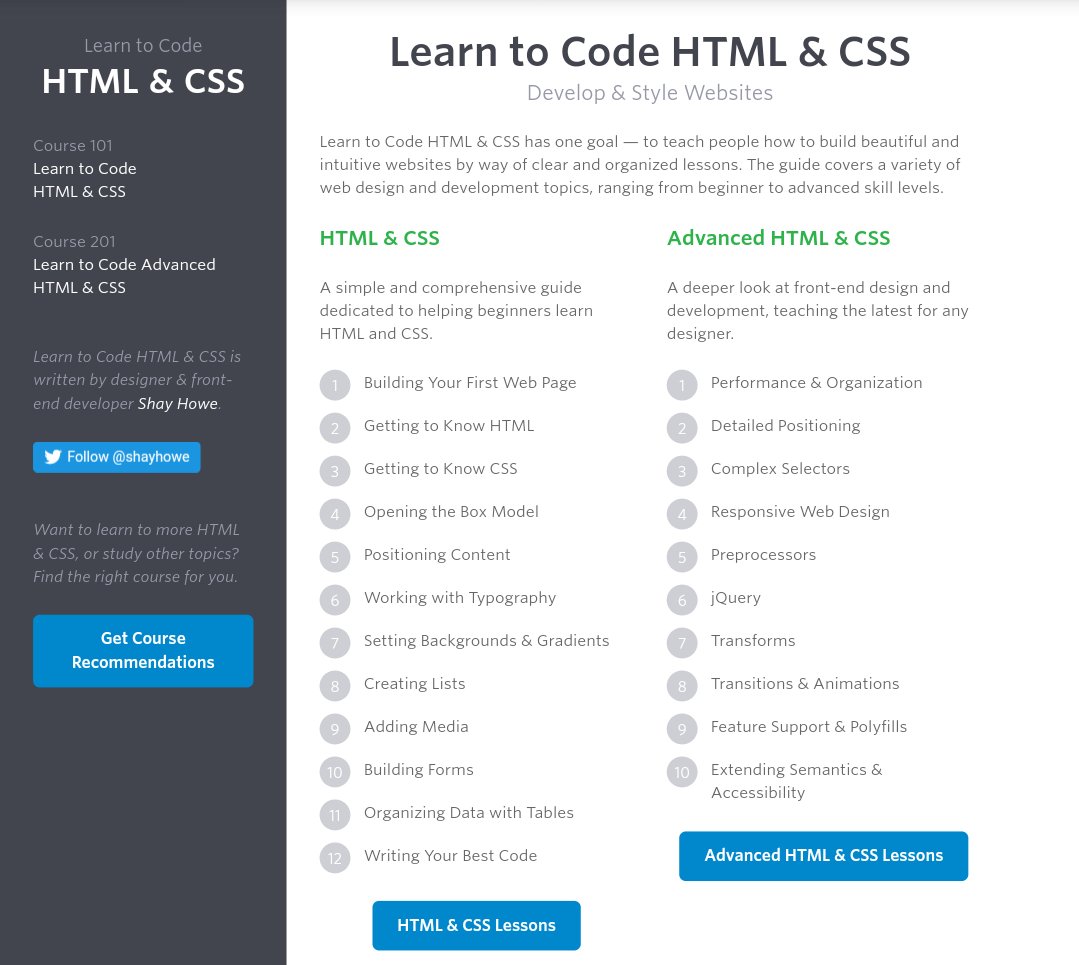
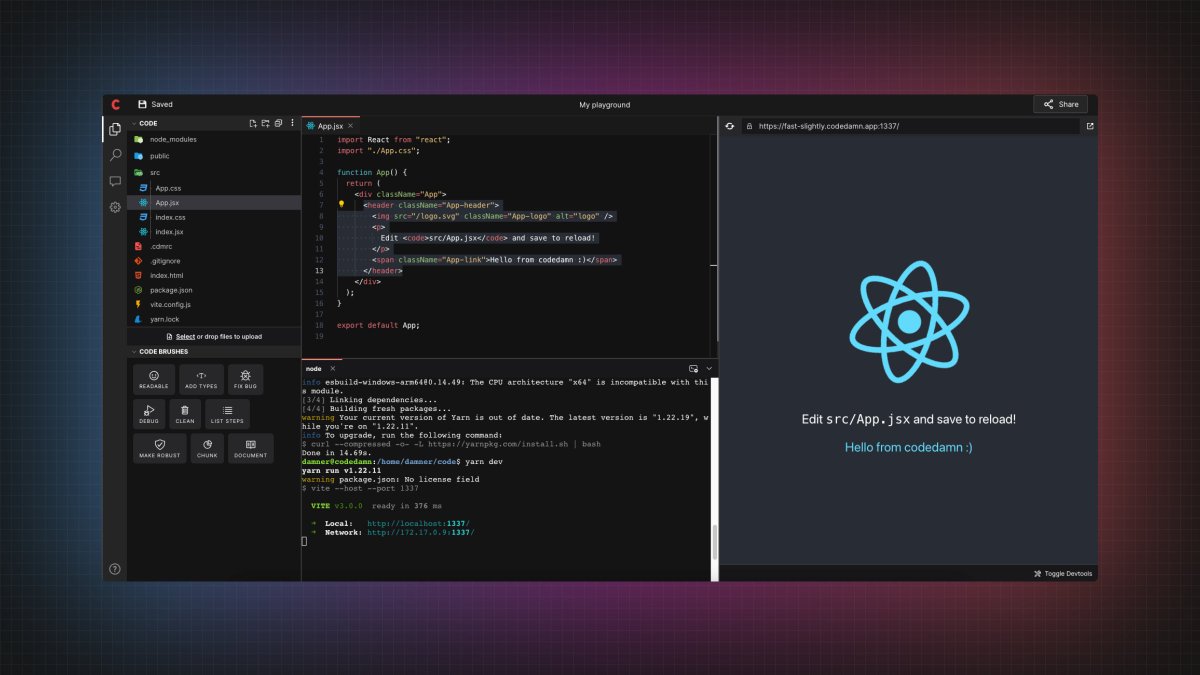
If you start with the right course then the process becomes a little easier

I found some amazing YouTube videos and courses that will help you start your Web Development journey

🧵👇🏻

HTML and CSS

- A great way to arouse your web dev journey with Gary's (@designcoursecom) course on YouTube

🔗
https://t.co/xjm7nfV2L2


JavaScript

- Although it's impossible to learn JavaScript in 2 hours but JavaScript mastery is one the best YouTube chanel for JavaScript. This 2 hours long crash course will help you start your journey and gives you quick overview.

🔗 https://t.co/1zcSeu4zKE


Git and GitHub

Git is an essential tool. And after learning JavaScript, I think one should go for Git and GitHub. Check out this free great course on Udemy

🔗 https://t.co/E14cibOLXb


React

What you'll learn
- what problems React can solve
- how React solves those problems under the hood
- what JSX is and how it translates to regular JavaScript function calls and objects
- manage state with hooks
- build forms

🔗 https://t.co/3z22aeVQFc
12 websites that will help you learn web development faster (completely free): 🧵

1. How HTTP Works

Everything you need to know about HTTP based system.

🔗
https://t.co/gVZS4RzS1a


2. 30 Days of Node

Learn Node step by step with interactive examples and code snippet in 30 days.

🔗 https://t.co/9nbtMiNB1C


3. How DNS Works

Learn what happens when you type a website address in your browser

🔗 https://t.co/SqMRNnDbc3


4. Git

Check out this excellent free website to learn git visually.

🔗 https://t.co/rQJMISBDfS

More from All

You May Also Like

1/ Here’s a list of conversational frameworks I’ve picked up that have been helpful.

Please add your own.

2/ The Magic Question: "What would need to be true for you


3/ On evaluating where someone’s head is at regarding a topic they are being wishy-washy about or delaying.

“Gun to the head—what would you decide now?”

“Fast forward 6 months after your sabbatical--how would you decide: what criteria is most important to you?”

4/ Other Q’s re: decisions:

“Putting aside a list of pros/cons, what’s the *one* reason you’re doing this?” “Why is that the most important reason?”

“What’s end-game here?”

“What does success look like in a world where you pick that path?”

5/ When listening, after empathizing, and wanting to help them make their own decisions without imposing your world view:

“What would the best version of yourself do”?
"I lied about my basic beliefs in order to keep a prestigious job. Now that it will be zero-cost to me, I have a few things to say."


We know that elite institutions like the one Flier was in (partial) charge of rely on irrelevant status markers like private school education, whiteness, legacy, and ability to charm an old white guy at an interview.

Harvard's discriminatory policies are becoming increasingly well known, across the political spectrum (see, e.g., the recent lawsuit on discrimination against East Asian applications.)

It's refreshing to hear a senior administrator admits to personally opposing policies that attempt to remedy these basic flaws. These are flaws that harm his institution's ability to do cutting-edge research and to serve the public.

Harvard is being eclipsed by institutions that have different ideas about how to run a 21st Century institution. Stanford, for one; the UC system; the "public Ivys".