10 HTML and CSS tips that you need to know😉

🧵👇🏻

1️⃣ Customize the text selection

- The ::selection pseudo-element matches the portion of an element that is selected by a user.
2️⃣ Range Input

- You can change the styling of input type="range"
3️⃣ Custom Scrollbar

- Customize the scrollbar of your website in few minutes
4️⃣ Scrollable element

- If you have some fixed size element then use overflow: auto. It will convert your element into scrollable element
5️⃣ Underline text like a pro

- You can create "wavy" line using one line of CSS
6️⃣ will-change property

- You can optimize the performance of your web page by adding one line of CSS. will-change tells the browser that how an element is expected to change
7️⃣ Image Carousel

- You can create carousel using 2 lines of CSS
8️⃣ Regular Expression

- You can use "pattern" attribute in order to specifies the regular expression
9️⃣ Intact your company name

- Use "translate" attribute and set it value to "no" for your company name. So that in case, the webpage is translated into another language, your brand name will remain intact
🔟 Icons using HTML

- You can use HTML entity or HTML code to print some cool symbols or icons

More from Pratham 👨‍💻🚀

If you start with the right course then the process becomes a little easier

I found some amazing YouTube videos and courses that will help you start your Web Development journey

🧵👇🏻

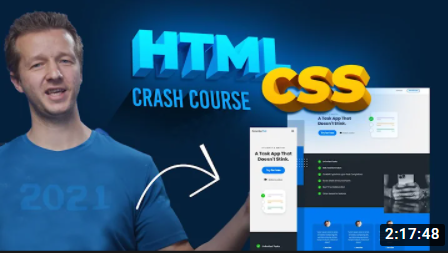
HTML and CSS

- A great way to arouse your web dev journey with Gary's (@designcoursecom) course on YouTube

🔗
https://t.co/xjm7nfV2L2


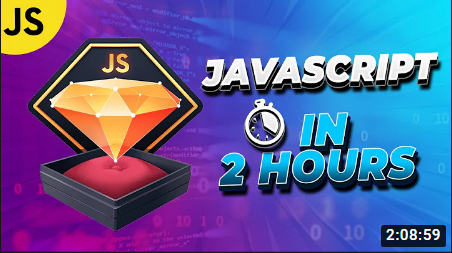
JavaScript

- Although it's impossible to learn JavaScript in 2 hours but JavaScript mastery is one the best YouTube chanel for JavaScript. This 2 hours long crash course will help you start your journey and gives you quick overview.

🔗 https://t.co/1zcSeu4zKE


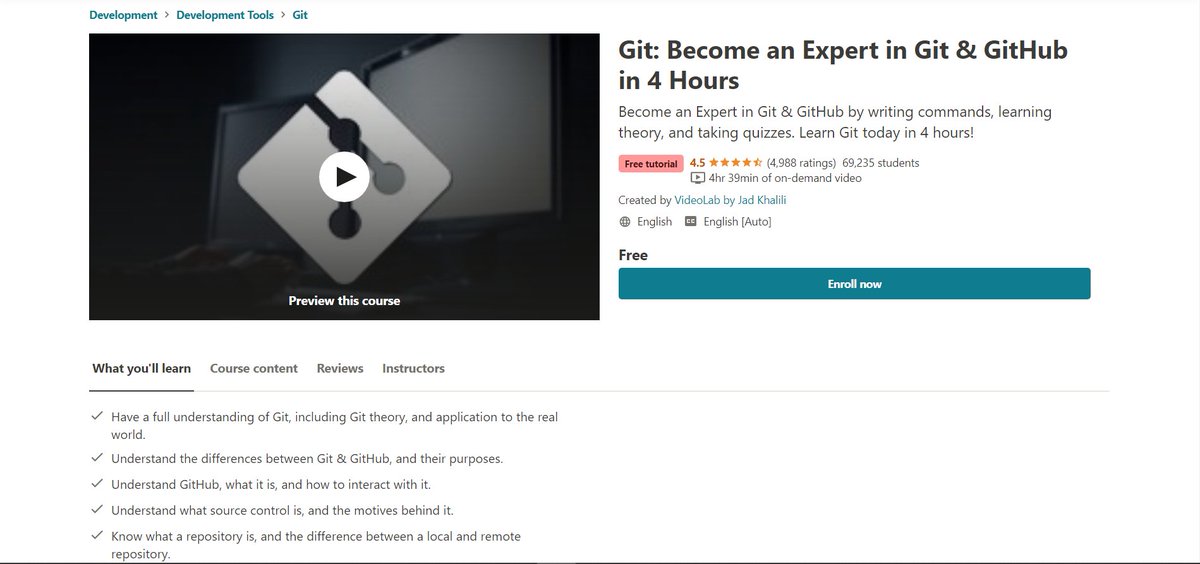
Git and GitHub

Git is an essential tool. And after learning JavaScript, I think one should go for Git and GitHub. Check out this free great course on Udemy

🔗 https://t.co/E14cibOLXb


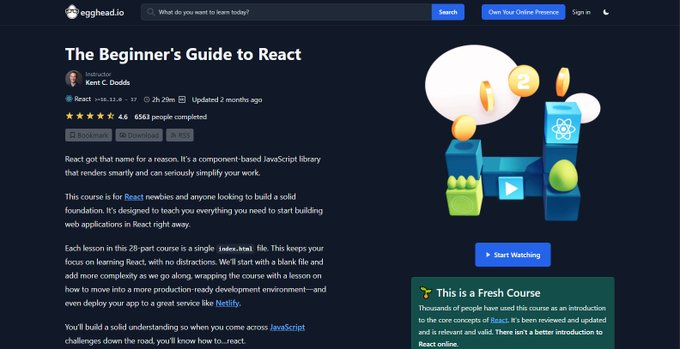
React

What you'll learn
- what problems React can solve
- how React solves those problems under the hood
- what JSX is and how it translates to regular JavaScript function calls and objects
- manage state with hooks
- build forms

🔗 https://t.co/3z22aeVQFc
9 websites that will help you learn web development faster (they are free) 🧵

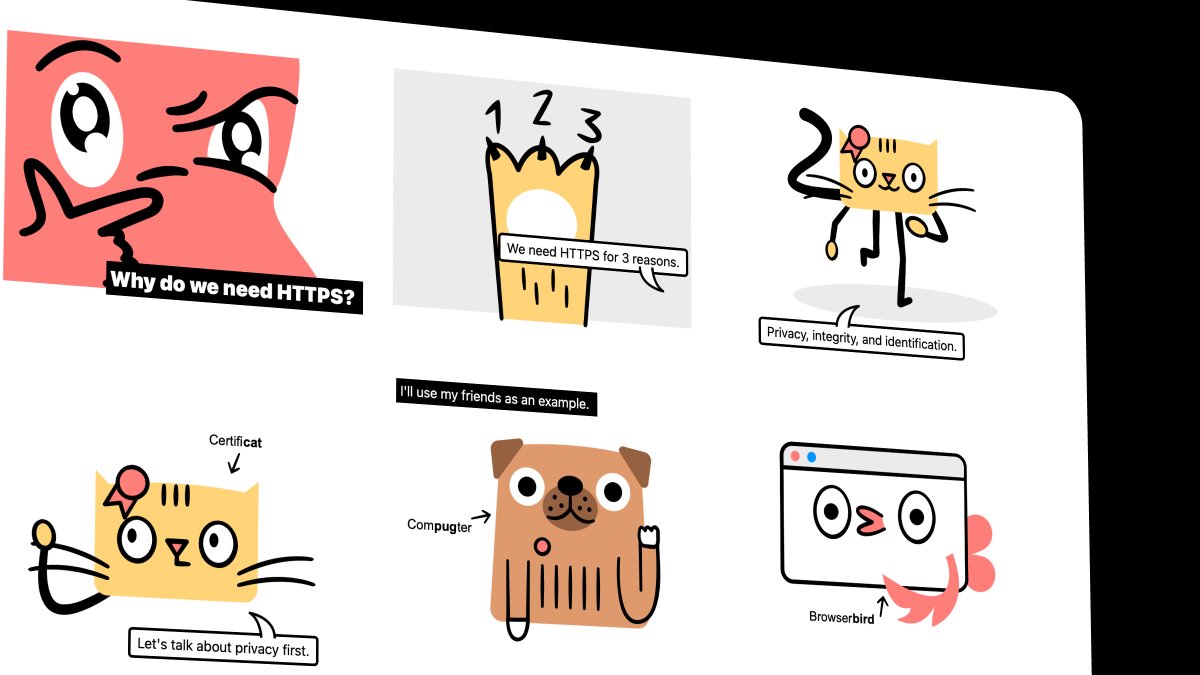
1. How HTTP Works

Everything you need to know about HTTP based system.

🔗
https://t.co/gVZS4RzS1a


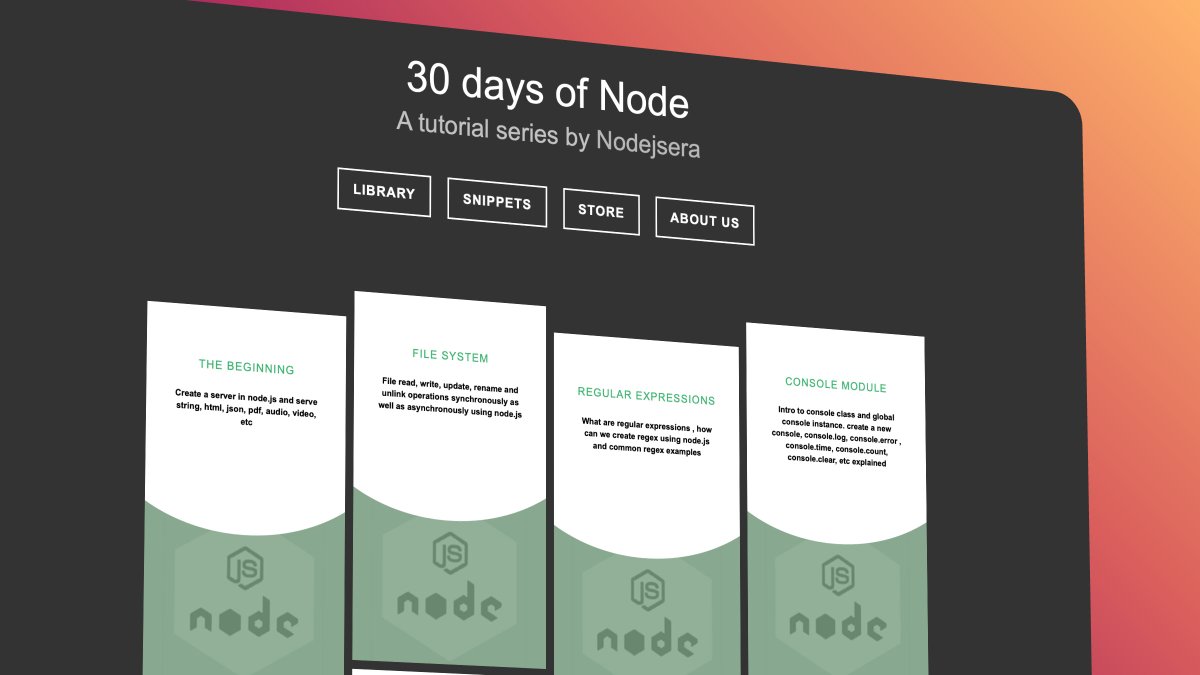
2. 30 Days of Node

Learn Node step by step with interactive examples and code snippet in 30 days.

🔗 https://t.co/9nbtMiNB1C


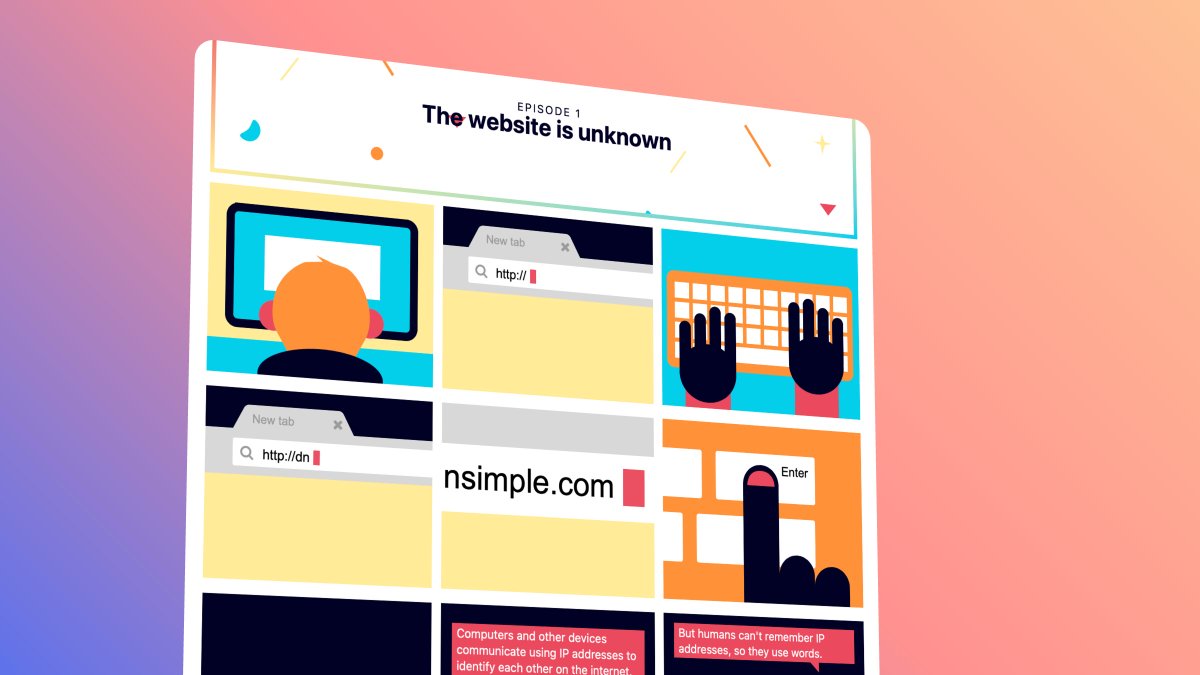
3. How DNS Works

Learn what happens when you type a website address in your browser

🔗 https://t.co/SqMRNnDbc3


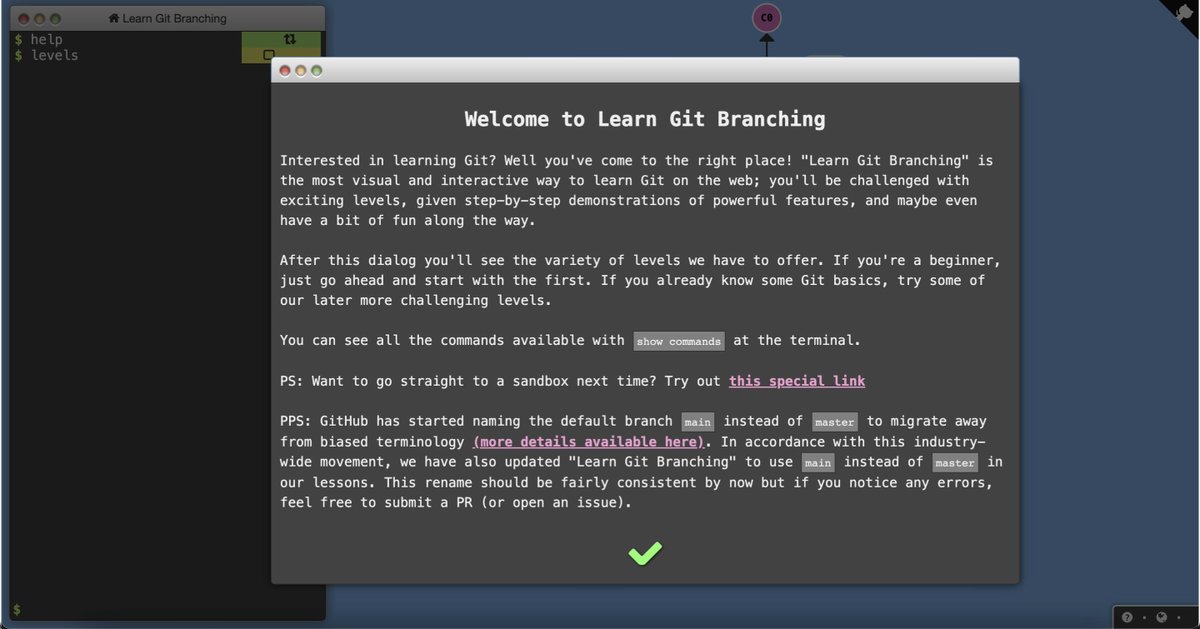
4. Git

Check out this excellent free website to learn git visually.

🔗 https://t.co/rQJMISBDfS
JavaScript is powerful.

But sometimes, you can do great things using CSS.

A long thread of CSS tips and tricks:

1. Smooth


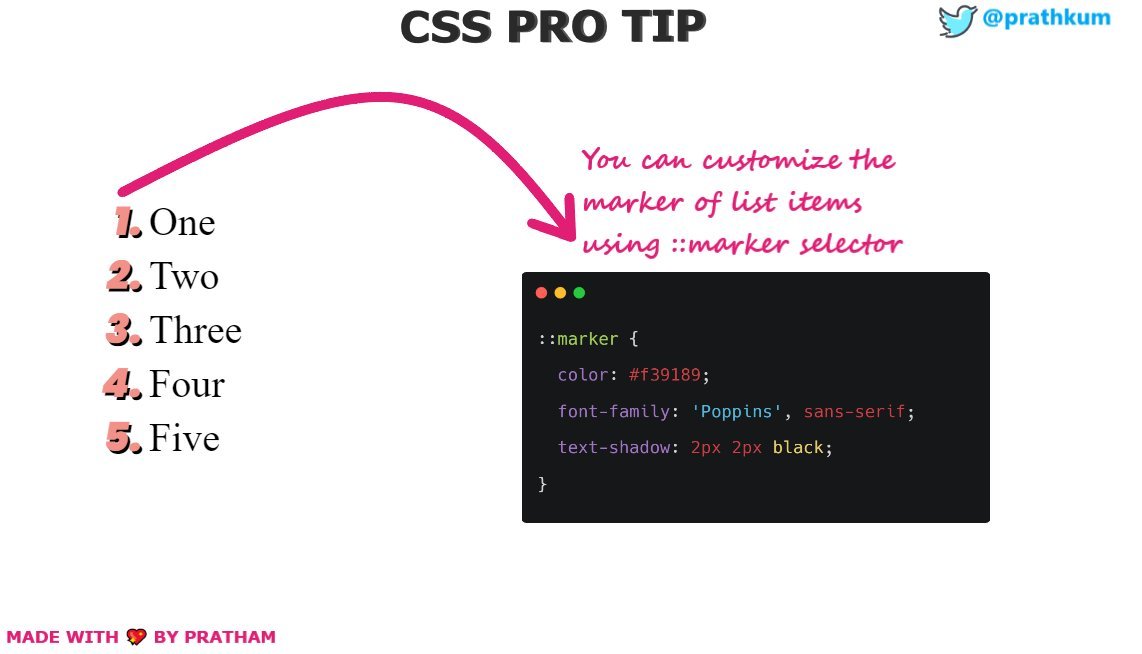
2. Change marker styling


3. Add styling to video


4. Change input caret

More from All

You May Also Like