16 Excellent websites I discovered in 2022 ( that are extremely useful ) :

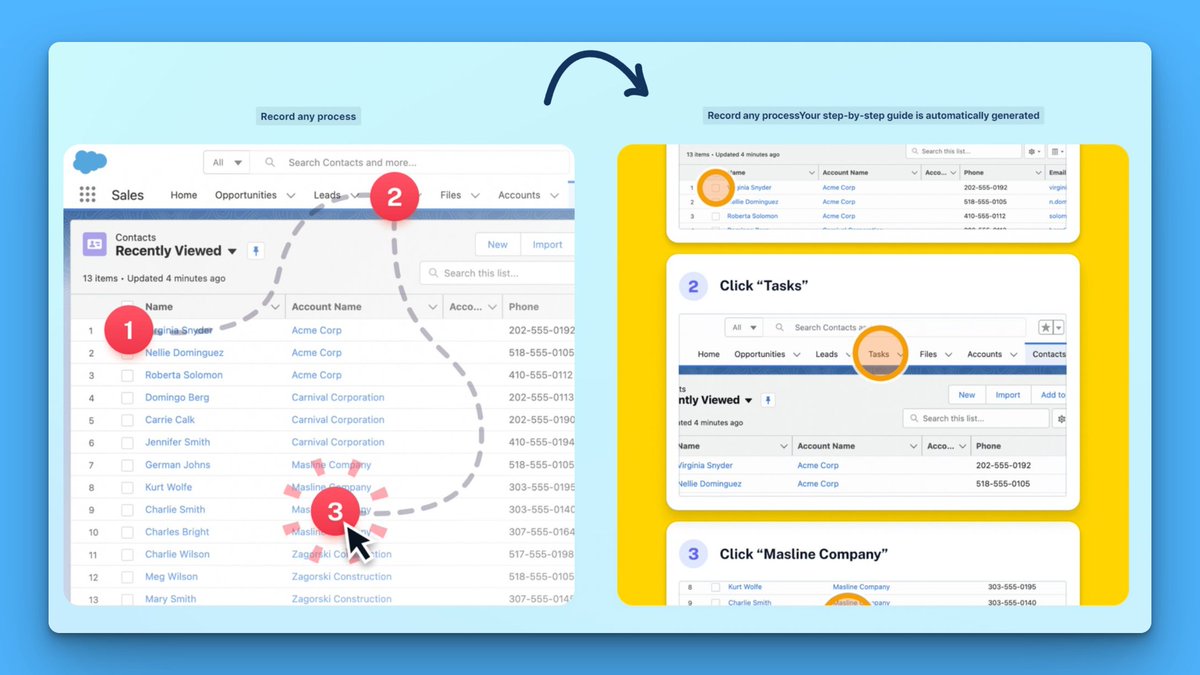
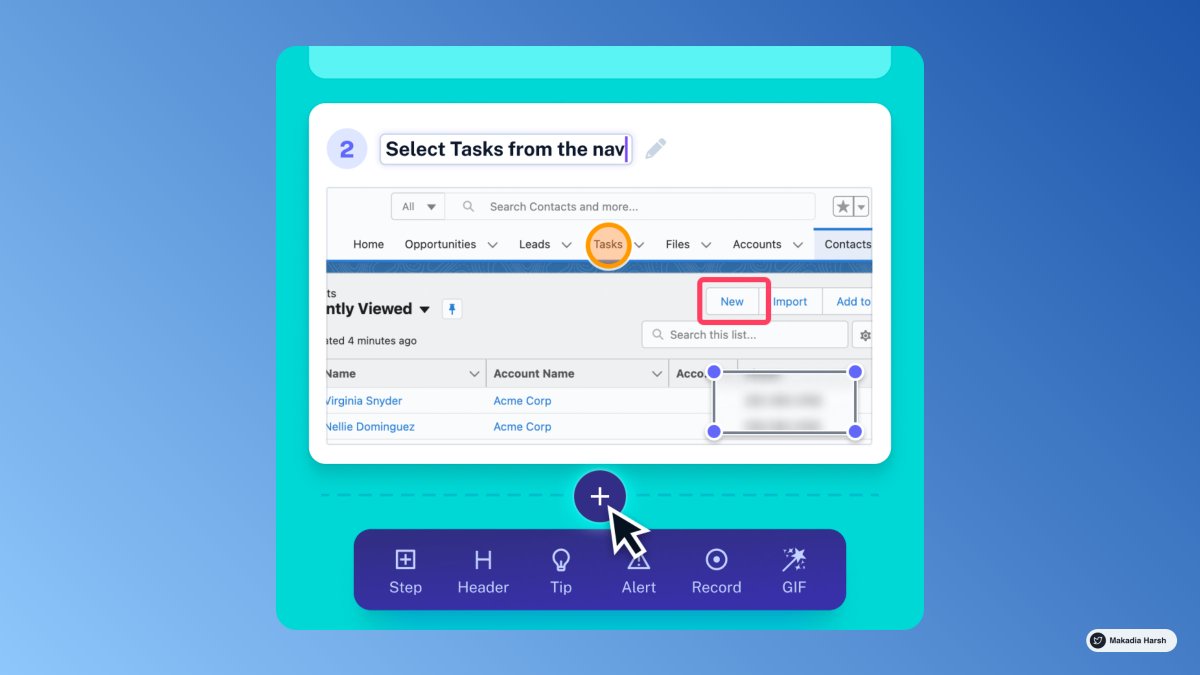
1. Scribe How

Screen recording extension that instantly converts any process into a guide.

93% less time spent documenting and sharing processes

🔗 https://t.co/dk5fk7zxmz
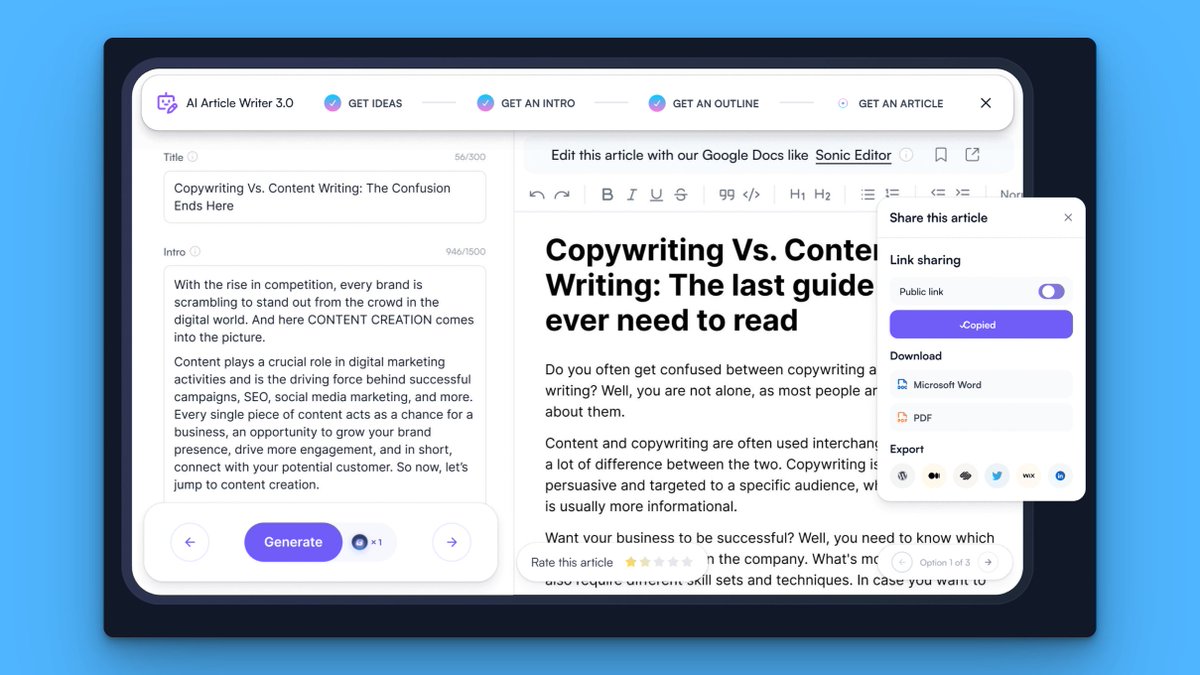
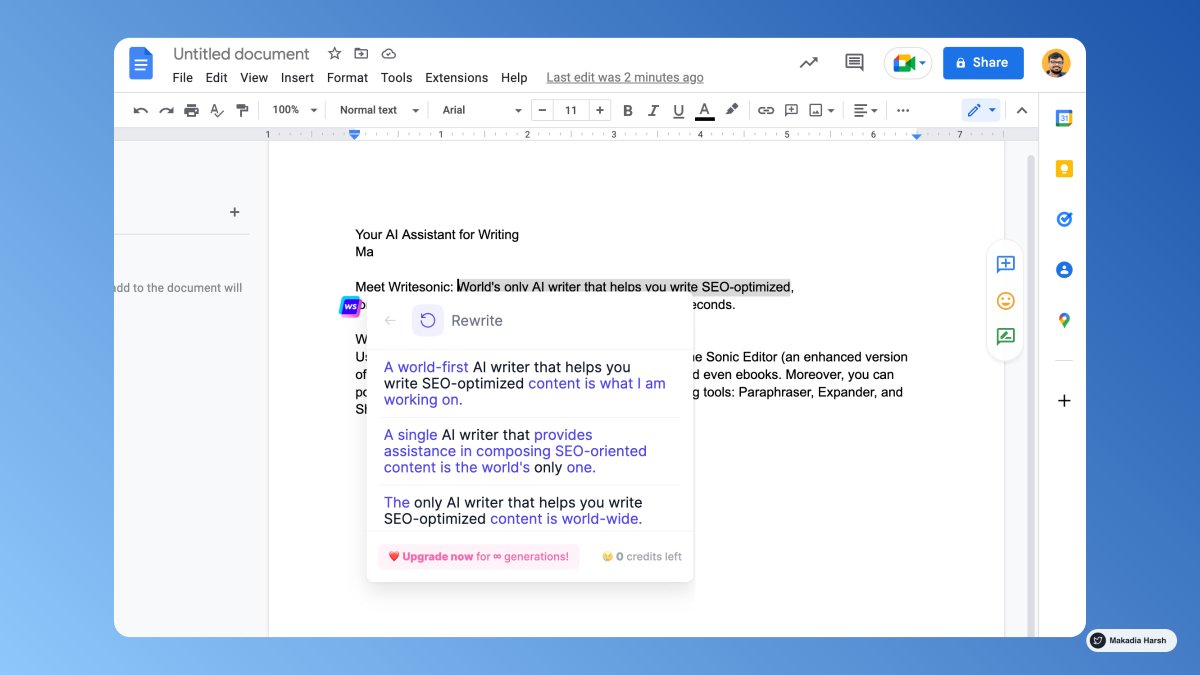
2. Writesonic

Your writing AI assistant.

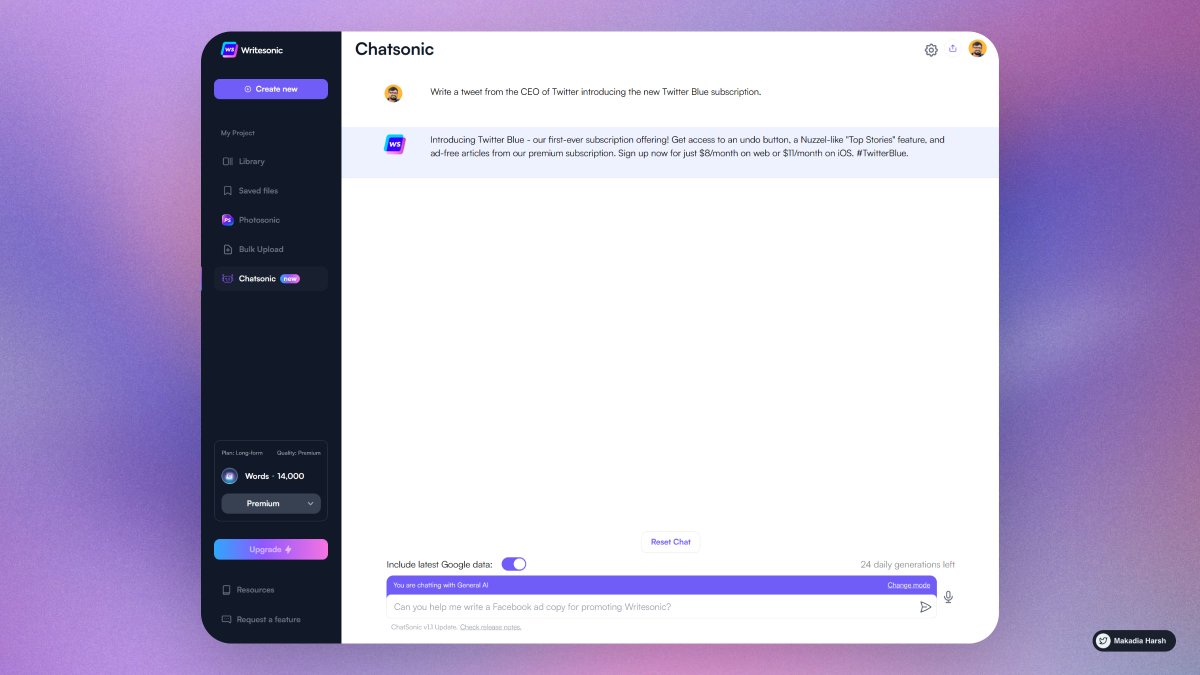
The only AI writer in the world that can help you write SEO-optimized, long-form (up to 1500 words) blog posts, and articles in 15 seconds.

Explore Chatsonic - Like ChatGPT but with superpowers.

🔗 https://t.co/j8GX4jn07Q
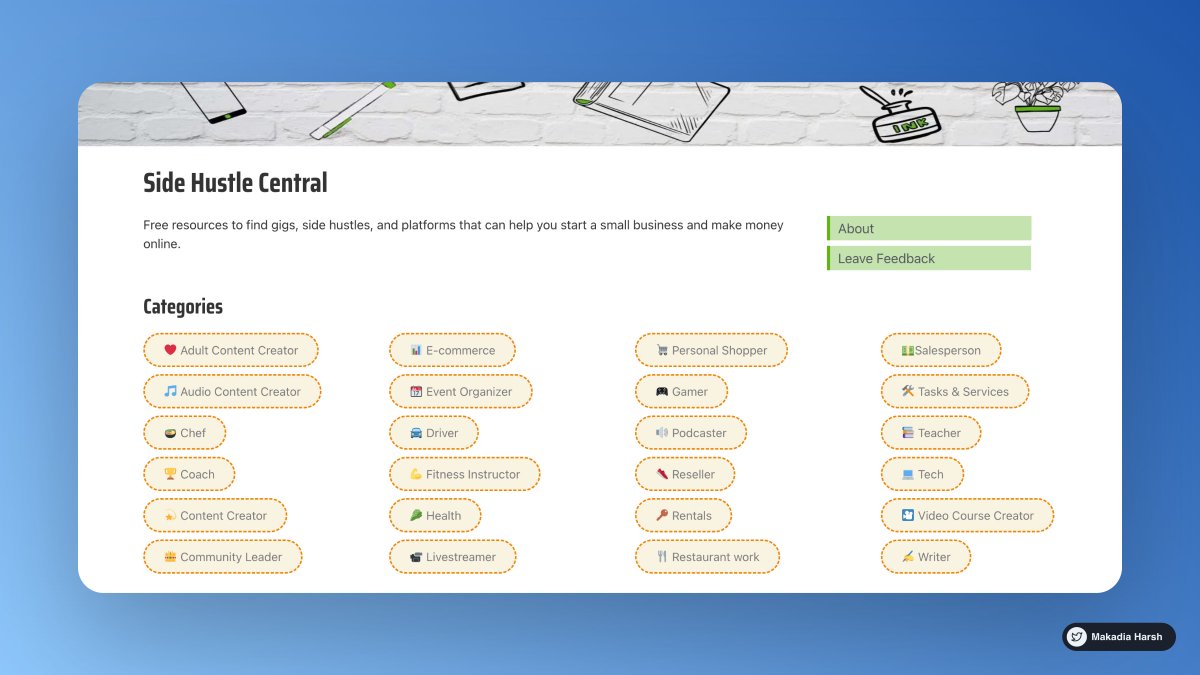
3. Dotcomkings

Free resources to find gigs, side hustles, and platforms that can help you start a small business and make money online.

🔗 https://t.co/ceKDtabBBE
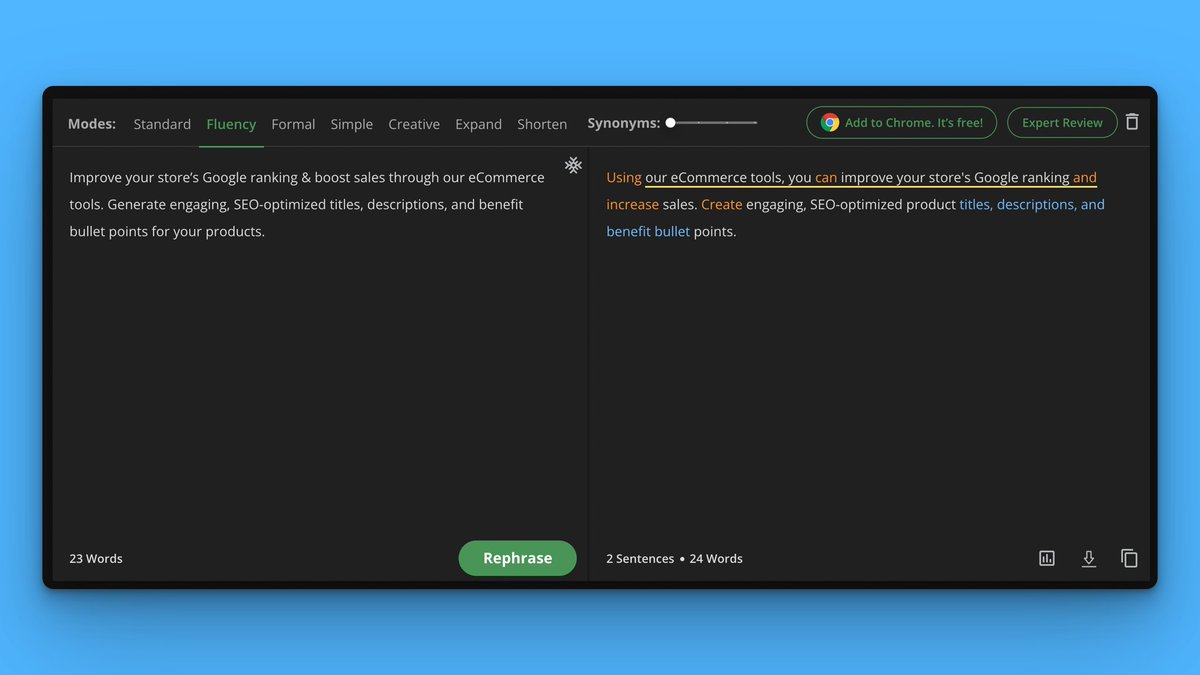
4. Quillbot

Using cutting-edge AI, QuillBot's paraphrasing tool assists millions of people in rewriting and improving any sentence, paragraph, or article.

🔗 https://t.co/MlKEgJYSvu
5. ColorHunt

Discover Color Hunt's newest hand-picked color palettes.

Get color inspiration for your design and art projects.

🔗 https://t.co/dMqF3WO1Q8
6. Otter AI

Otter makes real-time transcription meeting notes that are shareable, searchable, accessible, and secure using artificial intelligence.

It’s so accurate that it will track your meetings seamlessly.

🔗 https://t.co/pkQKQFXqI3
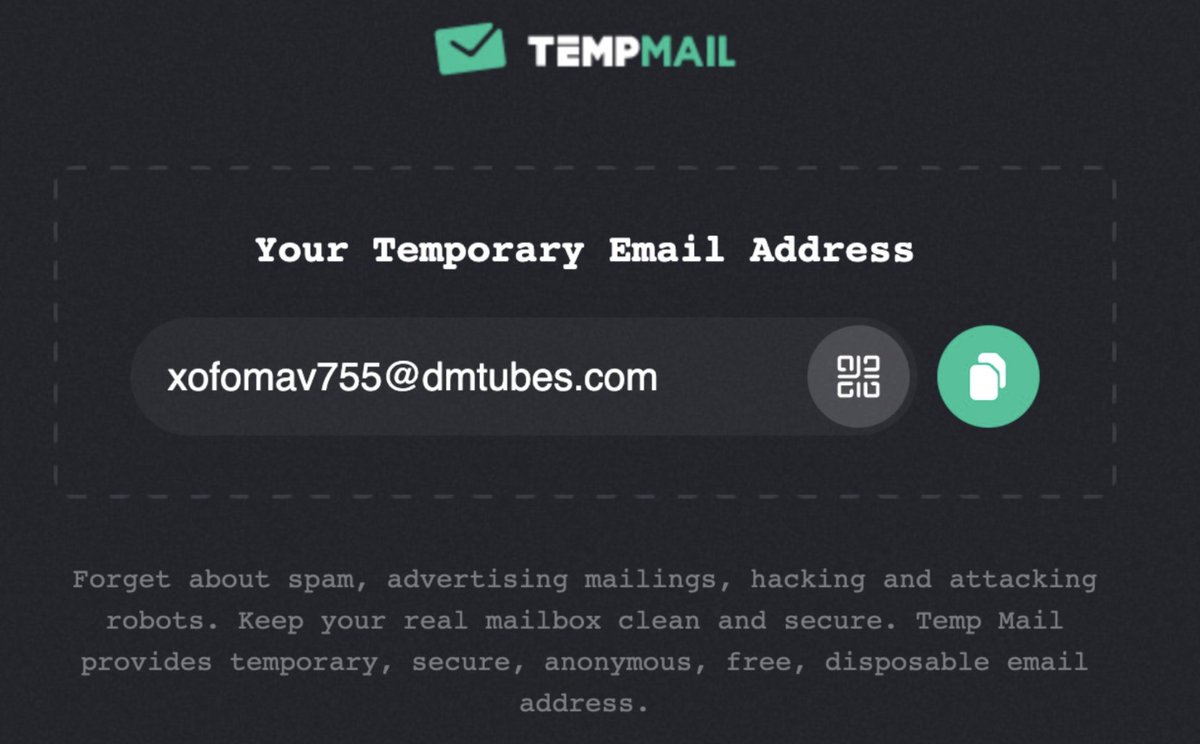
7. Temp Mail

Temp Mail provides temporary, secure, anonymous, free, disposable email addresses.

Forget about spam, advertising mailings, hacking, and attacking robots.

You can use this to create an account on some websites for one time.

🔗 https://t.co/o7mudtUsg4
8. World Time Buddy

An easy-to-use world clock, time zone converter, and online meeting planner.

It's one of the best online productivity tools for those who need access to international time.

🔗 https://t.co/jaomzZ10YX
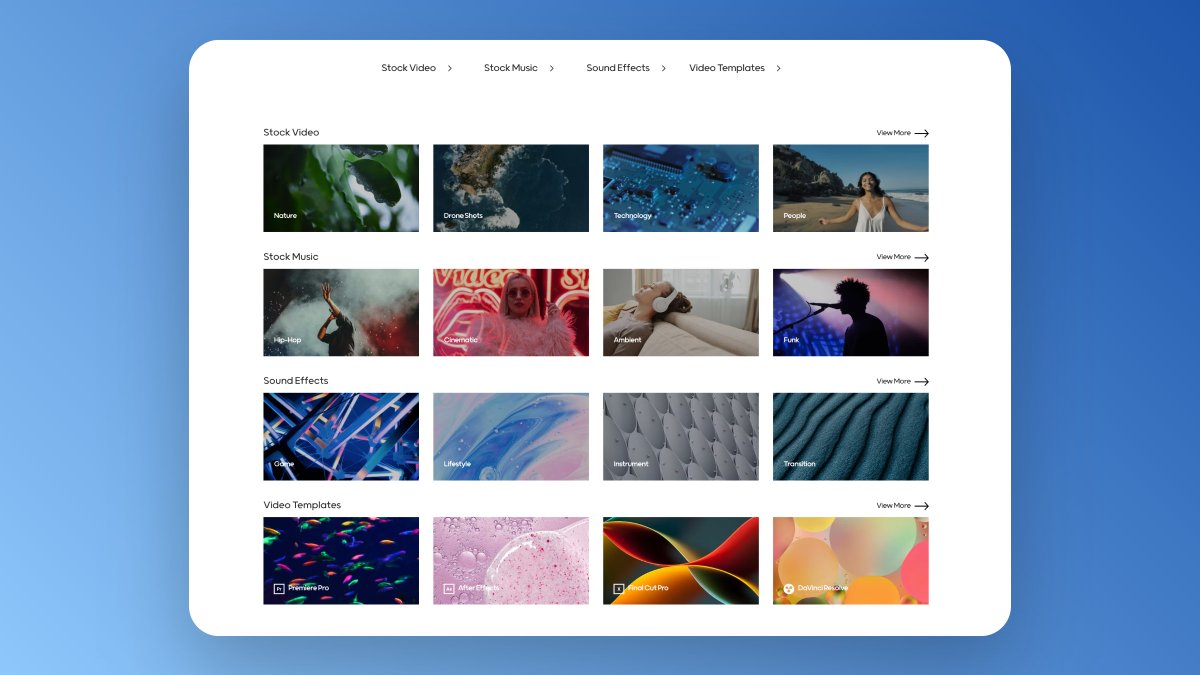
9. Mixkit

Free assets for your next video project.

Awesome Stock Video Clips, Stock Music, Sound Effects & Video Templates.

All are available for free!

🔗 https://t.co/gPapRwX1IC
10. Marketing Examples

A collection of real-world marketing examples from successful businesses.

Want to improve your cold emailing, referrals, or SEO?

🔗 https://t.co/5N4ReKuY66
11. TinyWow

Tools to Help You Solve Your Files Issue.

Files are deleted 15 minutes after they are created.

🔗 https://t.co/XPFHl3AaUn
12. Make

Build and automate anything in one powerful visual platform, from tasks and workflows to apps and systems.

🔗 https://t.co/OAOxJjy0bh
13. Magic Eraser

Use artificial intelligence to remove unwanted elements from images in seconds.

Upload an image, mark the area that needs to be removed, and then download the corrected image.

🔗 https://t.co/3m6bm6V6aZ
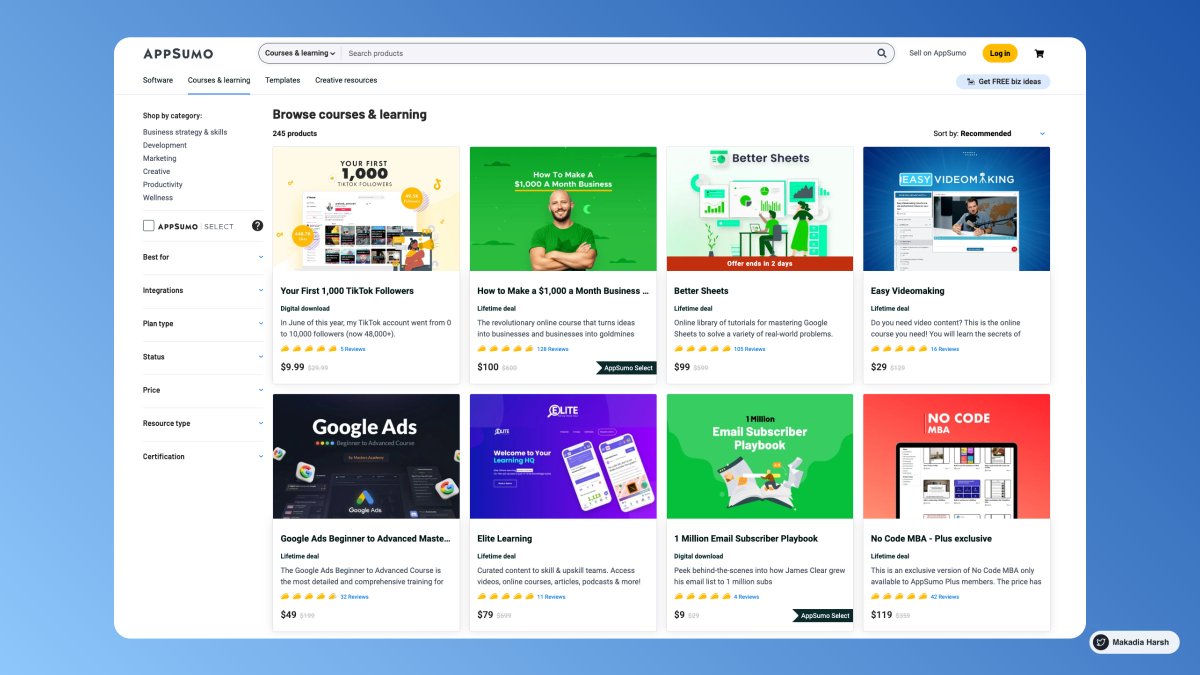
14. AppSumo

Stop overpaying for software.

Discover, buy, and sell the digital products you need to start a business you're passionate about.

🔗 https://t.co/VzTDGvNSP8
15. Locofy

Locofy integrates seamlessly to go from Designs to Code to Deploy.

With Locofy you'll automatically get a live, responsive prototype that runs on code, without writing code.

🔗 https://t.co/VCpDAQDfY8
16. 12 Feet Wall

Prepend https://t.co/xBZgT16mGr to the URL of any paywalled page and get access to the link for free.

See the cached, unpaywalled version of the page.

🔗 https://t.co/ZGHPIDH2Sc
Thanks for checking this out.

Follow @Makadiaharsh for more such threads.

If you loved this thread, like and retweet the first tweet.
https://t.co/zPcOJO6f8s

More from Harsh Makadia

10 Google Calendar tips so good that you'll kick yourself for not knowing them :

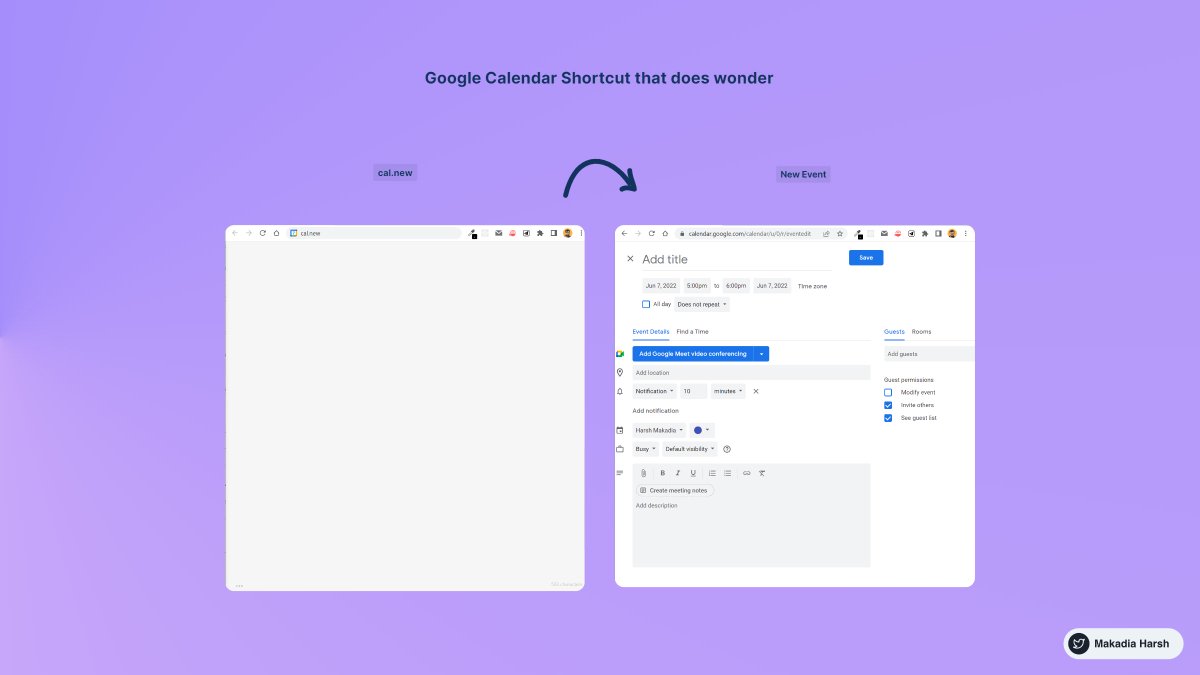
1. Create New Calendar Event

use
https://t.co/eFpzENNmRR to quickly create a new calendar event.

Save time by avoiding multiple clicks.


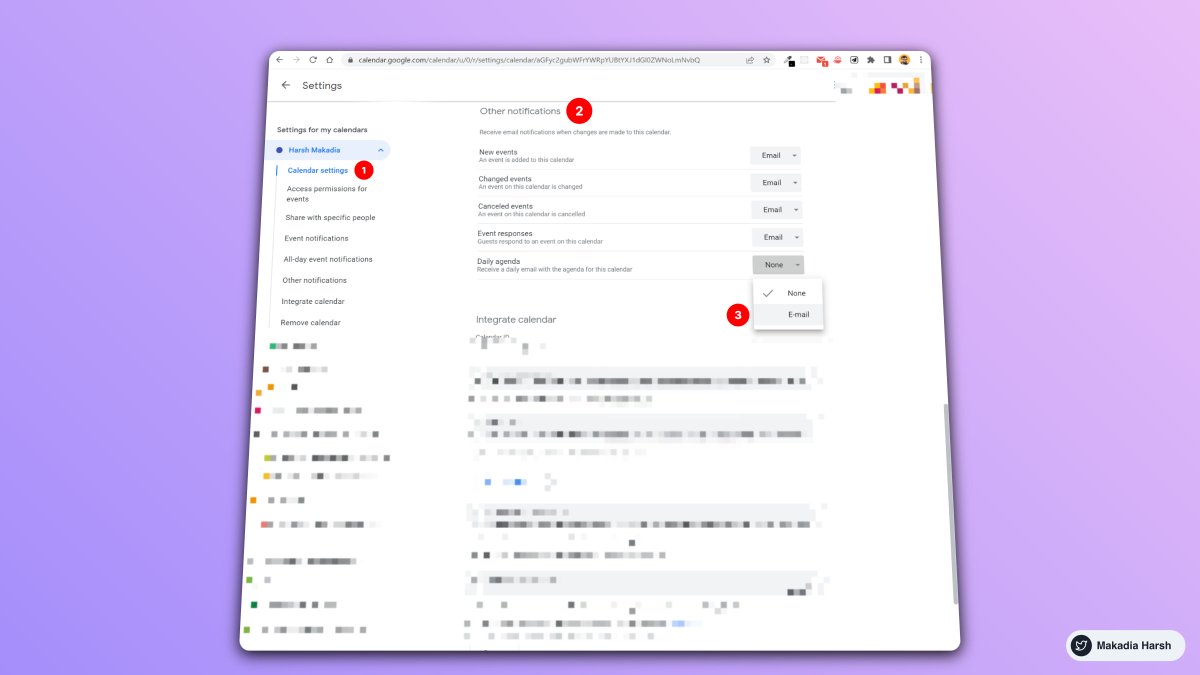
2. Daily Email Digest

Start your day with a daily agenda in your Gmail inbox, based on your Google Calendar schedule.

To Activate:

1. Go to settings

2. Settings for my calendars

3. Go to Other notifications

4. Daily Agenda → Select Email


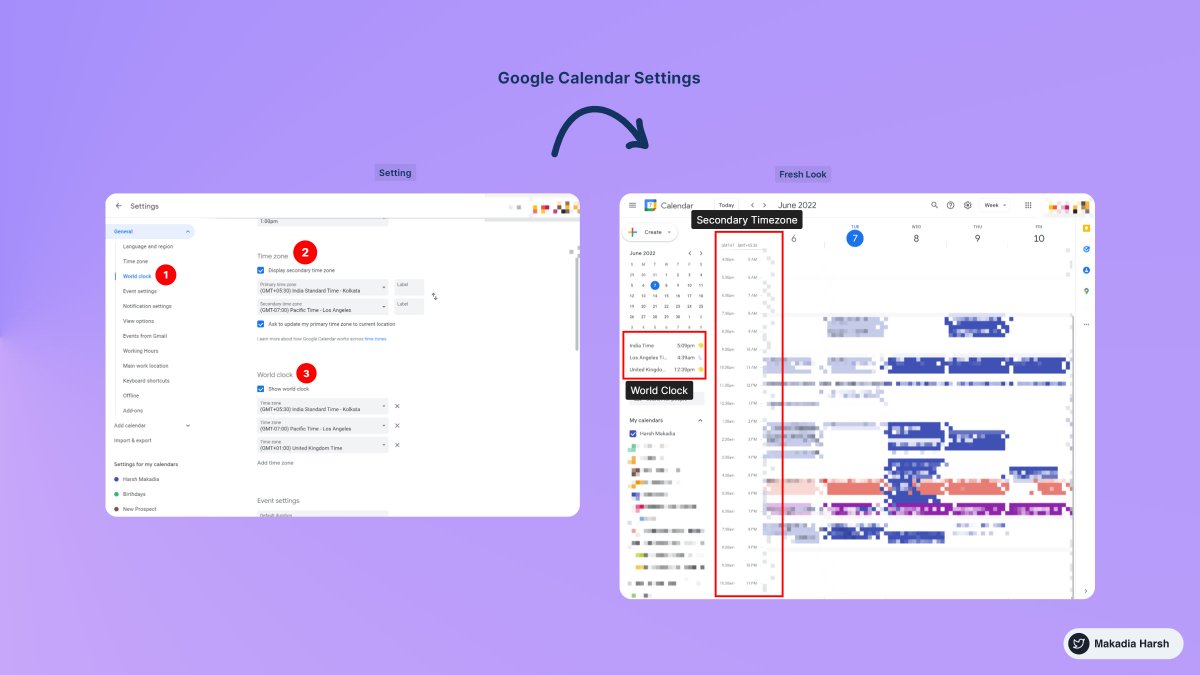
3. Display World Clock and Secondary Timezone

Never leave the calendar to check the time in another timezone.

Everything at one place, 10X Productivity.

To Activate:

1. Go to settings

2. World Clock, Add countries you want


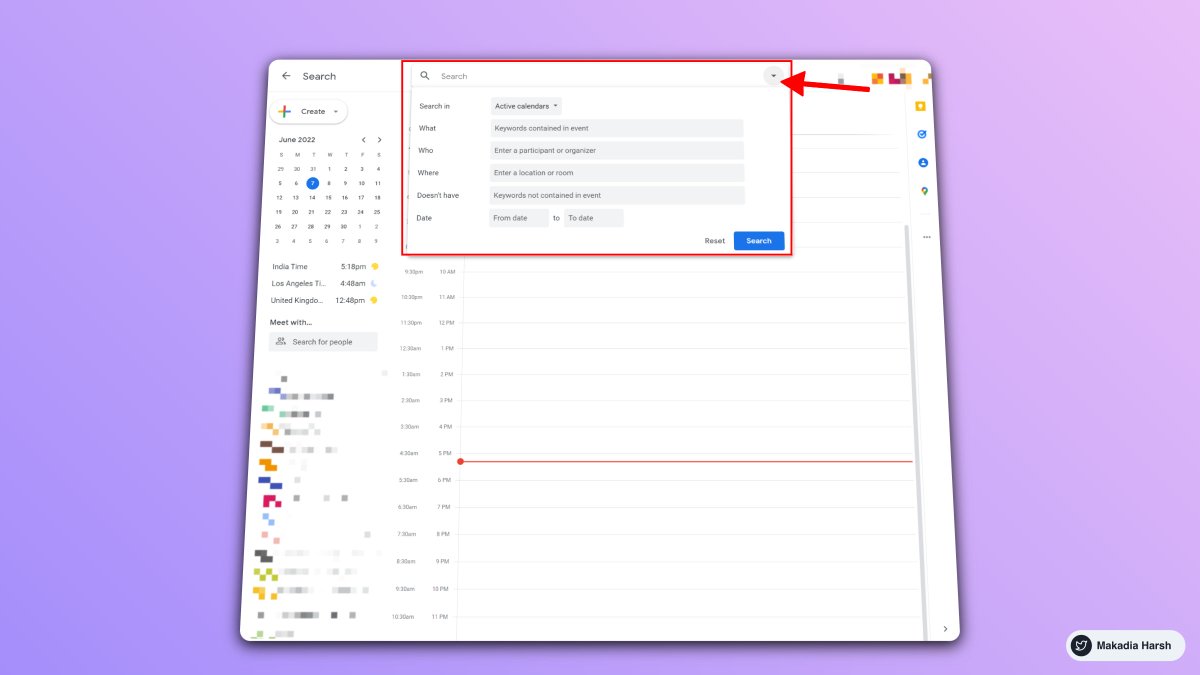
4. Advanced Search

Unlock results faster with smart search.

Everything works just like the Gmail Advanced filter.

Search faster, Save time.
8 Essential tools for making money on the internet ( all free ) :

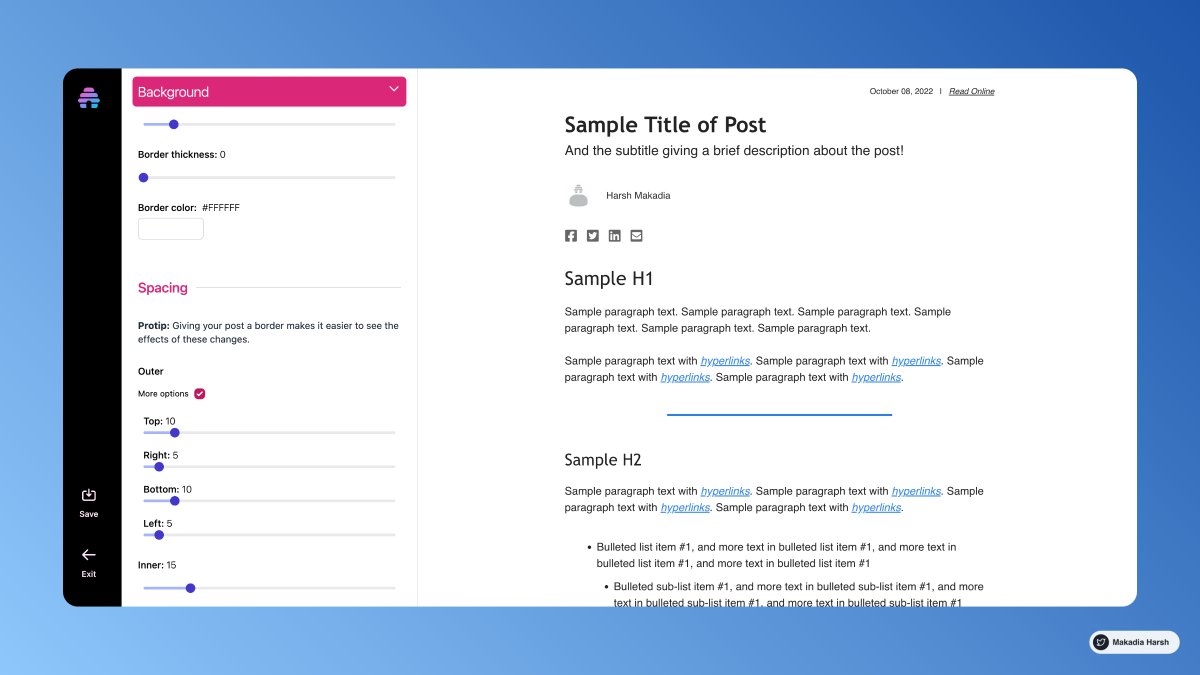
1. Beehiiv

Start a newsletter and promote your services

Your email subscribers will stay with you forever

All-in-one solution for newsletters

• Superior Analytics
• Paid Subscriptions
• Subscribe Forms
• Referral Program
• Ad Network (beta)

🔗
https://t.co/Q05kIwv7LN


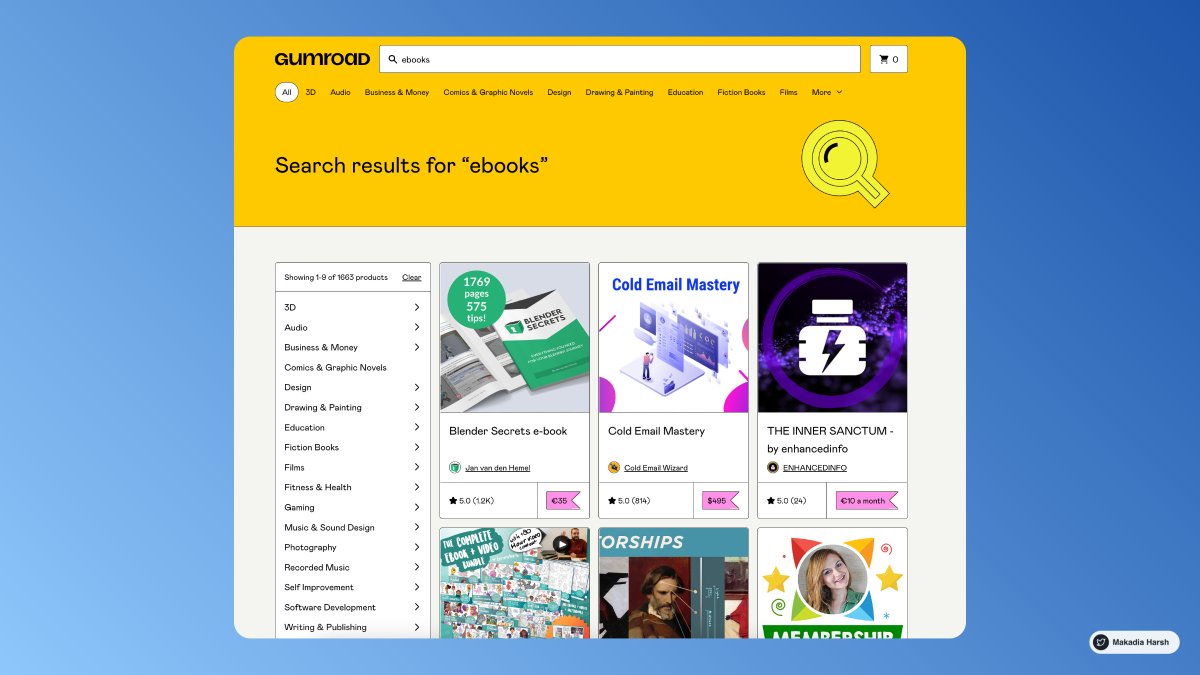
2. Gumroad

Go from zero to $1.

With Gumroad, anyone can earn their first dollar online.

Start with what you know, see what sticks, and get paid. It's that easy.

🔗 https://t.co/oAo0Z2qNoY


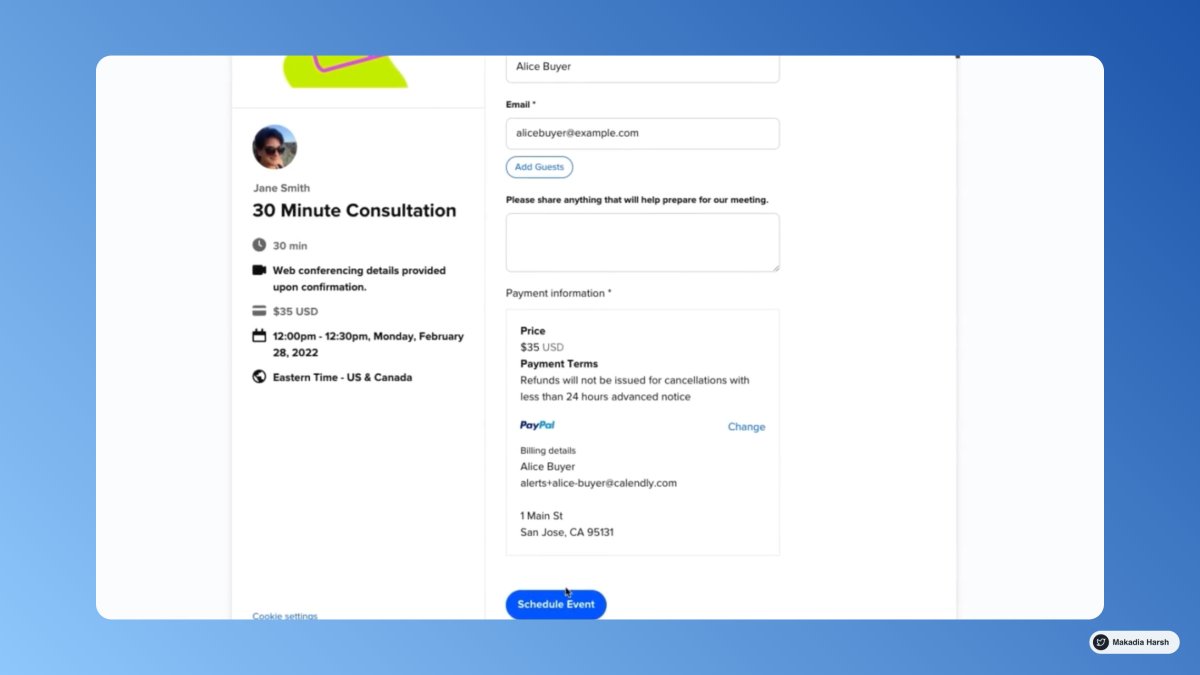
3. Calendly

Let invitees submit payments when they schedule an event with you.

If you are good at something, don't do it for free.

Sharing calendars with clients and earn money when they book your services.

🔗 https://t.co/dtIoMIcsq1


4. Appsumo

Earn money selling your digital products.

AppSumo is the # 1 digital marketplace for entrepreneurs.

List your digital product for free and reach our 1M+ customers.

🔗 https://t.co/VzTDGvNSP8
Using AI to complete work feels like cheating and winning a race.

Here are 7 mind-blowing websites to save you countless hours ( I bet ) ↓

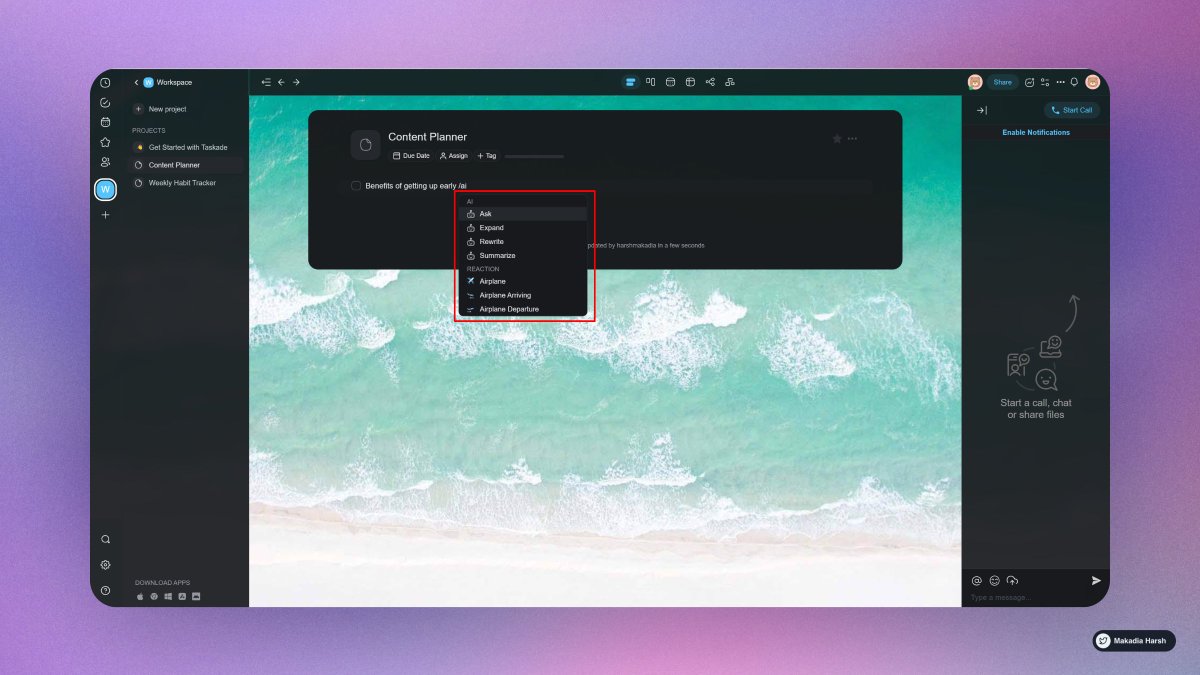
1. Taskade

Build your second brain.

Simply type “/ai“, select a command, and hit enter.

Work faster and smarter across any project using Taskade AI, and it is completely free!

🔗
https://t.co/A4fwdmPWt9


2. ChatSonic

A chatGPT-like chatbot that integrates with Google Search to create content with the latest information.

Additionally, it can create digital images and respond to voice commands.

🔗 https://t.co/Zz2W3Mtiay


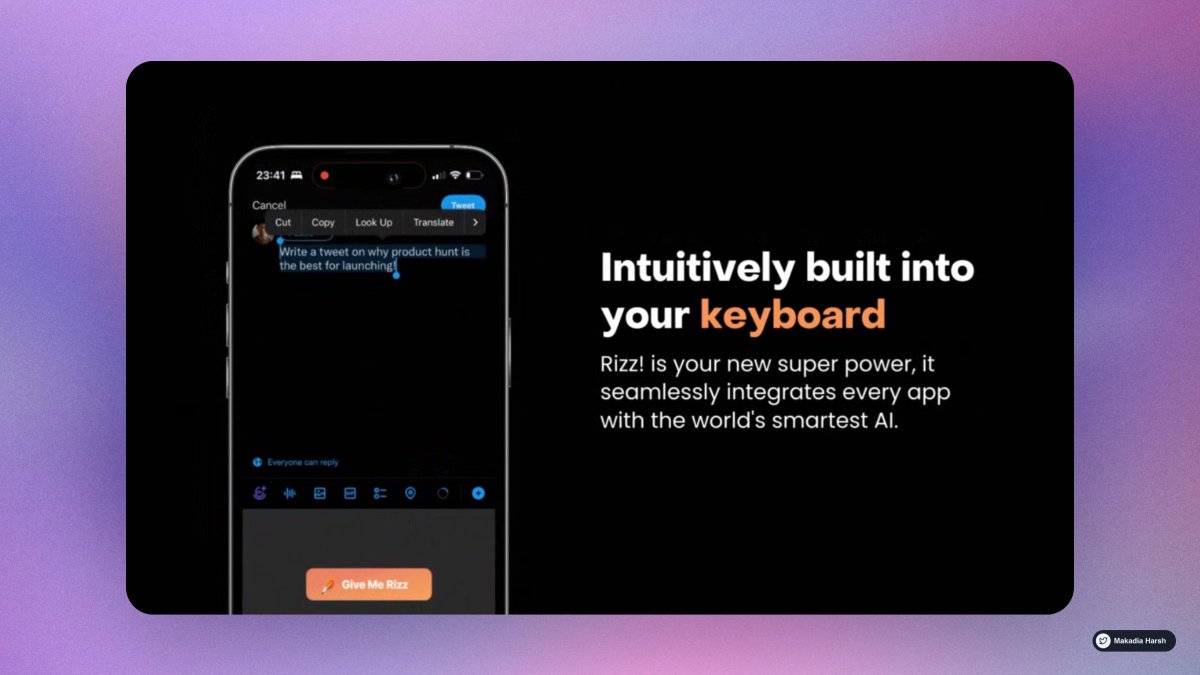
3. Rizzi

Unleash the power of infinite rizz!.

The world's most powerful text AI, built into your keyboard

🔗 https://t.co/QfeGMCJVyT


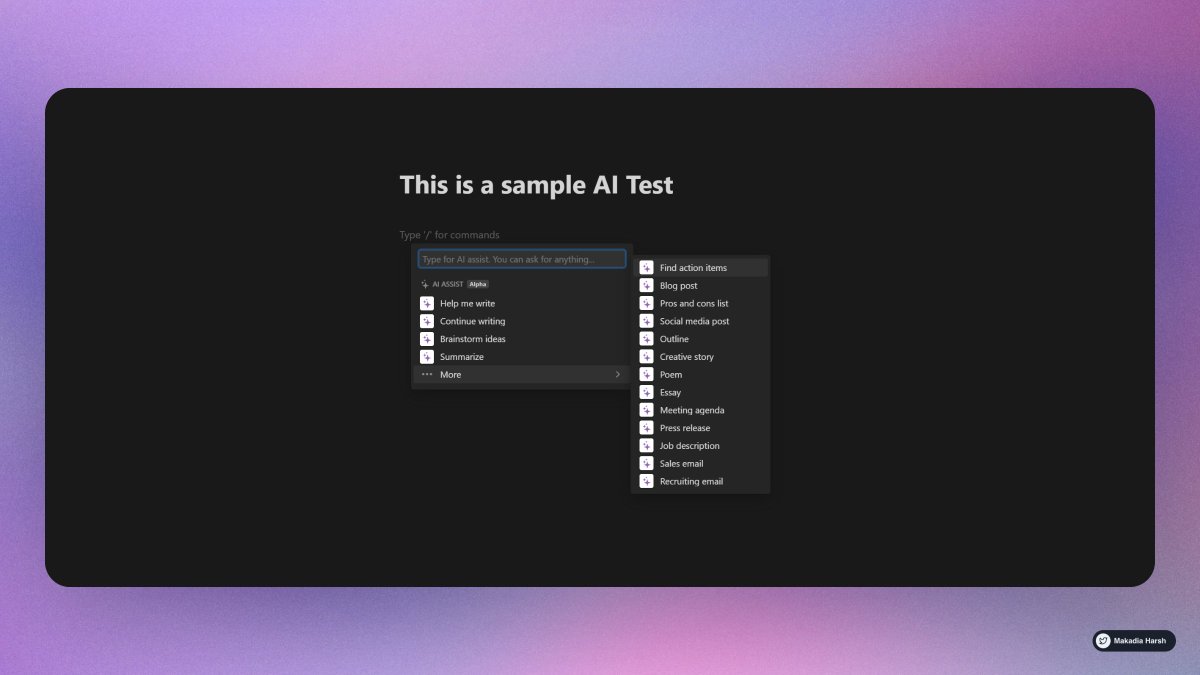
4. Notion AI

Leverage the limitless power of AI in any Notion page.

Write faster, think bigger, and augment your creativity.

Like magic!

🔗 https://t.co/cddxkME23K
8 Google Chrome extensions nobody told you about ( but you needed them badly at work ) :

1. ScribeHow [ @ScribeHow ]

Extension for screen recording that converts any procedure into a tutorial in seconds.

super handy for: entrepreneurs, educators, founders, and more.

93% less effort should be spent recording and sharing procedures.

🔗
https://t.co/dk5fk7zxmz


2. Writesonic [ @WriteSonic ]

AI-powered writing assistant lets you rephrase, expand or shorten any text in a click.

One tool for any type of writing.

🔗 https://t.co/psGIwFpgm0


@WriteSonic 3. Tella [ @TellaHQ ]

Bring your work to life with video.

Screen and camera recording for making an impression.

Fully customizable, instantly shareable, all in your browser.

🔗 https://t.co/yebcyquBnl


@WriteSonic @TellaHQ 4. Arcade [ @arcade_demo ]

The easiest way to showcase your products.

Create interactive demos in minutes and embed them on:
• Websites
• Blog post
• Email
• Tweet

🔗 https://t.co/BlZIrVir2l

More from Startup

You May Also Like