BC AI

Using AI to complete work feels like cheating and winning a race.

Here are 7 mind-blowing websites to save you countless hours ( I bet ) ↓

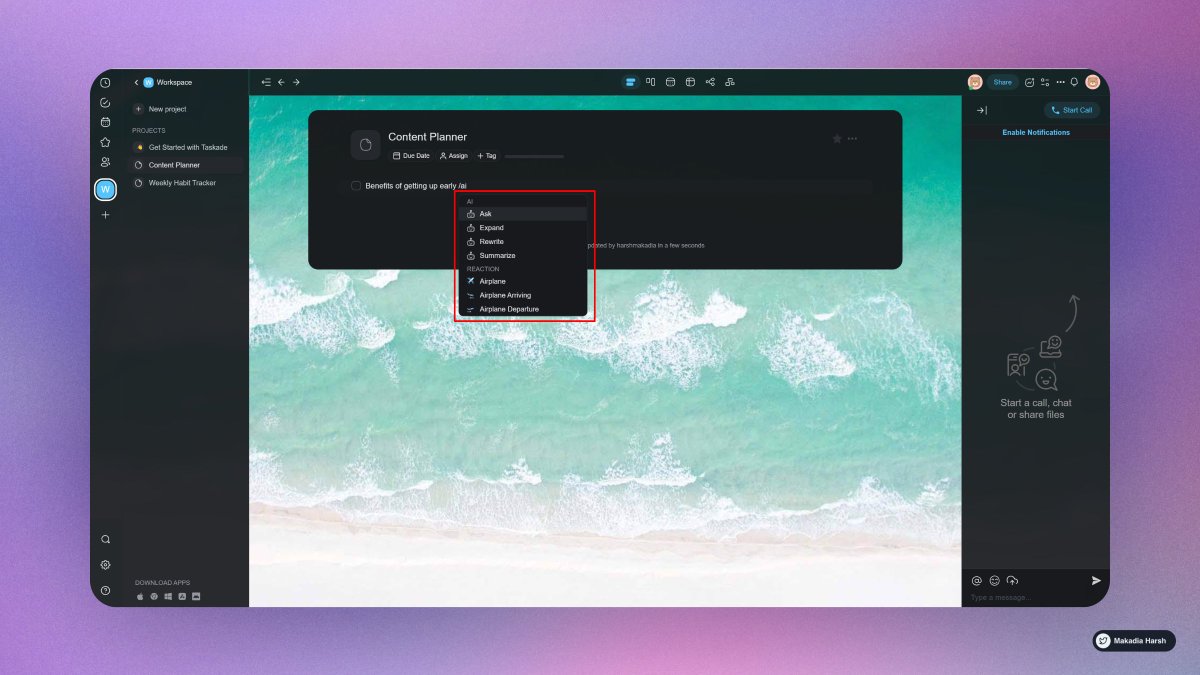
1. Taskade

Build your second brain.

Simply type “/ai“, select a command, and hit enter.

Work faster and smarter across any project using Taskade AI, and it is completely free!

🔗 https://t.co/A4fwdmPWt9
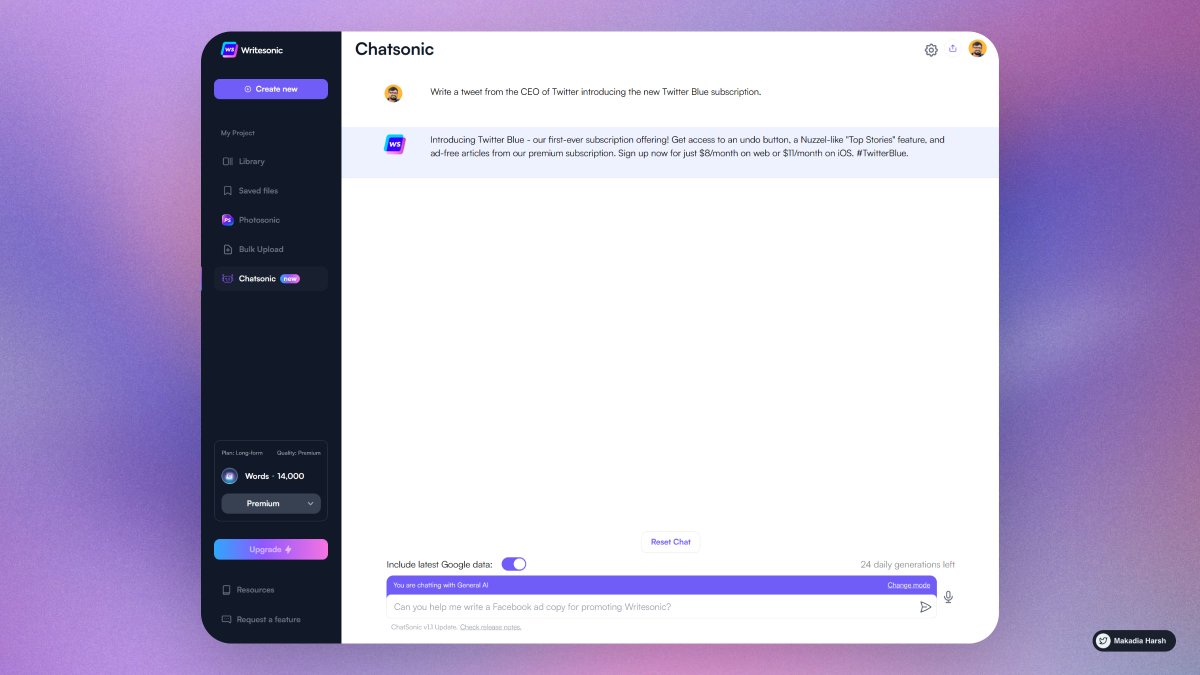
2. ChatSonic

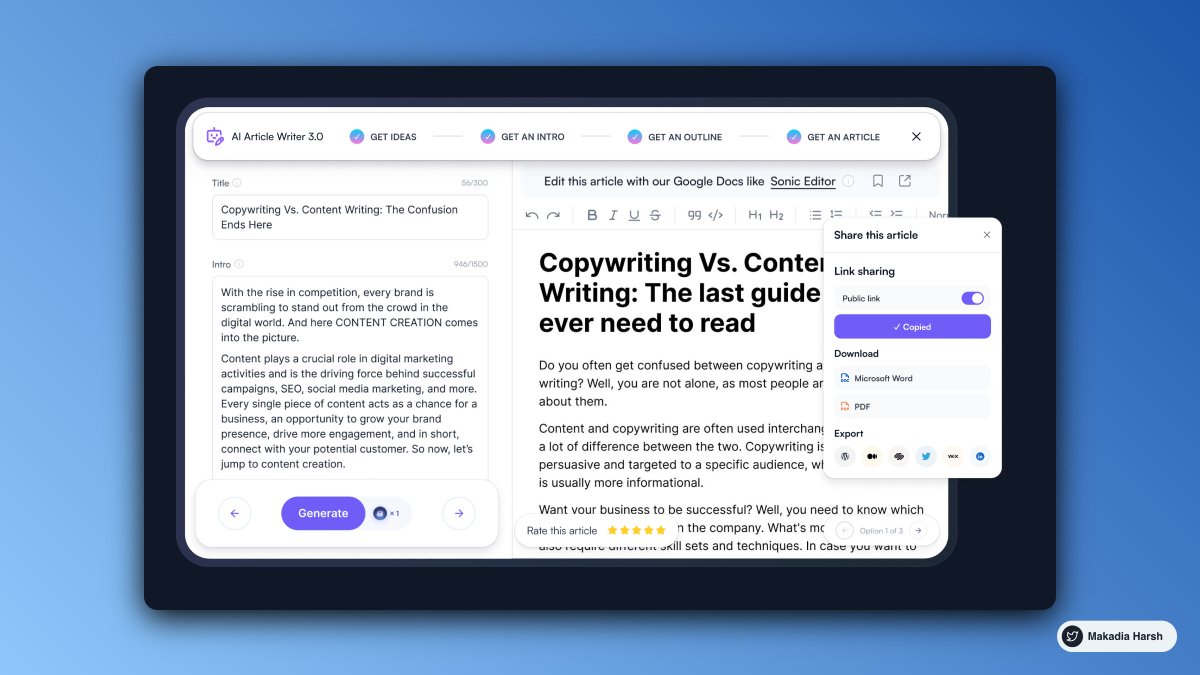
A chatGPT-like chatbot that integrates with Google Search to create content with the latest information.

Additionally, it can create digital images and respond to voice commands.

🔗 https://t.co/Zz2W3Mtiay
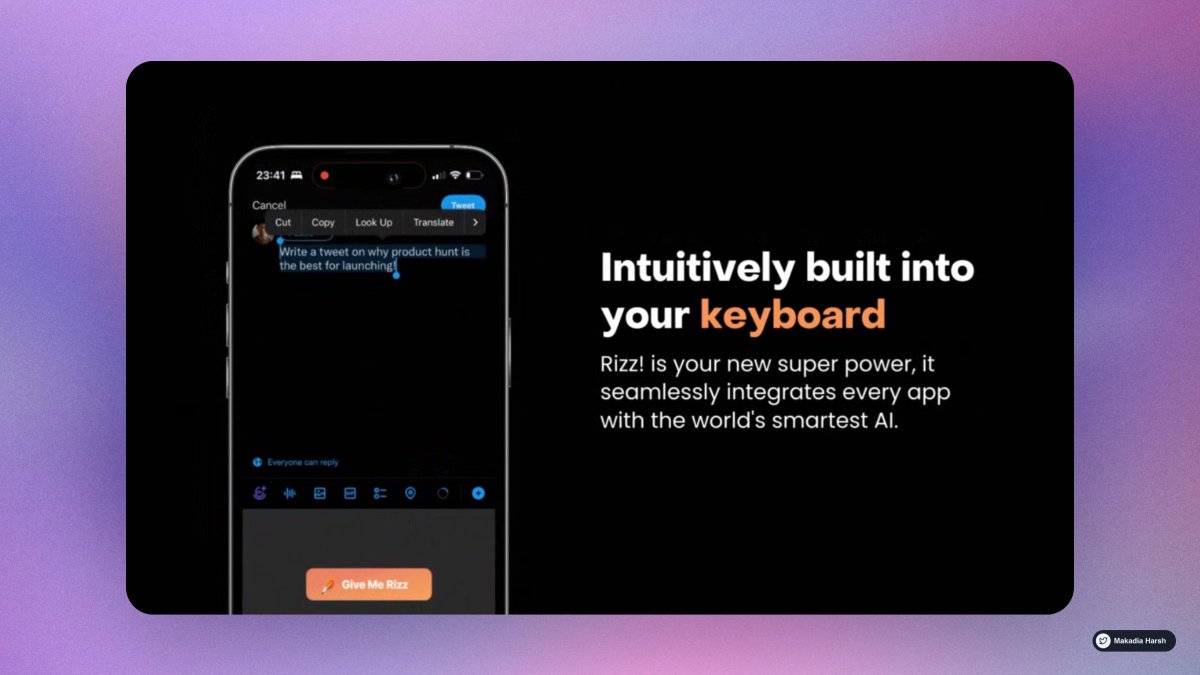
3. Rizzi

Unleash the power of infinite rizz!.

The world's most powerful text AI, built into your keyboard

🔗 https://t.co/QfeGMCJVyT
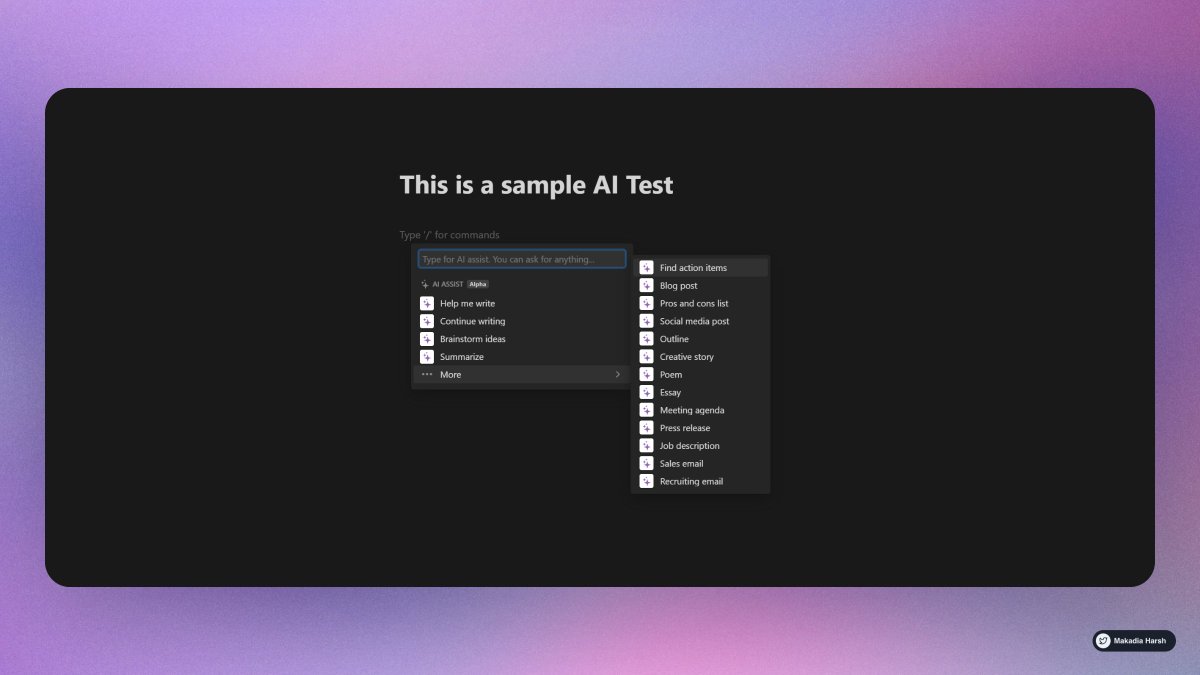
4. Notion AI

Leverage the limitless power of AI in any Notion page.

Write faster, think bigger, and augment your creativity.

Like magic!

🔗 https://t.co/cddxkME23K
5. Cutout Pro

Create your own professional passport photo online with single click in one sec.

AI Powered Creative Visual Design Platform.

🔗 https://t.co/cx7hlxNH6Z
6. Glasp AI Summary

Summarize your learning with AI.

Curate to summarize for you

🔗 https://t.co/pCB1Pf7NgE
7. Lex AI

Lex allows you to generate essays, articles, and stories with help from an AI.

The tool can summarize text & continue working off of current sentences.

Offers suggestions and ideas based on the context of your writing.

🔗 https://t.co/jEvB8RQJIN
Follow @MakadiaHarsh for more such threads.

If you loved it, Retweet the first tweet.

https://t.co/mrjc3byIc6

More from Harsh Makadia

8 Google Chrome extensions nobody told you about ( but you needed them badly at work ) :

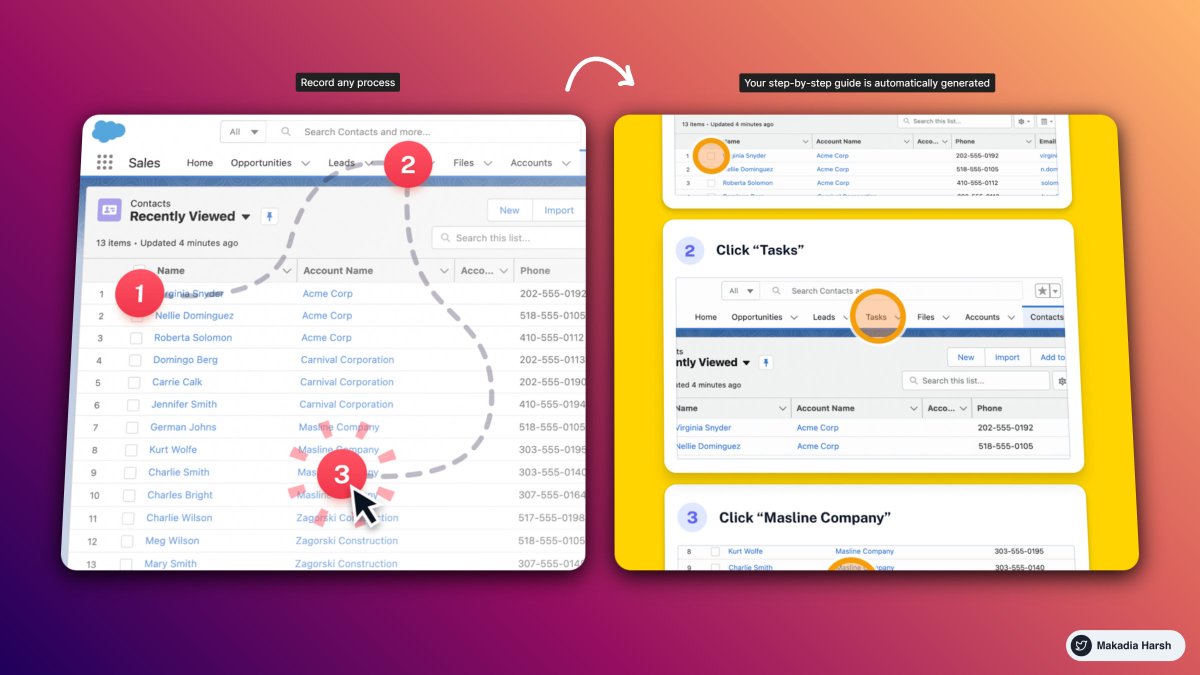
1. ScribeHow [ @ScribeHow ]

Extension for screen recording that converts any procedure into a tutorial in seconds.

super handy for: entrepreneurs, educators, founders, and more.

93% less effort should be spent recording and sharing procedures.

🔗
https://t.co/dk5fk7zxmz


2. Writesonic [ @WriteSonic ]

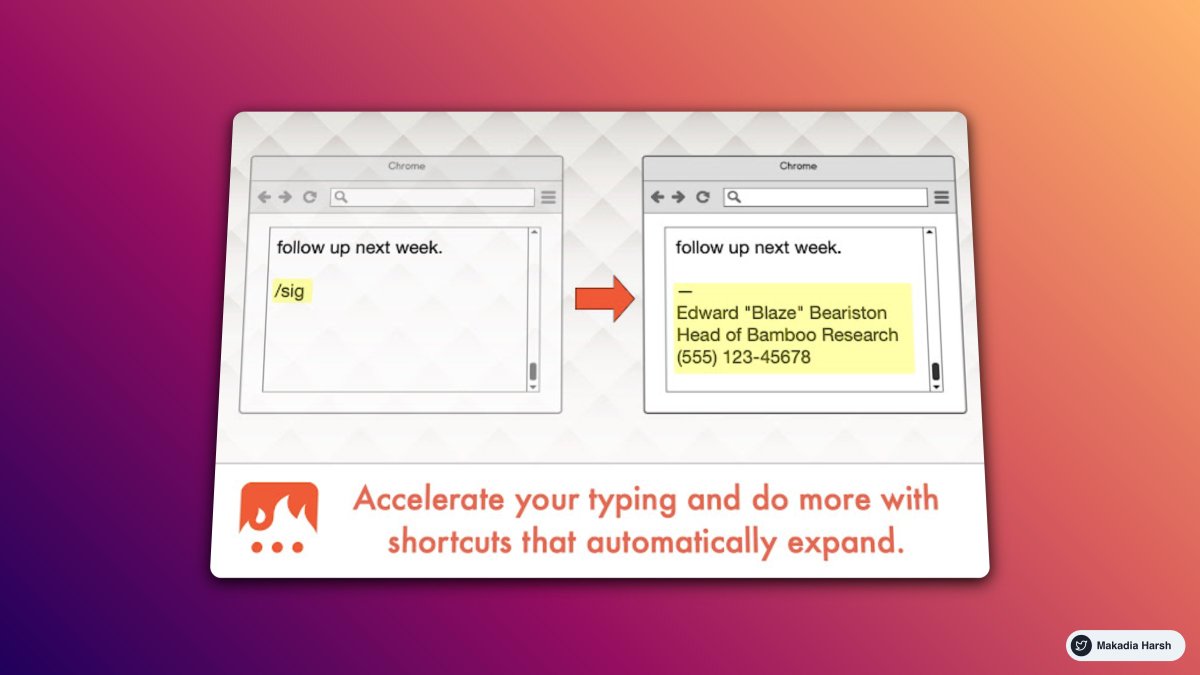
AI-powered writing assistant lets you rephrase, expand or shorten any text in a click.

One tool for any type of writing.

🔗 https://t.co/psGIwFpgm0


@WriteSonic 3. Tella [ @TellaHQ ]

Bring your work to life with video.

Screen and camera recording for making an impression.

Fully customizable, instantly shareable, all in your browser.

🔗 https://t.co/yebcyquBnl


@WriteSonic @TellaHQ 4. Arcade [ @arcade_demo ]

The easiest way to showcase your products.

Create interactive demos in minutes and embed them on:
• Websites
• Blog post
• Email
• Tweet

🔗 https://t.co/BlZIrVir2l
Everyone wants to grow on Twitter.

But only a few are aware of the right tools.

I went from 0 to 34,000 in 10 months.

Here's a list of 16 free Twitter tools that you cannot miss:

1. Profile Picture Maker

Remove the background easily and make an awesome profile picture.

Instantly generated profile pictures.

Get more views, likes with this Hack.

https://t.co/T5LqCQQ3xK


2. Canva

Create Beautiful Twitter Banners in minutes.

You can use it to create media images.

You can create a design and reuse them as your own brand.

https://t.co/brDgzY0LdX


3. BlackMagic

Stand out on social media.

Real-time Banner and Profile Progress Bar.

Sleep Indicator.

Magic Sidebar for analytics.

https://t.co/9esv6KAqek


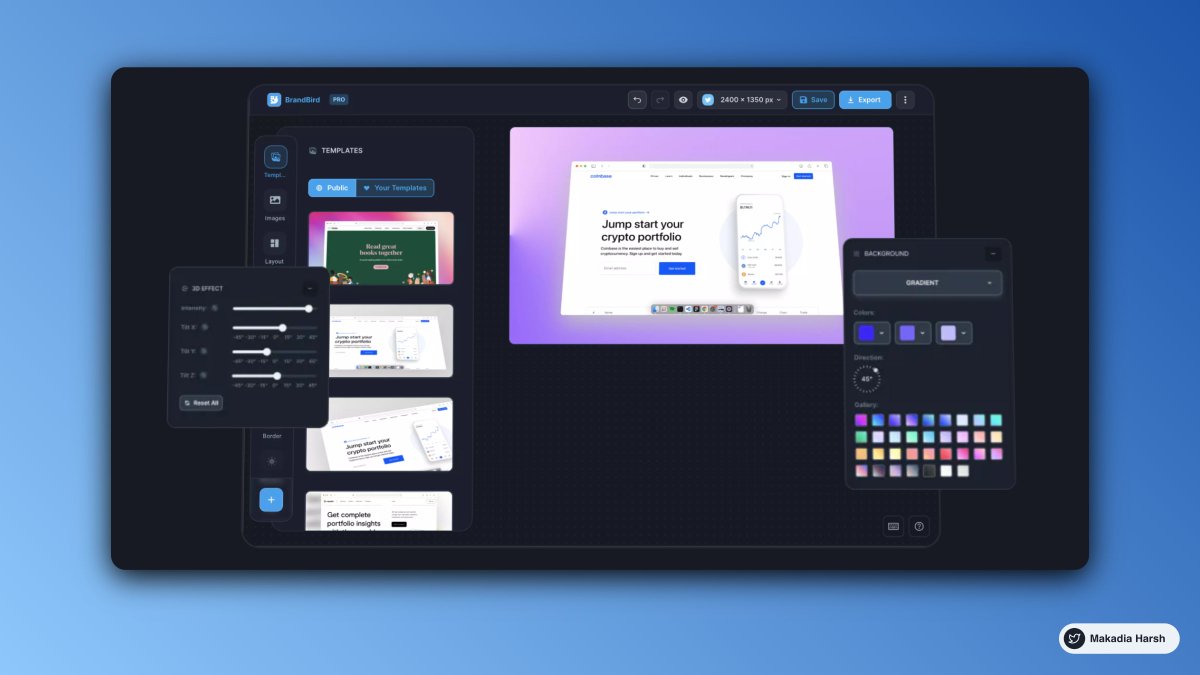
4. Brandbird (Similar to Purplephoto )

Turn your Images into beautiful social media posts.

https://t.co/jEr5ZlSHO5
10 Google Calendar tips so good that you'll kick yourself for not knowing them :

1. Create New Calendar Event

use
https://t.co/eFpzENNmRR to quickly create a new calendar event.

Save time by avoiding multiple clicks.


2. Daily Email Digest

Start your day with a daily agenda in your Gmail inbox, based on your Google Calendar schedule.

To Activate:

1. Go to settings

2. Settings for my calendars

3. Go to Other notifications

4. Daily Agenda → Select Email


3. Display World Clock and Secondary Timezone

Never leave the calendar to check the time in another timezone.

Everything at one place, 10X Productivity.

To Activate:

1. Go to settings

2. World Clock, Add countries you want


4. Advanced Search

Unlock results faster with smart search.

Everything works just like the Gmail Advanced filter.

Search faster, Save time.

You May Also Like