Dou you want to learn web development but don't have much money to spend on a course?
Don't worry, there are many great YouTubers who are spreading knowledge for free
THREAD🧵
More from Pratham 👨💻🚀

5 amazing websites that will blow the mind of a developer. Definitely check them out
🧵👇🏻
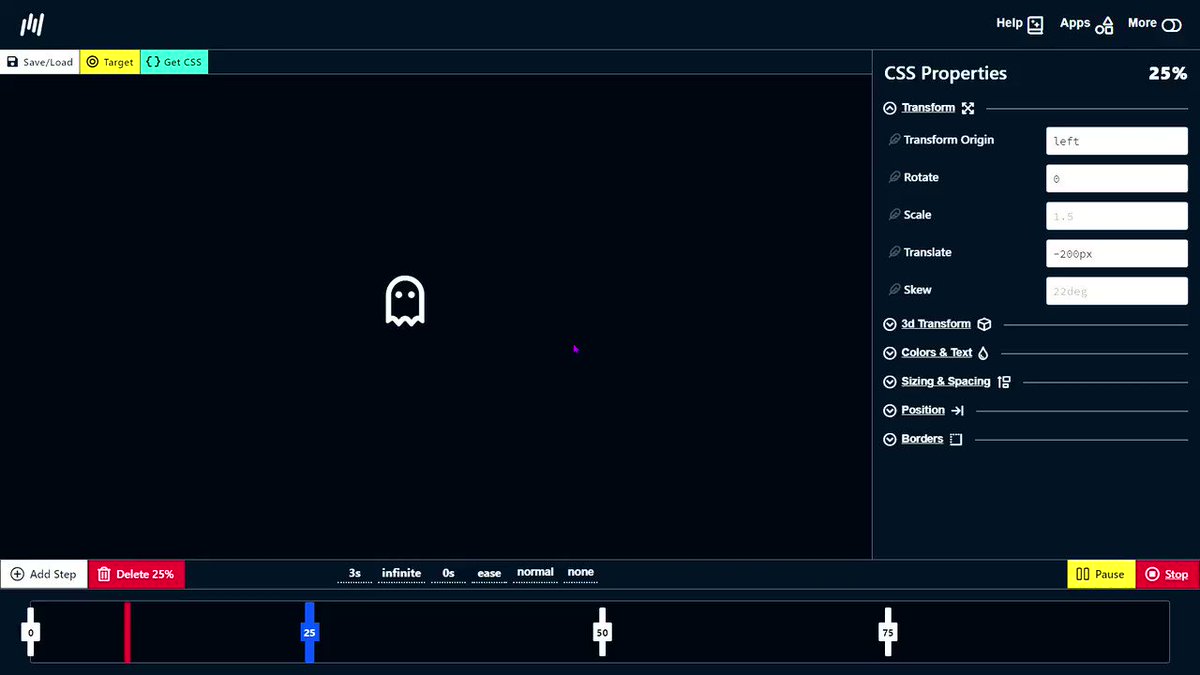
1️⃣ Animation generator
- Dead simple visual tools to help you generate CSS for your projects.
🔗 https://t.co/IFmIEgDiVY
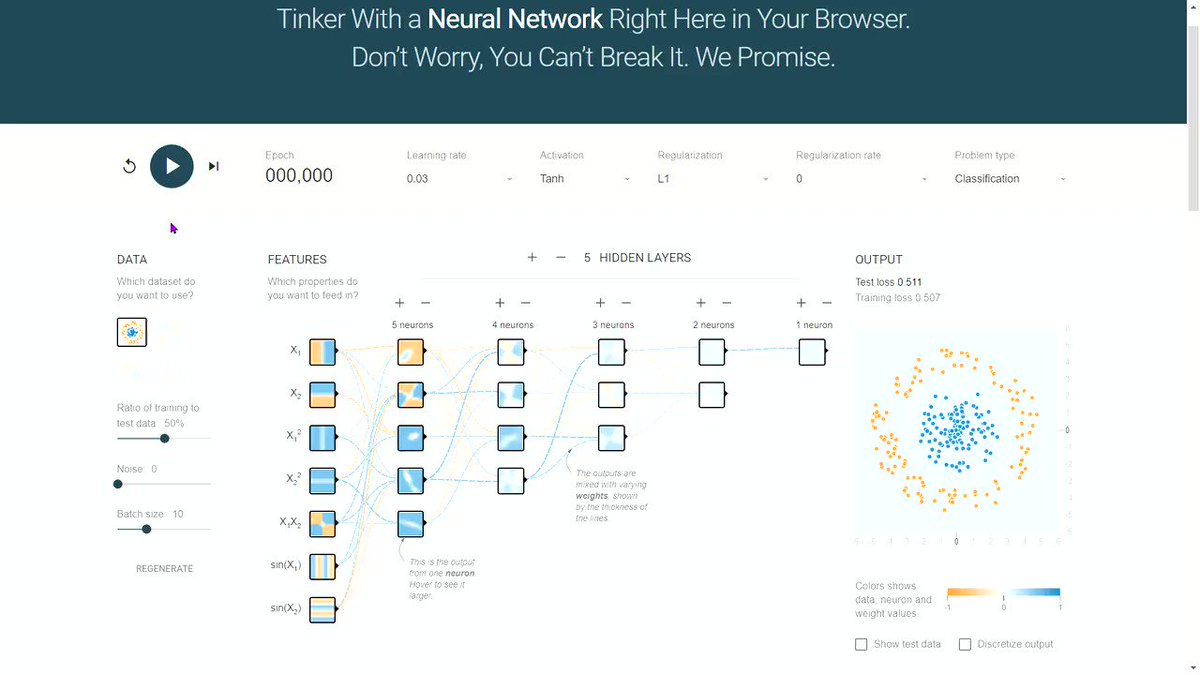
2️⃣ Neural Network Visualizer
- Deep playground is an interactive visualization of neural networks, written in TypeScript using d3.js.
🔗 https://t.co/mTAlFbJsOW
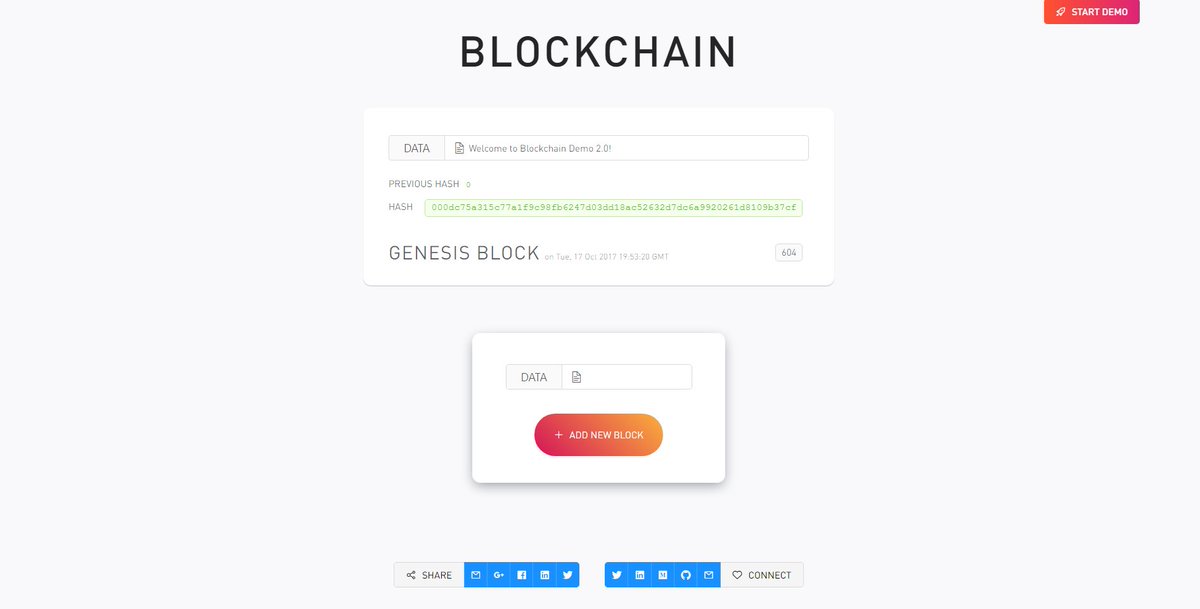
3️⃣ Blockchain Demo
- A visual demo of blockchain technology
🔗 https://t.co/I1RwxYcM1Z
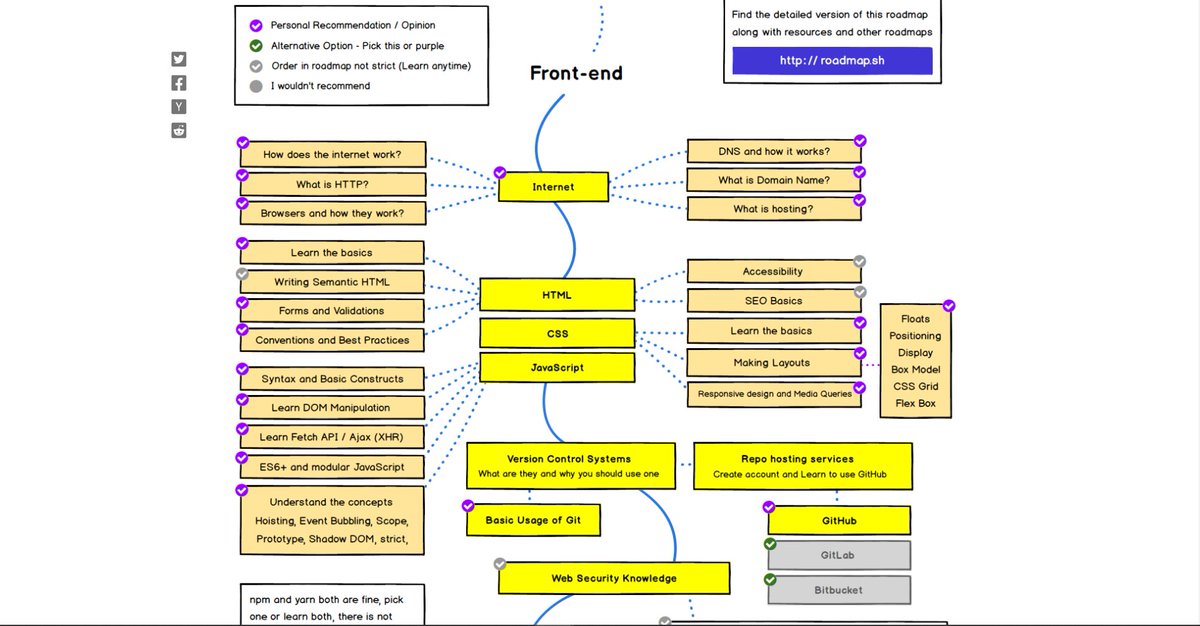
4️⃣ Developer Roadmaps
- Step by step guides and paths to learn different tools or technologies
🔗 https://t.co/VSNPdG8jQR
🧵👇🏻
1️⃣ Animation generator
- Dead simple visual tools to help you generate CSS for your projects.
🔗 https://t.co/IFmIEgDiVY
2️⃣ Neural Network Visualizer
- Deep playground is an interactive visualization of neural networks, written in TypeScript using d3.js.
🔗 https://t.co/mTAlFbJsOW
3️⃣ Blockchain Demo
- A visual demo of blockchain technology
🔗 https://t.co/I1RwxYcM1Z
4️⃣ Developer Roadmaps
- Step by step guides and paths to learn different tools or technologies
🔗 https://t.co/VSNPdG8jQR
7 GitHub repositories will make you a standout developer from 99% of people:
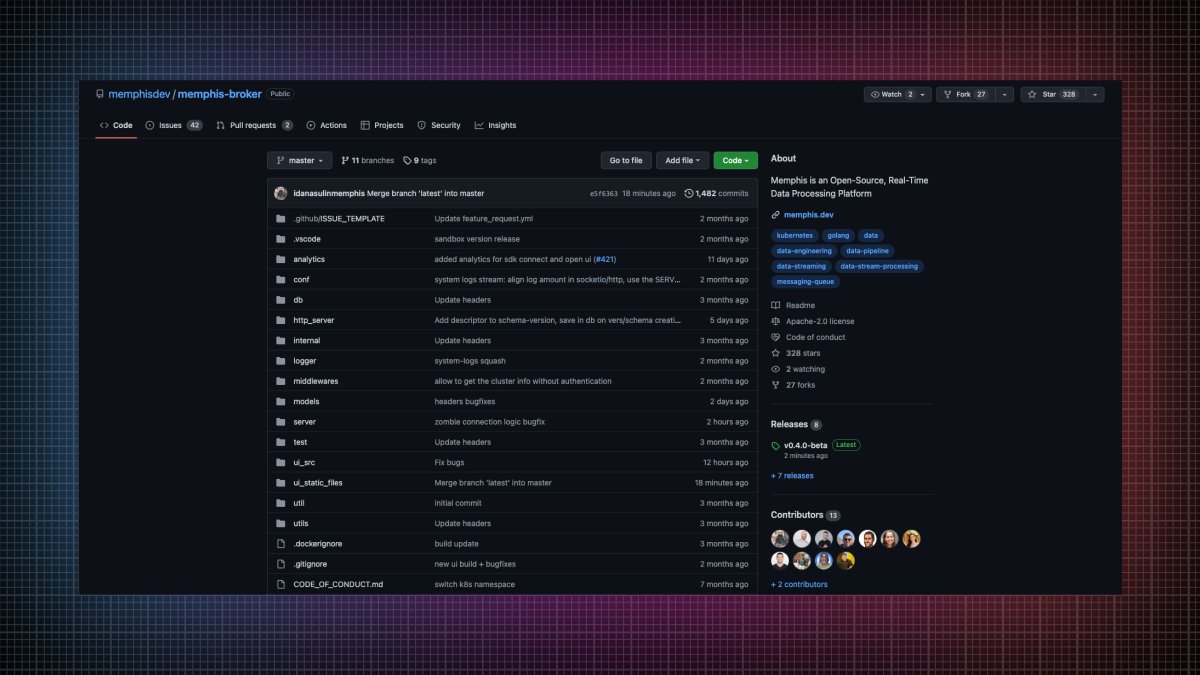
1. Memphis
An open-source real-time data processing platform.
• Message broker
• Schema Management
• Zero ops
• Cloud-native
• Rapid development
• Significantly lower development time
🔗 https://t.co/w5L2aCM3do
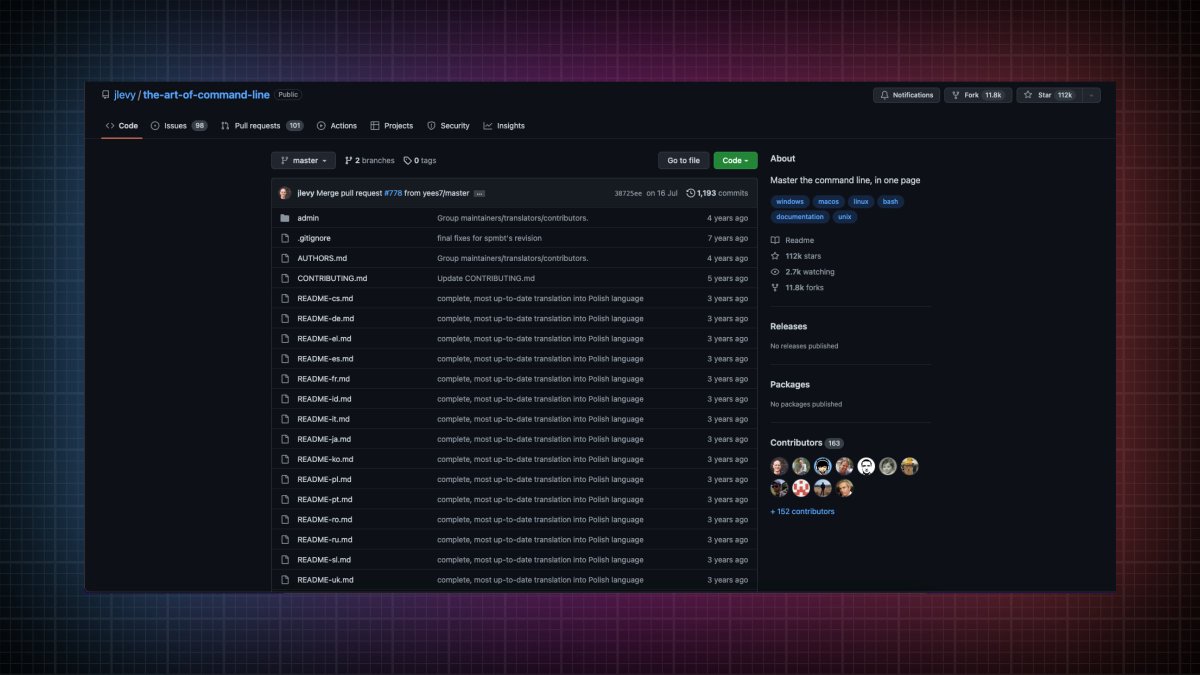
2. The art of command line
Master the command line, in one page.
🔗 https://t.co/uF2RlcUIxb
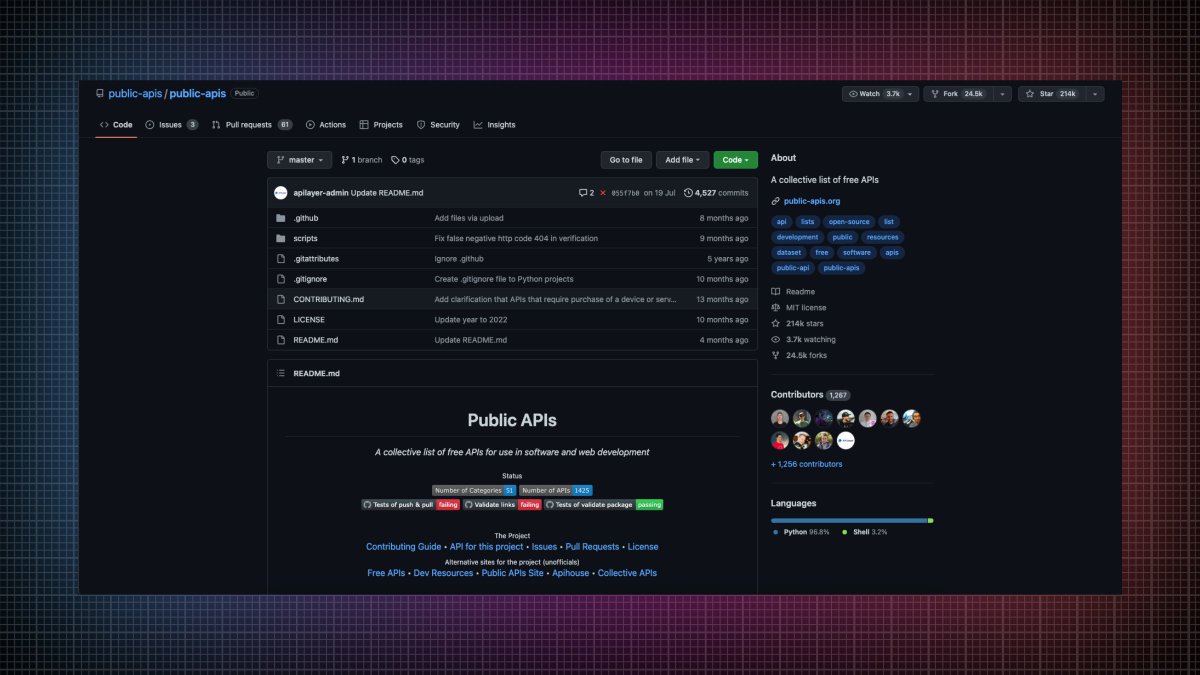
3. Public APIs
A collective list of free APIs for use in software and web development
🔗 https://t.co/vDRQKBf15V
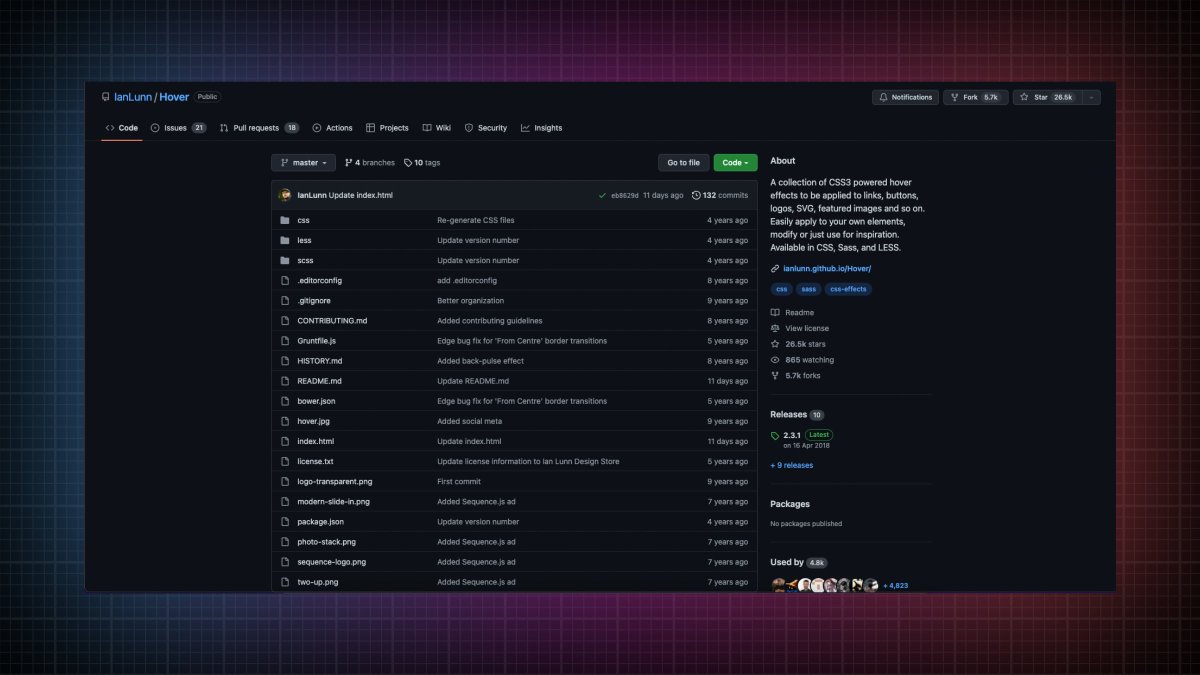
4. Hover
A collection of CSS3 powered hover effects to be applied to links, buttons, logos, SVG, featured images and so on.
🔗 https://t.co/bIGEEPcMkJ
1. Memphis
An open-source real-time data processing platform.
• Message broker
• Schema Management
• Zero ops
• Cloud-native
• Rapid development
• Significantly lower development time
🔗 https://t.co/w5L2aCM3do
2. The art of command line
Master the command line, in one page.
🔗 https://t.co/uF2RlcUIxb
3. Public APIs
A collective list of free APIs for use in software and web development
🔗 https://t.co/vDRQKBf15V
4. Hover
A collection of CSS3 powered hover effects to be applied to links, buttons, logos, SVG, featured images and so on.
🔗 https://t.co/bIGEEPcMkJ
JavaScript is powerful.
But sometimes, you can do great things using CSS.
A long thread of CSS tips and tricks:
1. Smooth
2. Change marker styling
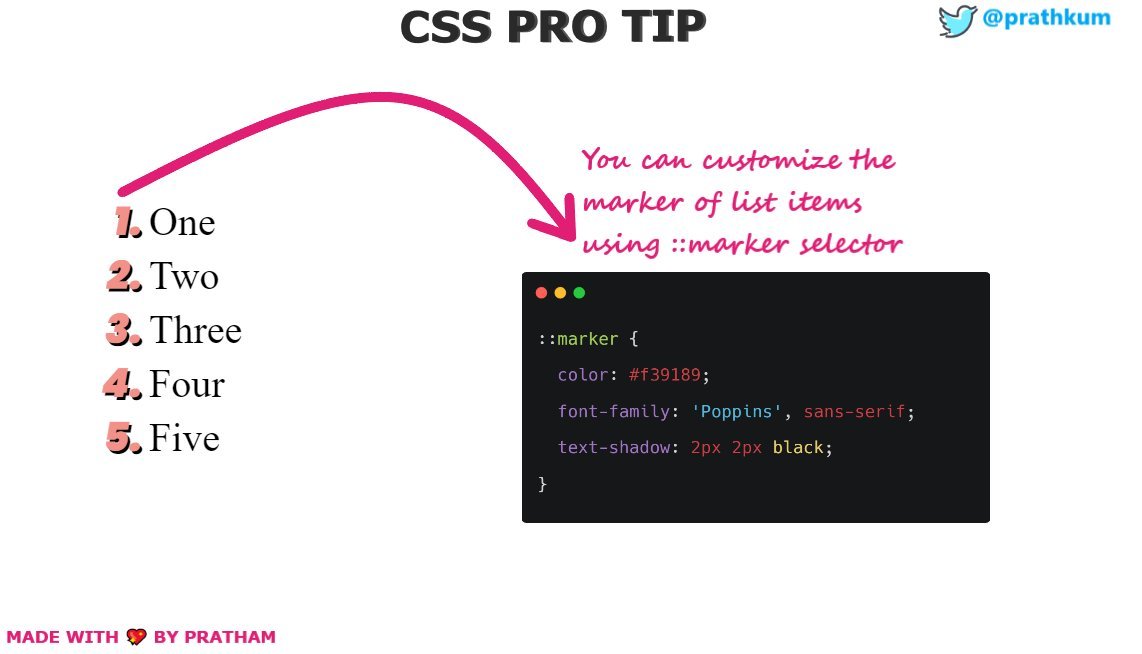
3. Add styling to video
4. Change input caret
But sometimes, you can do great things using CSS.
A long thread of CSS tips and tricks:
1. Smooth
CSS Tip\U0001f4a1
— Pratham (@Prathkum) February 11, 2021
Enable smooth scrolling for the whole page\U0001f447 pic.twitter.com/E7QERt6V3Y
2. Change marker styling
3. Add styling to video
CSS Pro Tip \U0001f3a8
— Pratham (@Prathkum) April 11, 2021
You can style the subtitles of video on your website using ::cue pseudo-element pic.twitter.com/fV56PmxkX7
4. Change input caret
CSS tip\U0001f3a8
— Pratham (@Prathkum) February 23, 2021
You can change the input caret color using CSS\U0001f447
\u27b8 The\xa0caret\xa0is typically a thin vertical line that flashes to help the text area more noticeable pic.twitter.com/VA0paD7d2a