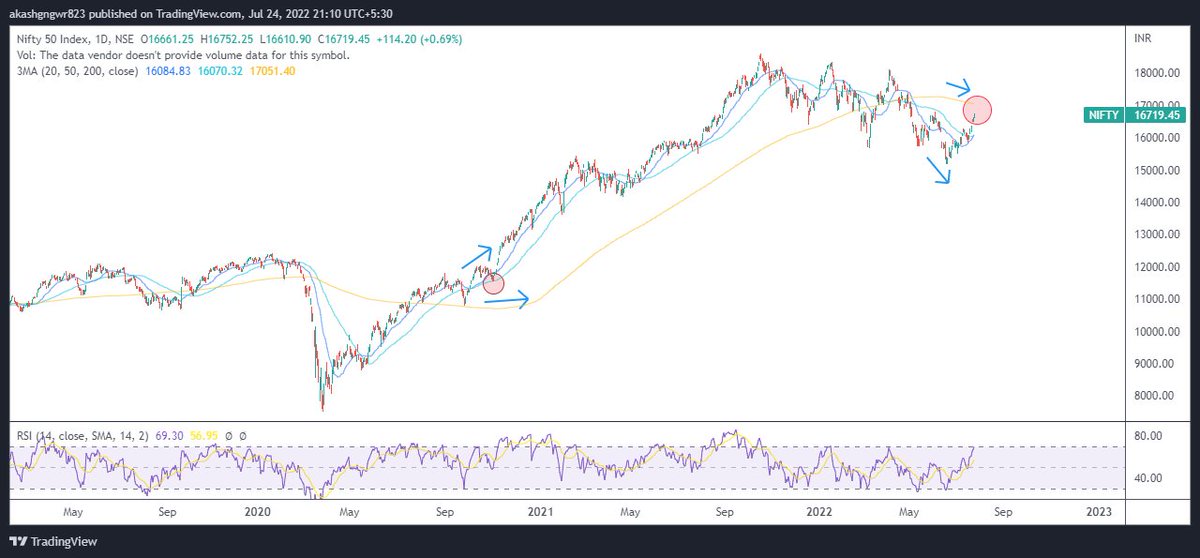
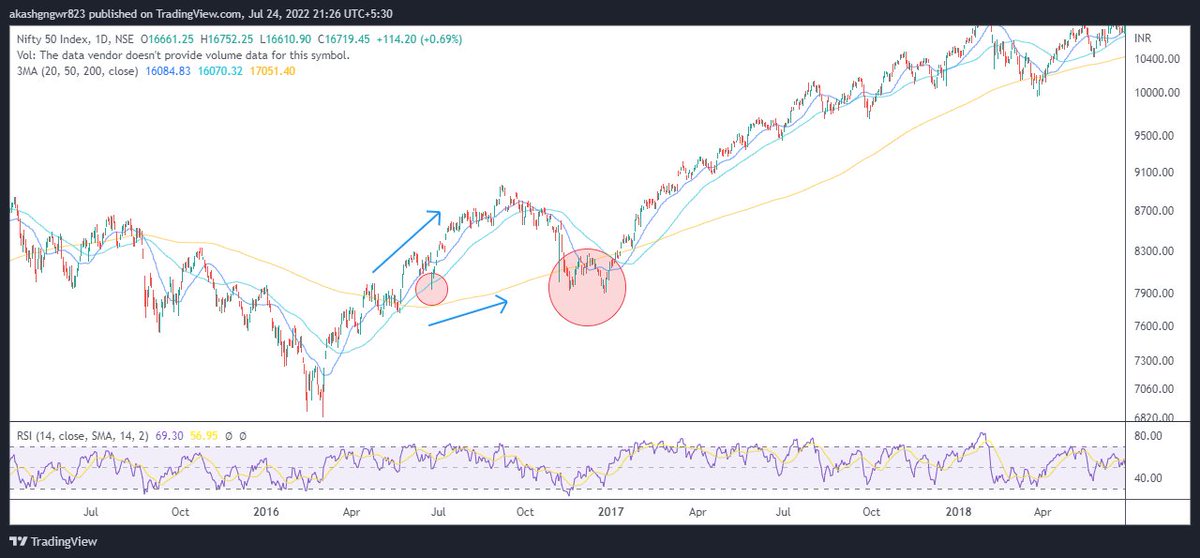
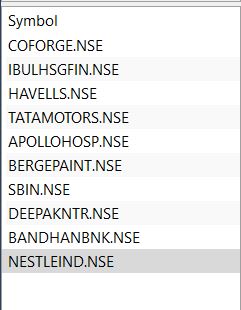
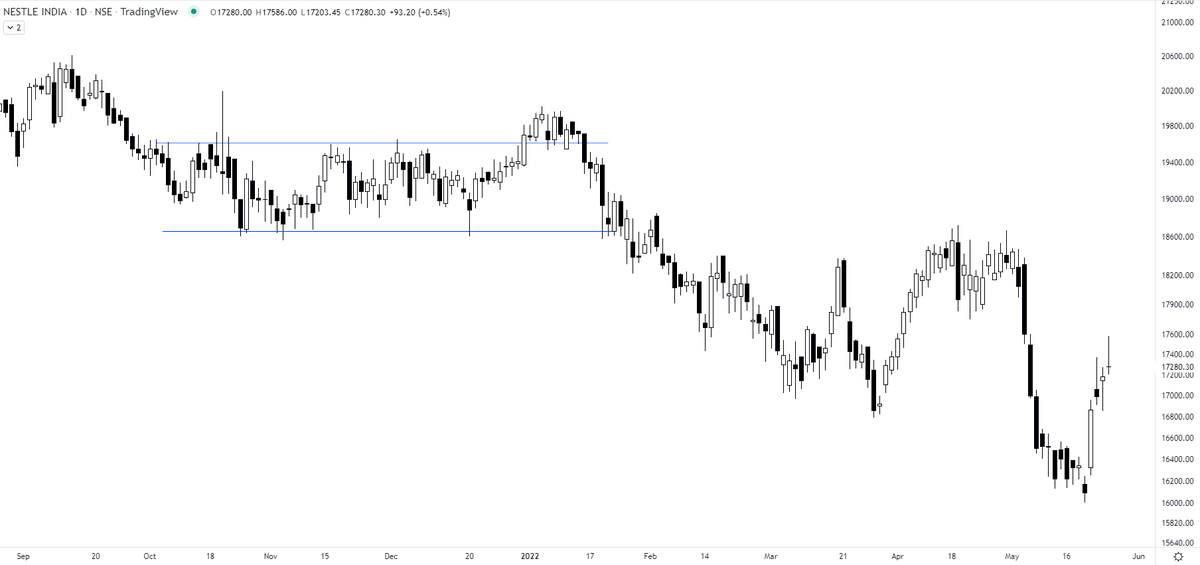
3 Ways to ride a stock (a thread) >Do retweet if it adds value as this took a long time for me to make

1) 10/20 Day EMA - Enter the stock as it comes up back to the 10/20 day EMA and ride it till it drops below or SL hits as explained below

Eg -Nitin Spinners as below chart

2) Weekly Super trend (Setting 2,7): Whenever trend changes , volatility increases & supertrend measures volatility..That's the logic behind it

Eg - Deepak Nitrite

@caniravkaria @RajarshitaS
3) 10 Week MA : Trend following can be done using 10 w MA

Eg - Saregama
Ote - Fundamental analysis has to be done for best results as these are to be applied on a growing co + sector movt together ..Eg If you will apply to random co with low RS or low growth..This might be very choppy

Do retweet if make sense so as I can make more of such thread

More from EquiAlpha -MidTerm Momentum🐎🐎

More from Screeners

If you’ve opened your Zerodha account recently, you may not know about some of the cool features we have across all the Zerodha products and platforms.

A thread on some features that will help you trade and invest better😀👇

With Nudges, our aim is to help users avoid mistakes at the point of decision-making. We’ll nudge you when you’re about to make a mistake like buy dubious stocks, trade illiquid scrips, stocks with corporate actions etc. Here are a few Nudges that have helped users the most👇


With GTT, you can place long-standing orders. You can place a target and a stop loss for the stocks you buy so that you don’t have to track the prices every day. The orders will remain active until triggered*🏖

If you trade large quantities of scrips with freeze quantity, for example, you'll have to open the order window each time. With sticky order window, the order form remains open even after you place an order so that you can quickly place multiple


With the Positions Analysis tool by @BeSensibull, you can see Max loss, Max profit, Breakeven probability of profit, Greeks, IVs and much more right on Kite.

You can also change the price and expiry to see how much you'll gain or lose.

You May Also Like

A brief analysis and comparison of the CSS for Twitter's PWA vs Twitter's legacy desktop website. The difference is dramatic and I'll touch on some reasons why.

Legacy site *downloads* ~630 KB CSS per theme and writing direction.

6,769 rules
9,252 selectors
16.7k declarations
3,370 unique declarations
44 media queries
36 unique colors
50 unique background colors
46 unique font sizes
39 unique z-indices

https://t.co/qyl4Bt1i5x


PWA *incrementally generates* ~30 KB CSS that handles all themes and writing directions.

735 rules
740 selectors
757 declarations
730 unique declarations
0 media queries
11 unique colors
32 unique background colors
15 unique font sizes
7 unique z-indices

https://t.co/w7oNG5KUkJ


The legacy site's CSS is what happens when hundreds of people directly write CSS over many years. Specificity wars, redundancy, a house of cards that can't be fixed. The result is extremely inefficient and error-prone styling that punishes users and developers.

The PWA's CSS is generated on-demand by a JS framework that manages styles and outputs "atomic CSS". The framework can enforce strict constraints and perform optimisations, which is why the CSS is so much smaller and safer. Style conflicts and unbounded CSS growth are avoided.