There are plenty of ways to waste time online.

You already know those.

Instead, here are 7 sites that will make you more productive––not less: 🖥

https://t.co/s9sbOvEe33

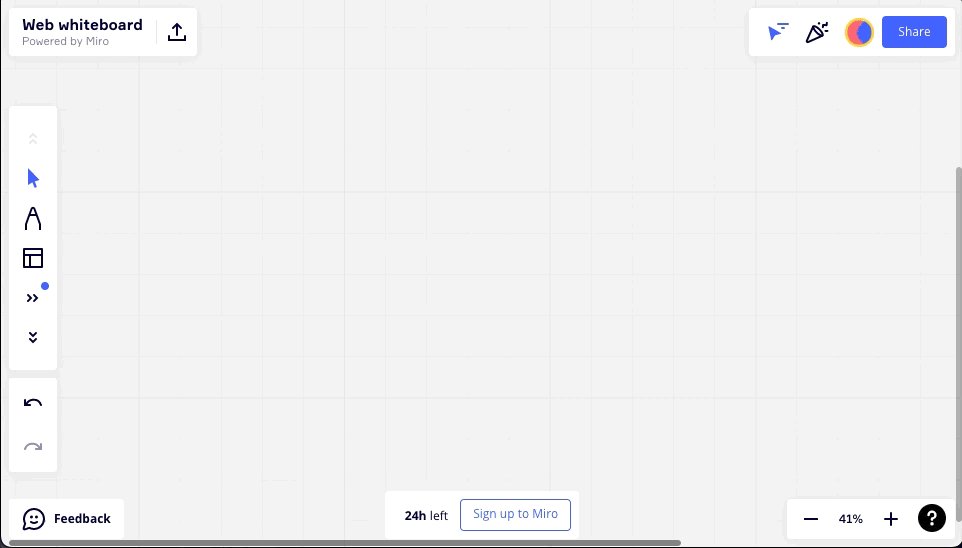
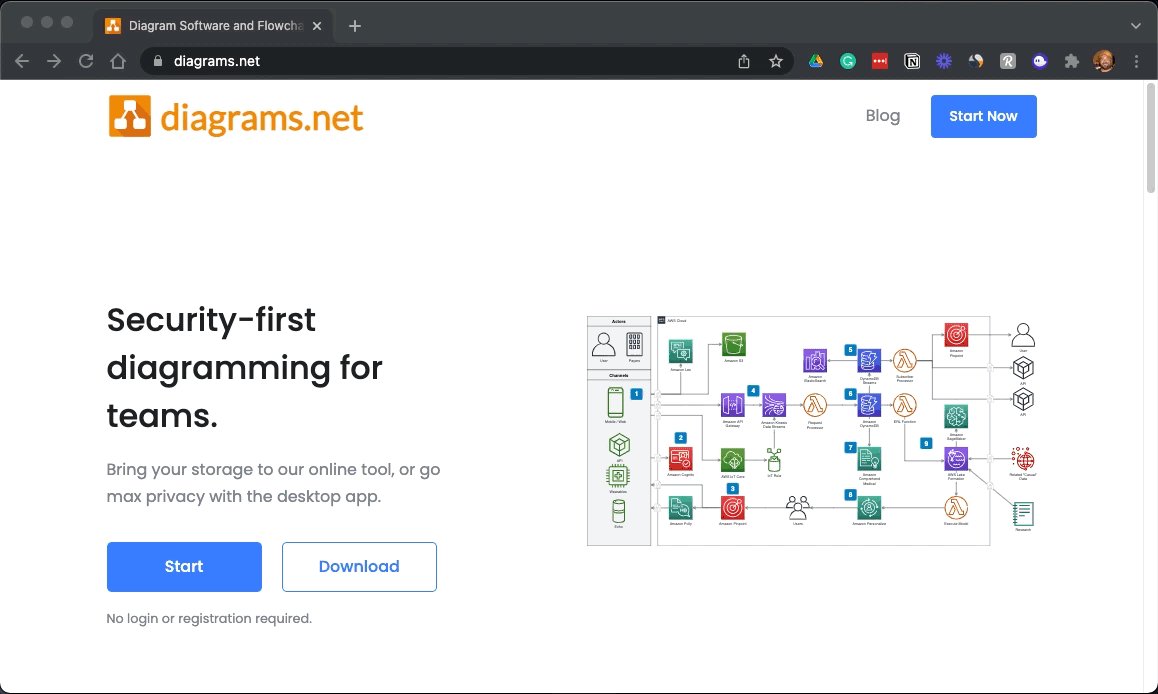
A free and open-source graph drawing software developed in HTML5 and JavaScript.

Its interface can be used to create diagrams such as flowcharts, wireframes, UML diagrams, and organizational charts.

No login to create and no account required.
https://t.co/CPHIaIMXxy

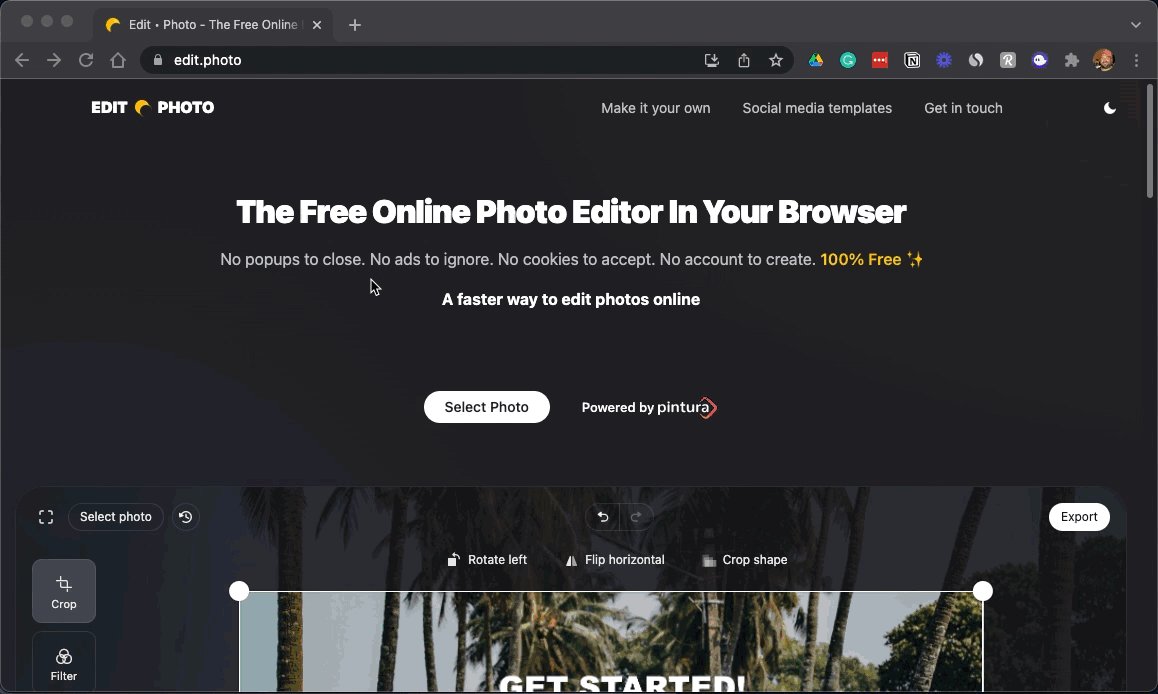
A free online photo editor you can use directly in your browser.

No ads, no account to create, no cookies to accept.

Just drag, drop, edit, and save.
https://t.co/g9YBl2WmnY

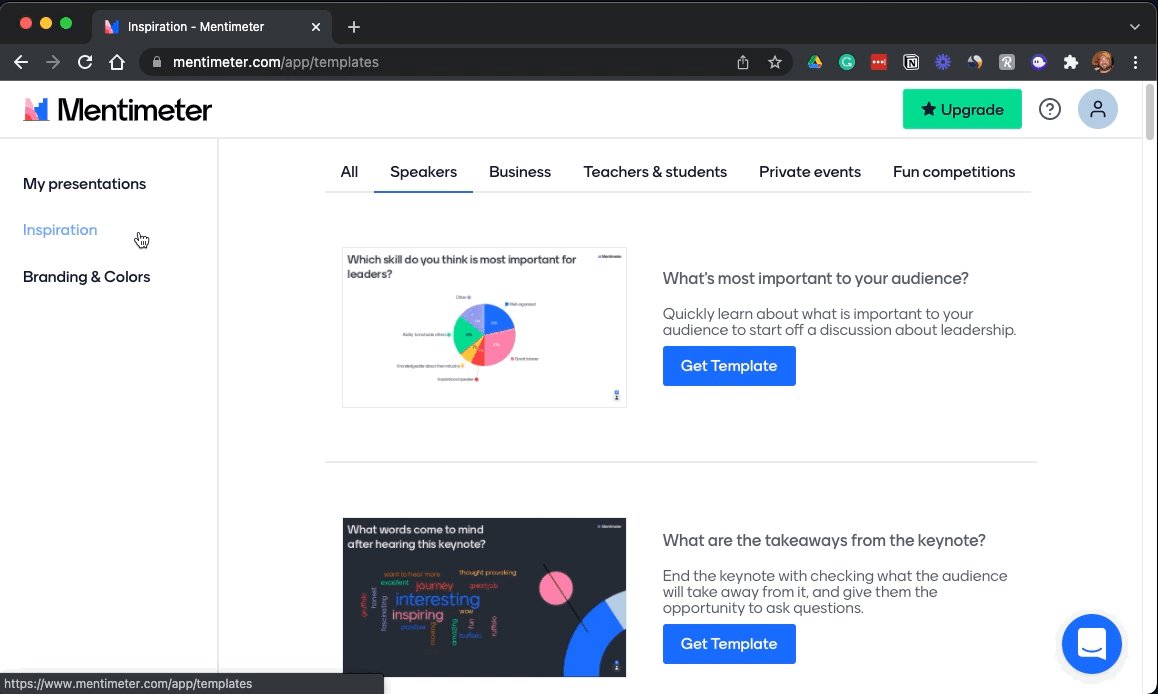
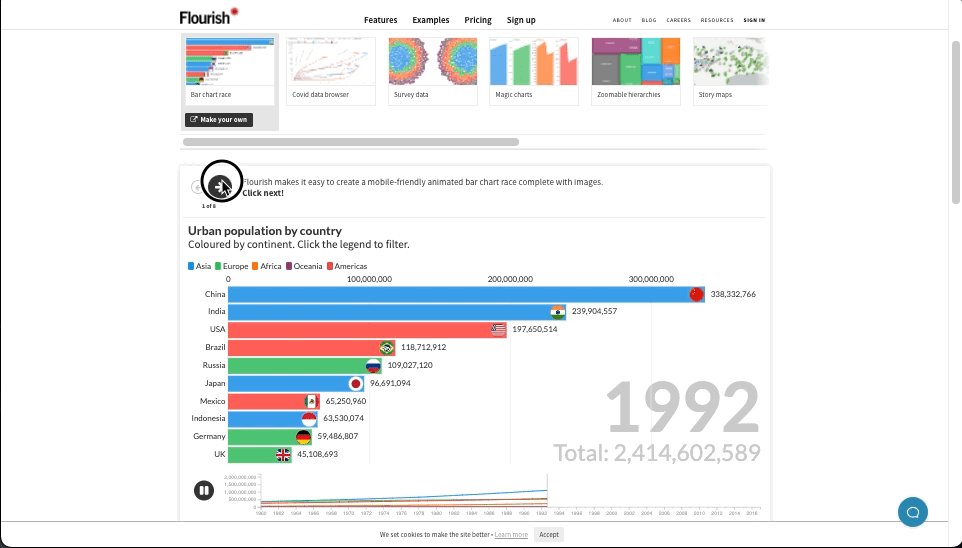
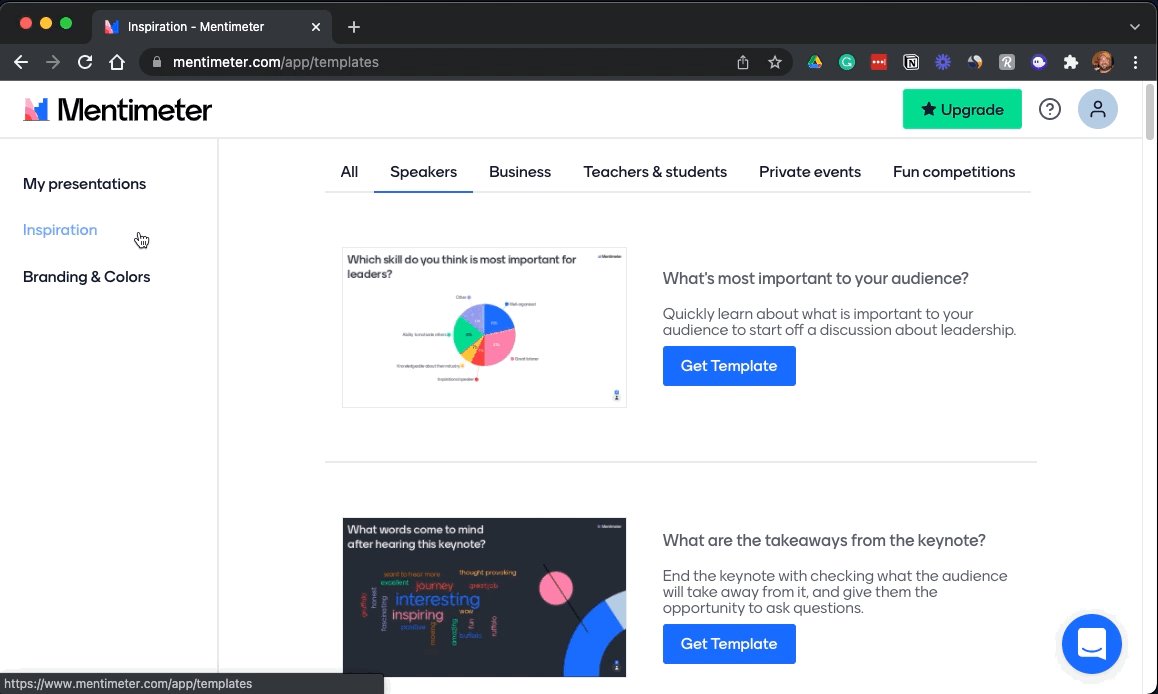
Looking for a way to make your presentations more engaging?

Build interactive polls, quizzes, and more allowing your audience to engage in real-time.

Using their smartphone, attendees can answer questions and the results are visualized as they happen.
https://t.co/Ww9nrWEq5T

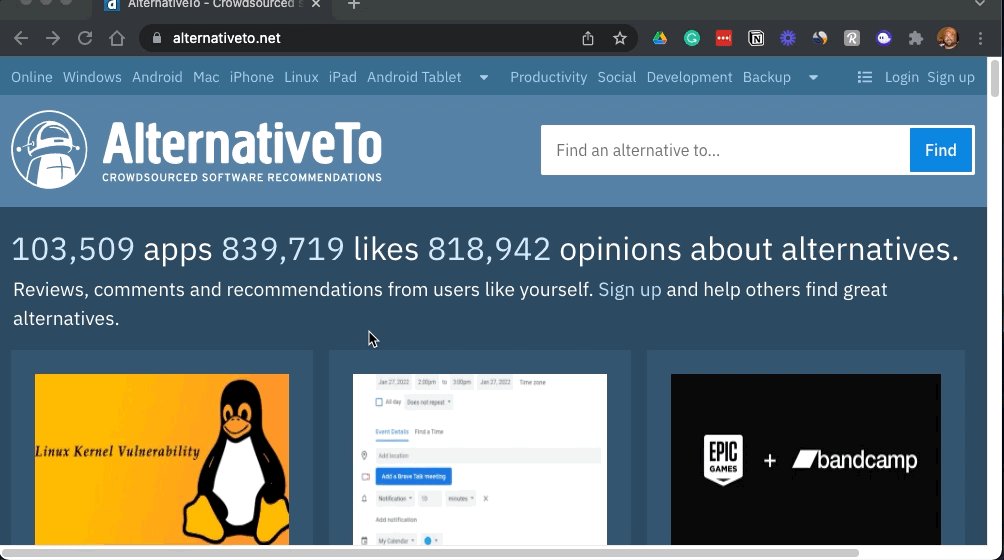
Crowdsourced results for software you already know, but want to replace.

Featuring ratings and comments from users about their experience to help you choose the best option for you.

Find alternatives for things like MS Word, Adobe Photoshop, and more.
https://t.co/GtKzHWQsVz

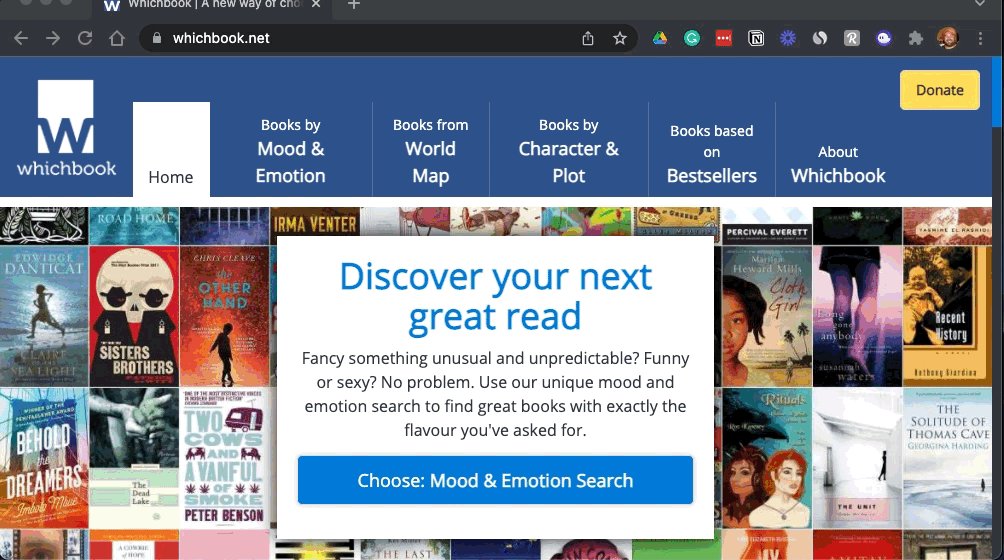
A new way to find your next great read.

Offering a variety of filters and categories to choose from, whichbook helps you discover titles you may otherwise never run across.

Search & filter by mood, emotion, age, world map, and more.
https://t.co/sarkEoSK6F

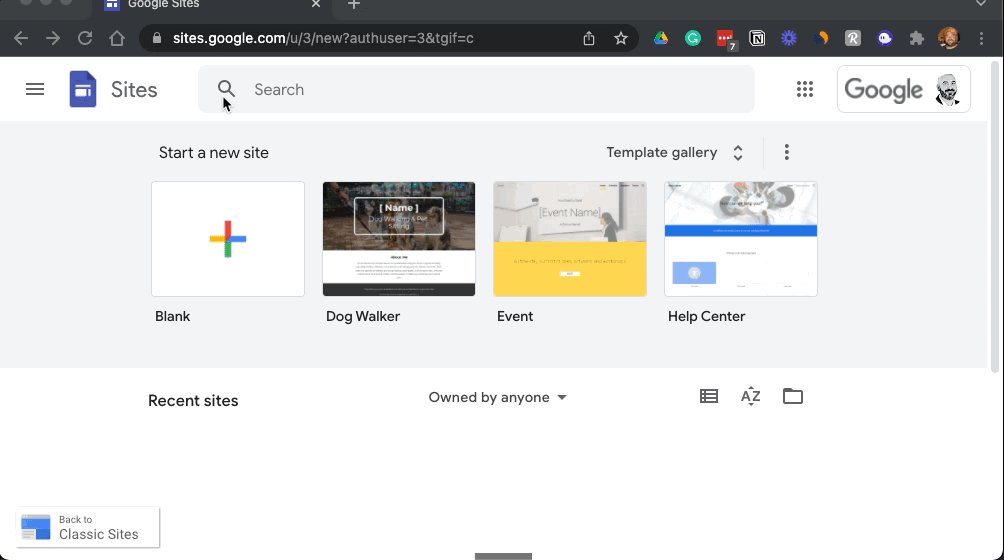
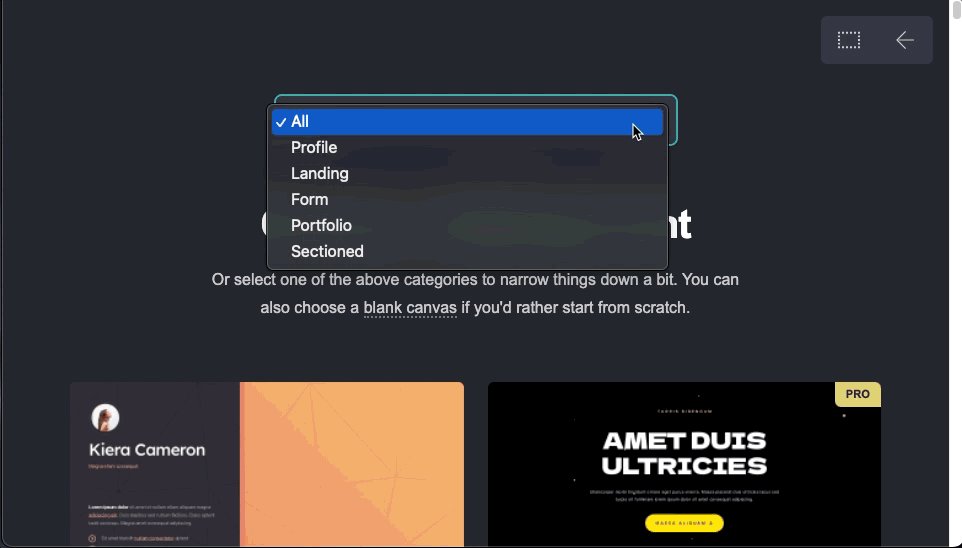
Build internal project hubs, team sites, public-facing websites, and more.

No code needed.

Just drag & drop content where you need it.

As with other G-Suite services, the site is stored in your drive, and you can collaborate with others in real-time.
https://t.co/4JjCm8sua0

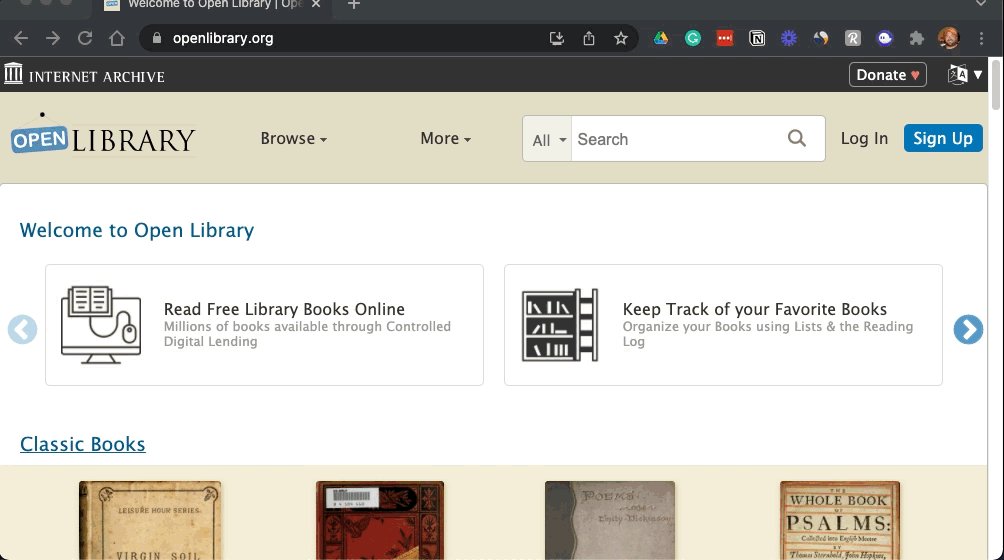
Millions of books: Available for free.

Booklists seem to be all the rage recently on Twitter.

(I'm guilty of posting a couple myself)

Instead of a list, here's a link to a library full of them.

The goal:
"A web page for every book ever published."
https://t.co/mOFGsIKc95

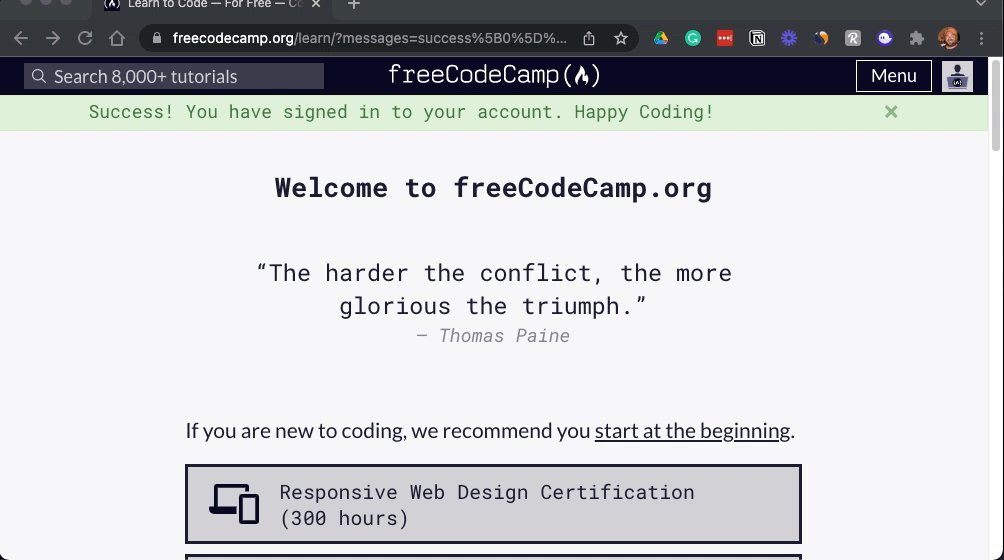
Learn to code for free:

It's never too late to learn a new skill & I think it's safe to say, computers aren't going away anytime soon.

HTML, CSS, Python & more.

They also have an awesome YouTube channel with 1,000's of hours of instructional videos.
Thanks for reading!

Follow me @blakeaburge for weekly threads on business, productivity, & building a better you.

Join over 7,000 others & check out my newsletter:

"While You Were Away"

•The best of Twitter
•In your inbox
•Every Sunday
https://t.co/KPDWcYfMx3

More from Blake Burge 💡

Google Sheets isn't Excel...

But it's more powerful than you think.

8 things Google Sheets can do, you'll wish you knew yesterday. 📊

Translate Text:

Need to convert data from one language to another?

Enter:
=GOOGLETRANSLATE("A2","en","es")

This will translate the words in cell "A2" from English to Spanish.

Replace "en" with "auto" and Sheets will identify the source language automatically.


Timesavers:

Assuming you're signed in to your Google account, head on up to your browser's address bar:

From there type: "
https://t.co/BeKgYV7g31"

Boom! A new Google sheet is created for you on the fly from anywhere on the web.

(Works for docs too)

Pretty cool!


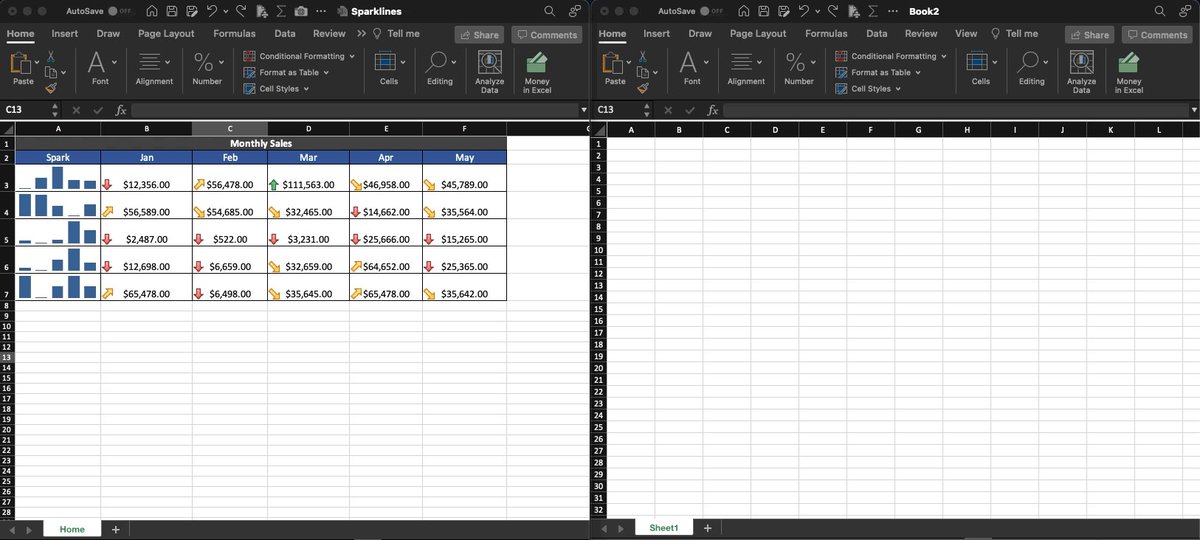
Sparklines:

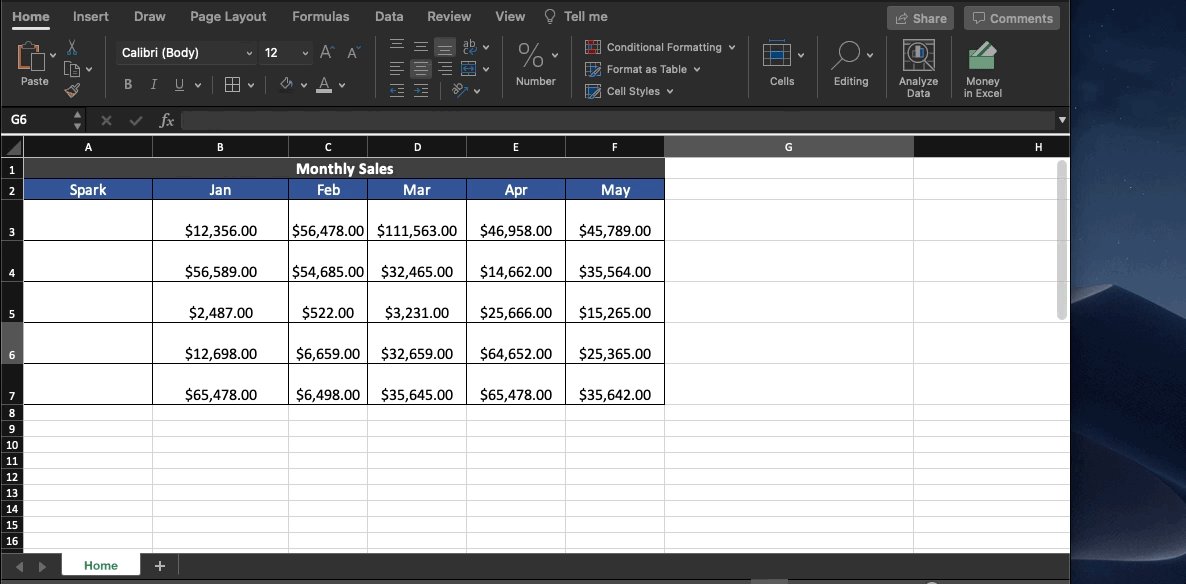
Easily visualize data trends by adding sparklines to your sheet.

To add a basic "mini-graph" inside a cell, it's as simple as inputting:

=SPARKLINE (A1:F1) – (Where A1:F1 represents your range of data.)

For more detailed options, check this out:👇🏻


Explore:

Need to do some number crunching?

Let Google's AI do the work for you.

•Highlight the range of data.

•Move your cursor to the starburst shaped icon in the bottom right corner.

•Click "Explore" – Complex charts, analytics, & detailed info. generated automatically.
Success isn't a mistake.

8 steps to build the life you want. 🧵

Clock In:

It's time to go to work.

There are no magic bullets & "get-rich-quick" doesn't exist in the real world.

Immerse yourself in learning, have a bias toward action, be willing to do what others won't.

Do this & you won't need to look for results, they'll find you.

Work from the top down:

The fastest way to get from where you are to where you want to be?

Find someone who's already there.

Learn from them, seek advice, & follow the path they've forged.

Reach out.

People are more willing to help than you think.


Persist:

The bigger your goals, the more likely it is they'll take longer to achieve.

Most people fail when they quit right before their plan is beginning to work.

By stopping, they never know how close they actually were.

Be consistent. Keep going.

h/t@visualizevalue


Build your personal brand:

We're all selling something, often it's ourselves.

Give before you get.

Provide value, be unique, be consistent.

Once people know what to expect from you, they'll come back for more.

The best advertisement in the world is repeatable results.

More from Screeners

One of the most successful stock trader with special focus on cash stocks and who has a very creative mind to look out for opportunities in dark times

Covering one of the most unique set ups: Extended moves & Reversal plays

Time for a 🧵 to learn the above from @iManasArora

What qualifies for an extended move?

30-40% move in just 5-6 days is one example of extended move

How Manas used this info to book


Post that the plight of the


Example 2: Booking profits when the stock is extended from 10WMA

10WMA =


Another hack to identify extended move in a stock:

Too many green days!

Read
TradingView isn't just charts

It's much more powerful than you think

9 things TradingView can do, you'll wish you knew yesterday: 🧵

Collaborated with @niki_poojary

1/ Free Multi Timeframe Analysis

Step 1. Download Vivaldi Browser

Step 2. Login to trading view

Step 3. Open bank nifty chart in 4 separate windows

Step 4. Click on the first tab and shift + click by mouse on the last tab.

Step 5. Select "Tile all 4 tabs"


What happens is you get 4 charts joint on one screen.

Refer to the attached picture.

The best part about this is this is absolutely free to do.

Also, do note:

I do not have the paid version of trading view.


2/ Free Multiple Watchlists

Go through this informative thread where @sarosijghosh teaches you how to create multiple free watchlists in the free


3/ Free Segregation into different headers/sectors

You can create multiple sections sector-wise for free.

1. Long tap on any index/stock and click on "Add section above."
2. Secgregate the stocks/indices based on where they belong.

Kinda like how I did in the picture below.

You May Also Like