Will be using this thread as an example at the end of that thread tomorrow.
Anyways, let's begin!
#BANKNIFTY
— Nikita Poojary (@niki_poojary) October 10, 2021
Outlook for the week Oct 11 - Oct 14, 2021
Compiled here\U0001f447
#BANKNIFTY
— Nikita Poojary (@niki_poojary) October 17, 2021
Outlook for the week Oct 18 - Oct 21, 2021
Clear BO on the Weekly TF
1/4 pic.twitter.com/oh7F1AEsH7
#BANKNIFTY
— Nikita Poojary (@niki_poojary) October 31, 2021
Outlook for the truncated week Nov 1- Nov 3, 2021
On a higher TF structure has changed to -ve, bounces would be utilized as a selling opportunity
However this is the first selling so first pullback can be expected
Detailed explanation on the charts pic.twitter.com/7UxQBZ3QFq
#BANKNIFTY
— Nikita Poojary (@niki_poojary) November 14, 2021
Outlook for the week Nov 15 - Nov 18, 2021
Weekly: Confirmation of Bearish Engulfing as BNF started trading below 39115
Tgts for the same are: 37665 & 36383 pic.twitter.com/ibYEKTRm2F
#BANKNIFTY
— Nikita Poojary (@niki_poojary) November 21, 2021
Outlook for the Monthly Expiry week Nov 22 - Nov 25, 2021
Weekly: Downtrend continued wrt Bearish Engulfing, however it still hasn't touched the first tgt of 37655
But BNF is near an imp support of 37700, so a small bounce couldn't be ruled out https://t.co/tmpz7gCKbj pic.twitter.com/ef7NpZZbZP
#BANKNIFTY
— Nikita Poojary (@niki_poojary) December 5, 2021
Outlook for the week Dec 6, 2021
Nov Monthly: Bearish Engulfing (BE) formation done however confirmation would be once it starts trading below 35695
Weekly: After three weeks of relentless selling, last week was a doji candle, which shows indecisiveness. pic.twitter.com/lFAgRyT0w8
#BANKNIFTY
— Nikita Poojary (@niki_poojary) December 12, 2021
Outlook for the week Dec 13, 2021
Nov Monthly: Bearish Engulfing (BE) formation done however confirmation would be once it starts trading below 35695
Weekly: There are no lower lows, however we need a higher highs in weekly to change the stance from neutral to +ve pic.twitter.com/jY82FEvPJU
#NIFTY
— Nikita Poojary (@niki_poojary) December 19, 2021
Outlook for the week Dec 20, 2021
Monthly TF: Long wicks since Oct 2021 indicates prices are unable to sustain at higher levels
So far series of Lower highs in monthly candles pic.twitter.com/Ye1btFJjjX
#BANKNIFTY
— Nikita Poojary (@niki_poojary) January 9, 2022
\U0001d40e\U0001d42e\U0001d42d\U0001d425\U0001d428\U0001d428\U0001d424 \U0001d41f\U0001d428\U0001d42b \U0001d42d\U0001d421\U0001d41e \U0001d430\U0001d41e\U0001d41e\U0001d424 \U0001d409\U0001d41a\U0001d427 \U0001d7cf\U0001d7ce, \U0001d7d0\U0001d7ce\U0001d7d0\U0001d7d0 \U0001f9f5
Will be covering multi-time frame analysis:
1. Monthly TF
2. Weekly TF
3. Daily TF
4. Hourly TF
& watch out for two strategies for the week for safe & moderate risk profiles\U0001f603\u270c\ufe0f
#BANKNIFTY
— Nikita Poojary (@niki_poojary) January 16, 2022
\U0001d40e\U0001d42e\U0001d42d\U0001d425\U0001d428\U0001d428\U0001d424 \U0001d41f\U0001d428\U0001d42b \U0001d42d\U0001d421\U0001d41e \U0001d430\U0001d41e\U0001d41e\U0001d424 \U0001d409\U0001d41a\U0001d427 \U0001d7cf\U0001d7d5, \U0001d7d0\U0001d7ce\U0001d7d0\U0001d7d0 \U0001f9f5
Will be covering multi-time frame analysis:
1. Weekly TF
2. Daily TF
3. Hourly TF
4. 15min TF
#BANKNIFTY
— Nikita Poojary (@niki_poojary) January 23, 2022
\U0001d40e\U0001d42e\U0001d42d\U0001d425\U0001d428\U0001d428\U0001d424 \U0001d41f\U0001d428\U0001d42b \U0001d42d\U0001d421\U0001d41e \U0001d430\U0001d41e\U0001d41e\U0001d424 \U0001d409\U0001d41a\U0001d427 \U0001d7d0\U0001d7d2, \U0001d7d0\U0001d7ce\U0001d7d0\U0001d7d0 \U0001f9f5
Will be covering multi-time frame analysis:
1. Monthly TF
2. Weekly TF
3. Daily TF
4. Hourly TF
5. 15min TF
#BANKNIFTY
— Nikita Poojary (@niki_poojary) January 31, 2022
\U0001d40f\U0001d41e\U0001d427\U0001d42e\U0001d425\U0001d42d\U0001d422\U0001d426\U0001d41a\U0001d42d\U0001d41e \U0001d41a\U0001d427\U0001d41a\U0001d425\U0001d432\U0001d42c\U0001d422\U0001d42c
\U0001d40e\U0001d42e\U0001d42d\U0001d425\U0001d428\U0001d428\U0001d424 \U0001d41f\U0001d428\U0001d42b \U0001d42d\U0001d421\U0001d41e \U0001d430\U0001d41e\U0001d41e\U0001d424 \U0001d405\U0001d41e\U0001d41b \U0001d7cf, \U0001d7d0\U0001d7ce\U0001d7d0\U0001d7d0
Will be covering multi-time frame analysis:
1. Monthly TF
2. Weekly TF
3. Daily TF
4. Hourly TF
#BANKNIFTY
— Nikita Poojary (@niki_poojary) February 6, 2022
\U0001d40e\U0001d42e\U0001d42d\U0001d425\U0001d428\U0001d428\U0001d424 \U0001d41f\U0001d428\U0001d42b \U0001d42d\U0001d421\U0001d41e \U0001d430\U0001d41e\U0001d41e\U0001d424 \U0001d405\U0001d41e\U0001d41b \U0001d7d5, \U0001d7d0\U0001d7ce\U0001d7d0\U0001d7d0 Thread
Will be covering multi-time frame analysis:
1. Monthly TF
2. Weekly TF
3. Daily TF
4. Hourly TF
5. 15min TF
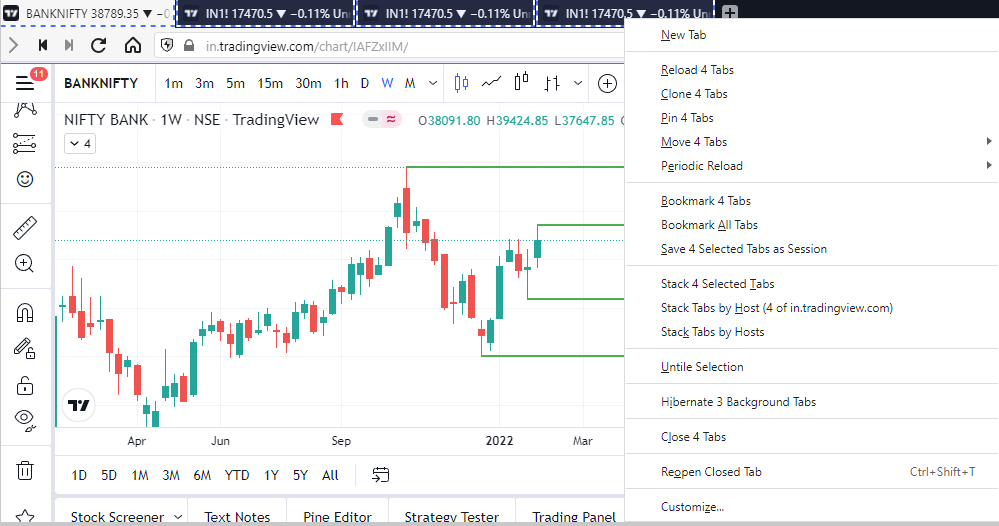
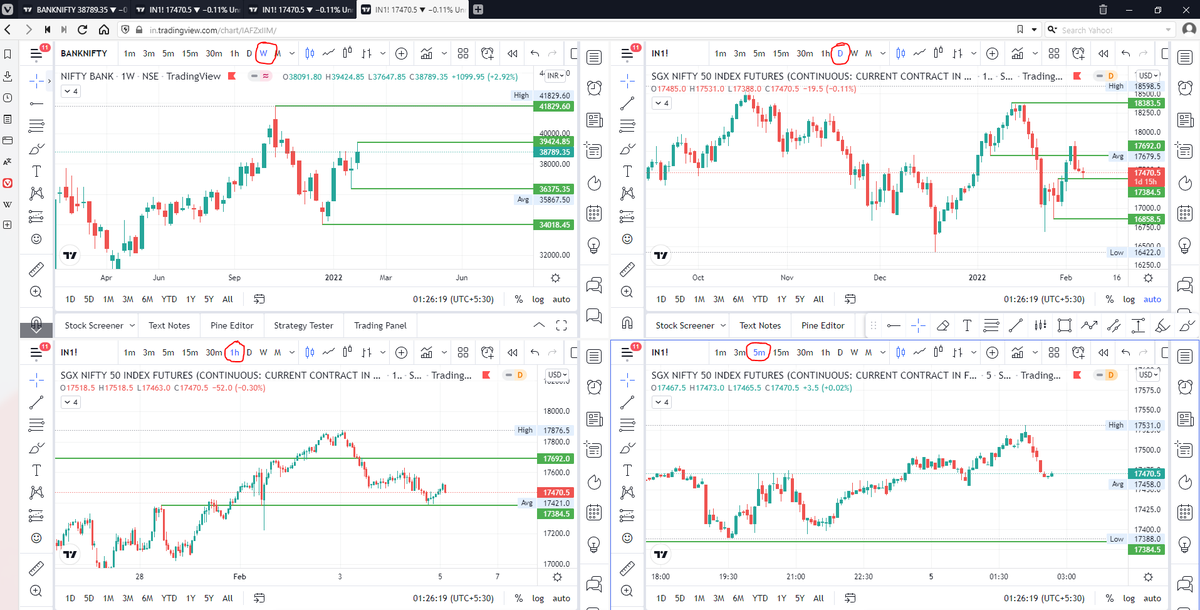
\U0001d5e0\U0001d602\U0001d5f9\U0001d601\U0001d5f6\U0001d5fd\U0001d5f9\U0001d5f2 \U0001d600\U0001d5f2\U0001d5f0\U0001d601\U0001d5fc\U0001d5ff \U0001d604\U0001d5ee\U0001d601\U0001d5f0\U0001d5f5\U0001d5f9\U0001d5f6\U0001d600\U0001d601 \U0001d5fc\U0001d5fb \U0001d5e7\U0001d5ff\U0001d5ee\U0001d5f1\U0001d5f6\U0001d5fb\U0001d5f4\U0001d603\U0001d5f6\U0001d5f2\U0001d604 \U0001d602\U0001d600\U0001d5f6\U0001d5fb\U0001d5f4 \U0001d601\U0001d5f5\U0001d5f2 \U0001d5d9\U0001d5e5\U0001d5d8\U0001d5d8 \U0001d603\U0001d5f2\U0001d5ff\U0001d600\U0001d5f6\U0001d5fc\U0001d5fb!
— Sarosij Ghosh (@sarosijghosh) September 18, 2021
A THREAD \U0001f9f5
Please Like and Re-Tweet. It took a lot of effort to put this together. #StockMarket #TradingView #trading #watchlist #Nifty500 #stockstowatch
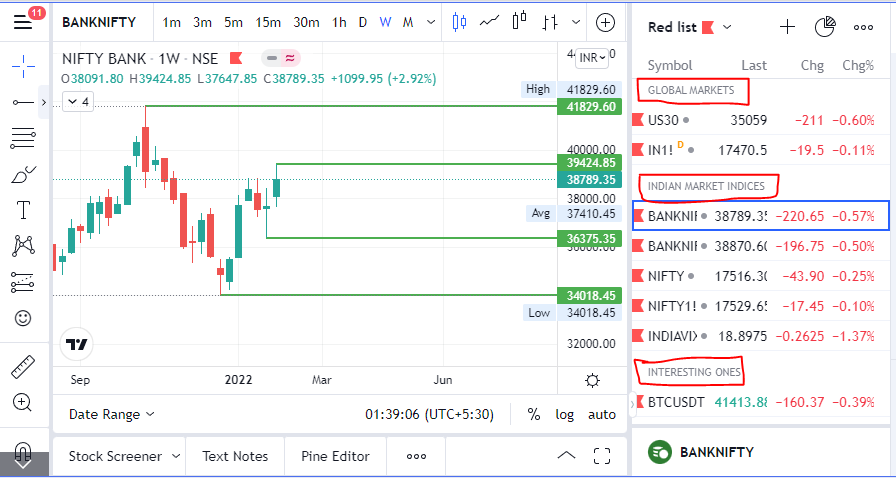
A THREAD:
— Aditya Todmal (@AdityaTodmal) November 28, 2020
7 FREE OPTION TRADING COURSES FOR BEGINNERS.
Been getting lot of dm's from people telling me they want to learn option trading and need some recommendations.
Here I'm listing the resources every beginner should go through to shorten their learning curve.
(1/10)
The absolute best 15 scanners which experts are using.
— Aditya Todmal (@AdityaTodmal) January 29, 2021
Got these scanners from the following accounts:
1. @Pathik_Trader
2. @sanjufunda
3. @sanstocktrader
4. @SouravSenguptaI
5. @Rishikesh_ADX
Share for the benefit of everyone.
12 TRADING SETUPS which experts are using.
— Aditya Todmal (@AdityaTodmal) February 7, 2021
These setups I found from the following 4 accounts:
1. @Pathik_Trader
2. @sourabhsiso19
3. @ITRADE191
4. @DillikiBiili
Share for the benefit of everyone.
Curated tweets on How to Sell Straddles
— Aditya Todmal (@AdityaTodmal) February 21, 2021
Everything covered in this thread.
1. Management
2. How to initiate
3. When to exit straddles
4. Examples
5. Videos on Straddles
Share if you find this knowledgeable for the benefit of others.
Subasish Pani revealed the most simple, yet successful strategy: 5EMA set up!
— Nikita Poojary (@niki_poojary) July 3, 2022
Here is a thread of 23 video clips on the 5EMA set-up that will save you hundreds of hours and available to you for no cost!
5EMA set-up: \U0001f9f5!
Collaborated with @AdityaTodmal
VOLUME is the ultimate Trading cheat code.
— Indrazith Shantharaj (@indraziths) August 6, 2022
But, most people never use it in the right way \u2013 because no one ever taught them how.
Here are 10 psychological triggers to knowing Volume in a better way :
I am learning python from the past 45 days. Recently I built some programs for very simple trade automation.
— Saketh R (@saketh1998) November 3, 2022
Here are some courses which helped me learn and do it!
Like and Retweet if you find it Useful
Stock Screeners is an integral part of doing homework post market hours.
— Yash Mehta (@YMehta_) August 5, 2022
Most of us use screeners to filter buzzing stocks out of 1000+ stock and it saves lot of times.
Here is the list of top screeners:
Also, last screener is one of my favourite to pick early momentum stocks.
#OpenDrive#intradaySetup
— Pathik (@Pathik_Trader) April 16, 2019
Sharing one high probability trending setup for intraday.
Few conditions needs to be met
1. Opening should be above/below previous day high/low for buy/sell setup.
2. Open=low (for buy)
Open=high (for sell)
(1/n)
Already explained strategy of #opendrive
— Pathik (@Pathik_Trader) May 27, 2020
Backtested results in 30 stocks and nifty, banknifty.
Success ratio : approx 40-45%
RR average 1:2
Entry as per strategy
Stoploss = Open level
Exit 3:15 PM Or SL
39 months 14 months -ve, 25 +ve
Yearly all 4 years +ve performance. pic.twitter.com/nGqhzMKGVy
So today we will discuss two more price action setups to get good long side trade for intraday.
— Pathik (@Pathik_Trader) June 20, 2020
1. PDC Acts as Support
2. PDH Acts as Support
#nifty
— Pathik (@Pathik_Trader) June 23, 2020
This is how it created long setup by taking support at PDC.
hopefully shared setup on last weekend helped. pic.twitter.com/2mduSUpMn5