For a long time, I didn't understand how to use Virtual Environments in Python 🐍.

If this is just, let's end it here and now: 🧵👇

[2] Virtual Environments let you deal with the dependencies that your code has with external Python libraries.

It avoids having conflicts when your projects depend on different versions of the same library.

👇
[3] Let's imagine that you are building your first Python project and you install the "requests" library:

pip install requests

You get version 2.24.0 installed in your system.

👇
[4] A month later, you decide to work on your second project. It also needs the "requests" library.

But the latest version is not 2.24.0 anymore.

Now version 3 is available, and that's the one you want to use!

👇
[5] You could upgrade your entire system to version 3, but then you'll be potentially breaking the first project you built that depends on 2.24.0!

Can you imagine this happening on a server with many more applications running?

👇
[6] Virtual environments solve this problem.

The first step for every new project is to create a virtual environment for it.

Some people have a central location where they store all environments. I prefer to keep them inside the project folder.

👇
[7] You can create a new virtual environment with Python 3 using the following command:

python3 -m venv .myvenv

Then, you can use "source" to activate the environment.

At this point, you'll have full isolation for your project.

👇
[8] If you install any libraries within a virtual environment, they will never mess with the libraries installed at the system level or other virtual environments.

And this is great!

Here is a @realpython's article covering virtual environments: https://t.co/lgXqJDUlKw
[9] The built-in "venv" module is not the only way to create virtual environments. Here are other options:

- conda
- pipenv
- virtualenv

What's your choice?

More from Santiago

Free machine learning education.

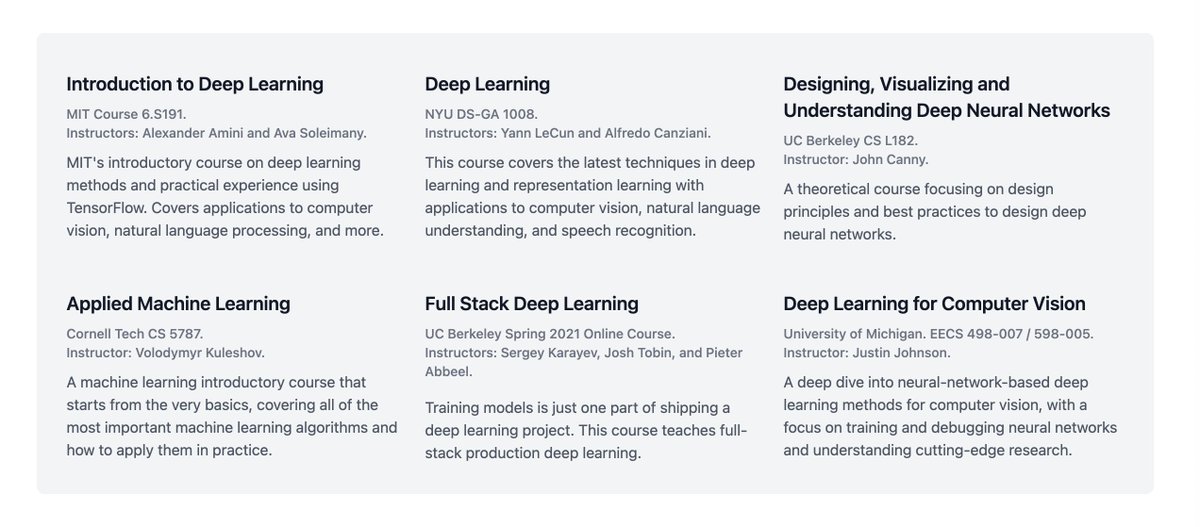
Many top universities are making their Machine Learning and Deep Learning programs publicly available. All of this information is now online and free for everyone!

Here are 6 of these programs. Pick one and get started!


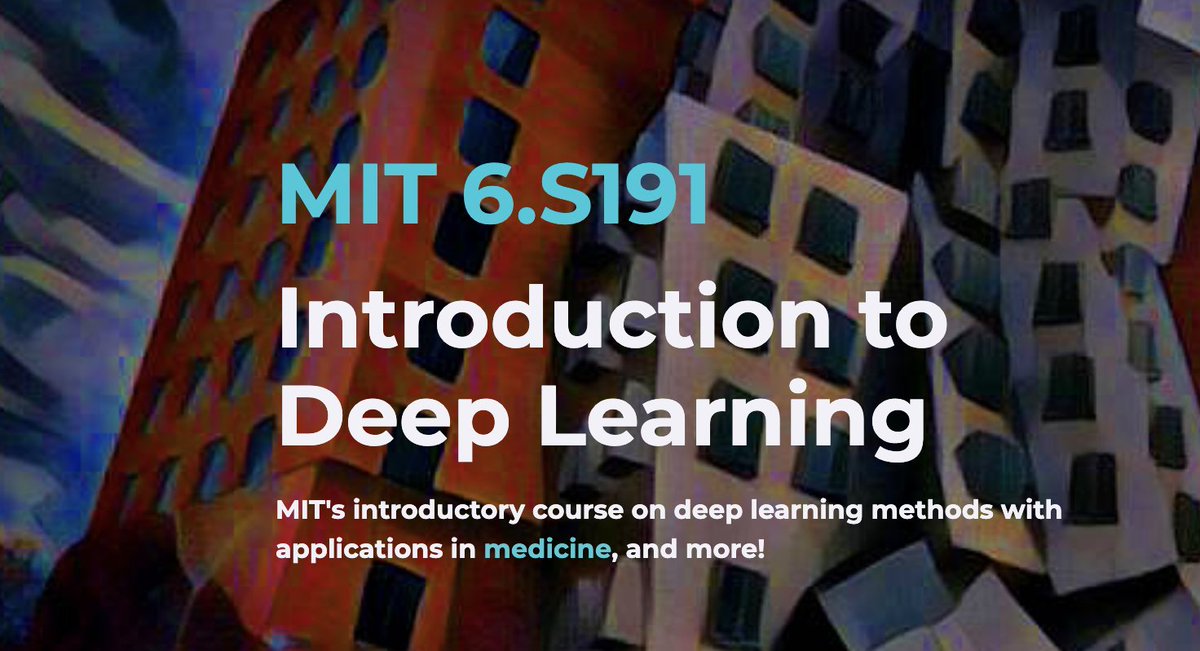
Introduction to Deep Learning
MIT Course 6.S191
Alexander Amini and Ava Soleimany

Introductory course on deep learning methods and practical experience using TensorFlow. Covers applications to computer vision, natural language processing, and more.

https://t.co/Uxx97WPCfR


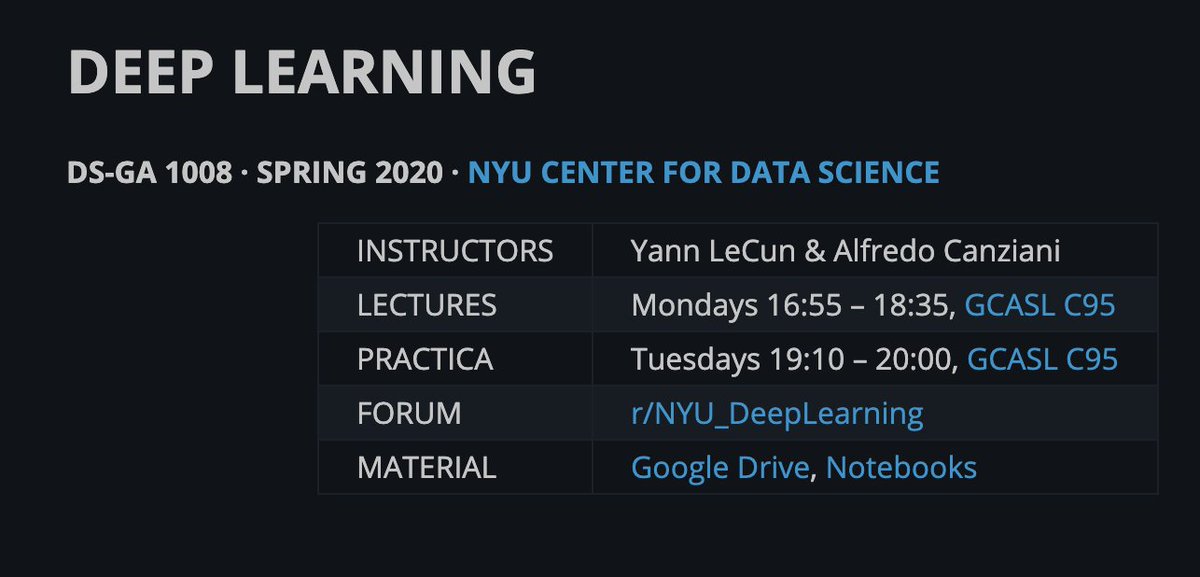
Deep Learning
NYU DS-GA 1008
Yann LeCun and Alfredo Canziani

This course covers the latest techniques in deep learning and representation learning with applications to computer vision, natural language understanding, and speech recognition.

https://t.co/cKzpDOBVl1


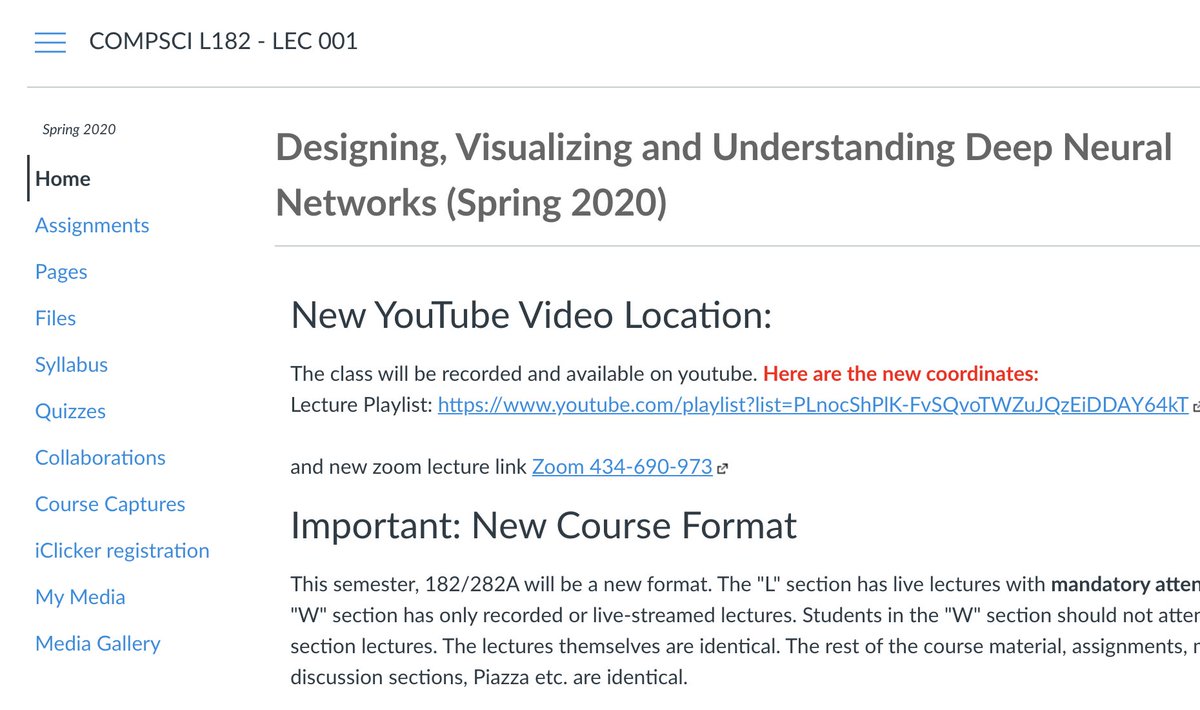
Designing, Visualizing, and Understanding Deep Neural Networks
UC Berkeley CS L182
John Canny

A theoretical course focusing on design principles and best practices to design deep neural networks.

https://t.co/1TFUAIrAKb


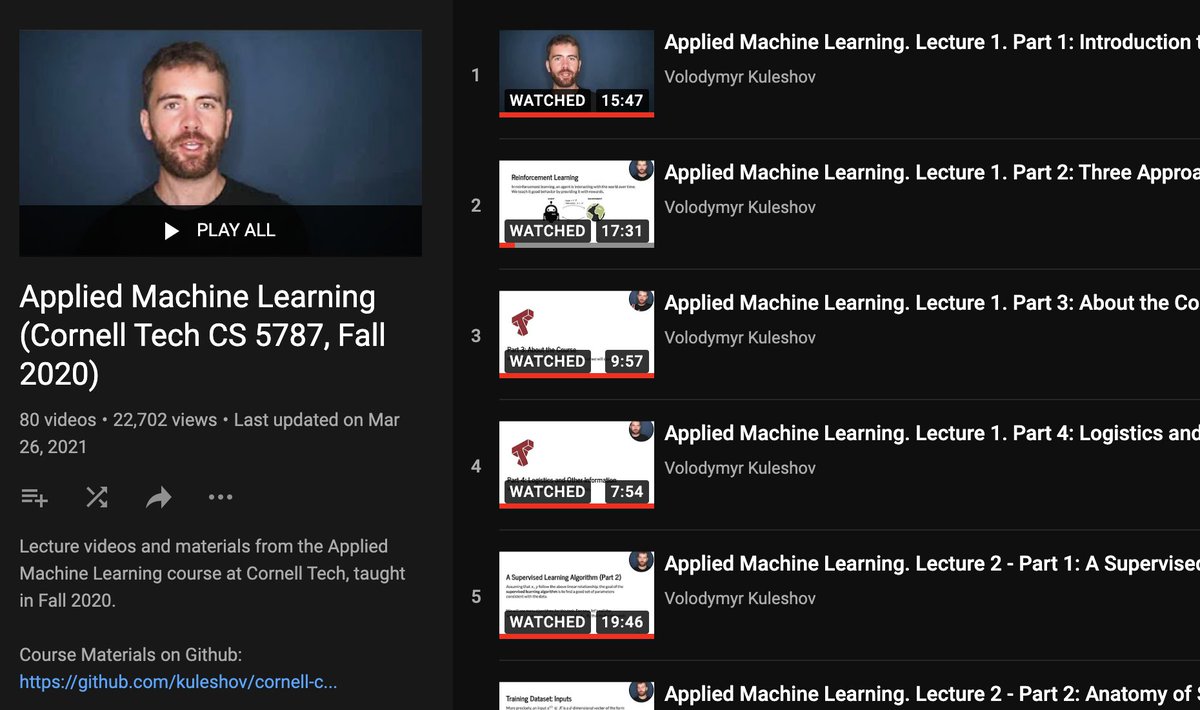
Applied Machine Learning
Cornell Tech CS 5787
Volodymyr Kuleshov

A machine learning introductory course that starts from the very basics, covering all of the most important machine learning algorithms and how to apply them in practice.

https://t.co/hD5no8Pdfa

More from Machine learning

Starting a new project using #Angular? Here is a list of all the stuff i use to launch my projects the fastest i can.

A THREAD 👇

Have you heard about Monorepo? I created one with all my Angular (and Nest) projects using
https://t.co/aY5llDtXg8.

I can share A LOT of code with it. Ex: Everytime i start a new project, i just need to import an Auth lib, that i created, and all Auth related stuff is set up.

Everyone in the Angular community knows about https://t.co/kDnunQZnxE. It's not the most beautiful component library out there, but it's good and easy to work with.

There's a bunch of state management solutions for Angular, but https://t.co/RJwpn74Qev is by far my favorite.

There's a lot of boilerplate, but you can solve this with the built-in schematics and/or with your own schematics

Are you not using custom schematics yet? Take a look at this:

https://t.co/iLrIaHVafm
https://t.co/3382Tn2k7C

You can automate all the boilerplate with hundreds of files associates with creating a new feature.
Happy 2⃣0⃣2⃣1⃣ to all.🎇

For any Learning machines out there, here are a list of my fav online investing resources. Feel free to add yours.

Let's dive in.
⬇️⬇️⬇️

Investing Services

✔️ @themotleyfool - @TMFStockAdvisor & @TMFRuleBreakers services

✔️ @7investing

✔️ @investing_city
https://t.co/9aUK1Tclw4

✔️ @MorningstarInc Premium

✔️ @SeekingAlpha Marketplaces (Check your area of interest, Free trials, Quality, track record...)

General Finance/Investing

✔️ @morganhousel
https://t.co/f1joTRaG55

✔️ @dollarsanddata
https://t.co/Mj1owkzRc8

✔️ @awealthofcs
https://t.co/y81KHfh8cn

✔️ @iancassel
https://t.co/KEMTBHa8Qk

✔️ @InvestorAmnesia
https://t.co/zFL3H2dk6s

✔️

Tech focused

✔️ @stratechery
https://t.co/VsNwRStY9C

✔️ @bgurley
https://t.co/NKXGtaB6HQ

✔️ @CBinsights
https://t.co/H77hNp2X5R

✔️ @benedictevans
https://t.co/nyOlasCY1o

✔️

Tech Deep dives

✔️ @StackInvesting
https://t.co/WQ1yBYzT2m

✔️ @hhhypergrowth
https://t.co/kcLKITRLz1

✔️ @Beth_Kindig
https://t.co/CjhLRdP7Rh

✔️ @SeifelCapital
https://t.co/CXXG5PY0xX

✔️ @borrowed_ideas

You May Also Like