1️⃣
Mote: voice notes and feedback.
This is an efficient tool for recording and posting verbal feedback. Mote is fully integrated into Google Docs, Slides, Sheets and Google Classroom. This makes it incredibly accessible and easy to use.
The mote icon (purple) appears in the 'private comments' box when you view submissions in GC. You simply click on the icon and record. With voice recording one click away, it is easy and quick to use. You only get 30 seconds but this encourages succinct, precise feedback.
It's great that you can view the document you are providing feedback on whilst recording. This helps to ensure specificity. For example, you can highlight specific examples from a student's work and then talk through them. This sort of thing prevents me from waffling, anyway.
There are other benefits too:
- Verbal feedback can be transcribed, with the option to review and change before posting.
- Mote supports transcription in more than 20 languages.
2️⃣
Google Dictionary.
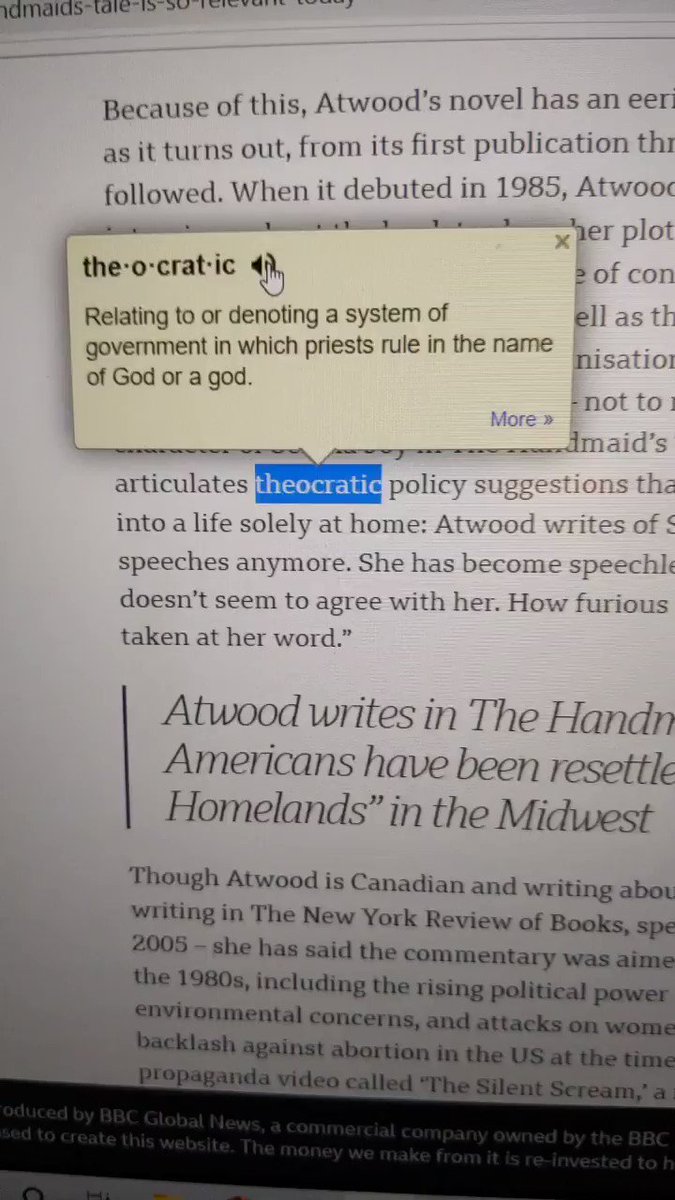
This is great. A real game changer for students, I think. Once added as an extension, students can simply double click on any word they do not understand when using Chrome's browser and a definition will instantly pop up.
This simple add-on helps to ensure students' attention is maintained, which is particularly important when they are contending with many distractions online. Crucially, students do not need to open a separate tab. This eliminates 'task switching' which can decrease efficiency.
I really like that pupils can opt to hear the pronunciation of new or unfamiliar words, too. This is an added bonus.
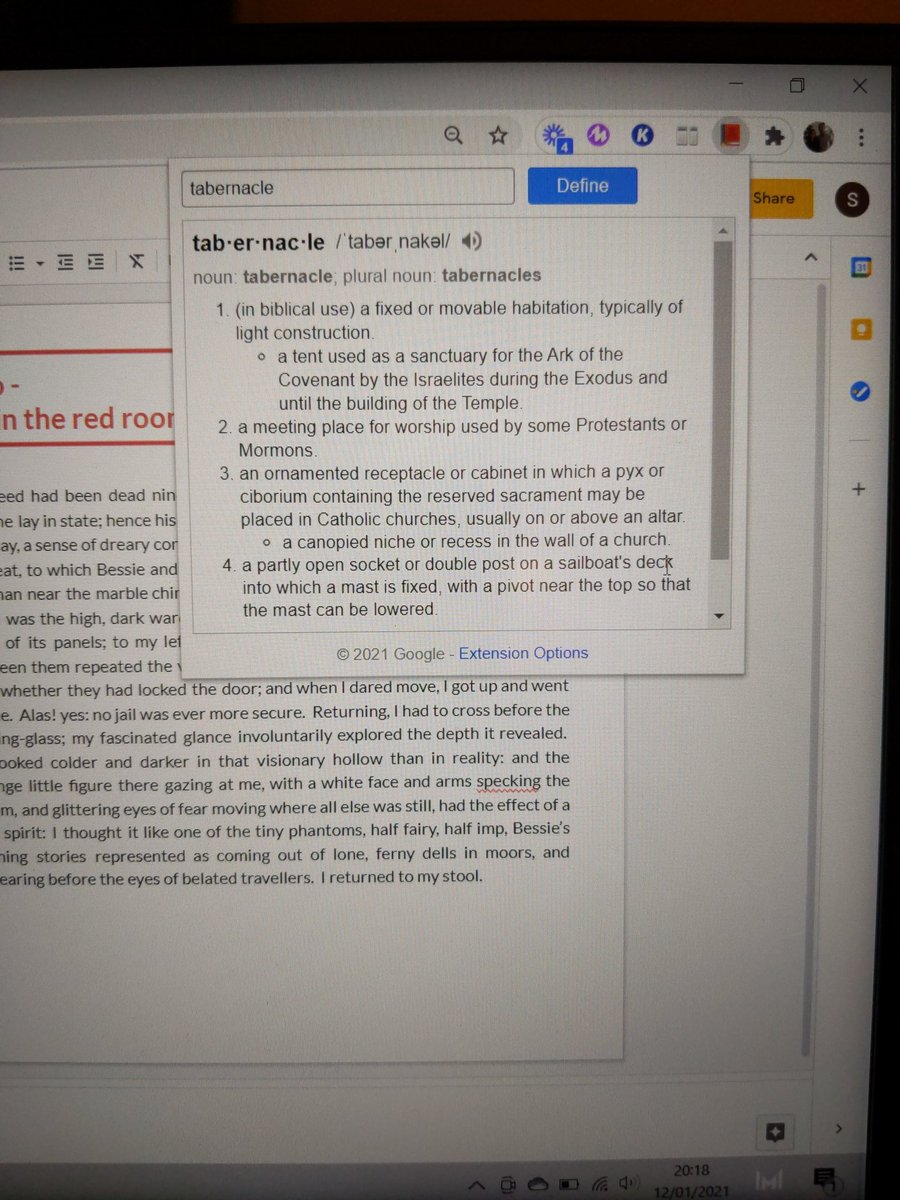
If students encounter an unfamiliar word in a Google Slides/Doc that you have shared, they can still easily access the definition without straying from your material. They simply copy the word into a box that pops up when they click on the Google Dictionary icon on the task bar.
3️⃣
Kami
Kami is basically a PDF, document annotation and mark-up tool. It works pretty seamlessly with Google Drive. With a good range of mark up tools, it's great for accessing and annotating PDFs - this can be done live or in advance for asynchronous lessons.
You can click on the Kami icon on the task bar and instantly upload a PDF direct from Google Drive.
With Kami, I don't have to avoid using my PDF exemplar material, nor do I need to spend valuable time typing up responses for annotation. Once uploaded to Kami, I can begin using the wide range of annotation tools available.
One thing I really missed early on during remote teaching periods is collaborative annotation. With Kami, pupils can jointly annotate PDFs with ease. As Kami is fully integrated, sharing to Google Drive and then Google Classroom is simple.
Most exemplar material (for English anyway) is long. Kami enables me to chunk annotation tasks like I would if I were in the classroom. For example, I can predetermine the focus for annotation and direct students to focus on annotating specific parts of an exemplar.
Students can easily post replies to annotations. Likewise, teachers can reply to their students' ideas. This opportunity for dialogue makes it a truly collaborative tool, which I like. I find this ideal for smaller classes, to be honest - such as AS or A2 classes.
You don't even need to type annotations because you can just as easily - with one click - post voice notes.
Kami has lots of other features. For example students can just as easily collaborate on a blank sheet similar to Jamboard. I've only recently begun using Kami, though, so I'm still a novice.
#remotelearning
#GoogleClassroom
#edutwitter
#education