Forget the computer!

9 things the Files app on your iPhone can do better:

Scan documents

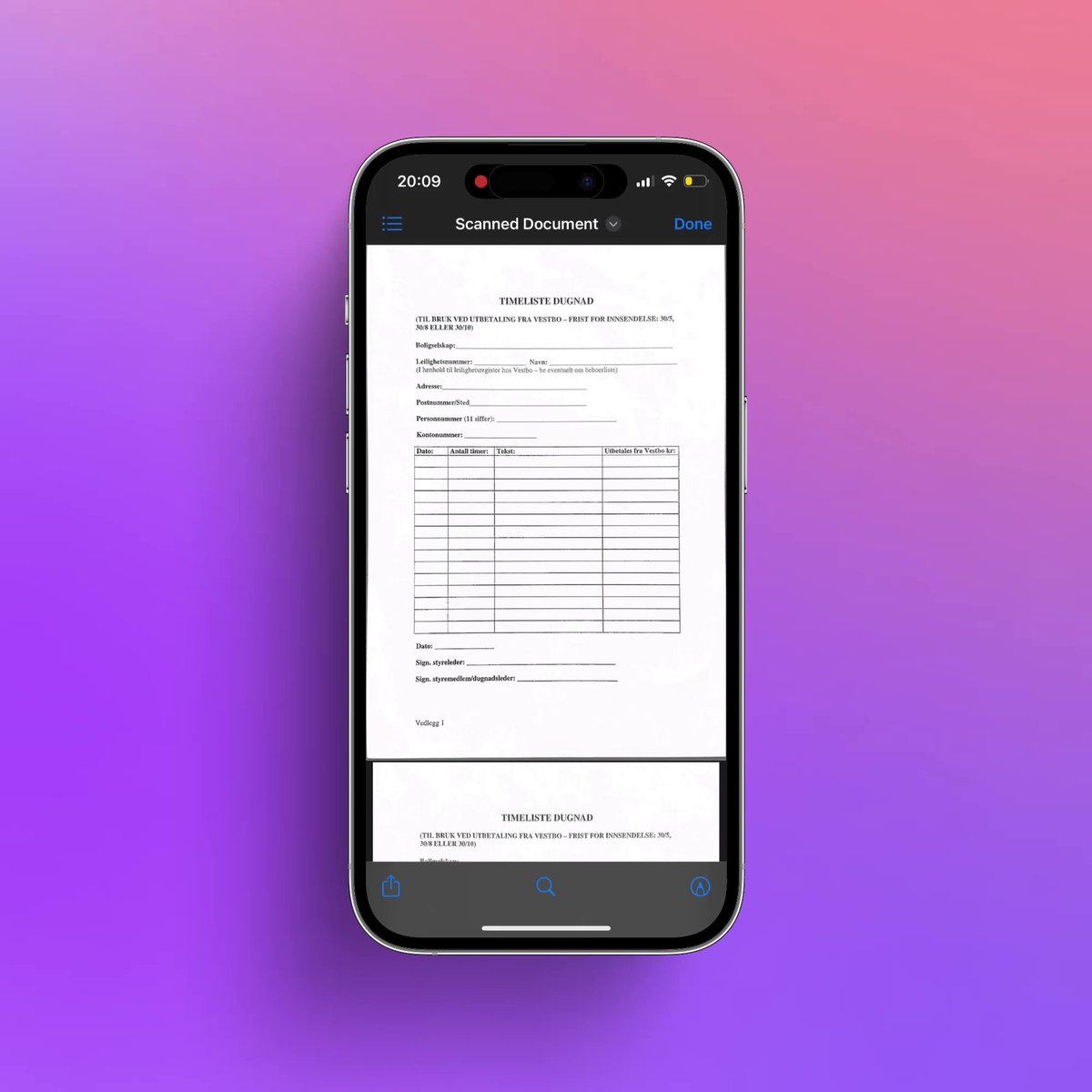
Create pdfs from physical paper by clicking on the three dots in the top right corner of your Files app and click "scan documents."

You can then scan documents with your camera and save them as a pdf.

1/9
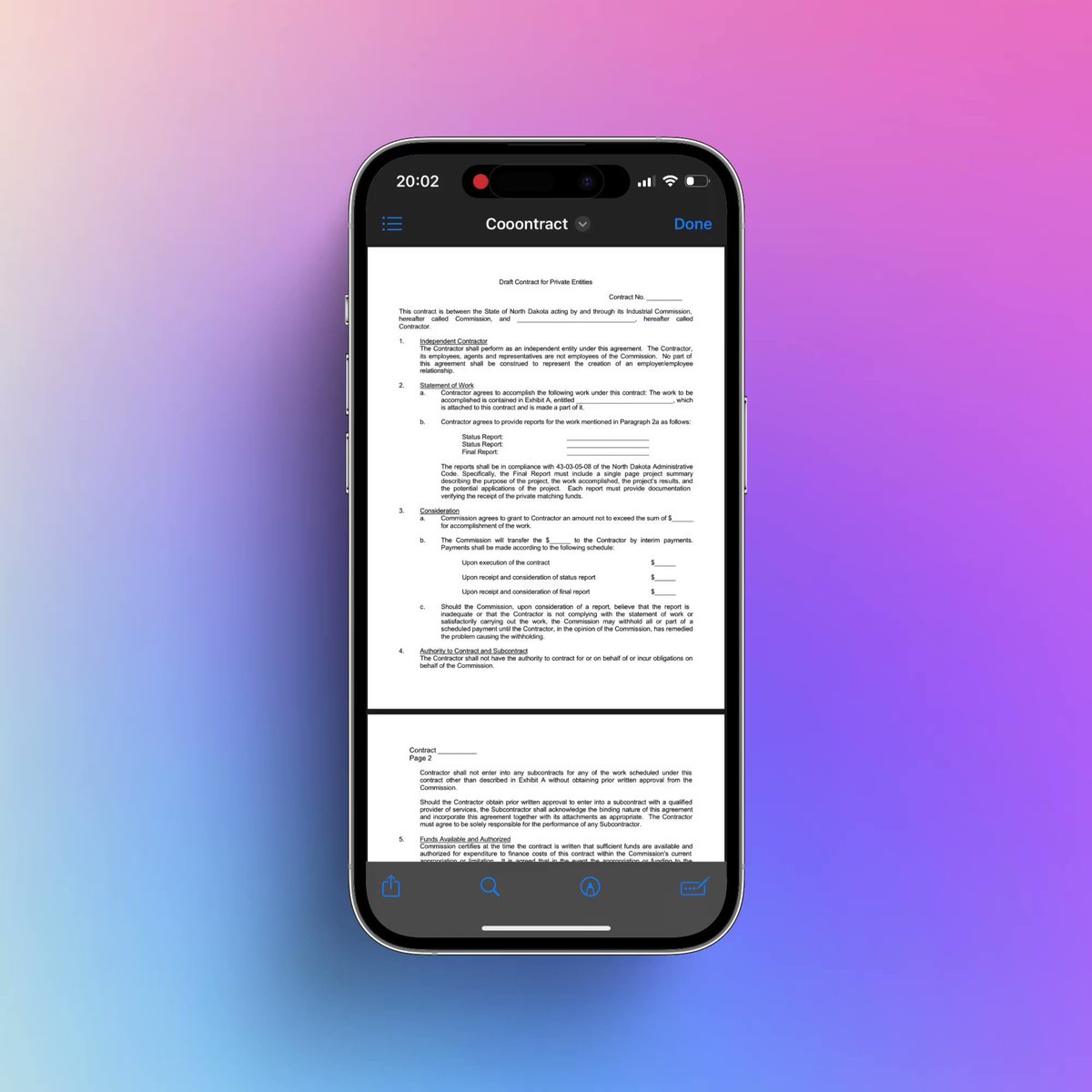
Delete pages from pdfs

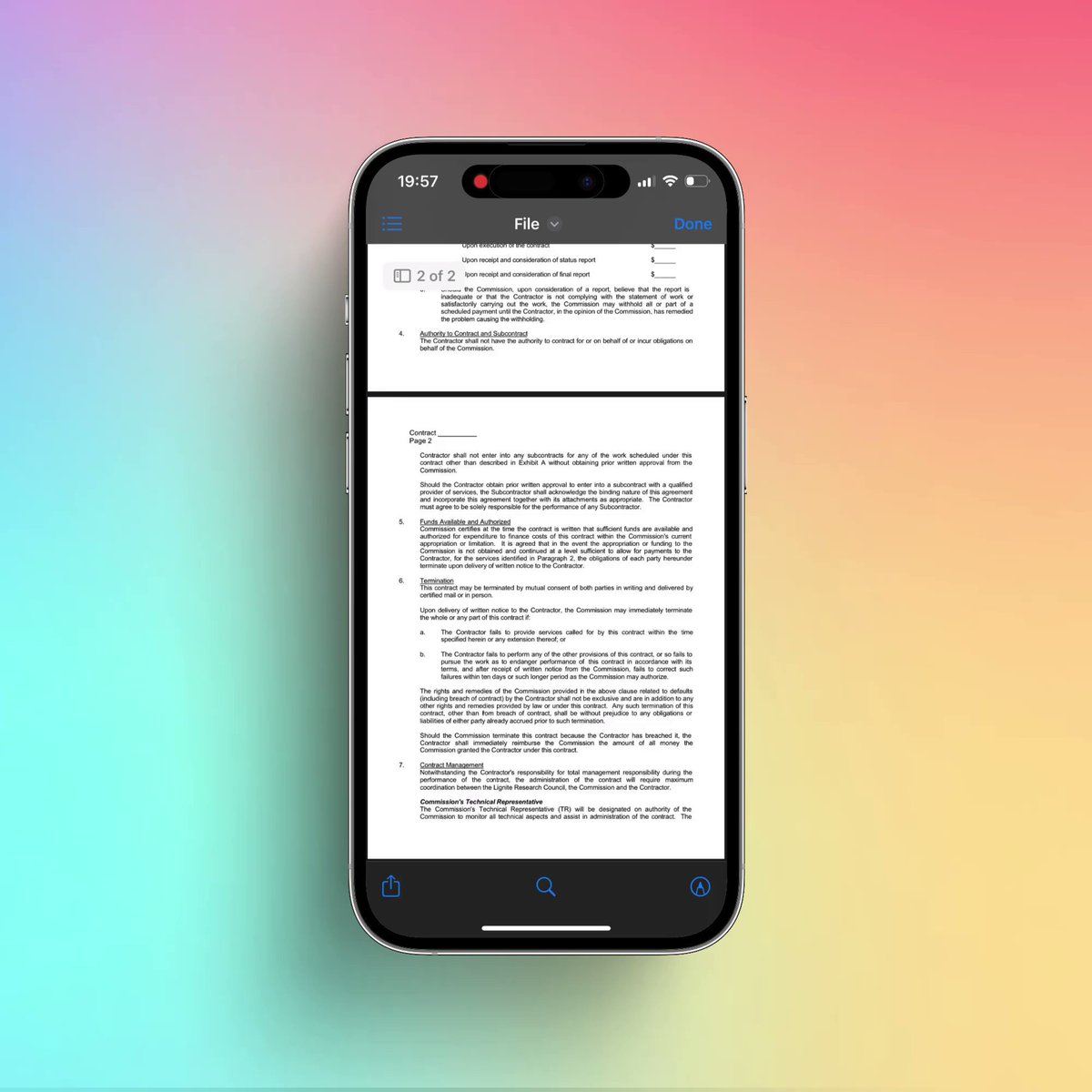
Have you gotten a pdf-file where you don’t need every page? Remove certain pages by opening the pdf in Files. Click in the top left corner where it says "1 of X".

Then click on the pages you want to remove and click "delete".

2/9
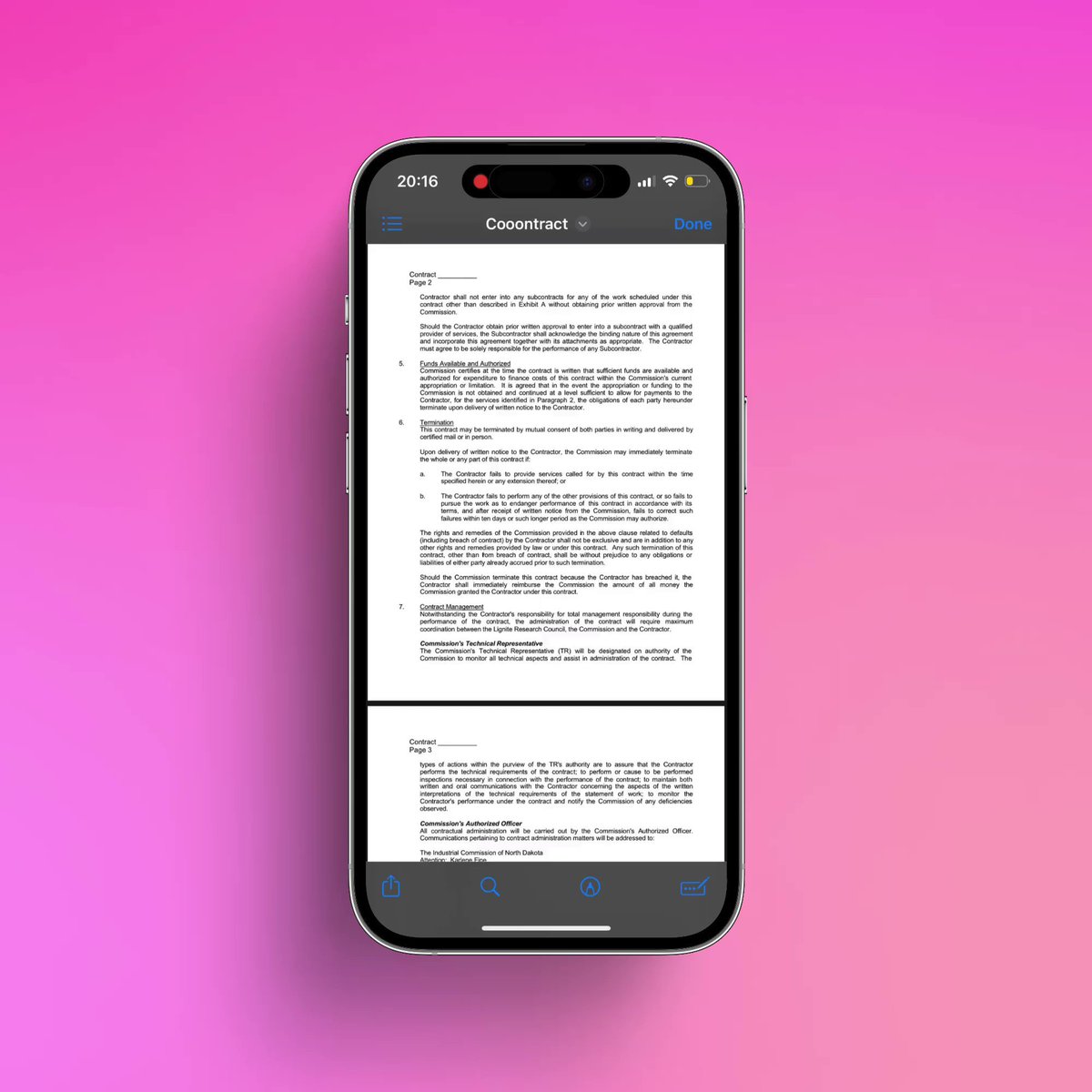
Combine pdfs

Open one of the pdfs you want to combine in Files. Click in the top left corner where it says "1 of X".

Then click on the page where you want to insert the other file and click "insert from file". Then select the file you want to insert!

3/9
Sign documents

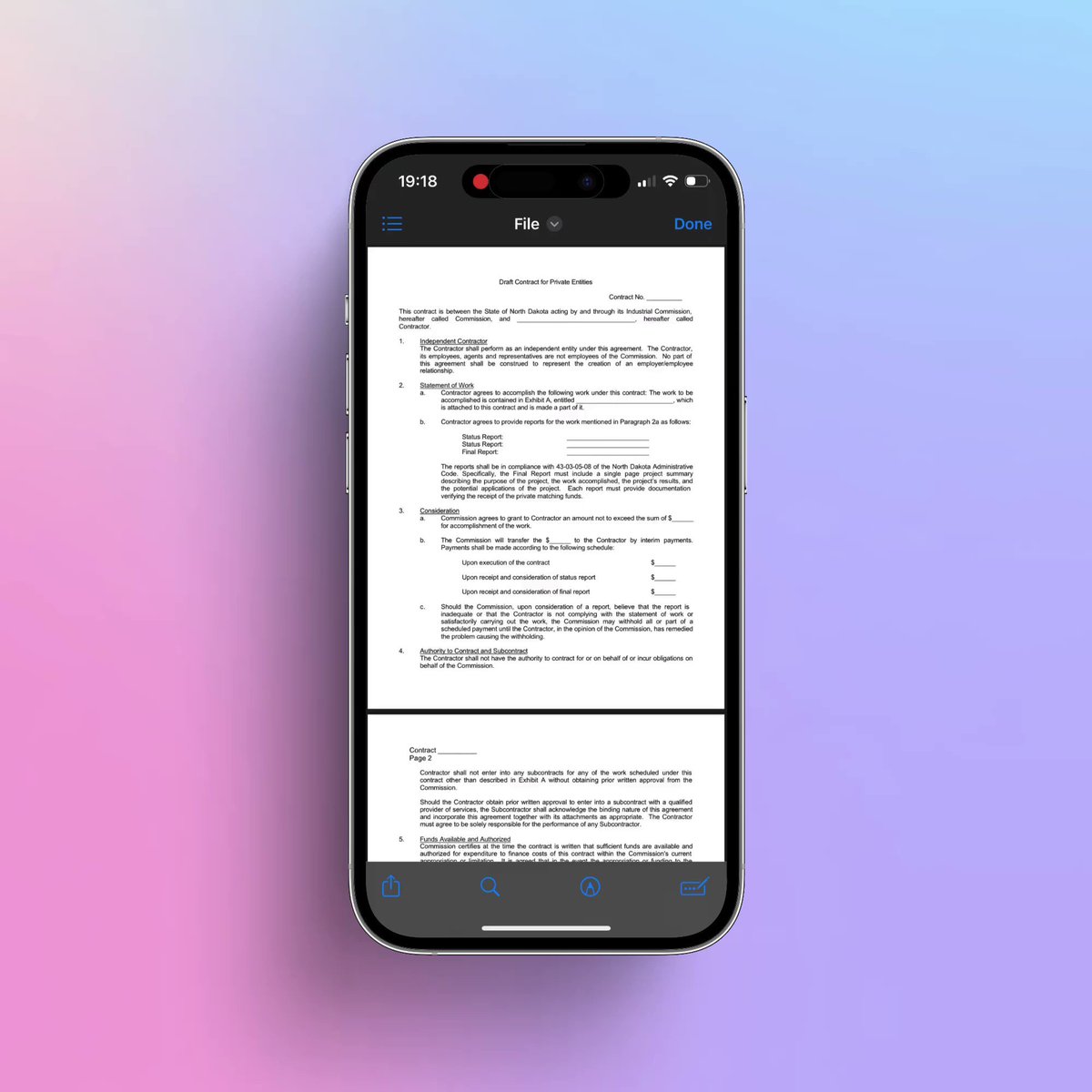
If you need to sign a document, open the pdf in Files, and click on the icon with a pen in the bottom right corner. Then click on the blue plus-icon and select "Add signature"

Select your signature, or create a new one. Click on it and drag it to place.

4/9
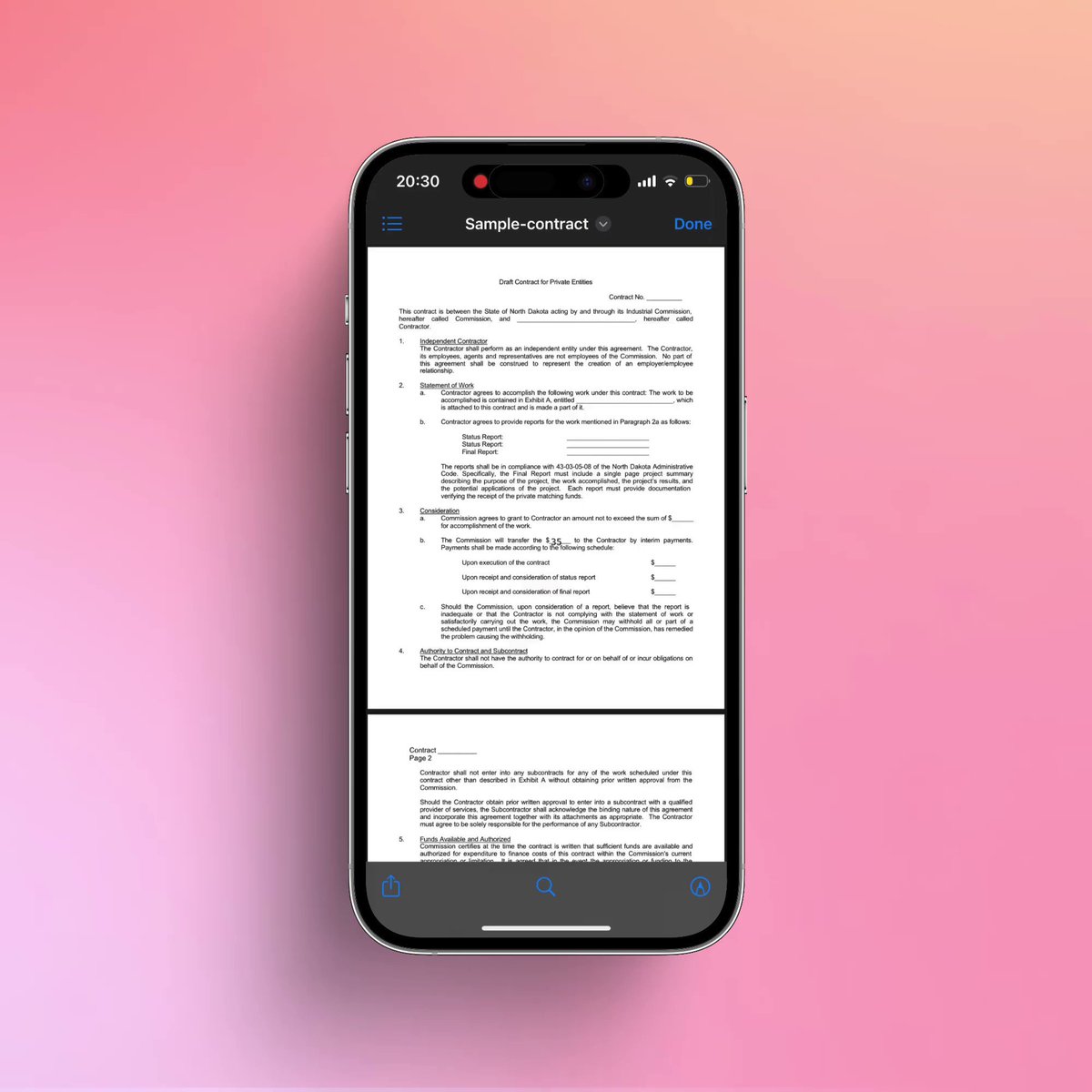
Add text to pdfs

If you need to add text to a pdf, open it in Files. Then click on the icon with a pen in an input field.

It will then detect natural areas to fill out. Double-click on the blue areas to add text.
Select marker and "A" to change size.

5/9
Annotate documents

To annotate a pdf, open it in Files and click on the pen-icon in a circle. You can then draw freely and add shapes.

Pro-tip: if you draw a shape and hold your finger on the screen, the shape gets prettier.

6/9
Collaborate on files

Open your pdf in Files, click on the share button in the bottom left, and then select collaborate under the file-name. You can then send your file to other iOS-users and collaborate on the file. (You can even keep a discussion on the file)

7/9
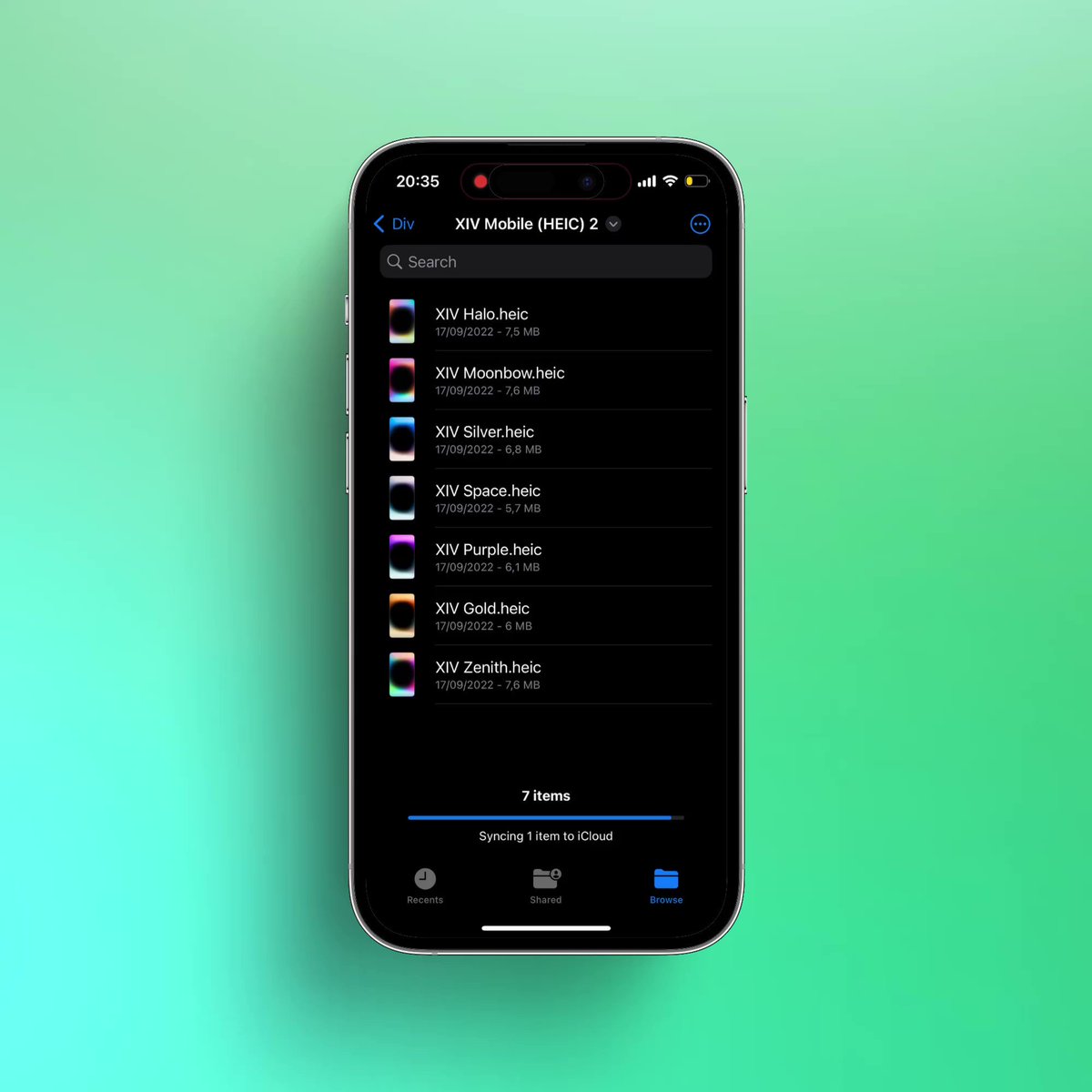
Combine images into a pdf

Go to a folder with the images you want to combine. Select the three dots in the top right corner and tap "Select". Then select the pictures you wish to merge.

Then click the three dots in the bottom right corner and select "Create PDF".

8/9
Optimise file size

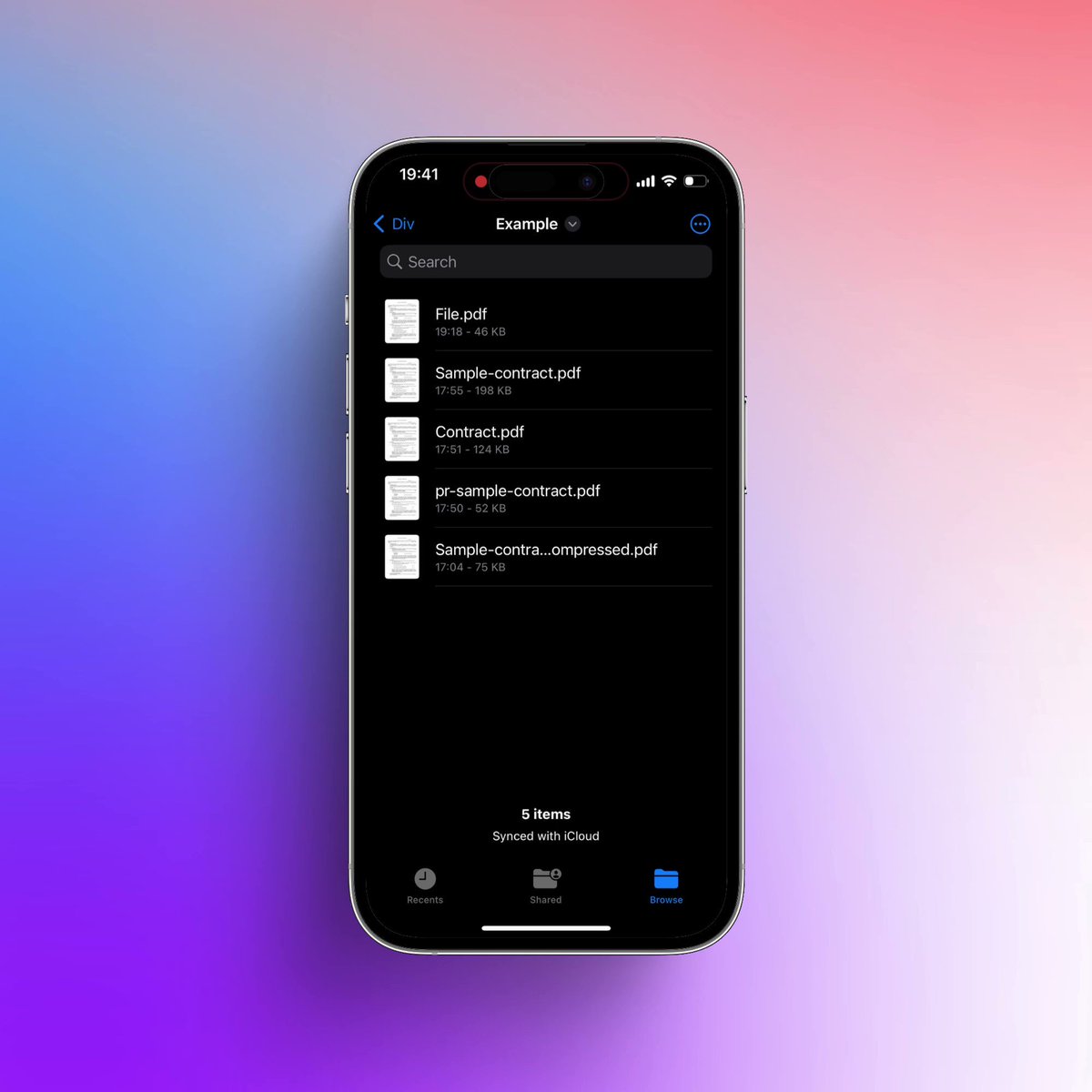
Sometimes a pdf is too large to mail. To make it smaller long press on the file, select "Quick actions," and then "Optimise File Size".

To make the file even smaller, you can long press and select "compress", you will then get a zip file you can share.

9/9
I hope you've found this thread helpful.

Follow me @mhauken for more. I tweet weekly about productivity and design.

Like/Retweet the first tweet below if you can: https://t.co/FRl53z9RF2

More from All

APIs in general are so powerful.

Best 5 public APIs you can use to build your next project:

1. Number Verification API

A RESTful JSON API for national and international phone number validation.

🔗
https://t.co/fzBmCMFdIj


2. OpenAI API

ChatGPT is an outstanding tool. Build your own API applications with OpenAI API.

🔗 https://t.co/TVnTciMpML


3. Currency Data API

Currency Data API provides a simple REST API with real-time and historical exchange rates for 168 world currencies

🔗 https://t.co/TRj35IUUec


4. Weather API

Real-Time & historical world weather data API.

Retrieve instant, accurate weather information for
any location in the world in lightweight JSON format.

🔗 https://t.co/DCY8kXqVIK

You May Also Like

Trading view scanner process -

1 - open trading view in your browser and select stock scanner in left corner down side .

2 - touch the percentage% gain change ( and u can see higest gainer of today)


3. Then, start with 6% gainer to 20% gainer and look charts of everyone in daily Timeframe . (For fno selection u can choose 1% to 4% )

4. Then manually select the stocks which are going to give all time high BO or 52 high BO or already given.

5. U can also select those stocks which are going to give range breakout or already given range BO

6 . If in 15 min chart📊 any stock sustaing near BO zone or after BO then select it on your watchlist

7 . Now next day if any stock show momentum u can take trade in it with RM

This looks very easy & simple but,

U will amazed to see it's result if you follow proper risk management.

I did 4x my capital by trading in only momentum stocks.

I will keep sharing such learning thread 🧵 for you 🙏💞🙏

Keep learning / keep sharing 🙏
@AdityaTodmal