Preamble: the best overall resource, and one I rely on extensively, is Happy Git with R by
@JennyBryan and
@jimhester_. If you have additional questions about Git/GitHub + R/RStudio, this should be your first destination.
https://t.co/C7JHg8Fswb
The first step to set things up is to install Git.
Chapter 6 of Happy Git with R lays out the process for Mac, Windows, and Linux users.
https://t.co/AhzoudgIjE
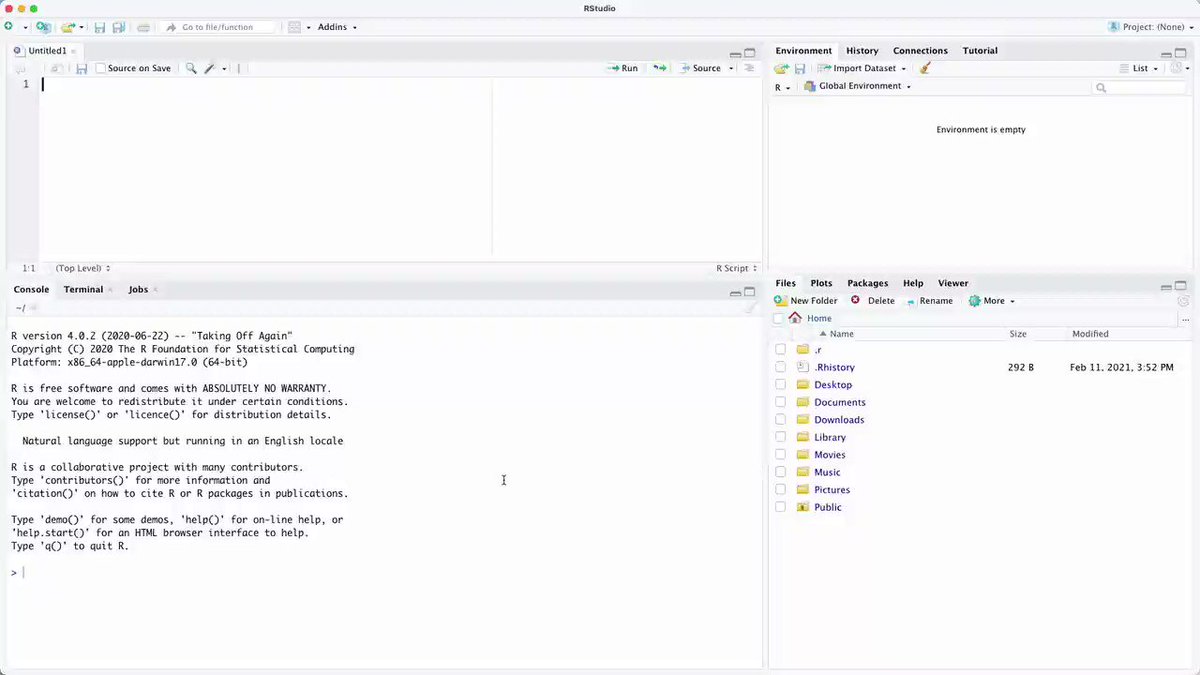
I’m on a Mac so Git came pre-installed on my computer. I was able to verify that I had Git installed using the terminal in RStudio.
The next step is to configure Git.
This is covered in Chapter 7 of Happy Git with R , though I show what I believe to be a slightly easier process using the edit_git_config() function from the {usethis} package.
Now that you’ve installed and configured Git, you can use it locally.
The use_git() function will add a Git repository (often referred to as a “repo”) to an existing RStudio project.
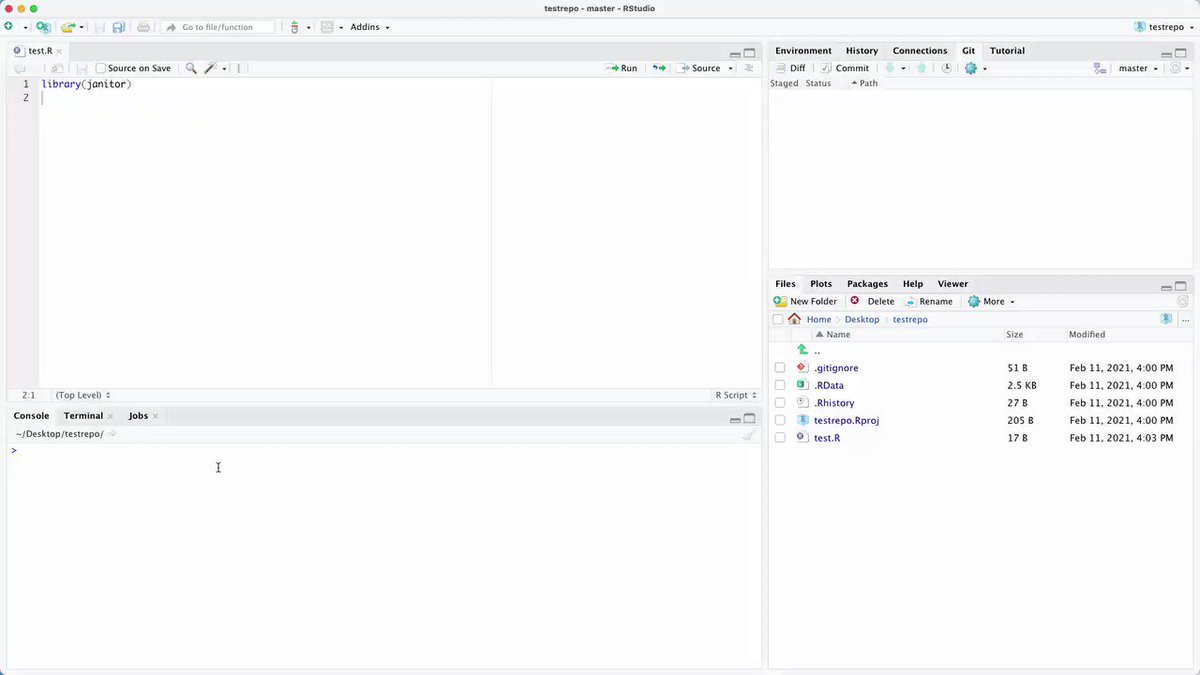
Now that my RStudio project has an associated Git repository, I’ll see an extra tab on the top right: the Git tab.
From here, I can see the entire history of changes to my code over time (not many yet!).
Git doesn’t automatically track changes the way a tool like Google Docs does.
Instead, you have to tell Git: I made changes and I want you to keep a record of them.
Telling Git this is called making a commit and you can do it from within RStudio.
Each commit has a commit message, which is helpful because, when you look at your code history, you see what you did at each point in time (i.e. at each commit).
RStudio has a built-in tool to view your code history.
The process so far has enabled us to use Git locally.
But what if we want to connect to GitHub? How do we do that?
The first step is to sign up for a (free) GitHub account.
https://t.co/dqfYpbzTz7
Now you’ll need to enable RStudio to talk to GitHub. The process for doing so has recently changed (this is where I see the largest major difference from Happy Git with R).
The best way to connect RStudio and GitHub is using your username and a Personal Access Token (PAT).
To generate a personal access token, use the create_github_token() function from {usethis}. This will take you to the appropriate page on the GitHub website, where you’ll give your token a name and copy it (don’t lose it because it will never appear again!).
Now that you’ve created a Personal Access Token, we need to store it so that RStudio can access it and know to connect to your GitHub account.
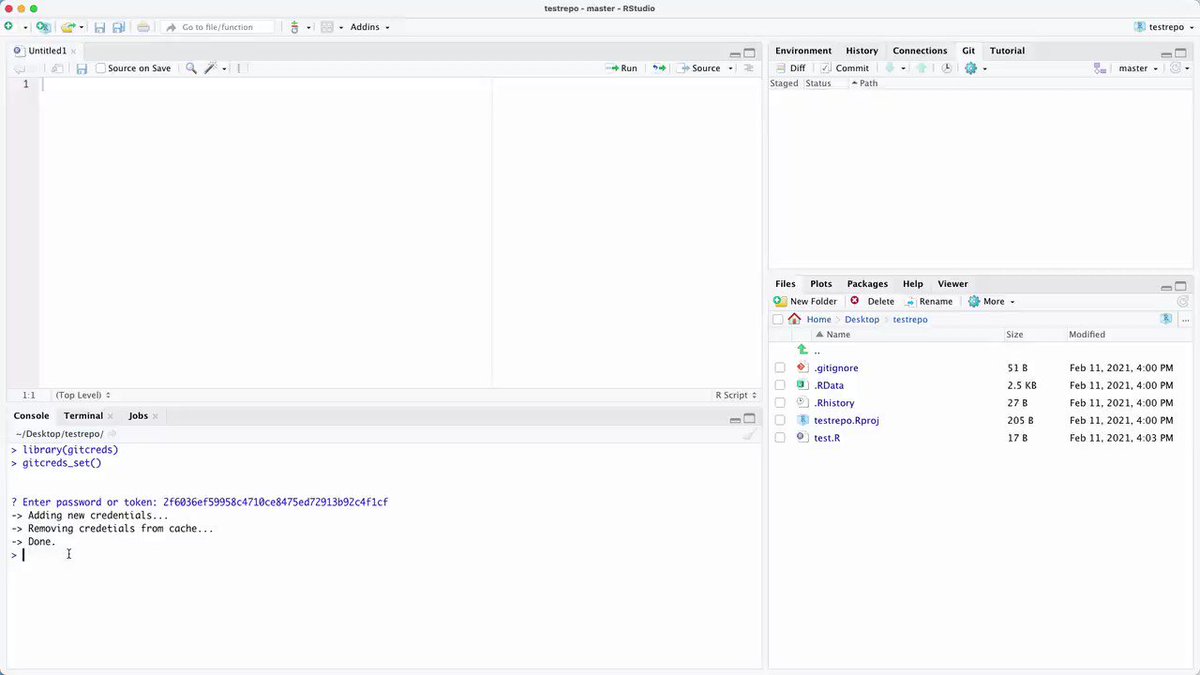
The gitcreds_set() function from the {gitcreds} package will help you here.
You’ll enter your GitHub username and the Personal Access Token as your password (NOT your GitHub password, as I initially thought).
Once you’ve done all of this, you have connected RStudio to GitHub!
Now that we’ve connected RStudio and GitHub, let’s discuss how to make the two work together.
The basic idea is that you’ll set up projects you create in RStudio with associated GitHub repositories. Each RStudio project lives in a single GitHub repo.
How do we connect an RStudio project to a GitHub repo? Happy Git with R goes over three strategies (
https://t.co/IkH3OVr7N9).
I’ll demonstrate two of them.
Sometimes you already have a project locally and you want to get it on GitHub. To do this, you’ll use the use_git() function from {usethis}, as we did above.
Then, you can use the use_github() function, which will create a GitHub repo and connect it to your RStudio project.
The most straightforward way to use RStudio and GitHub together is to create a repo on GitHub first.
Create the repo, then when you start a new project in RStudio, use the version control option, enter your repo URL, and you’re good to go.
You're all set now!
Reminder that there is a blog post form on this thread.
https://t.co/DwQ7ibM3pd
The blog post covers a bit more of the what and why of using a Git/GitHub workflow.
But I'm far from a Git/GitHub expert. To learn from those who know more, here are a few resources.
If you’re looking to learn more and I haven’t yet beat into you the idea that you should check out Happy Git with R, let me try it once more. It’s the best book to help guide you as you go deeper with using Git/GitHub in your R work.
https://t.co/m3lIngyihs
You also might check out Collaborating with git and GitHub by
@datalorax_, @_bcullen, and
@HOuafaa. This chapter from the course materials for Social Data Science with R at the University of Oregon covers the basics of Git and GitHub.
https://t.co/zq94ShFEYQ
There's also materials by
@juliesquid and
@allison_horst from their 2019 rstudio::conf R for Excel Users workshop, which cover “version control and ... streamlines working with our most important collaborator: Future You.”
https://t.co/TR7hPjd9Vk