🔸 Pageless
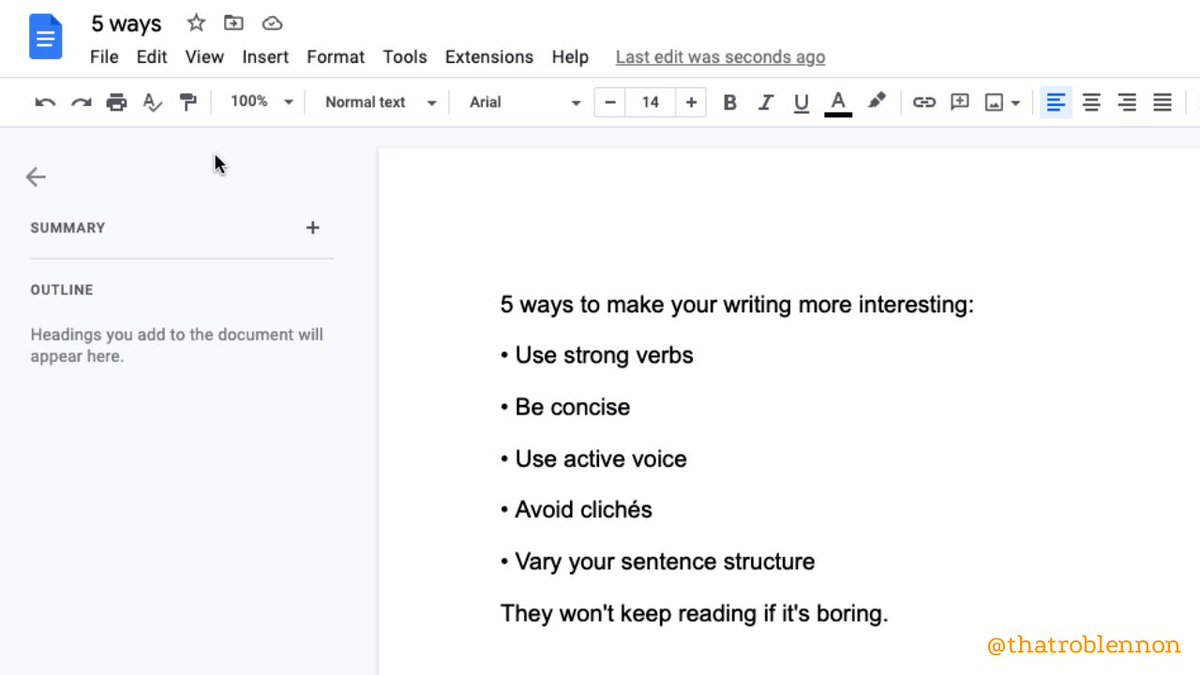
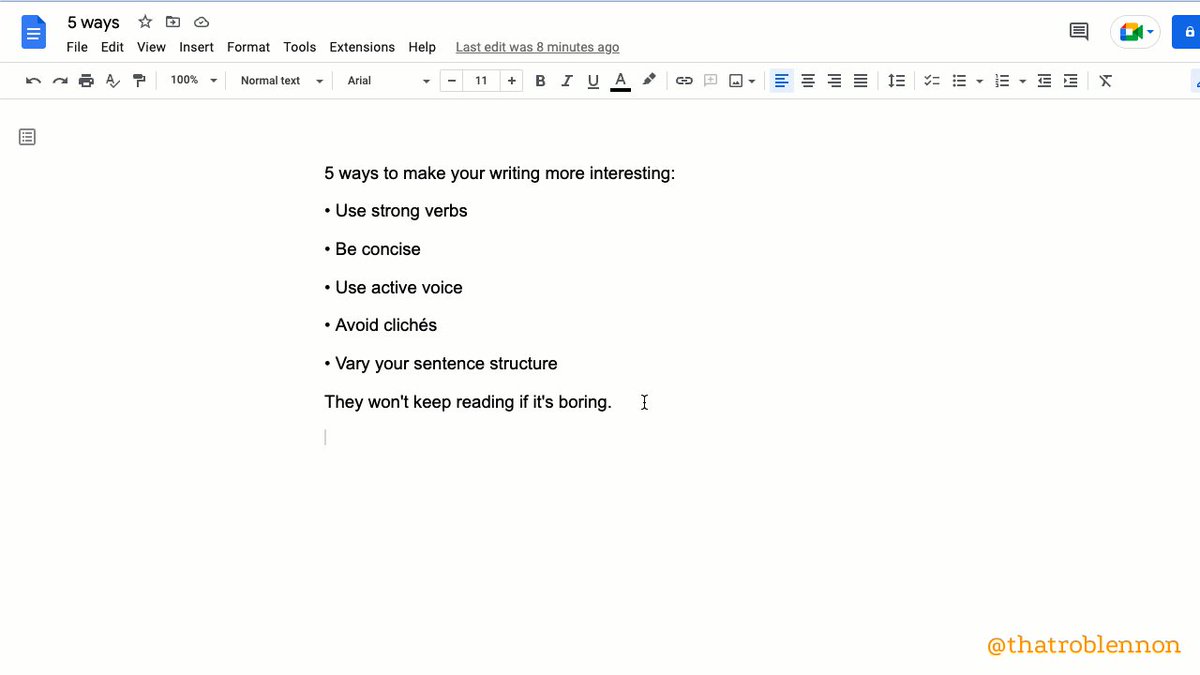
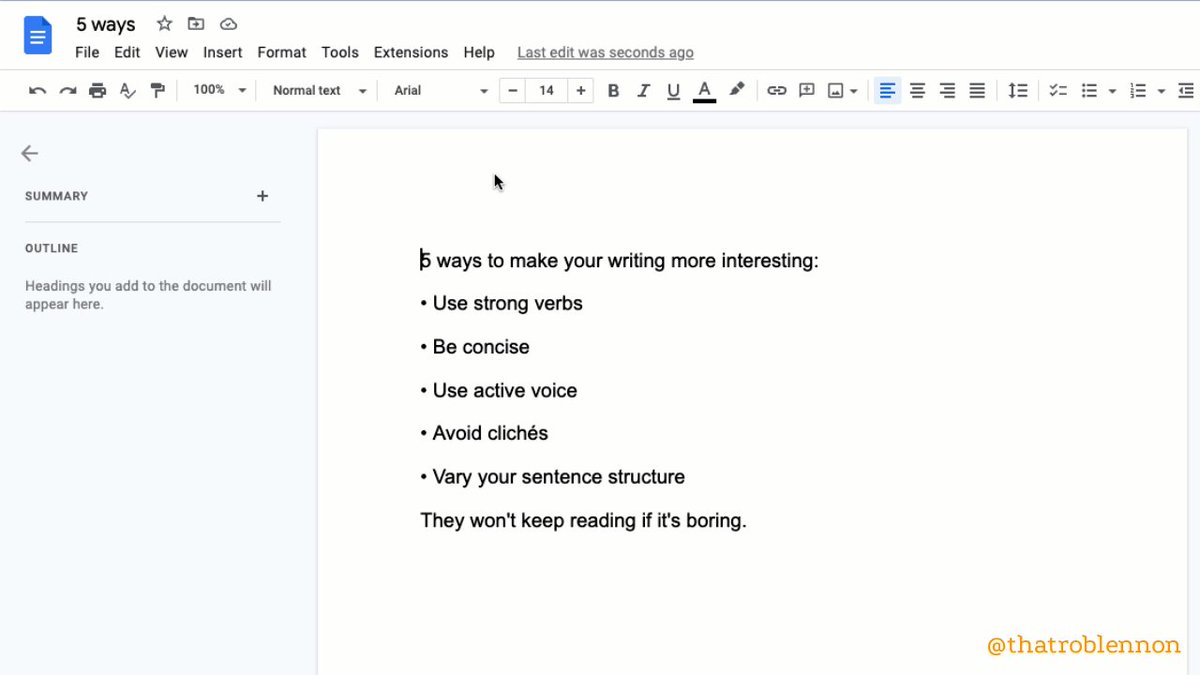
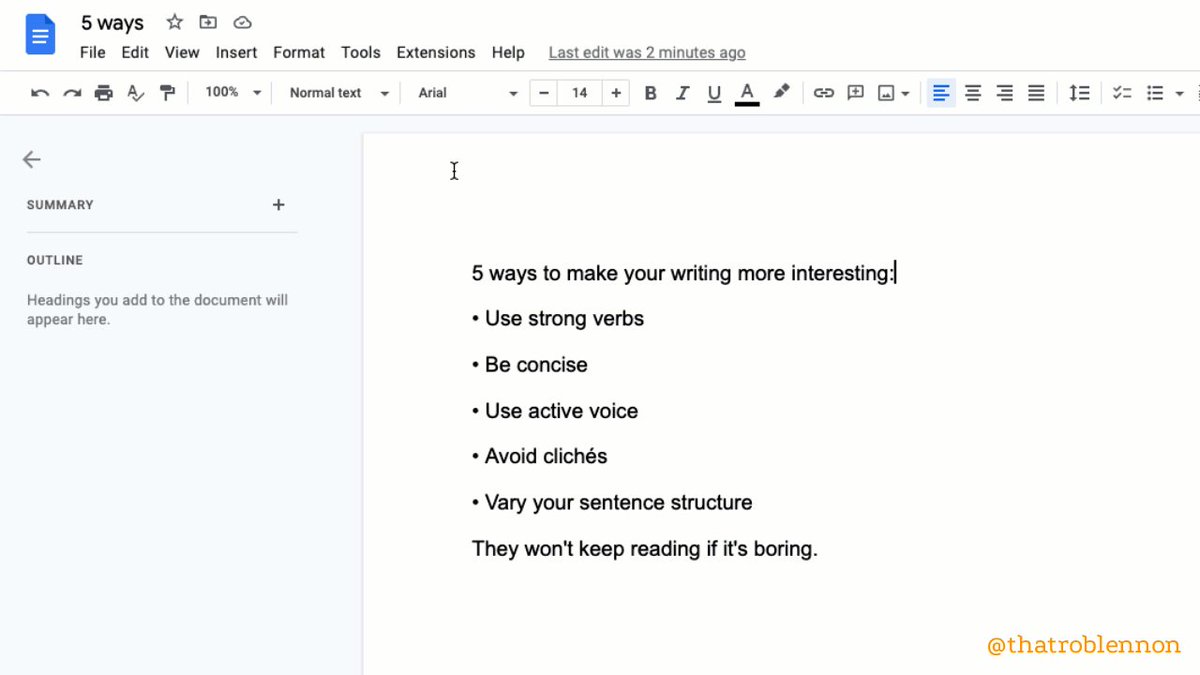
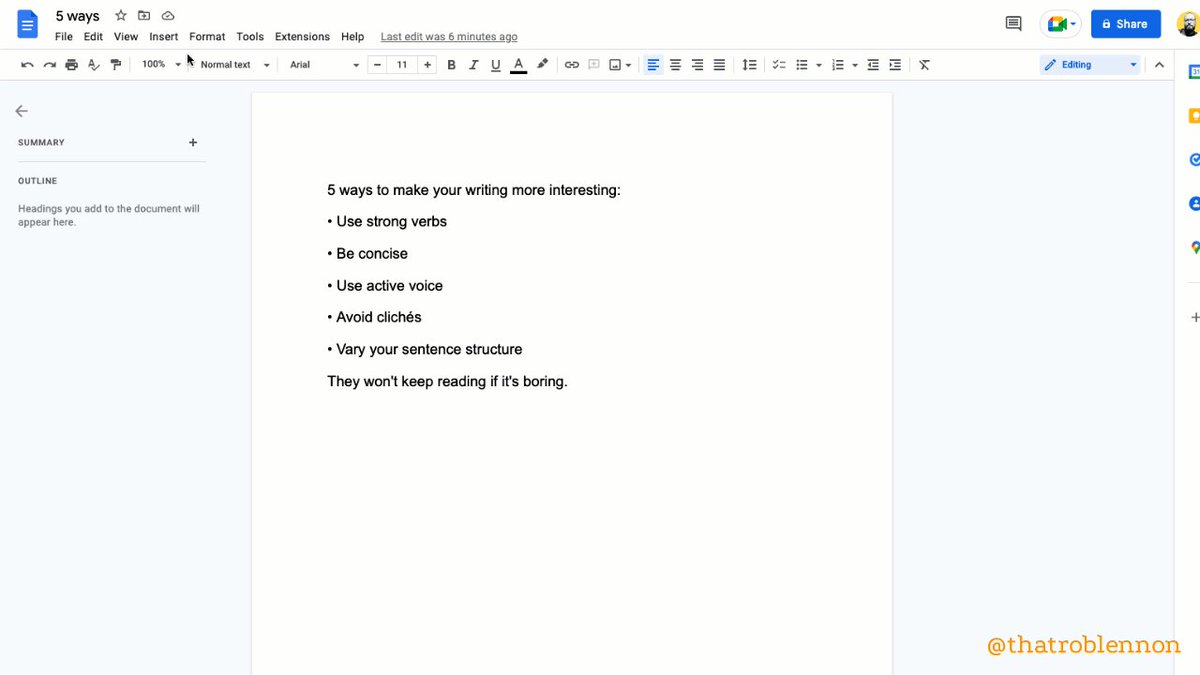
Most people don't print anymore.
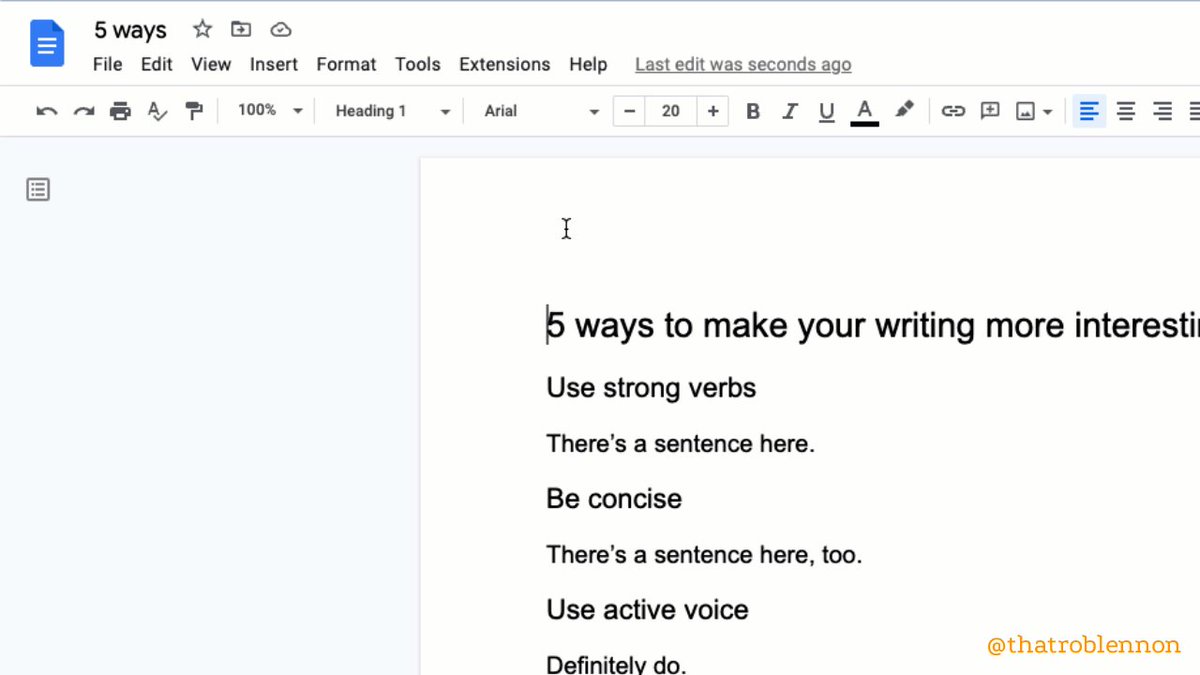
Get rid of your page breaks entirely.
So much cleaner-looking.
1. File >
2. Click'Page Setup'
3. Toggle 'Pageless'
🔸 Emoji Reaction
Instead of commenting, you can now react.
1. Select part of your doc to react to
2. Insert >
3. 'Emoji Reaction'
Some good shorthand:
✂️ Cut this
❓ Confusing
💖 Love this
🔸 Dropdown
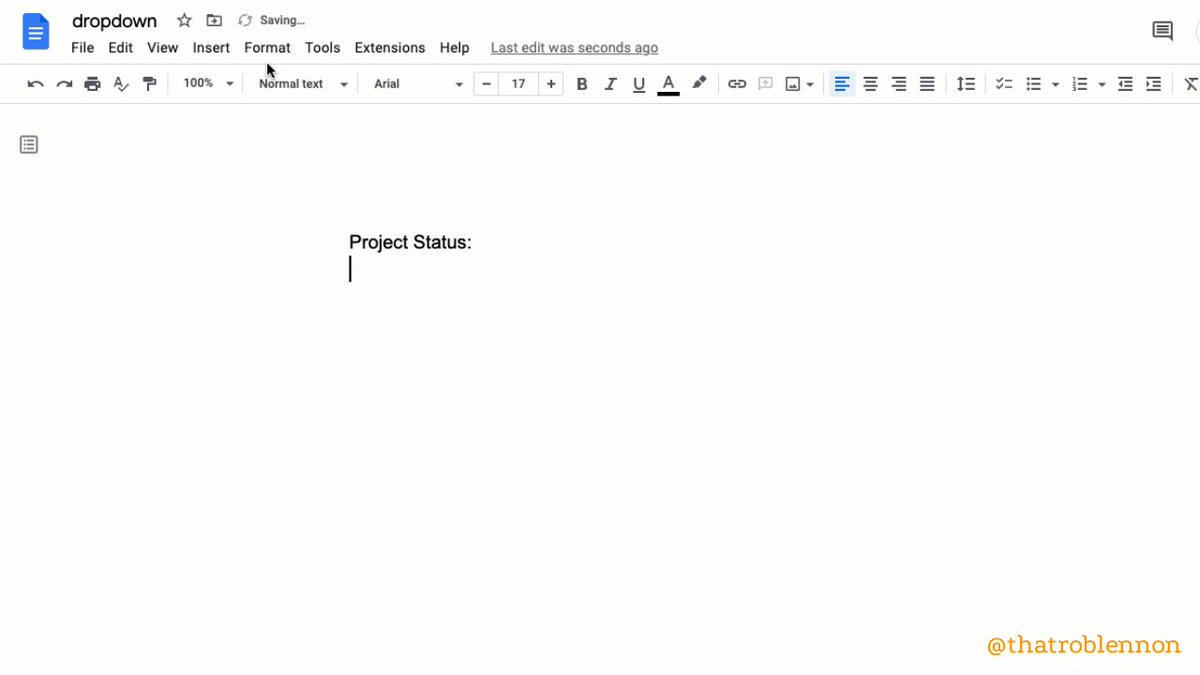
Add a Notion-like dropdown toggle you can put anywhere.
Extra cool because it accepts font styling.
1. Insert >
2. 'Dropdown'
3. Choose a preset or click 'New dropdown'
🔸 Building Blocks
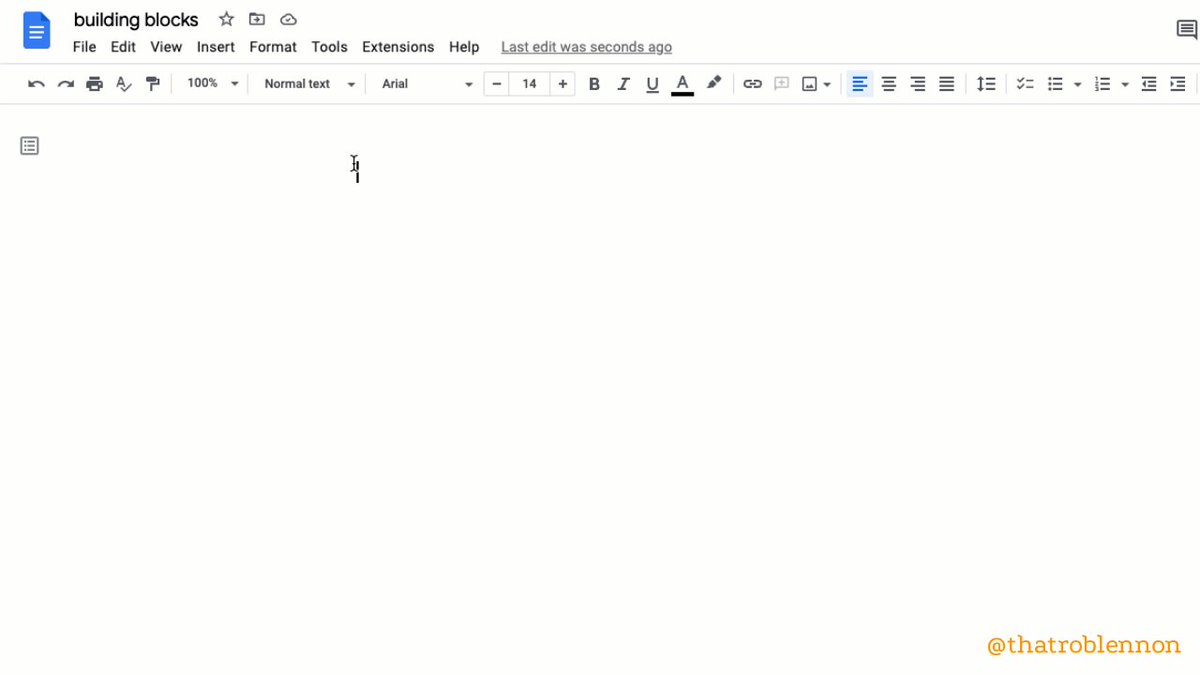
Pre-made trackers to quickly add project management to your doc.
Powerful functionality in a ready-made template.
1. Insert >
2. Building Blocks >
3. Choose which pre-set you want
🔸 Watermark
Inlay a semi-transparent image OR text watermark into your doc.
(Must have pages to do this. Can't be using Pageless.)
1. Insert >
2. Click 'Watermark'
3. Choose between image or text watermark
🔸 Compare
See what's different between two docs.
Indispensable when working with freelancers (and others).
1. Tools >
2. Click 'Compare Documents'
3. Navigate to the doc you want to compare
4. Open your brand new comparison doc with suggested changes shown
🔸 Bookmark
Create and copy a link to a specific place in a longer doc.
(Not a super new feature, but one I'd never heard of until recently, given how powerful it is.)
1. Insert >
2. Bookmark >
3. Click the copy icon to get the url for the bookmark
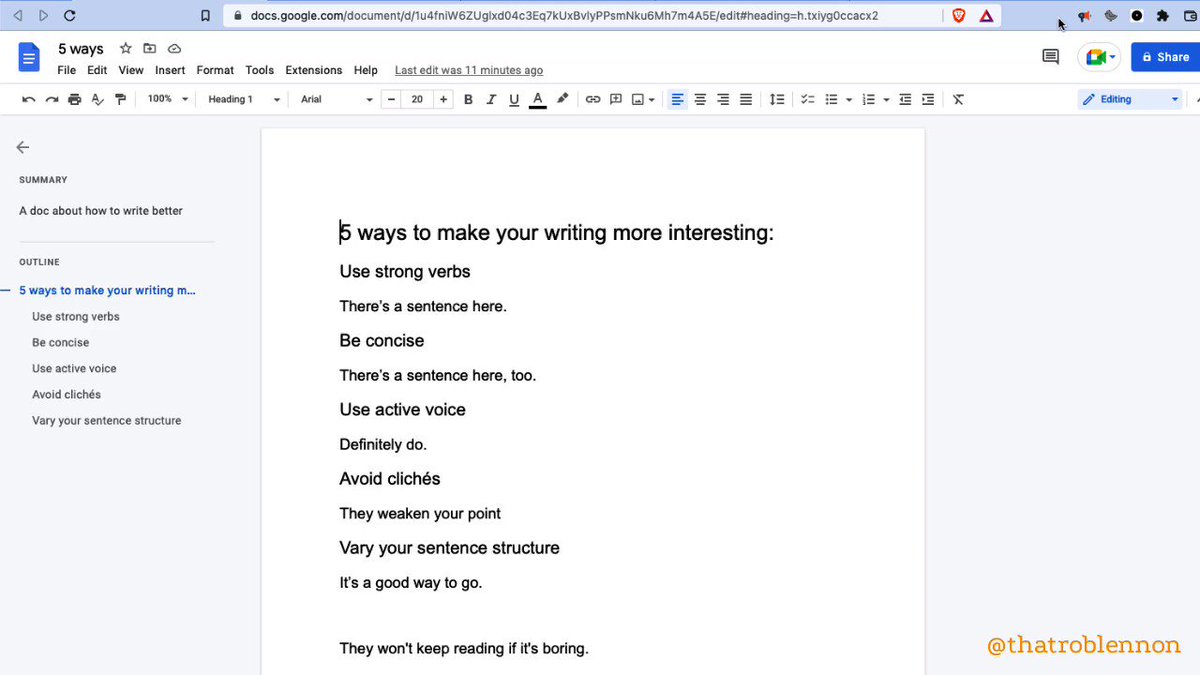
🔸 Add Summary to Outline
1. View >
2. 'Show outline'
3. At the top of your outline, click 'Add Summary +'
4. Type and press Enter to save
🔸 Dark Theme
iPhone / iPad / Android only.
1. Tap 'Menu'
2. Tap 'Settings'
3. Tap 'Theme'
5. Choose Dark
(To preview without, top More •••, 'View in light theme')
🔸 Add items with the
@ menu
A quick shortcut to insert almost anything.
By typing
@, you can add:
• Smart chips for people, files, and events
• Building blocks
• Dropdowns
• Lists (numbered, bulleted, checklists)
• Images
• Tables
• Charts
• Headings
• Hyperlinks
🔸 BONUS: ReadAloud (Chrome Extension)
Improve your proofreading process through text-to-speech by listening to your words.
Supports high-res voices like Amazon Polly if you have an account.
I use ReadAloud on every important project.
https://t.co/lZQ5XbsAC3
10 g-docs features you may have missed:
🔸 Pageless
🔸 Emoji Reaction
🔸 Dropdown
🔸 Building Blocks
🔸 Watermark
🔸 Compare
🔸 Bookmark
🔸 Add Summary
🔸 Dark Theme
🔸
@ menu
and 1 add-on to get:
🔸 ReadAloud (Chrome Extension)
My account exists to make you a better writer, businessperson, and human.
Follow me
@thatroblennon for more.
Like/Retweet the first tweet below to share these amazing features:
https://t.co/T9Us87jWUR