Publishing WordPress content on Twitter just got a whole lot easier. You can already bring single Tweets or threads, also known as Tweetstorms, over from Twitter to WordPress (
https://t.co/z7r1opqORx), and now we’re bringing the process full circle.
With just two extra clicks, you can transform your entire blog post into a Twitter thread. By publishing your quality content on Twitter, you can open new lines of engagement and conversation.
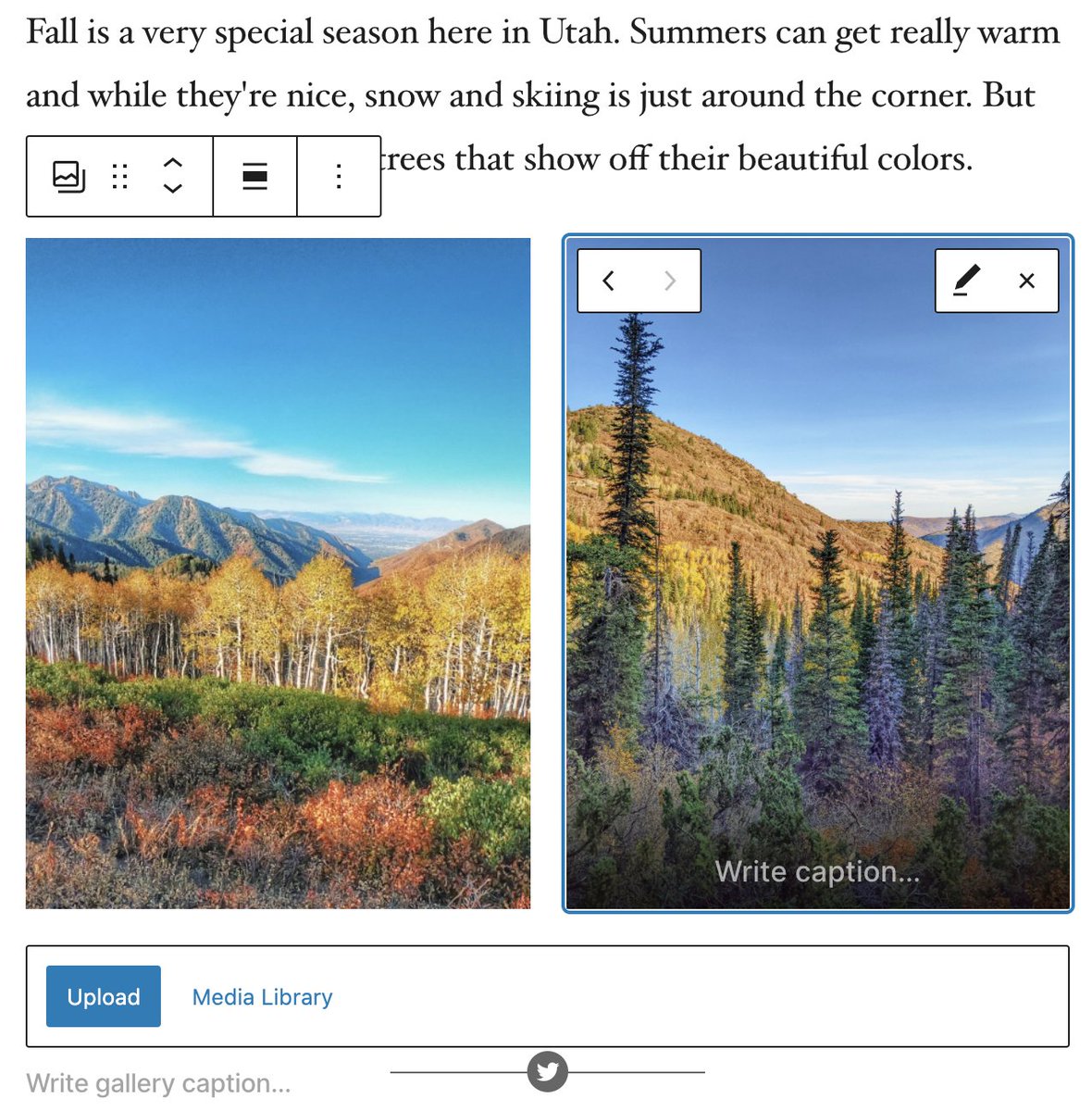
When you share a WordPress post as a Twitter thread, nothing is left behind: Text, images, video, and embeds will be inserted into the thread right where they’re supposed to be.
We know that Twitter threads work best without breaks and other quirks. That’s why, in building this feature, we paid special attention to formatting. If a paragraph is too long for a single Tweet, for instance, it will automatically be split into multiple Tweets.
And rather than squishing as many words as possible into the first Tweet and letting the rest spill to the second one, the break will come at the end of a sentence. Also, if you have a list block in your post, it will be formatted as a list on Twitter.
To give you extra control, while you’re writing a post, we’ll show you where Tweet splits will happen. That way, you can shape how your post will appear on Twitter as you write.
How to publish a blog post as a Twitter thread
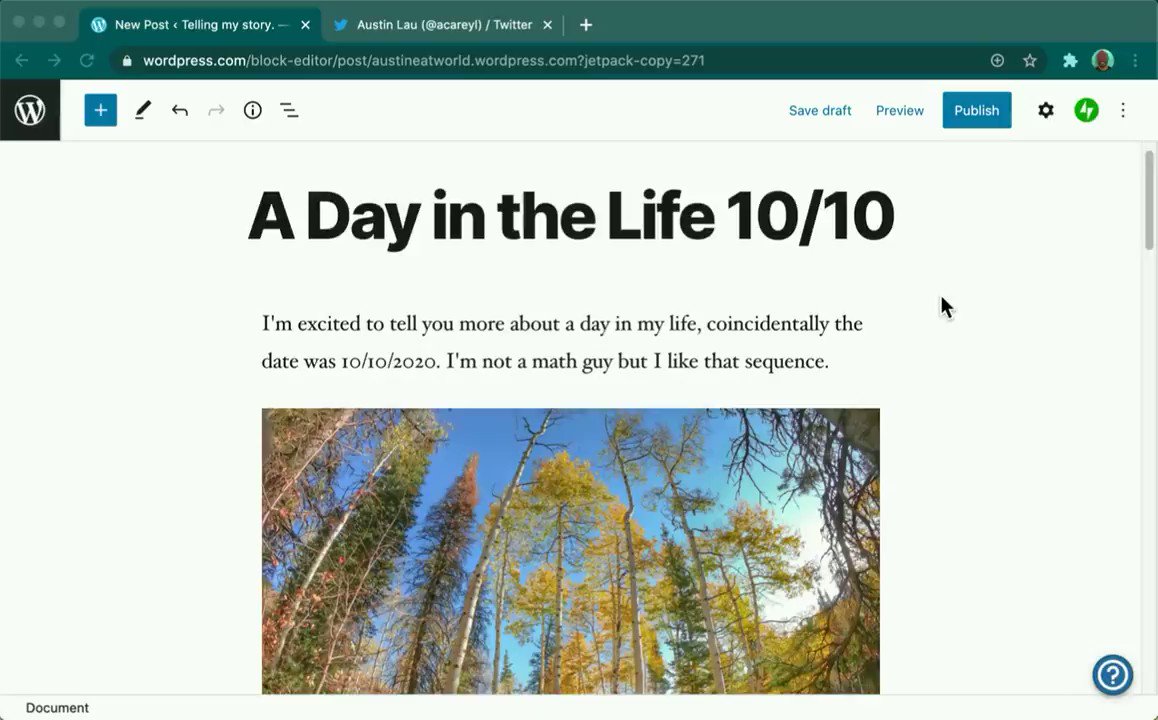
- At any time while you’re working on a post, you can click on the Jetpack icon that’s located on the far right of the header menu at the top of the page.
- If you don’t already have your Twitter account connected to your website, click “Connect an account” to allow WordPress to publish content on your Twitter feed. You can add multiple Twitter handles if you’ll be Tweeting from more than one account.
You only need to connect each account once.
- Make sure the right Twitter handle is selected, write a custom message, and then choose whether you want to share a single link to your blog post or all of the post’s content as a thread.
- Hit publish! Your blog post and the Tweet or thread will be shared simultaneously. Be sure you’ve selected your Twitter account when you publish, as this is the only time you’ll be able to share your blog post as a Twitter thread.
Sharing your full blog posts on Twitter is a great way to amplify your content, increase engagement, and build an audience for your work. You most likely have a number of followers on your WordPress blog who aren’t following you on Twitter, and vice versa.
This feature allows you to tap into both groups.
Connect your Twitter account to your WordPress site (
https://t.co/BxHZt3DPTa) today, and start publishing to both platforms at the same time. Get creative, and have fun. We’re excited to see how you use this first-of-its-kind tool.
This thread can be read here:
https://t.co/CoHLuD4yyc