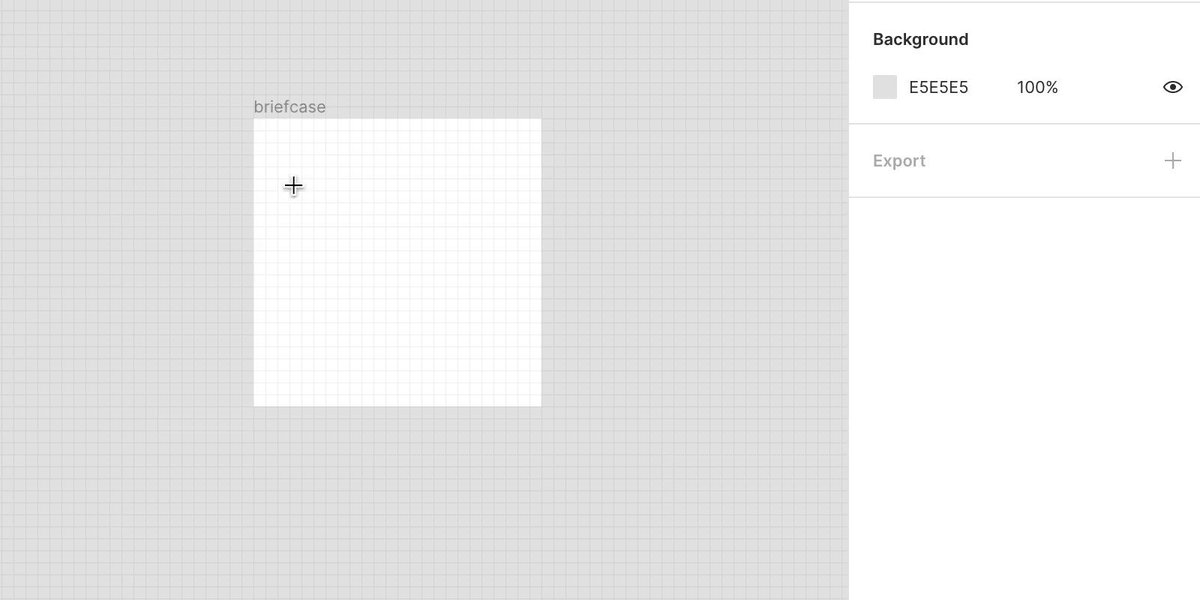
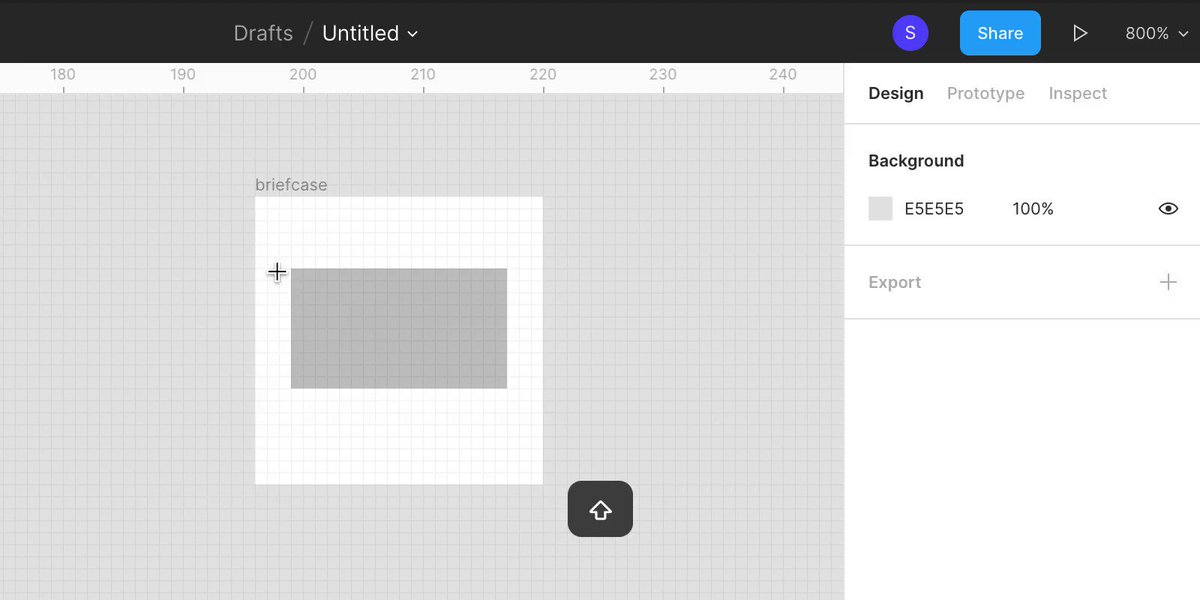
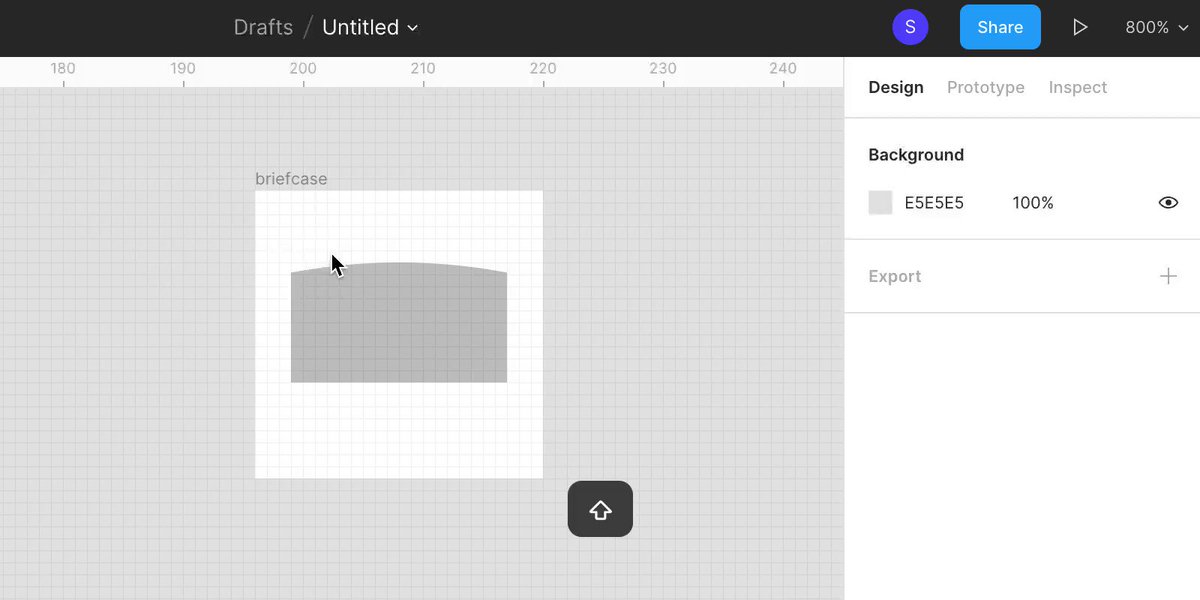
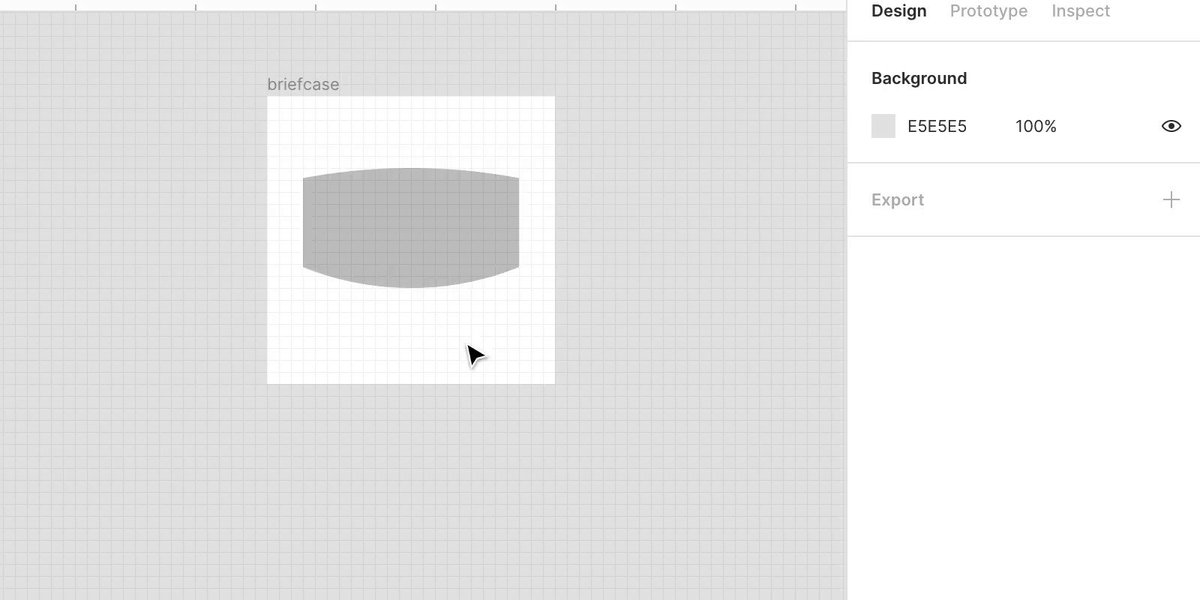
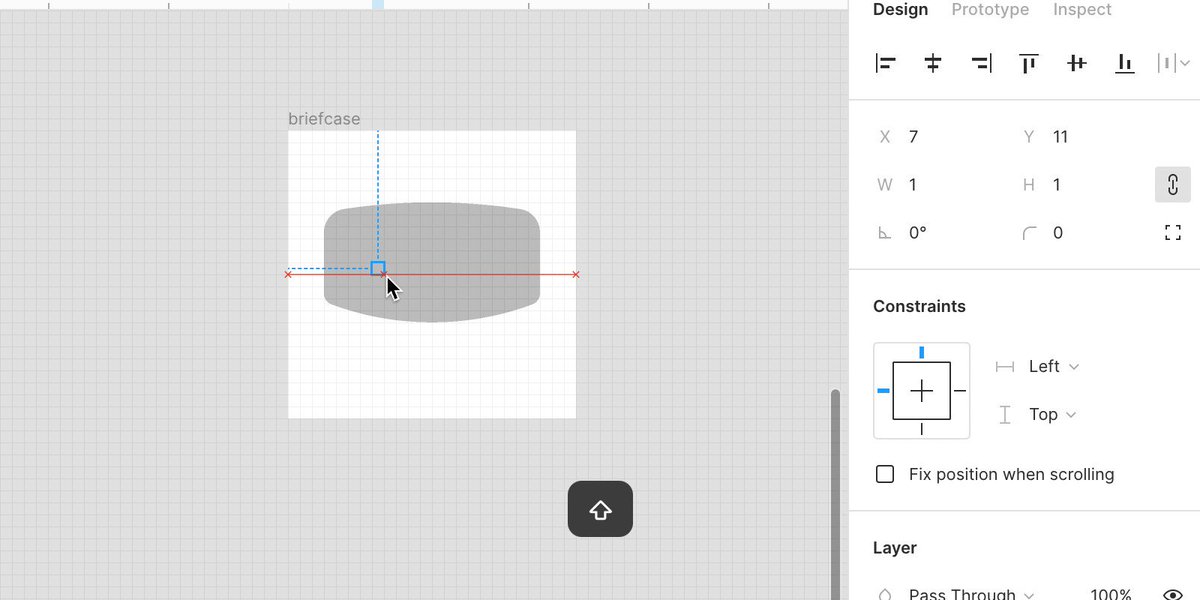
How to make a "Briefcase" icon in @figmadesign.

🧵
thread šŸ‘‡

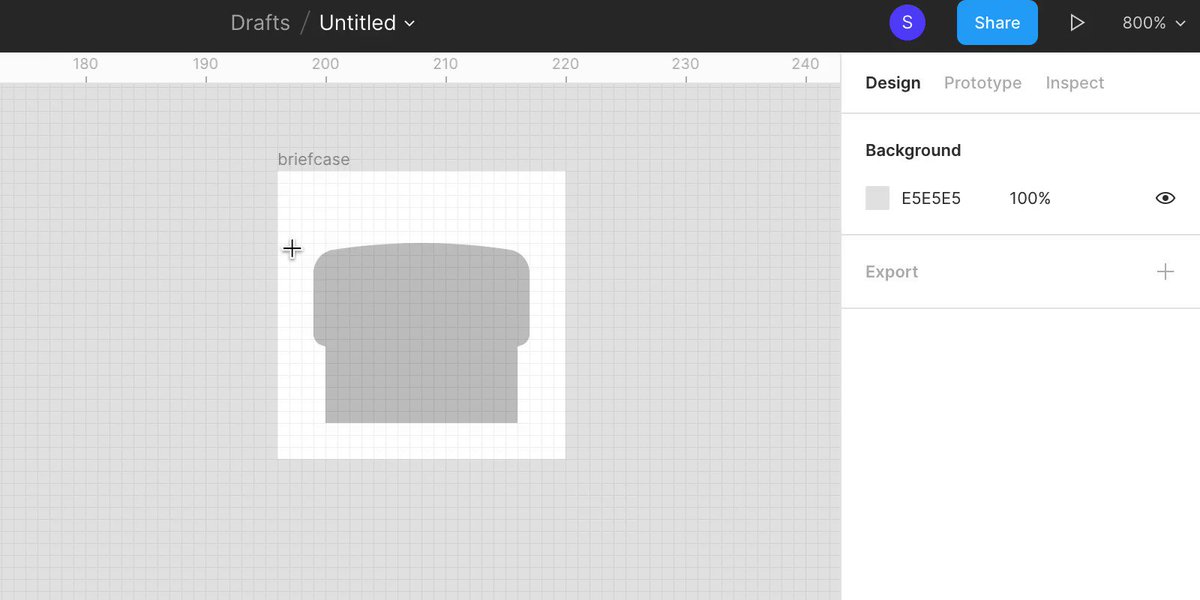
In a 24 x 24 pixel artboard, use the rectangle tool (R) to draw a 18 x 10 pixel rectangle positioned horizontally centered and 6 pixels from the top of the artboard.
Using the ellipse tool (O), draw a 96 x 96 pixel circle and align the top to the center/top of the rectangle. Select both shapes and use the boolean tool to intersect the group.
Using the ellipse tool (O), draw a 48 x 48 pixel circle and align the bottom to the center/bottom of the rectangle. Select both shapes and use the boolean tool to intersect the group.
Flatten the shape (command + E) and double click it to make it editable. Select the top left and right points and give them a 2 pixel corner radius. Select the bottom left and right points and give them a 1 pixel corner radius.
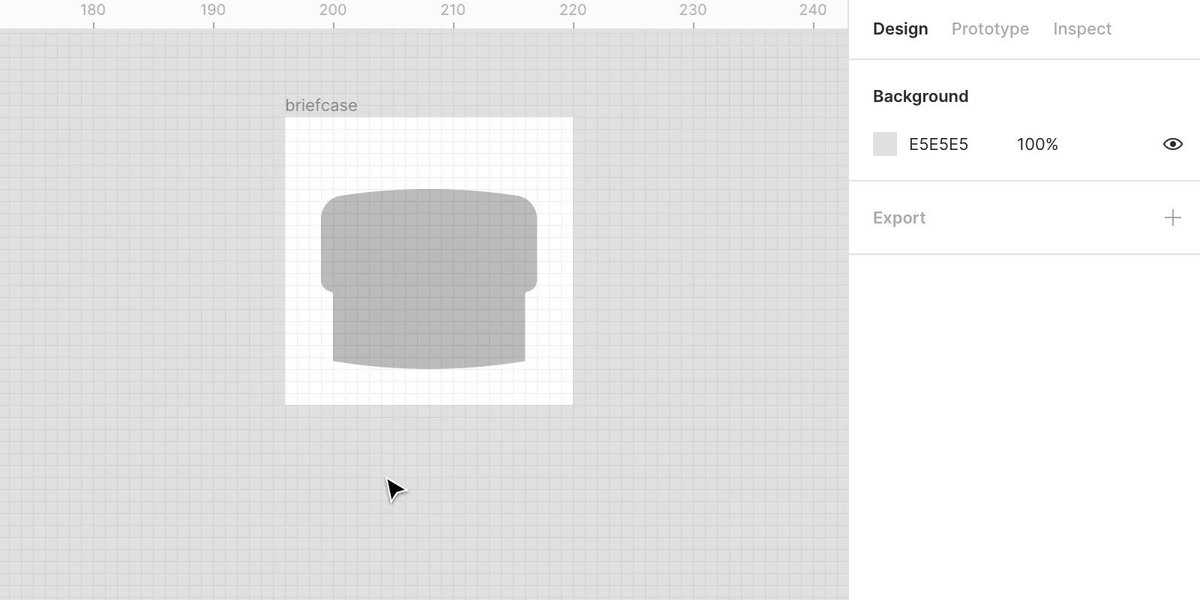
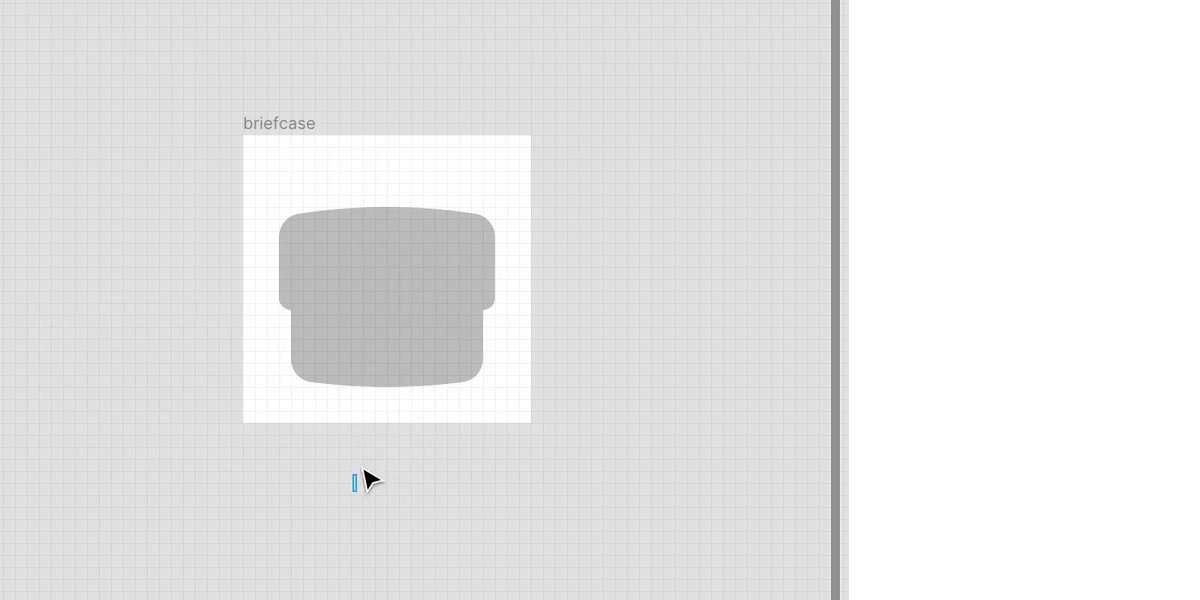
Using the rectangle shape tool (R), draw a 16 x 10 pixel rectangle positioned horizontally centered and make the bottom 3 pixels from the bottom of the artboard.
Using the ellipse tool (O), draw a 96 x 96 pixel circle and align the bottom to the center/bottom of the rectangle. Select both shapes and cut them using the intersect boolean group tool.
Flatten the shape (command + E) and double click it to make it editable. Select the bottom left and right points and give them a 2 pixel corner radius.
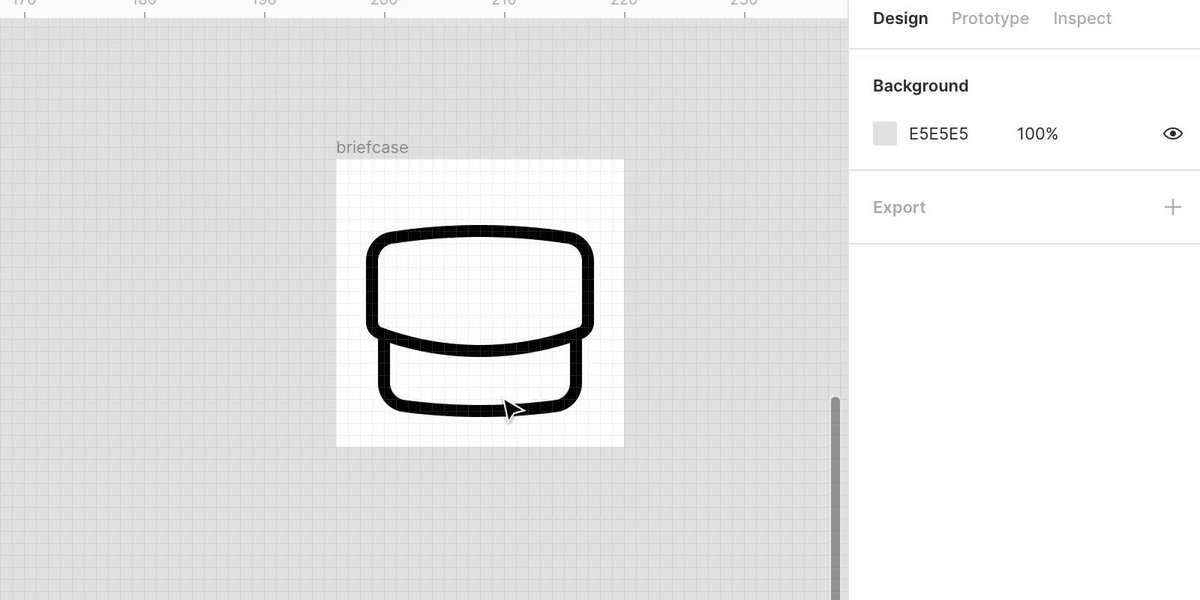
Select both shapes and convert them to a centered stroke and flatten them together (command + E). Using the pen tool (P), add 2 points where the shapes intersect (zoom in if the pen isn’t snapping into position).
Delete the overlapping lines.
Double click the shape to make it editable so you can add connecting points. Use the pen tool (P) to manually draw the handle connected to the top. I made it ~3 x 8 pixels. Give the points a 2 pixel corner radius.
To create the dot button, draw a rectangle and manually adjust the size to 0.01 and give it a stroke.
Flatten the layers (command + E) and adjust the stroke to your desired radius/width (Rounded/1.5 pixel stroke shown below).

TA DA šŸ‘šŸ»

More from Tech

A common misunderstanding about Agile and ā€œBig Design Up Frontā€:

There’s nothing in the Agile Manifesto or Principles that states you should never have any idea what you’re trying to build.

You’re allowed to think about a desired outcome from the beginning.

It’s not Big Design Up Front if you do in-depth research to understand the user’s problem.

It’s not BDUF if you spend detailed time learning who needs this thing and why they need it.

It’s not BDUF if you help every team member know what success looks like.

Agile is about reducing risk.

It’s not Agile if you increase risk by starting your sprints with complete ignorance.

It’s not Agile if you don’t research.

Don’t make the mistake of shutting down critical understanding by labeling it Bg Design Up Front.

It would be a mistake to assume this research should only be done by designers and researchers.

Product management and developers also need to be out with the team, conducting the research.

Shared Understanding is the key objective


Big Design Up Front is a thing to avoid.

Defining all the functionality before coding is BDUF.

Drawing every screen and every pixel is BDUF.

Promising functionality (or delivery dates) to customers before development starts is BDUF.

These things shouldn’t happen in Agile.

You May Also Like