Udemy is an online learning and teaching marketplace with over 185000 courses and 49 million students.
Although most of the courses were premium on this site, some of them were available for free.
https://t.co/jU3ZSQ05Vk
A THREAD:
— Aditya Todmal (@AdityaTodmal) November 28, 2020
7 FREE OPTION TRADING COURSES FOR BEGINNERS.
Been getting lot of dm's from people telling me they want to learn option trading and need some recommendations.
Here I'm listing the resources every beginner should go through to shorten their learning curve.
(1/10)
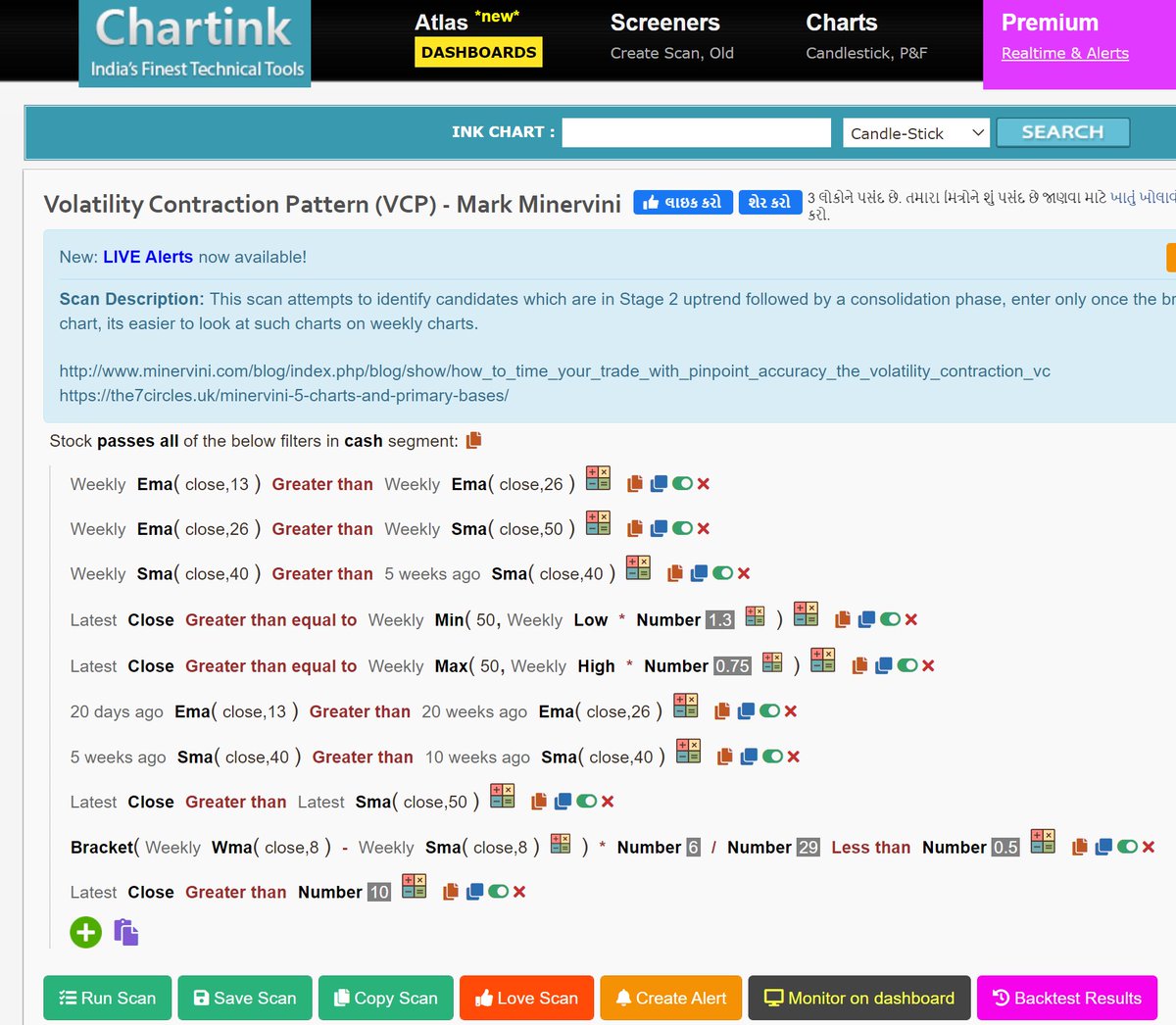
The absolute best 15 scanners which experts are using.
— Aditya Todmal (@AdityaTodmal) January 29, 2021
Got these scanners from the following accounts:
1. @Pathik_Trader
2. @sanjufunda
3. @sanstocktrader
4. @SouravSenguptaI
5. @Rishikesh_ADX
Share for the benefit of everyone.
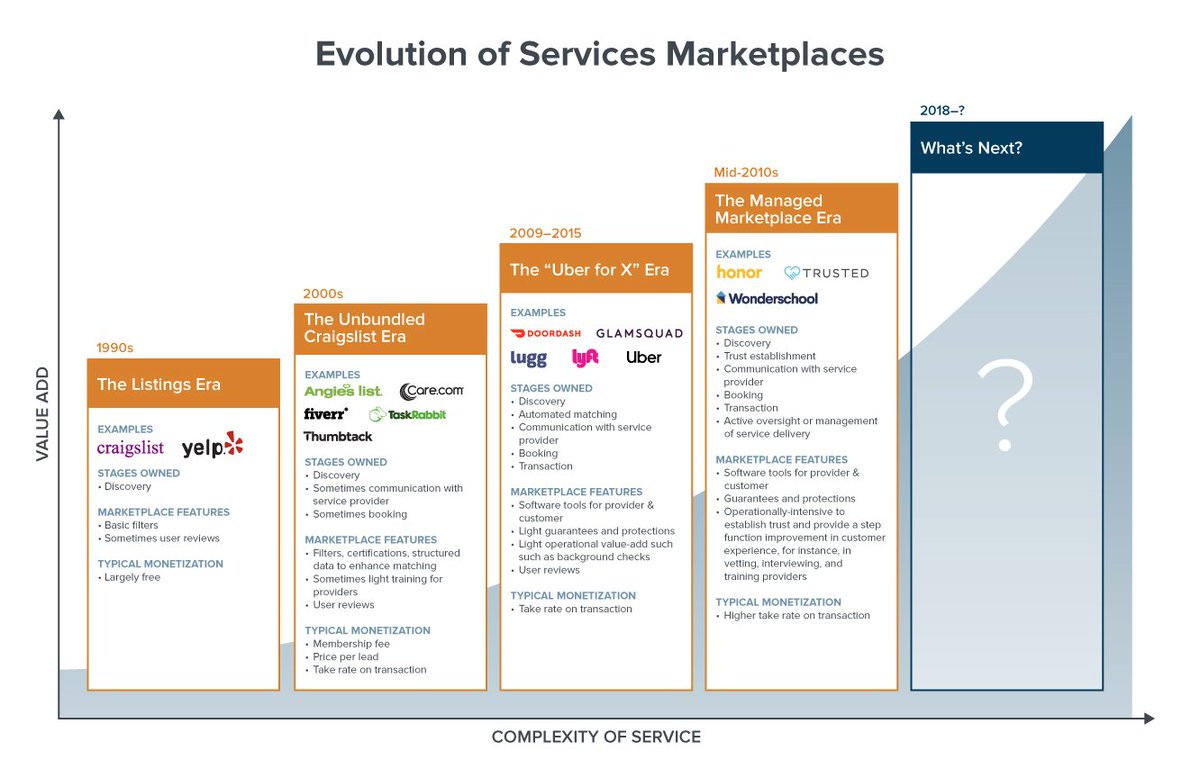
12 TRADING SETUPS which experts are using.
— Aditya Todmal (@AdityaTodmal) February 7, 2021
These setups I found from the following 4 accounts:
1. @Pathik_Trader
2. @sourabhsiso19
3. @ITRADE191
4. @DillikiBiili
Share for the benefit of everyone.
Curated tweets on How to Sell Straddles
— Aditya Todmal (@AdityaTodmal) February 21, 2021
Everything covered in this thread.
1. Management
2. How to initiate
3. When to exit straddles
4. Examples
5. Videos on Straddles
Share if you find this knowledgeable for the benefit of others.
1. Let's start option selling learning.
— Mitesh Patel (@Mitesh_Engr) February 10, 2019
Strangle selling. ( I am doing mostly in weekly Bank Nifty)
When to sell? When VIX is below 15
Assume spot is at 27500
Sell 27100 PE & 27900 CE
say premium for both 50-50
If bank nifty will move in narrow range u will get profit from both.
Few are selling 20-25 Rs positional option selling course.
— Mitesh Patel (@Mitesh_Engr) November 3, 2019
Nothing big deal in that.
For selling weekly option just identify last week low and high.
Now from that low and high keep 1-1.5% distance from strike.
And sell option on both side.
1/n
Sold 29200 put and 30500 call
— Mitesh Patel (@Mitesh_Engr) April 12, 2019
Used 20% capital@44 each
Already giving more than 2% return in a week. Now I will prefer to sell 32500 call at 74 to make it strangle in equal ratio.
— Mitesh Patel (@Mitesh_Engr) February 7, 2020
To all. This is free learning for you. How to play option to make consistent return.
Stay tuned and learn it here free of cost. https://t.co/7J7LC86oW0