1. Use quotes to force an exact-match search:

"what is javascript"
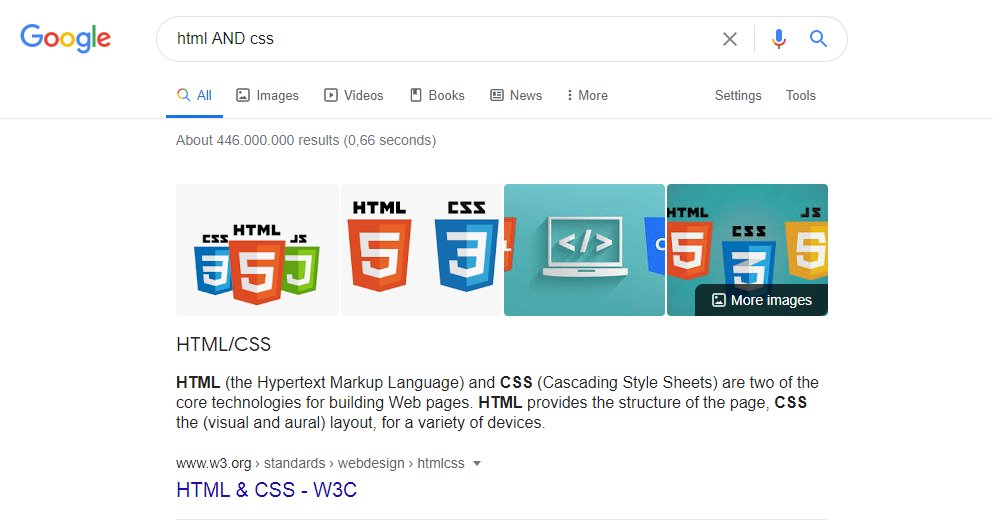
2. AND operator will return only results related to both terms:

html AND css
3. You can use the OR operator to get the results related to one of the search terms

(javascript OR python) free course
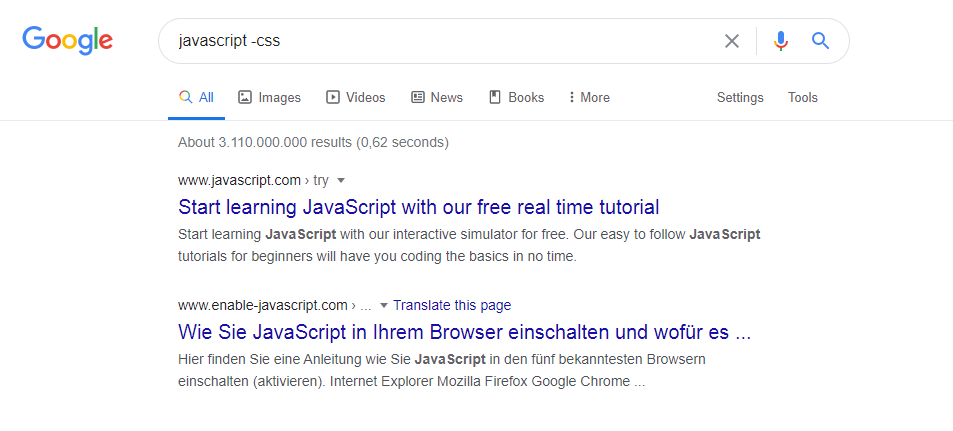
4. - operator will exclude results that contain a term or phrase:

javascript -css
5. You can use the (*) wildcards as placeholders, which will be replaced by any word or phrase.

"how to start * in 6 months"
6. Search inside a single website:

site:https://t.co/4Npq4GVa0h
7. You can also use a very useful feature that helps to find a specific file type.

filetype:pdf learn css
8. Search for a range of numbers:

ecmascript 2016..2018
If you like this thread, maybe you'd love to bookmark it as a post: https://t.co/nRmMiLR72O

More from Marko ⚡ Denic

All my dev programming threads and job hunting resources in one list. 👇

Free web development


GitHub repositories to improve your programming


You want to learn HTML & CSS but don't know where to get


You want to learn JavaScript but don't know where to get

You May Also Like

"I really want to break into Product Management"

make products.

"If only someone would tell me how I can get a startup to notice me."

Make Products.

"I guess it's impossible and I'll never break into the industry."

MAKE PRODUCTS.

Courtesy of @edbrisson's wonderful thread on breaking into comics –
https://t.co/TgNblNSCBj – here is why the same applies to Product Management, too.


There is no better way of learning the craft of product, or proving your potential to employers, than just doing it.

You do not need anybody's permission. We don't have diplomas, nor doctorates. We can barely agree on a single standard of what a Product Manager is supposed to do.

But – there is at least one blindingly obvious industry consensus – a Product Manager makes Products.

And they don't need to be kept at the exact right temperature, given endless resource, or carefully protected in order to do this.

They find their own way.
THE MEANING, SIGNIFICANCE AND HISTORY OF SWASTIK

The Swastik is a geometrical figure and an ancient religious icon. Swastik has been Sanatan Dharma’s symbol of auspiciousness – mangalya since time immemorial.


The name swastika comes from Sanskrit (Devanagari: स्वस्तिक, pronounced: swastik) &denotes “conducive to wellbeing or auspicious”.
The word Swastik has a definite etymological origin in Sanskrit. It is derived from the roots su – meaning “well or auspicious” & as meaning “being”.


"सु अस्ति येन तत स्वस्तिकं"
Swastik is de symbol through which everything auspicios occurs

Scholars believe word’s origin in Vedas,known as Swasti mantra;

"🕉स्वस्ति ना इन्द्रो वृधश्रवाहा
स्वस्ति ना पूषा विश्ववेदाहा
स्वस्तिनास्तरक्ष्यो अरिश्तनेमिही
स्वस्तिनो बृहस्पतिर्दधातु"


It translates to," O famed Indra, redeem us. O Pusha, the beholder of all knowledge, redeem us. Redeem us O Garudji, of limitless speed and O Bruhaspati, redeem us".

SWASTIK’s COSMIC ORIGIN

The Swastika represents the living creation in the whole Cosmos.


Hindu astronomers divide the ecliptic circle of cosmos in 27 divisions called
https://t.co/sLeuV1R2eQ this manner a cross forms in 4 directions in the celestial sky. At centre of this cross is Dhruva(Polestar). In a line from Dhruva, the stars known as Saptarishi can be observed.