This thread will make you better at Outlook: 📬
Color code your emails:
I like to keep things organized.
I'm forgetful & I get A LOT of emails.
The easiest way I've found to ensure things don't get lost is utilizing conditional formatting.
• View -> View Settings
• Conditional Formatting
• Select type
• Name the rule
Never miss a game:
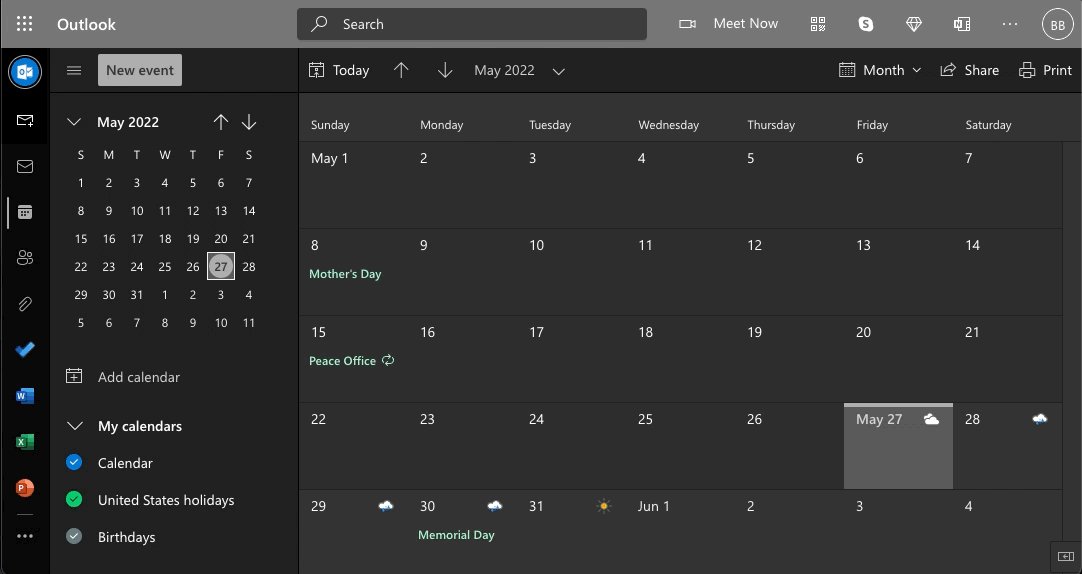
Did you know you can add custom event calendars directly in Outlook?
Never miss your favorite TV show or the next big game.
• Just head to "Add Calendar"
• Select "Sports" or "TV"
• Choose the event you'd like to add.
Send delay:
Sometimes you need to write a message now but wait to deliver it until later.
Just use "Delayed Delivery."
Here's how:
• Write your email
• Select Options -> Delay Delivery
• Choose the "Do not deliver before" time
Email your calendar:
Avoid the back and forth hassle of scheduling meetings.
Simply email your calendar so people know when you're available (and when you're not.)
You can also drag items from the received calendar to your own.
Like this: