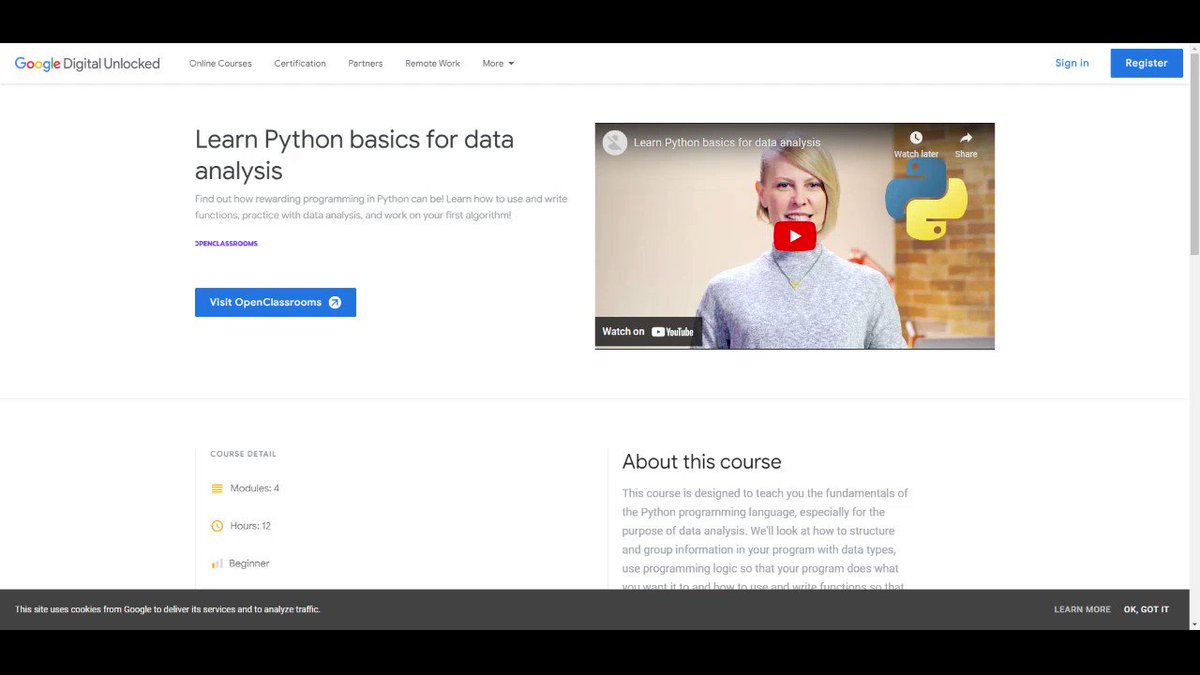
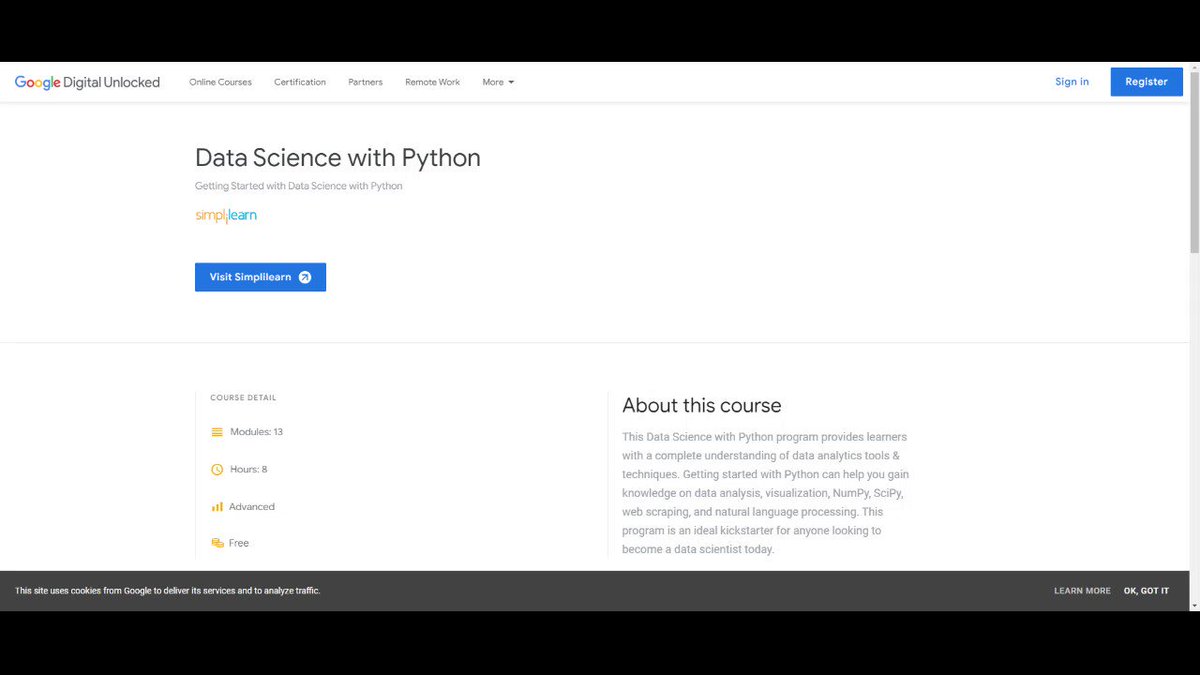
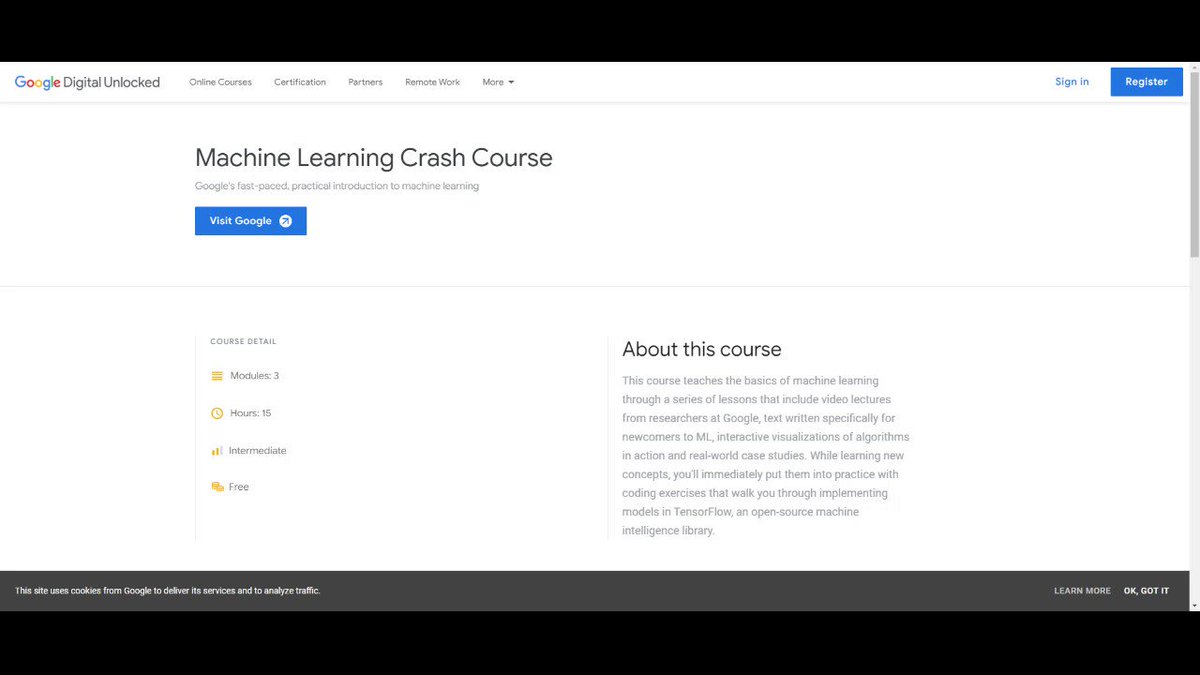
The epic thread 🧵 on the best "free" resources to start coding and go professional.

Basic Programming and Computing Concepts

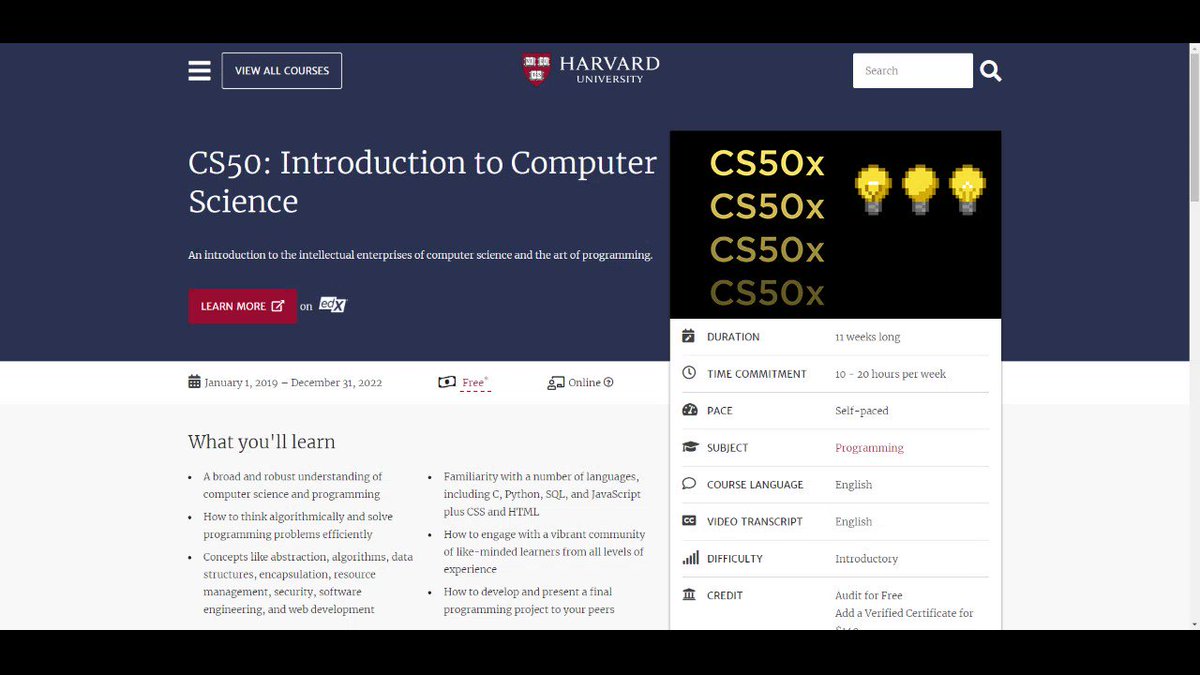
CS50 by Harvard
Source: https://t.co/GYXktrSbCw

Prerequisites: None

Probably the best free course for beginners and professionals alike. It goes through the very basics of programming and painlessly shifts to advance topics.
Programming with Python

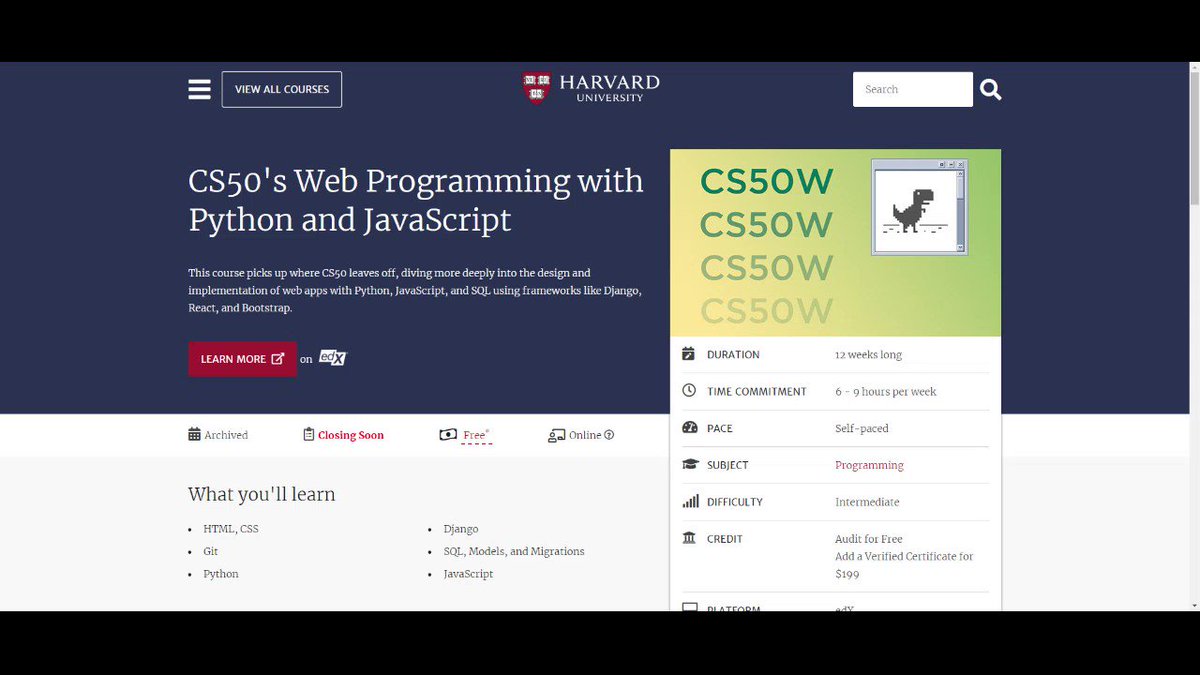
CS50P by Harvard
Source: https://t.co/vv7YUWWVV8

Prerequisites: CS50 will help but not necessary.

Takes forward the best things of CS50 but in Python. Undoubtedly, the best Python Course you will find on the internet.
Artificial Intelligence (Theory Focused)

CS50's Introduction to Artificial Intelligence with Python by Harvard
Source: https://t.co/ms2c5mxdTC

Prerequisites: CS50P

This is a more theory and concept focused Course that will be your entry point to AI.
AI with Tensorflow

Tensorflow 2.0 Beginner Tutorial by Aladdin Persson
Source: https://t.co/D7hpDOazZA

Prerequisites: CS50P and CS50 AI with Python

The best beginners tutorial on Tensorflow.
Flutter

Free Flutter Course by Vandad Nahavandipoor
Source: https://t.co/As3Bvlr4CT
Prerequisites: CS50 will help

The best and complete professional Flutter Course out there!! Also lookout for his State Management Tutorials.
WebDev

MDN Web Docs
Source: https://t.co/BqJGYqgDOt
Prerequisites: CS50 will help but not necessary.

Ask any veteran WebDev where they learned web technology, 8/10 will say MDN. The best free resource hub to learn HTML, CSS, Javascript and also advance web frameworks.
Web3 and Blockchain Technology

Buildspace
Source: https://t.co/Mf6EtcliQp
Requisites: Basic Web Dev and React.

The most complete tutorial on Solana and Ethereum Blockchain + a lively community.
That's the end but always remember, Gain Knowledge and "BUILD". That's the key to success. Follow me for more threads and like to motivate me and retweet to share knowledge.

More from Catagory jee

Top 10 Threads of the week 📈

Learn about Linkedin, Tools, Websites, Css, Youtube, Business, Presentation, Copywriting... And much more 🧵

1️⃣ 10 Free websites that feel illegal to use:

Topics: Tools, Websites, Website, Productivity, Web.
By: Ben Kelly


2️⃣ 9 CSS generators can save you from writing CSS Code...

Topics: Css, Frontend, Generators, Cssgenerators, Design.
By: Pratham


3️⃣ Even the most well-informed internet user wouldn't...

Topics: Websites, Tools, Website, Useful, Sites.
By: Alex Brogan


4️⃣ CSS generators can save you a lot of time and...

Topics: Css, Tools, Dev, Webdev, Generators.
By: Marko ⚡ Denic

You May Also Like

A brief analysis and comparison of the CSS for Twitter's PWA vs Twitter's legacy desktop website. The difference is dramatic and I'll touch on some reasons why.

Legacy site *downloads* ~630 KB CSS per theme and writing direction.

6,769 rules
9,252 selectors
16.7k declarations
3,370 unique declarations
44 media queries
36 unique colors
50 unique background colors
46 unique font sizes
39 unique z-indices

https://t.co/qyl4Bt1i5x


PWA *incrementally generates* ~30 KB CSS that handles all themes and writing directions.

735 rules
740 selectors
757 declarations
730 unique declarations
0 media queries
11 unique colors
32 unique background colors
15 unique font sizes
7 unique z-indices

https://t.co/w7oNG5KUkJ


The legacy site's CSS is what happens when hundreds of people directly write CSS over many years. Specificity wars, redundancy, a house of cards that can't be fixed. The result is extremely inefficient and error-prone styling that punishes users and developers.

The PWA's CSS is generated on-demand by a JS framework that manages styles and outputs "atomic CSS". The framework can enforce strict constraints and perform optimisations, which is why the CSS is so much smaller and safer. Style conflicts and unbounded CSS growth are avoided.